

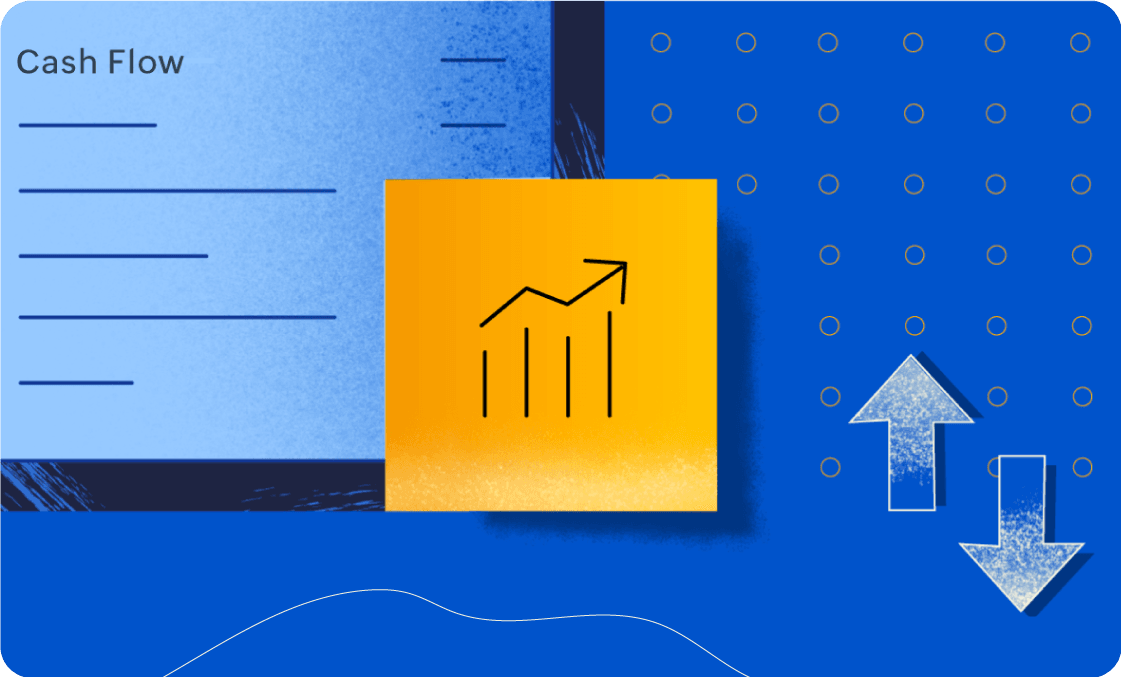
What is accounting software?
Manage invoicing, expenses, banking, reporting & more in one place. See how Zoho Books simplifies everyday finances for businesses & finance professionals

How does accounting software work?
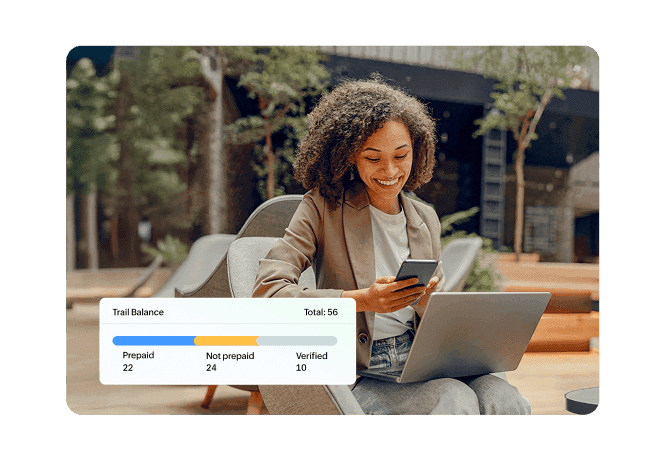
Accounting software automates core financial tasks by capturing, organizing, and processing your business transactions. It helps you manage everything from invoicing and taxes to reporting and financial insights—all in one place.

Automating tasks
Accounting software reduces manual data entry by automatically recording and organizing transactions. This saves time, minimizes errors, and makes everyday accounting more efficient.
Simplifying taxes
Keep your financial and tax information organized in one place. Accounting software can calculate taxes, generate tax reports, and simplify the process of preparing and filing returns.
Making data accessible
Cloud accounting lets you access your financial data anytime, from anywhere. All you need is an internet connection and a compatible device to stay on top of your finances.
Integrating with other business apps
Connect your accounting software with payment gateways, CRM, inventory, payroll, and other business apps. This keeps data flowing across your business and reduces duplicate work.
Reducing data loss
Accounting software securely stores your financial records, making them easier to organize, access, and retrieve. Cloud-based solutions also help protect your data with regular backups.
Tracking financial performance
Get a clearer view of how your business is performing with real-time financial reports and insights. Track income, expenses, cash flow, profitability, and other key metrics to make informed decisions.
Types of accounting software
Every business has unique accounting needs based on its size, industry, and complexity. The right software simplifies financial management and supports growth.


Cloud Accounting Software
Cloud accounting software lets businesses access financial data securely from anywhere using the internet. It offers automatic updates, real-time collaboration, data backups, and easy integrations with other business applications, making it ideal for modern businesses.

Desktop Accounting Software
Desktop accounting software is installed locally on a computer and stores financial data on-premise. While it offers complete local control, businesses are responsible for managing backups, software updates, and system maintenance.

Enterprise Accounting Software
Designed for medium and large organizations, enterprise accounting software handles complex financial operations across multiple entities, departments, currencies, and locations. It often integrates with inventory, procurement, payroll, CRM, and other enterprise applications.

Industry-Specific Accounting Software
Some businesses require specialized accounting capabilities based on their industry. Industry-specific accounting software includes tailored features for sectors such as construction, manufacturing, healthcare, retail, nonprofits, hospitality, and professional services.
Who uses Accounting Software?
Accounting software is valuable for organizations of all sizes and across industries. Common users are:

Small businesses
Managing day-to-day finances

Startups
Looking to automate accounting from day one

Freelancers & consultants
Tracking income and expenses

Retail businesses
Managing sales and inventory

Manufacturers
Monitoring production costs

Service businesses
Invoicing clients and tracking projects

Nonprofit organizations
Managing funds and reporting

Accountants firms
Handling multiple clients

Growing enterprises
Managing multi-entity financial operations
Key features of accounting software
From basic features that keep track of the money coming in and going out of your business, to other advanced features that give you more control, accounting software offers a multitude of features that help simplify accounting tasks. The features of accounting software can vary depending on vendors.
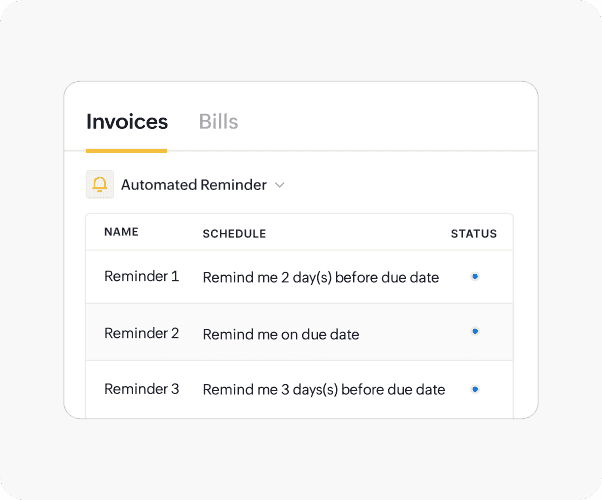
Invoice processing
Create, send, and track invoices while keeping tabs on outstanding payments and due dates. Accounting software can also automate recurring invoices, payment reminders, and quote-to-invoice conversions.
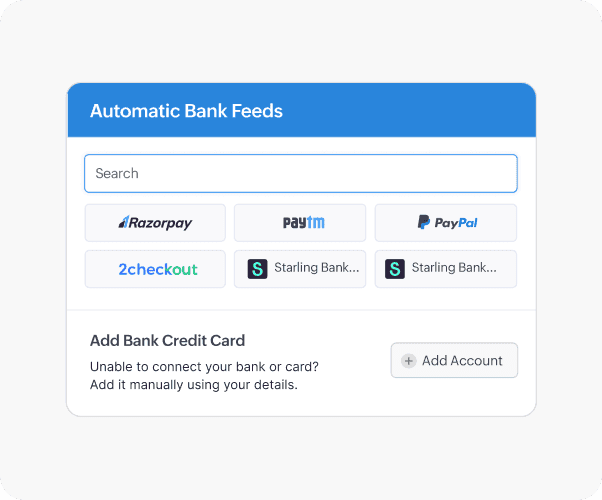
Online payments
Make it easier for customers to pay by connecting your accounting software with online payment gateways. Track payments and automatically update your accounting records when invoices are paid.
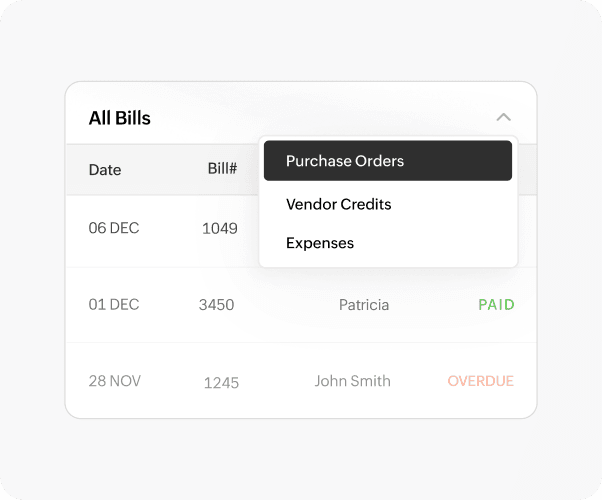
Accounts payable
Manage bills, purchase orders, vendor credits, and expenses in one place. Accounting software helps you track what you owe, manage payment schedules, and keep your payables organized.
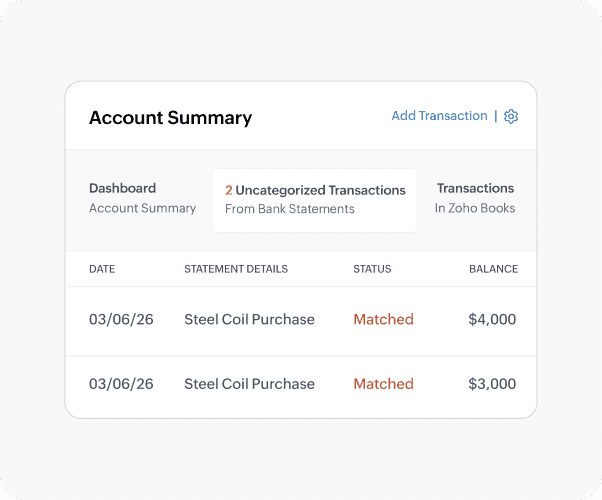
Banking
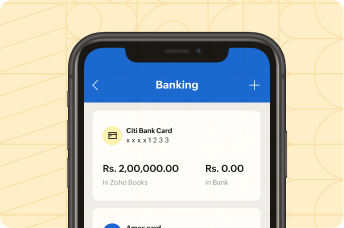
Connect your bank accounts to automatically import transactions and keep your financial data up to date. Advanced banking features can also simplify transaction matching and reconciliation.
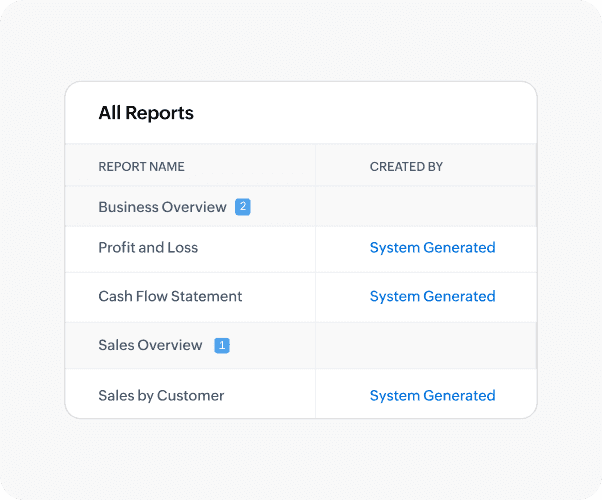
Reporting
Turn your accounting data into useful financial reports that help you understand your business. Generate reports on income, expenses, cash flow, and profitability to support better decisions.
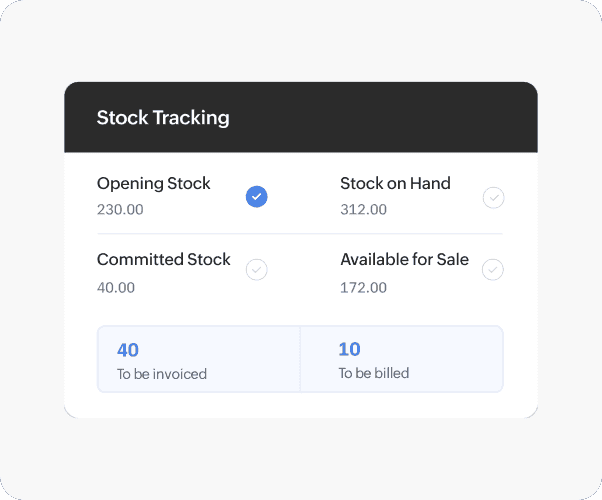
Inventory
Track stock levels, monitor inventory movements, and manage stock adjustments from your accounting system. Inventory tracking helps goods-based businesses maintain accurate records and avoid stock shortages.
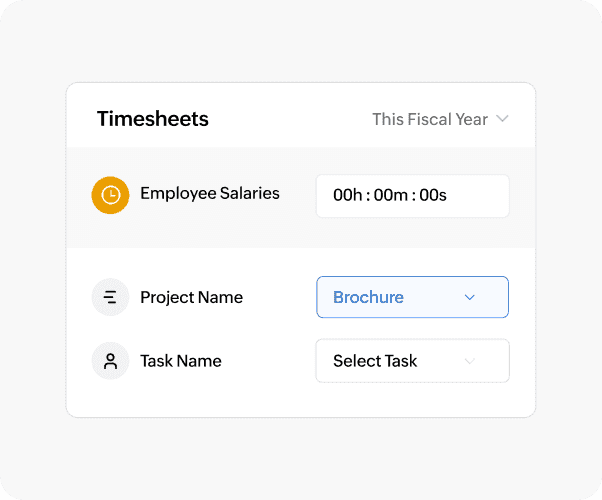
Time tracking
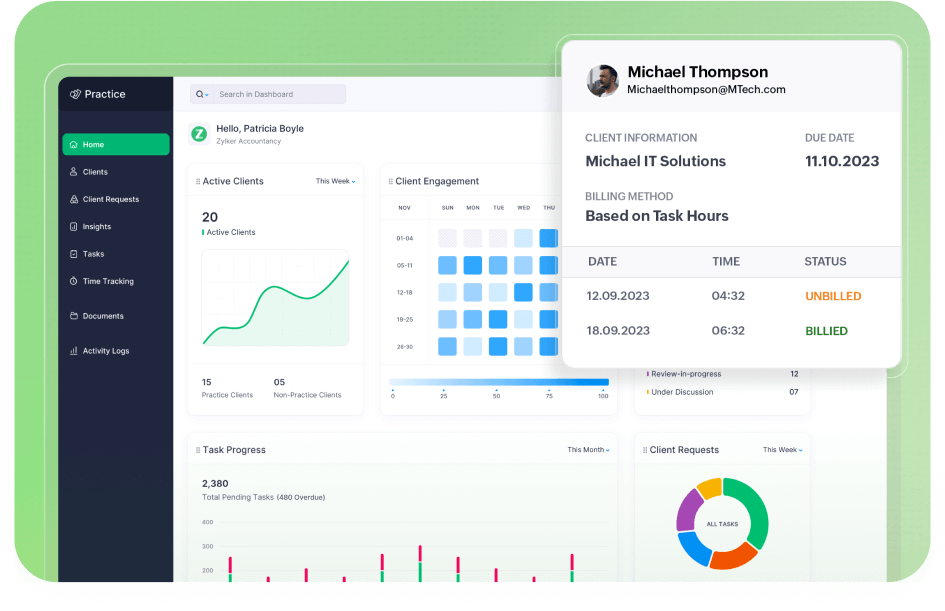
Track time spent on projects and tasks, monitor billable hours, and convert tracked time into invoices. This helps service-based businesses accurately bill customers and manage project costs.
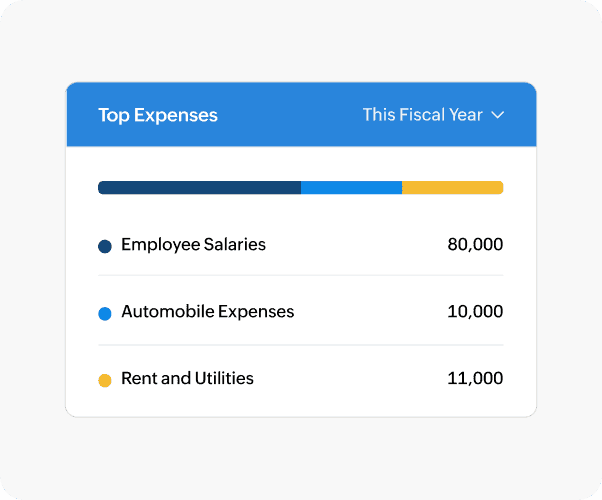
Expense Tracking
Record, categorize, and monitor business expenses in one place. Automated expense tracking helps control spending, simplify reimbursements, and maintain accurate financial records.
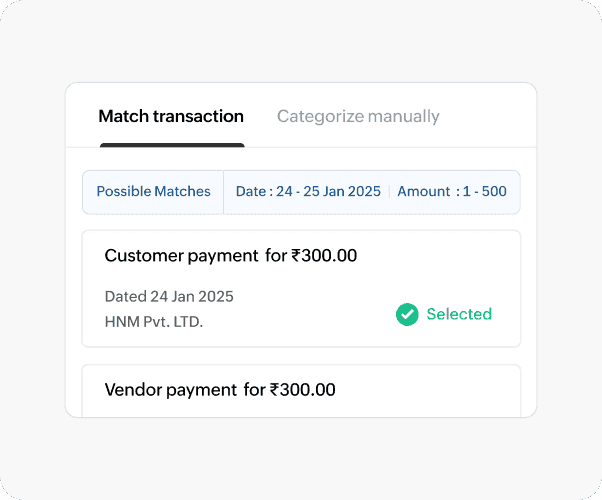
Bank Reconciliation
Match bank transactions with your accounting records to identify discrepancies and keep your books accurate. Automated reconciliation reduces manual effort and helps ensure your financial data stays up to date.
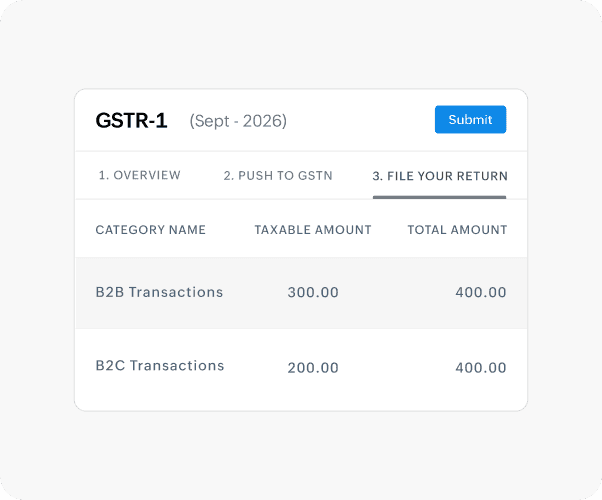
Tax Management
Calculate taxes, apply the right tax rates, and generate tax reports from your accounting system. Tax management features help reduce errors and simplify compliance with changing tax requirements.
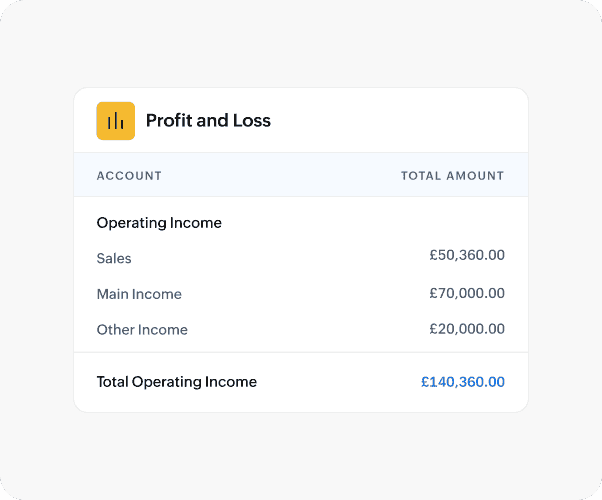
Payroll Integration
Connect payroll with accounting to automatically record salaries, taxes, benefits, and deductions. This reduces duplicate data entry and keeps payroll and financial records synchronized.
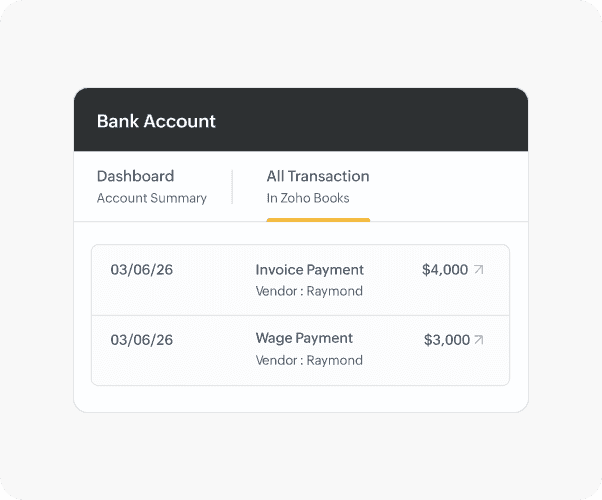
Financial Reporting and Analytics
Analyze your financial performance with reports such as profit and loss, balance sheets, and cash flow statements. Customizable dashboards and analytics help you track key metrics and make informed decisions.
Benefits of accounting software
 Saves time through automation
-
Reduces human error and data loss
-
Improves cash flow visibility
-
Simplifies tax compliance
-
Scales with business growth
-
Enables collaborative accounting
Accounting Software vs. Spreadsheets
Feature Accounting software Spreadsheets Data entry  Automates recurring financial transactions and reduces manual entry
Relies heavily on manual data entry
Automates recurring financial transactions and reduces manual entry
Relies heavily on manual data entryAccuracy
Built-in accounting rules and automated calculations reduce errors
Formula and data-entry errors are more commonInvoicing
Create, send, track, and manage invoices from one system
Invoices typically need to be created and tracked manuallyExpense tracking
Expenses can be recorded, categorized, and tracked systematically
Expenses are usually entered manually into sheetsBank reconciliation
Can connect with bank accounts and automate reconciliation
Requires manual importing and matching of transactionsFinancial reporting
Generates real-time financial reports such as P&L, balance sheets, and cash flow statements
Reports need to be built and updated manuallyCollaboration
Multiple users can work with controlled access and permissions
Sharing and simultaneous editing can create version-control issuesScalability
Designed to handle growing transaction volumes and business complexity
Becomes increasingly difficult to manage as data growsSecurity & backup
Typically includes access controls, automated backups, and audit trails
Security and backups depend largely on how the spreadsheet is managedBest suited for
Growing businesses that need automation, accuracy, and financial visibility
Individuals or very small businesses with simple bookkeeping needsAccounting Software vs. ERP Systems
Feature Accounting software ERP systems Primary purpose
Manages financial and accounting processes
Integrates finance with broader business operationsCore functions
Invoicing, expenses, accounts payable, accounts receivable, reconciliation, tax, and reporting
Finance plus inventory, procurement, manufacturing, HR, CRM, projects, supply chain, and moreFinancial management
Strong focus on day-to-day accounting and financial reporting
Finance is one component of a broader integrated systemInventory management
May offer basic inventory capabilities or integrations
Typically provides deeper inventory and supply chain managementManufacturing
Usually limited or unavailable
Supports production planning, bills of materials, work orders, and manufacturing workflowsCRM & sales
May integrate with CRM or sales applications
Can connect sales and customer processes directly with finance and operationsImplementation
Generally faster and simpler to implement
Typically requires more planning, configuration, and implementation effortCost & complexity
Usually more affordable and easier to manage
Generally higher investment and greater operational complexityScalability
Ideal for small and growing businesses focused primarily on finance
Better suited to larger or operationally complex businessesBest suited for
Businesses that primarily need efficient financial management
Businesses that need one integrated platform across multiple departmentsCloud vs. On-Premise Accounting Software
Feature Cloud accounting software On-premise accounting software Access
Accessible from anywhere with an internet connection
Typically accessed through computers or networks where the software is installedInstallation
No local installation required
Installed on local computers or company serversUpdates
Updates are generally managed by the service provider
Updates often need to be installed and managed manuallyData backup
Backups are typically managed by the provider
Business is responsible for managing backups and recoveryMaintenance
Minimal internal IT maintenance
Requires ongoing hardware, software, and IT maintenanceCollaboration
Enables real-time collaboration across locations
Collaboration may be limited to the local network or require additional infrastructureScalability
Users and resources can generally be scaled more easily
Scaling may require additional hardware, infrastructure, or IT resourcesUpfront investment
Usually subscription-based with lower infrastructure costs
Often involves software, hardware, server, and implementation costsData control
Data is hosted and managed through the cloud provider's infrastructure
Businesses have greater direct control over their local infrastructure and data environmentBest suited for
Businesses prioritizing flexibility, remote access, collaboration, and lower IT overhead
Businesses with specific infrastructure, control, or regulatory requirements
How to choose the right accounting software
When picking an accounting software for your business, you need to understand your business requirements and the features you need. Here are a few things you should look for in your accounting tool:
Free trial
Your accounting software should offer you a free trial, so you have time to evaluate your choice. You'll want to enter a few test transactions to check the accuracy of the reports and the ease of use.
Ease of use
Accounting can be a complicated process, and the last thing you need is an accounting system that is difficult to figure out. So pick a program that has an easy-to-use interface and is not laden with unnecessary features.
Multi-user access
Most accounting systems let businesses add multiple users to the account to ensure controlled access to data. Some systems allow you to add and invite users at no additional cost. The accounting software you pick should let you invite users and collaborate with ease.
Automation
Automation in accounting software can help with tasks like sending out recurring invoices and payment reminders, leaving you with more time to focus on the big picture of your financial health. Look for a program that offers features to save you time and keep manual intervention to a minimum.
Online support
The first thing you need to decide when you pick an accounting tool is whether you want an offline accounting program or an online one. Your preference might depend on your business model and type. Because of it's advantages over offline accounting solution, more and more business are opting for online software
Data security
If you are opting for an online accounting solution, data security is one of the most important things to look for. Check with the provider about how and where they store their data. You should also find out when the data is backed up and make sure it's frequent enough for your requirements.
Scalable
Most businesses make the error of picking an accounting program that meets their requirements at the time. But as a business grows, business owners often find that their accounting program falls short of their needs, requiring them to migrate to another solution. Pick a system that can scale with your business.
Pricing
Your accounting software should provide you all the accounting features you need at a reasonable price. Some accounting applications charge separately for updates and support, force you to buy add-ons, or charge extra for maintenance. Pick an accounting software that has no hidden charges associated with it.
Technical support
The accounting system you pick should be easy to use, but it should also be able to offer you assistance if you ever need it. You should assume that you will need technical support at some point and look for an accounting tool that offers support through email or phone.
Frequently Asked Questions
Accounting software helps businesses record financial transactions, automate bookkeeping tasks, manage invoices and expenses, reconcile bank accounts, track taxes, and generate financial reports. Its primary purpose is to improve financial accuracy, save time, and provide better visibility into business performance.
Bookkeeping software mainly focuses on recording daily financial transactions, while accounting software includes broader financial management capabilities such as reporting, budgeting, tax management, cash flow tracking, financial analysis, and business insights. Most modern accounting software includes bookkeeping as one of its core functions.
Yes. Reputable accounting software providers use security measures such as data encryption, secure cloud infrastructure, role-based access controls, multi-factor authentication, and regular backups to help protect sensitive financial information. Businesses should also follow security best practices by using strong passwords and managing user permissions.
Yes. Even small businesses benefit from accounting software by automating invoicing, tracking expenses, managing cash flow, preparing taxes, and generating financial reports. It reduces manual work, improves accuracy, and allows business owners to spend more time growing their business.
Accounting software automates many routine accounting tasks but does not replace the expertise of an accountant. While software improves efficiency and accuracy, accountants provide strategic financial advice, tax planning, compliance guidance, auditing support, and business consulting that software alone cannot.
The cost of accounting software varies depending on the features, number of users, and business requirements. Many providers offer plans ranging from affordable subscriptions for freelancers and small businesses to advanced plans for growing and enterprise organizations. Businesses should choose a solution that offers the right balance of functionality, scalability, and value.