Collaborate on live analytics, not emailed report copies
                
  • 16K

    Customers

  • 3M

    Users

Why collaboration breaks in analytics?

Multiple versions of truth

Exports and email attachments create conflicting copies. Shared views in Zoho Analytics stay live, so everyone sees the latest data and report.

Access that's too broad or too limited

People either see everything or nothing. Fine-grained permissions, groups, and row/column filters let you share only what's needed.

Why collaboration breaks in analytics?

Insights don't reach where work happens

Decisions happen in chat, email, websites, and portals. Comment in-product, notify via Slack/Cliq/email, or embed live dashboards where stakeholders already are.

How collaborative analytics works?

Share

Share tables, reports, and dashboards with users or groups. Shared views are available online anytime. No file handoff required.

Share

Control

Set fine-grained permissions (view, export, drill down, create reports, share, comment, and more). Apply filter criteria so each person or group sees only their slice of data. Choose private or public access as needed.
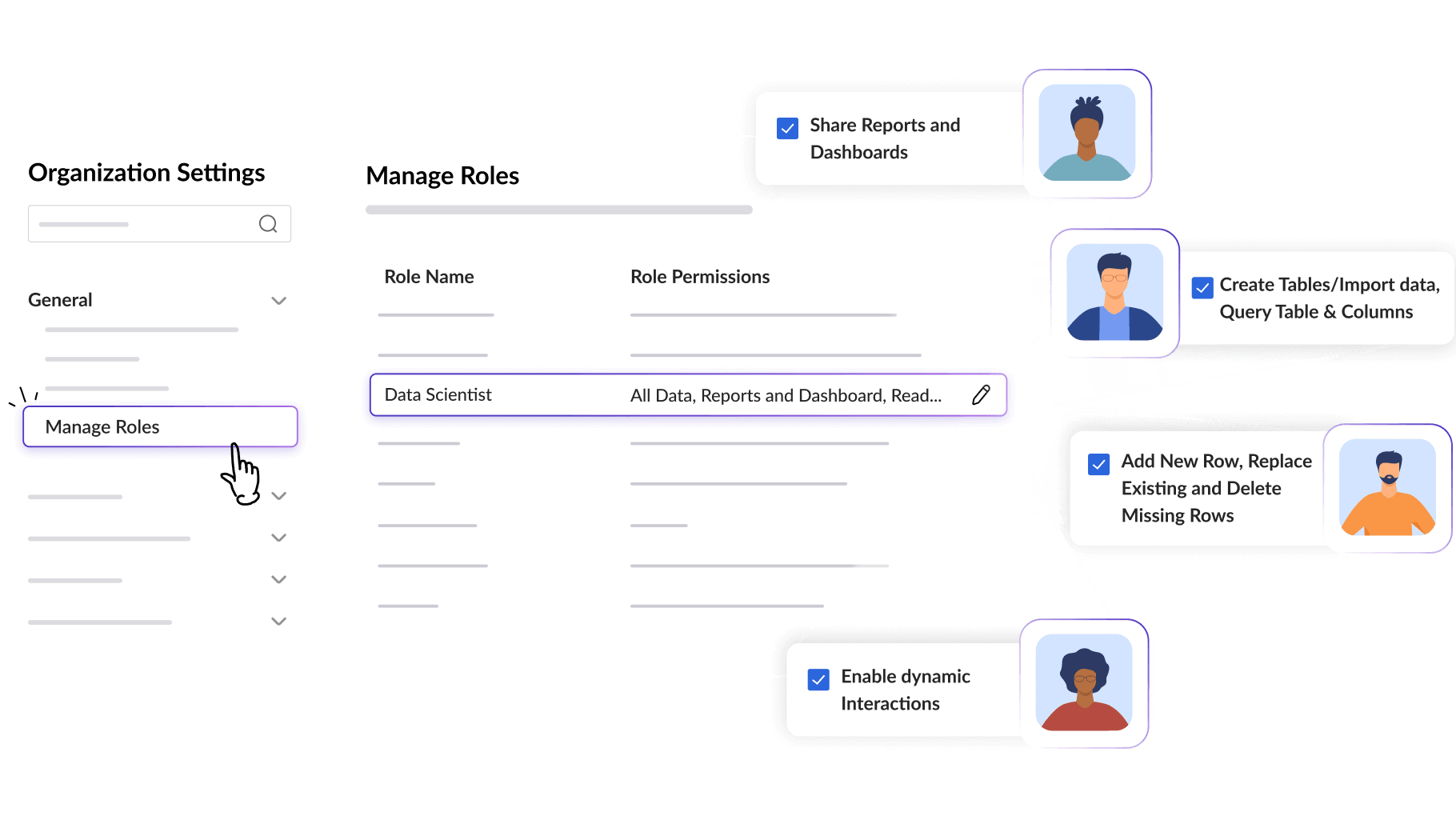
Control

Discuss

Comment directly on a view. @mention collaborators, annotate screenshots, attach files, connect related views and maintain the complete conversation within the metrics, rather than a separate email thread.

Discuss

Publish and notify

Embed live reports in websites, apps, and intranets. Share permalinks, present with slideshows, and push updates through email, Slack, Zoho Cliq, webhooks, or data alerts when something important changes.
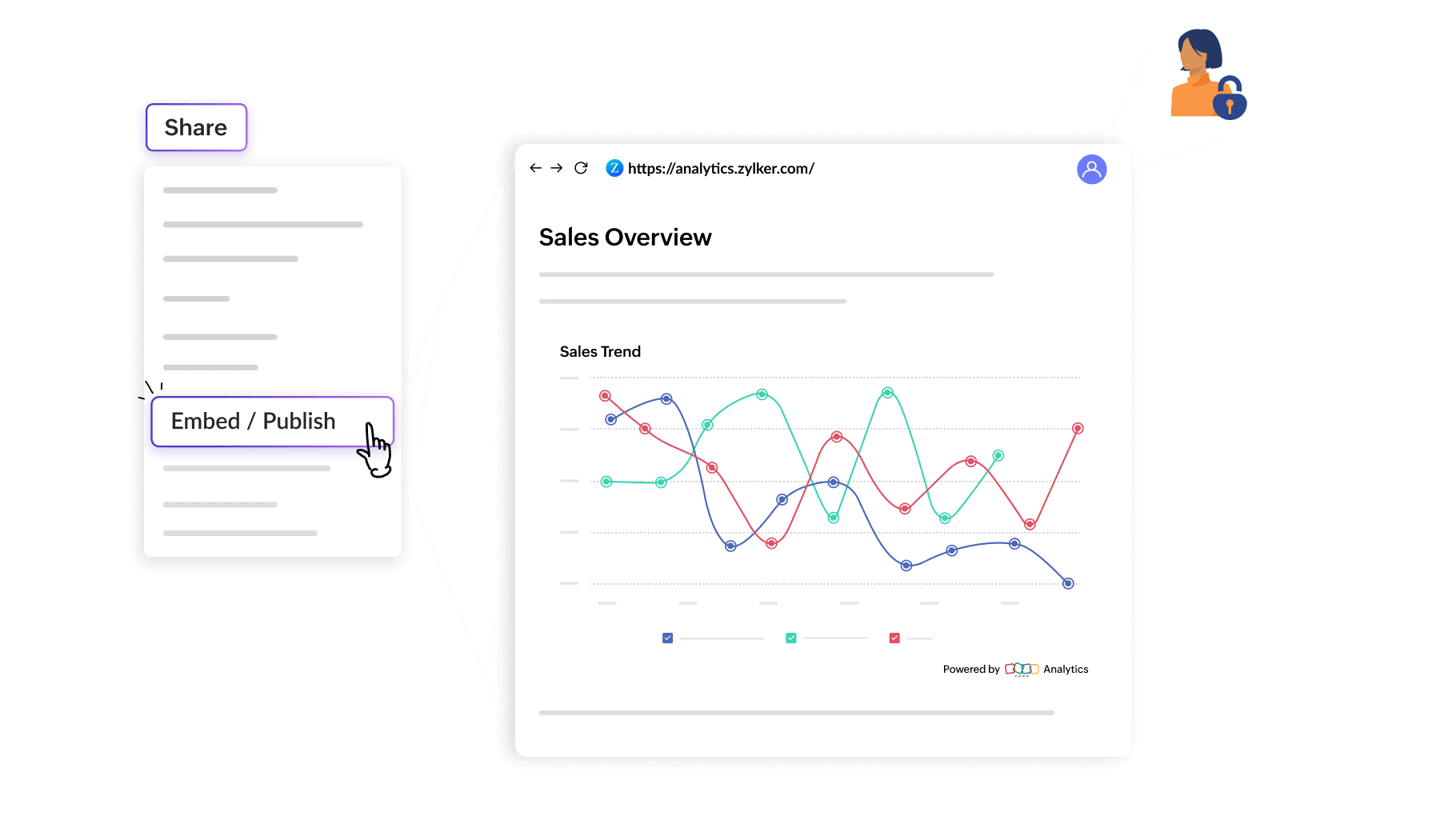
Publish and notify
Share

Do more with collaborative analytics

Bring insights into Slack, Cliq, and email

Connect Zoho Analytics to everyday collaboration tools. Review and discuss metrics in Slack or Zoho Cliq, send reports by email, and use webhooks to push updates into your workflows, so insights show up where work already happens.

Alert when it matters

Set customized data alerts for anomalies, downturns, or milestones. Notify stakeholders by email, chat, and other channels so the next conversation starts while the signal is still actionable.

Turn shared data into shared discovery

Share underlying tables so permitted users can create their own reports and dashboards on the same live data. Teams explore together without waiting on one report owner for every new view.

Scale with groups

Create workspace groups to share or email reports and dashboards to many users at once, with the same permissions. Keep access consistent as teams grow, without setting it up person by person.

Add workspace administrators

Appoint multiple workspace administrators so more people can manage sharing, access, and collaboration across teams, while governance stays intact.

From shared views to shared decisions, all in one place.

Access Zoho AnalyticsAccess Zoho Analytics
 

Start your 15-day free trial.

No credit card required