Why do you need legal appointment scheduling software?
It's vital to respond quickly to high-value clients. Manually coordinating these appointment requests can frustrate them, undermine your reputation, or worse, cost you potential revenue. If you face any of the following scenarios, Zoho Bookings can help you turn the tide:
- Clients go dark and cost you revenue.
- Scheduling delays cause frustration and lost cases.
- Rescheduling requests or sending email reminders is a complete mess.
- Data privacy takes a hit, as you have client data across apps.
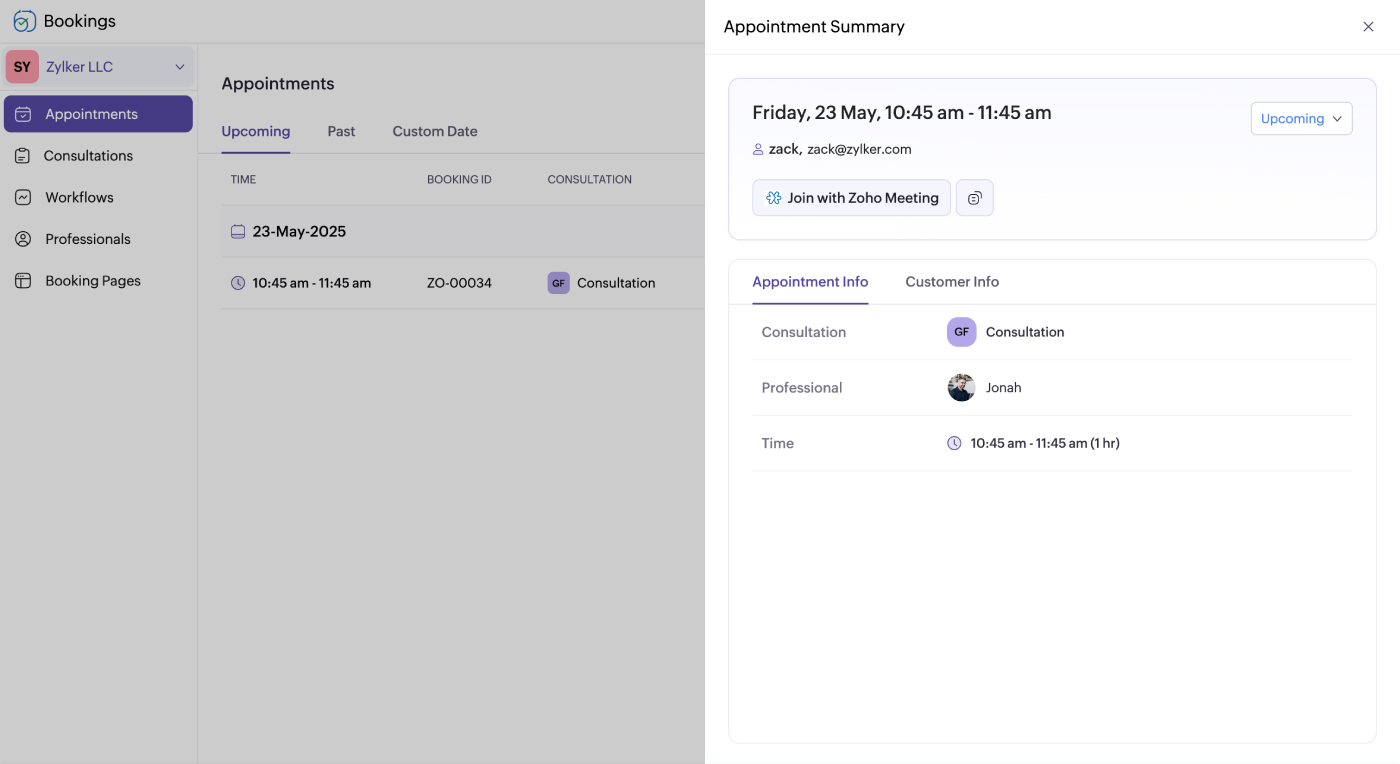
Zoho Bookings has you covered
- Criminal defense
- Family law services
- Immigration assistance
- Corporate legal consultations
- Tax and legal services
- Estate planning
- Bankruptcy representation



While you defend your clients, we'll defend your schedule
Skip the meeting coordination
No more missed consultations, as clients can self-schedule even when you're in court or negotiating settlements. With its simple interface, Zoho Bookings lets clients book from any place or device without a phone call.
No-shows no longer drain your revenue
Ensure clients show up for the session with automated notifications and reminders. Eliminate last-minute cancellations with a cancellation window. Hold clients accountable for no-shows by charging a small non-refundable deposit.
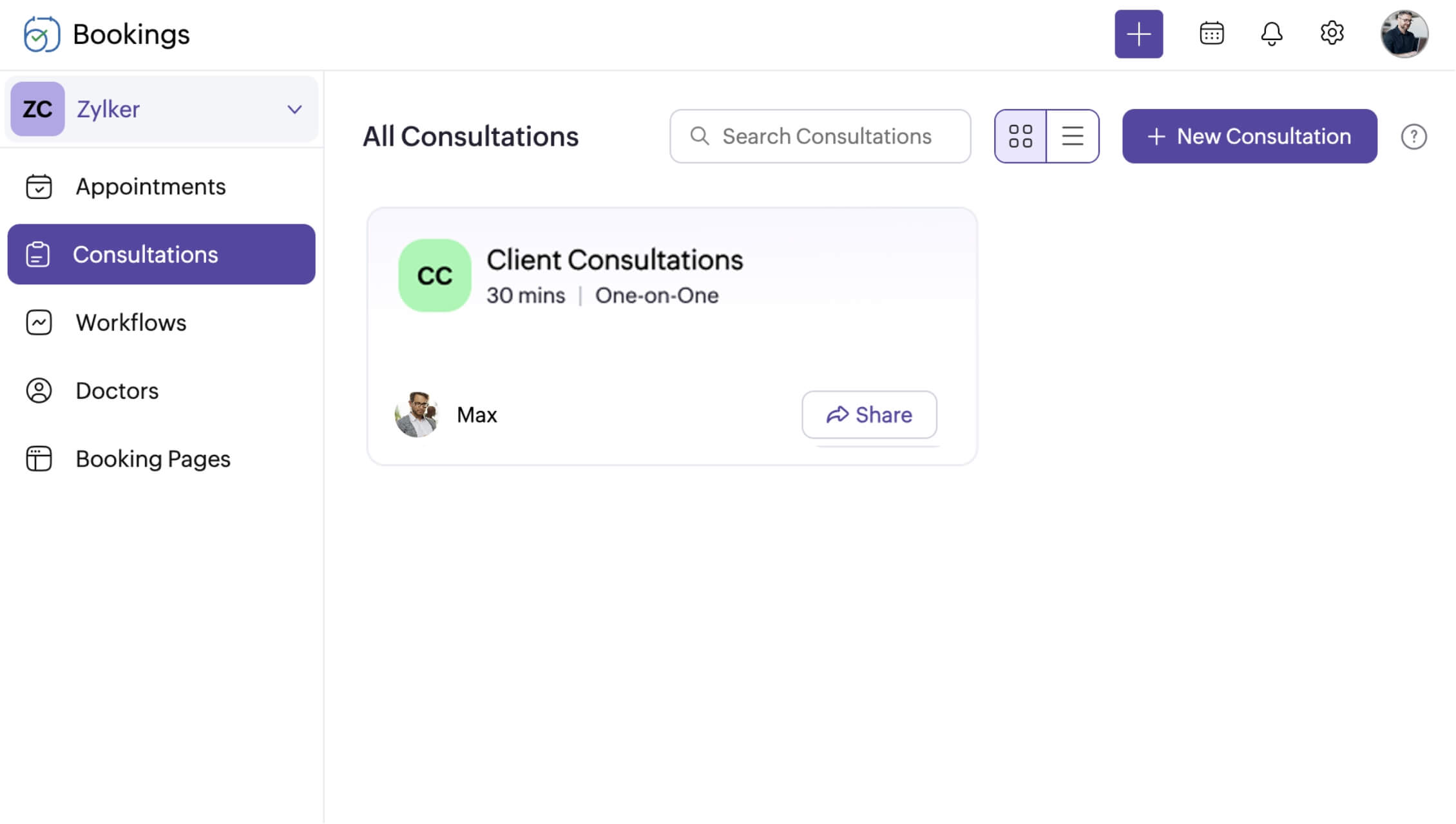
Legal scheduling software that's easy to set up
Zoho Bookings is built to work with your existing tools
It's not just us saying it

"This software is a game changer for small businesses like ours [and] allows us to compete against the big consulting firms"

"Since implementing Zoho Bookings, our migration agency has seen a significant improvement in time management, client satisfaction, internal communication, and overall business efficiency"
Get your legal scheduling software today
Start a 15-day free trial today and see for yourself. (No credit card required!)
Sign up nowFrequently Asked Questions
1. Can I block time on my calendar?
Yes, you can add unavailability to your calendar, which hides your slots in real-time on your booking page.
2. Will all my fellow associates be able to view my calendar?
No, with user roles, you can make it so that only select personnel can view your calendar. For example, if you're an admin and all your associates are staff members, you'll be able to view their availability and appointments, but they won't see yours.
3. Can I collect payments with Zoho Bookings?
Yes, charge a partial deposit or collect the entire service fee upfront using payment integrations with Stripe, PayPal, or Razorpay.
4. Is Zoho Bookings suitable for solo lawyers and legal firms?
Of course! For independent practitioners, automated notifications, payments, and real-time availability help you get booked faster, without the back-and-forth.
Legal firms can use the appointment dashboard, user roles, and workspaces to manage consultations effectively without jumping between apps.