Why do you need day care scheduling software?
Without a scheduling system in place, it's easy to get trapped in cycles of repetitive work. Manual scheduling often leads to delays and extra administrative work. Zoho Bookings can help you break free from these challenges and free up time for what matters. If any of the following statements resonate with you, Zoho Bookings can help:
- You feel overwhelmed by the amount of appointment requests you have to handle.
- Ensuring the right caregiver-to-child ratio is a constant battle due to last-minute cancellations and rescheduling.
- Dealing with concerned parents is a challenge in itself, and handling appointment requests through calls, emails, and texts just adds to the stress.
- Due to the lack of a unified payment system, tracking payments is a tedious process.
- Delayed responses lead to communication gaps and cause a lack of trust among parents who are worried about their child's care.
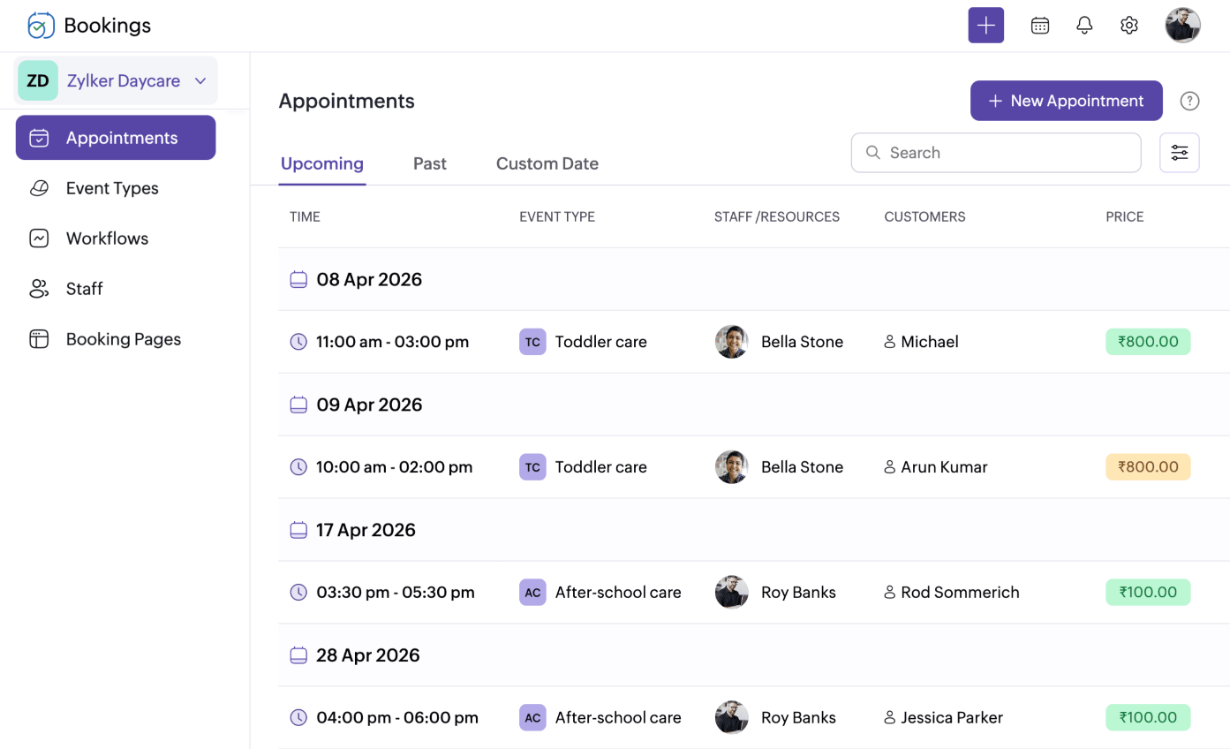
Zoho Bookings has all your day care scheduling needs covered
- Day care
- Early learning centers
- Home day care
- After-school care
- Babysitting services
- Child development centers



You care for the kids—we'll care for your business
Provide scheduling autonomy to parents
Parents are busy. You're busy. With a booking page, there's no need to coordinate. Let parents schedule or reschedule appointments at their convenience within your available time slots. This gives them flexibility and frees you up to focus on running your day care. It's a win-win situation for everyone.
Flexible payment options
Integrate with payment providers like Stripe and PayPal to charge for care. You can collect the entire fee upfront, or take a partial deposit. For example, parents can pay weekly or monthly for one or a series of time slots and settle the balance when they drop off their child. Access all payment info right from the Bookings dashboard for each appointment. And to clarify, we don't charge commissions—what you earn stays with you.
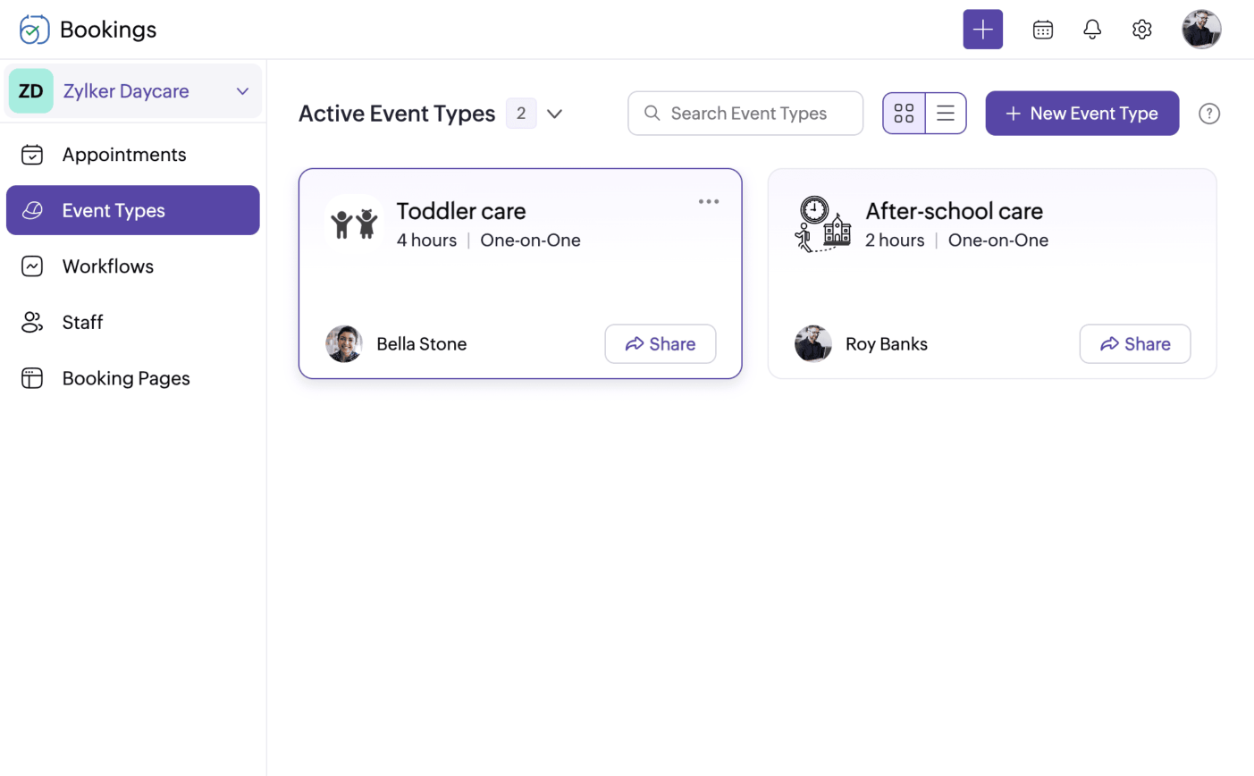
Day care scheduling software that you can depend on
Here's a quick rundown of Zoho Bookings features that simplify day care scheduling.
Zoho Bookings is built to work with your existing tools
It's not just us saying it

"Notifications and reminders help us keep our customers informed about their upcoming visits and ensure that they don't miss any important information."

"I love the customizable booking slots. It's quick and helpful to make my slots unavailable when I'm not in town."
Tag us in as your day care scheduler!
Start a 15-day free trial today and see for yourself (no credit card required!)
Sign up nowFrequently Asked Questions
1. Will my caregivers have complete access to the Zoho Bookings dashboard?
Depending on the user role you assign, your caregivers will have access to the entire Bookings dashboard or select parts of it. Based on their responsibilities, you can assign these four user roles: admin, workspace admin, manager, and staff.
2. Is it possible to collect feedback from my clients regarding my daycare center?
Absolutely! Link your survey forms in your email workflows to collect feedback from clients. These emails are automatically sent out based on the configurations you've set up in the Zoho Bookings dashboard.
3. How many automated notifications and reminders can I send to my clients? Are they completely free?
You'll be able to send five email or text notifications and three reminders (for both staff and clients). Sending emails is completely free. For SMS reminders, you'll need a paid plan with one of Zoho Bookings' integrated third-party SMS providers.
4. Does Zoho Bookings integrate with external calendars?
Certainly! With Zoho Bookings, you can integrate with up to six external calendars depending on your plan. Keep your schedules synced across platforms—Bookings integrates with Zoho, Google, and Outlook.