Why event teams need smarter scheduling
If your event management business experiences any of these bottlenecks, it's time to consider professional event booking software:
- Manual scheduling and registration takes too much time.
- Collecting payments and confirmations across multiple channels is inefficient.
- Managing speakers, venues, and sessions without a unified calendar leads to overlaps.
- Coordinating with multiple vendors and team members becomes chaotic without automation.
- Without proper policies, cancellations impact revenue and add chaos.
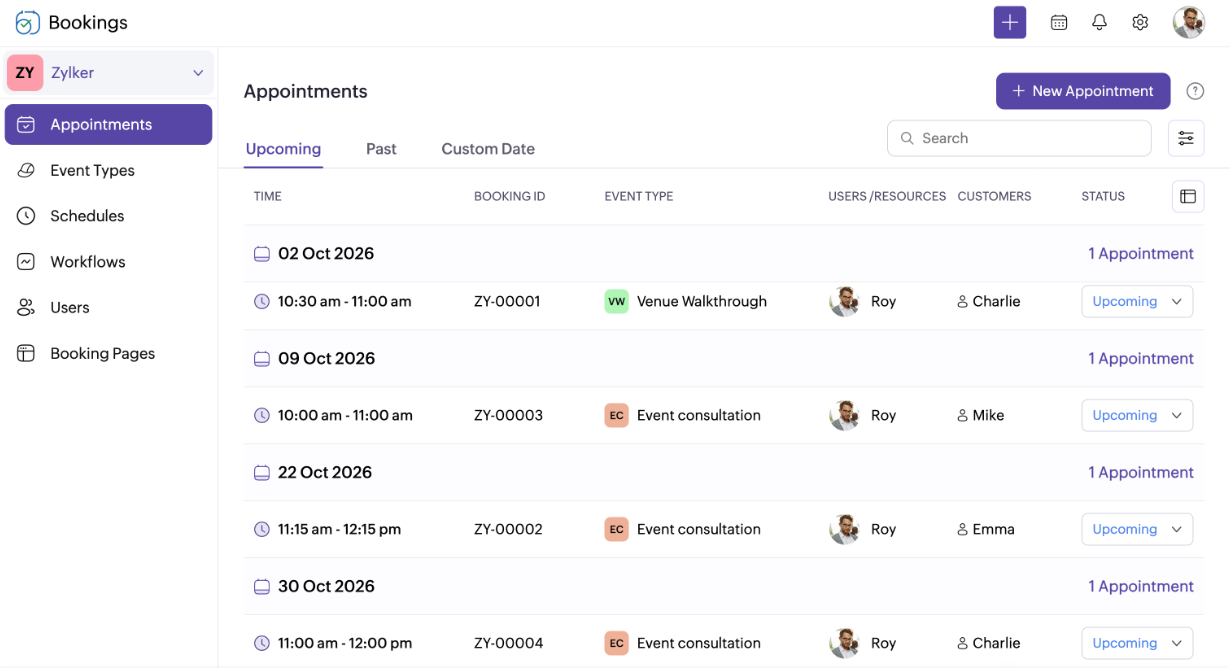
Zoho Bookings keeps every event in perfect rhythm
- Corporate events
- Weddings and parties
- Workshops and conferences
- Concerts and performances
- Venue rentals
- Vendor coordination



Turn your event bookings into seamless experiences
Get booked online
Let clients and partners book consultations, walkthroughs, and event slots online. From group meetings to hall rentals, Zoho Bookings keeps everything organized with no back-and-forth emails or phone calls.
Keep every event on track
Avoid the nightmare of double-booking or overbooked staff. Plus, with automatic confirmations and reminders through email, SMS, or WhatsApp, every appointment and event stays perfectly aligned.
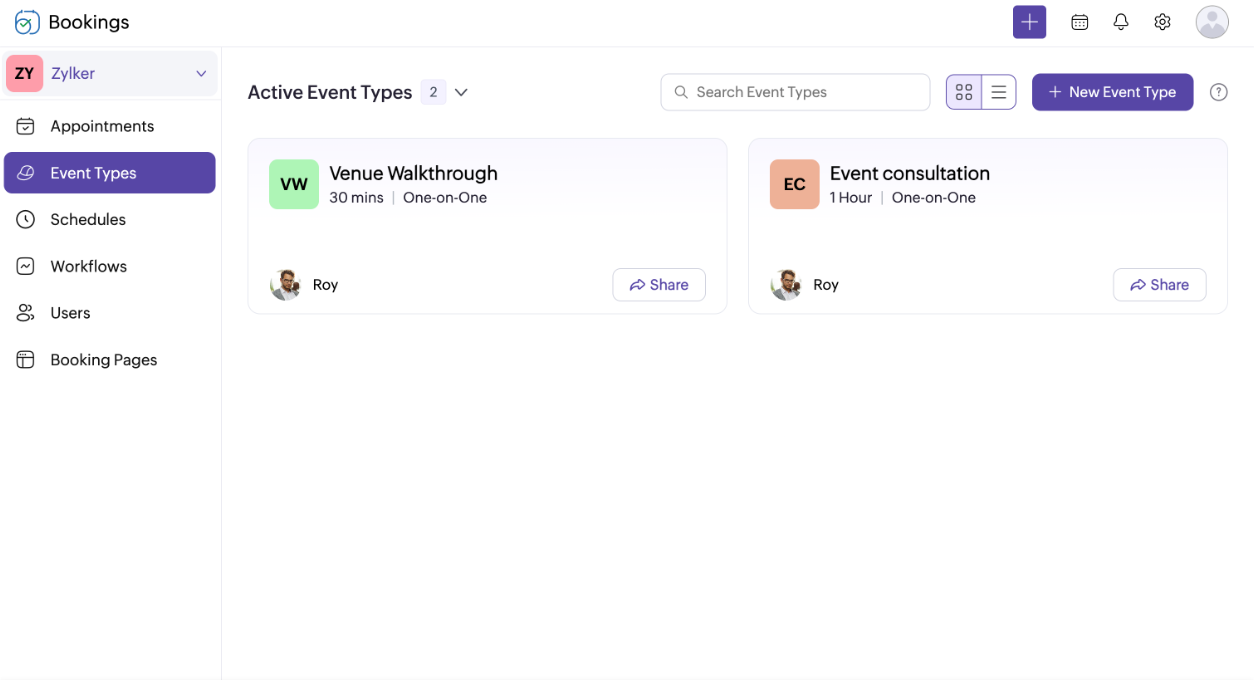
Simplify event scheduling with scheduling automation
Zoho Bookings is built to work with your existing tools
It's not just us saying it

"Since using Zoho Bookings, I've seen a 33% increase in conversions."

"We enjoy over 50% time savings on our work schedule."
Bring your event bookings together with Zoho Bookings
Start your 15-day free trial—no credit card required and no setup fees.
Sign up nowFrequently Asked Questions
1. What is event booking software?
Event booking software helps businesses and venues manage client bookings, assign resources, and schedule staff efficiently. It ensures every event, meeting, or rental slot runs smoothly without scheduling conflicts.
2. Can clients or vendors reschedule bookings easily?
Yes. With Zoho Bookings, clients and vendors can reschedule or cancel appointments through email, SMS, or WhatsApp notifications—keeping everyone aligned.
3. Can I customize the booking page for my brand?
Yes. Zoho Bookings' AI-powered booking pages fetch your logo, brand colors, and contact details automatically. You can further customize the page to match your style, creating a seamless brand experience for clients.
4. Does Zoho Bookings work on mobile devices?
Yes. Both clients and staff can use Zoho Bookings on mobile devices, ensuring bookings, reminders, and schedules are accessible anywhere.
5. How secure is my event data?
Zoho takes data privacy and security seriously, and you don't have to just take our word for it. We're certified under ISO/IEC 27001, 27017, 27018, and 27701, and compliant with SOC 2 and HIPAA standards, all verified through independent third-party audits. Read more about Zoho's compliance
6. What types of events can I manage with Zoho Bookings?
Zoho Bookings works for any event that runs on scheduled appointments, including corporate events, weddings and parties, workshops and conferences, concerts and performances, and venue rentals. It also helps you coordinate vendors across all of them.
7. How does Zoho Bookings handle scheduling for teams with multiple staff members?
Zoho Bookings shows pooled availability of all your staff members on a single booking page. This helps customers schedule a slot even if one staff member isn't available.
8. Does Zoho Bookings support both in-person and virtual events?
Yes. For in-person events, your office address is shared with participants automatically. For virtual events, Zoho Bookings auto-generates and sends meeting links to participants via Zoho Meeting, Zoom, Google Meet, and Microsoft Teams.
9. Can we customize booking forms for different event types?
Yes, every event type can have its own booking form. This way, you can cater to individual event needs, get to know your customer before you even meet them, and prepare for the event accordingly.