

- HOME
- Accounting trends & insights
- Automating routine accounting tasks for growing Canadian businesses
Automating routine accounting tasks for growing Canadian businesses
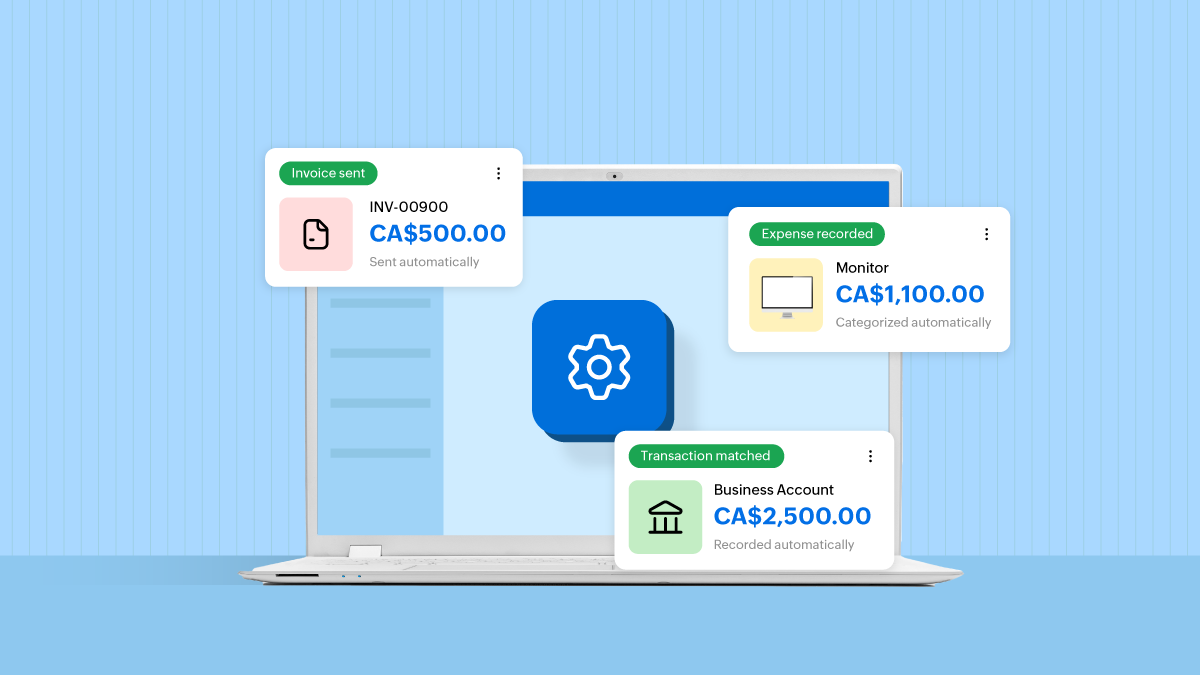
Growth brings more customers, more transactions, and more decisions. It also brings more accounting work.
Invoices need to go out. Receipts need to be recorded. Payments need to be followed up on. Bank transactions need to be checked. For many Canadian business owners, these tasks gradually take up time that could be spent serving customers or planning the next stage of growth.
Accounting automation can help you manage that workload. By giving repetitive tasks a consistent process, it becomes easier to keep your books current and spot issues before they turn into a month-end scramble.
What is accounting automation?
Accounting automation means using software to complete routine accounting tasks based on predefined rules, schedules, or triggers.
For example, you can schedule an invoice for a monthly service, send a reminder when payment is overdue, or apply a category to a familiar bank transaction.
You still decide how the process should work. The software handles the repeated steps, while your team reviews exceptions and makes decisions that require judgment.
For growing Canadian businesses, this can mean less manual data entry, more consistent billing, and better visibility into everyday finances.
Which accounting tasks should you automate first?
Start with tasks that happen frequently and follow a clear, predictable pattern. These are usually easier to automate and review.
Recurring invoices
If you charge customers the same amount on a regular schedule, creating each invoice from scratch adds unnecessary work.
Recurring invoices are useful for consulting retainers, maintenance contracts, memberships, and other ongoing services. You can define the billing frequency, customer details, payment terms, and applicable taxes in advance.
For example, a Toronto marketing agency with monthly retainers can schedule its regular invoices instead of recreating them at the beginning of every month.
Review the schedule whenever pricing, contract terms, or services change. An automated invoice should always reflect the current agreement.
Payment reminders
Following up on unpaid invoices takes time, especially as your customer base grows.
Automated reminders help make follow-ups consistent. You can schedule a message before the due date, on the due date, or after an invoice becomes overdue.
Keep reminders clear and courteous. Include the invoice number, amount due, payment deadline, and payment instructions so customers can act without searching through previous emails.
Set up a process for pausing reminders when an invoice is disputed or a revised payment arrangement has been agreed on. Those situations need a conversation rather than another scheduled message.
Recurring expenses
Some business expenses follow a predictable schedule, such as software subscriptions or fixed monthly service charges.
Recurring expense entries can reduce repeated data entry and help keep these costs visible throughout the month.
However, creating an expense record is different from making a payment. Check what your software automates and how you will confirm that the charge actually occurred.
Review recurring entries when subscriptions are cancelled, prices change, or a service ends. Otherwise, an outdated schedule can keep adding transactions that no longer belong in your books.
Bank transaction categorization and matching
As transaction volumes increase, sorting every bank entry manually becomes harder to sustain.
Bank rules can help categorize predictable transactions, such as monthly account fees, using conditions you define. Matching tools can also suggest links between bank transactions and existing invoices or expenses.
Keep rules specific. A rule based only on a supplier’s name may misclassify purchases if that supplier provides different types of goods or services.
Review suggested matches and reconcile your accounts regularly. Categorizing a transaction is one step; reconciliation checks whether your accounting records agree with the bank statement.
Receipt capture and expense entry
Receipts scattered across inboxes, bags, and desks make expense tracking unnecessarily difficult.
Digital receipt capture creates a more consistent process. Employees can submit supporting documents when they incur an expense, while document scanning tools can help extract details for review.
Check the supplier, date, amount, and tax information before approving the entry. A readable receipt and a correctly recorded expense are both important.
A simple submission routine also helps: Ask employees to upload receipts promptly, select the appropriate expense category, and explain the business purpose where needed.
How does automation support Canadian sales tax management?
Canadian businesses may need to manage GST/HST and, depending on their activities and obligations, provincial sales taxes.
Accounting software can apply configured tax rates and organize tax amounts recorded on transactions. But the setup needs to reflect the business’s actual tax treatment.
For GST/HST, place-of-supply rules help determine which rate applies to a taxable supply. The location of your business alone does not determine the rate. This matters when you sell across provincial boundaries.
Before automating tax calculations:
Confirm your applicable registrations and tax obligations with your accountant.
Check the tax treatment of the products or services you sell.
Test transactions involving different provinces and customer situations.
Review settings when your business activities or relevant rules change.
Correct settings can reduce repeated calculations. They still need periodic review as the business grows.
How to introduce accounting automation without adding complexity
You do not need to automate everything at once. A focused approach makes it easier to understand what is working.
Choose one recurring problem
Identify a task that regularly consumes time or causes delays. It might be monthly invoicing, payment follow-ups, or categorizing bank fees. Choose a process with clear inputs and few exceptions for your first automation.
Clean up the information it depends on
Check customer email addresses, payment terms, expense categories, and tax settings before turning on the workflow. Automation repeats the instructions you give it. If the underlying information is wrong, the same mistake can spread across multiple transactions.
Test a small batch
Run the process with a limited set of transactions. Check what was created, when it happened, and whether the result matches your expectations. For reminders, review the wording and timing from the customer’s perspective. For transaction rules, look for entries that were classified incorrectly.
Assign responsibility for exceptions
Pick someone to be responsible for reviewing failed actions, unusual transactions, and changes to the rules. Make it clear when an employee should approve, correct, or pause a workflow. This keeps small issues from going unnoticed.
Measure whether it helps
Useful measures include time spent on the task, the number of corrections needed, and how quickly records are updated. For payment reminders, also track overdue invoices. For expense workflows, check whether receipts are being submitted and reviewed more promptly. The goal is a process that saves time and produces reliable records.
What should still receive human review?
Some accounting decisions depend on context that a rule cannot fully capture.
Unusual expenses, disputed invoices, changes in tax treatment, and significant financial adjustments deserve closer attention. Your accountant or bookkeeper should also review the books regularly and help interpret what the numbers mean.
Automation works best when it gives your team more time for this work. With fewer hours spent recreating transactions, they can investigate discrepancies, understand spending patterns, and help you plan cash requirements.
Give your accounting a process that can grow with you
A growing business needs an accounting routine that can keep pace with its transactions.
Start with predictable tasks, use clear rules, and review the results. Over time, those small changes can make billing more consistent, expense records more complete, and month-end work more manageable.
Zoho Books supports recurring invoices and expenses, automated payment reminders, and workflow rules that help reduce routine accounting work. For Canadian businesses, these tools can support a more organized accounting process and give owners more time to understand their finances and plan ahead.