Configuring Your Zoho MCP Server
Prerequisites
The Zoho MCP service is for anyone who needs to optimize and automate their operations workflow. There is no restriction or prior programming language required to use this service to its fullest potential.
However, there are few fundamental prerequisites that need to be fulfilled to ensure you can leverage all the advantages the Zoho MCP service has to offer:
- You will need valid and authenticated credentials in all the Zoho services, third-party services, or custom services that you plan to configure as your tool.
- Ensure you are using your AI agent with the appropriate plan to access the integration sections and create your own integrations.
To configure your Zoho MCP server:
Navigate to the Zoho MCP console. (mcp.zoho.com)

Provide a name for your Zoho MCP server and click Create Server.
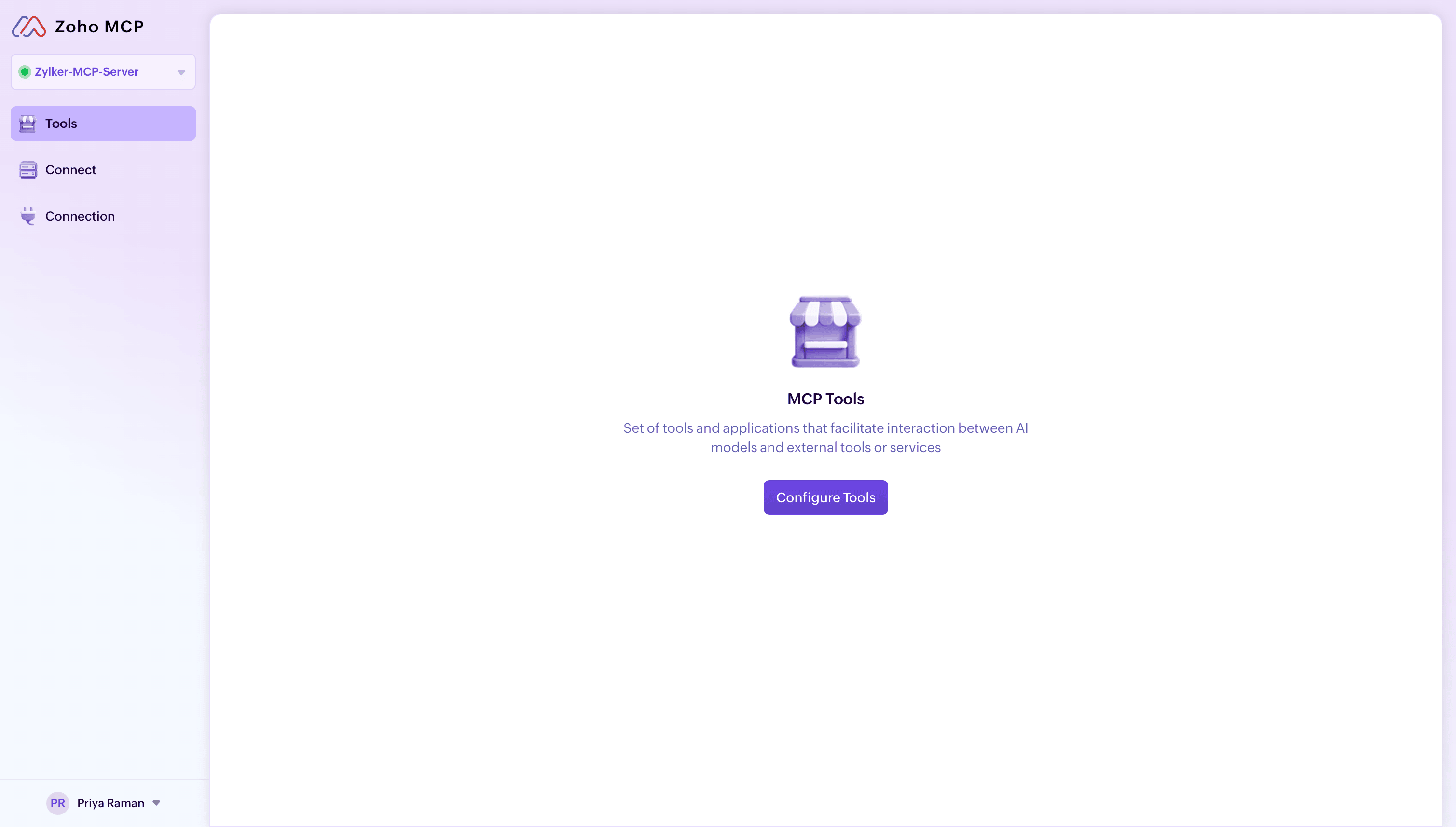
The Zoho MCP Server will be created. Click the Configure Tools button to configure the required tools
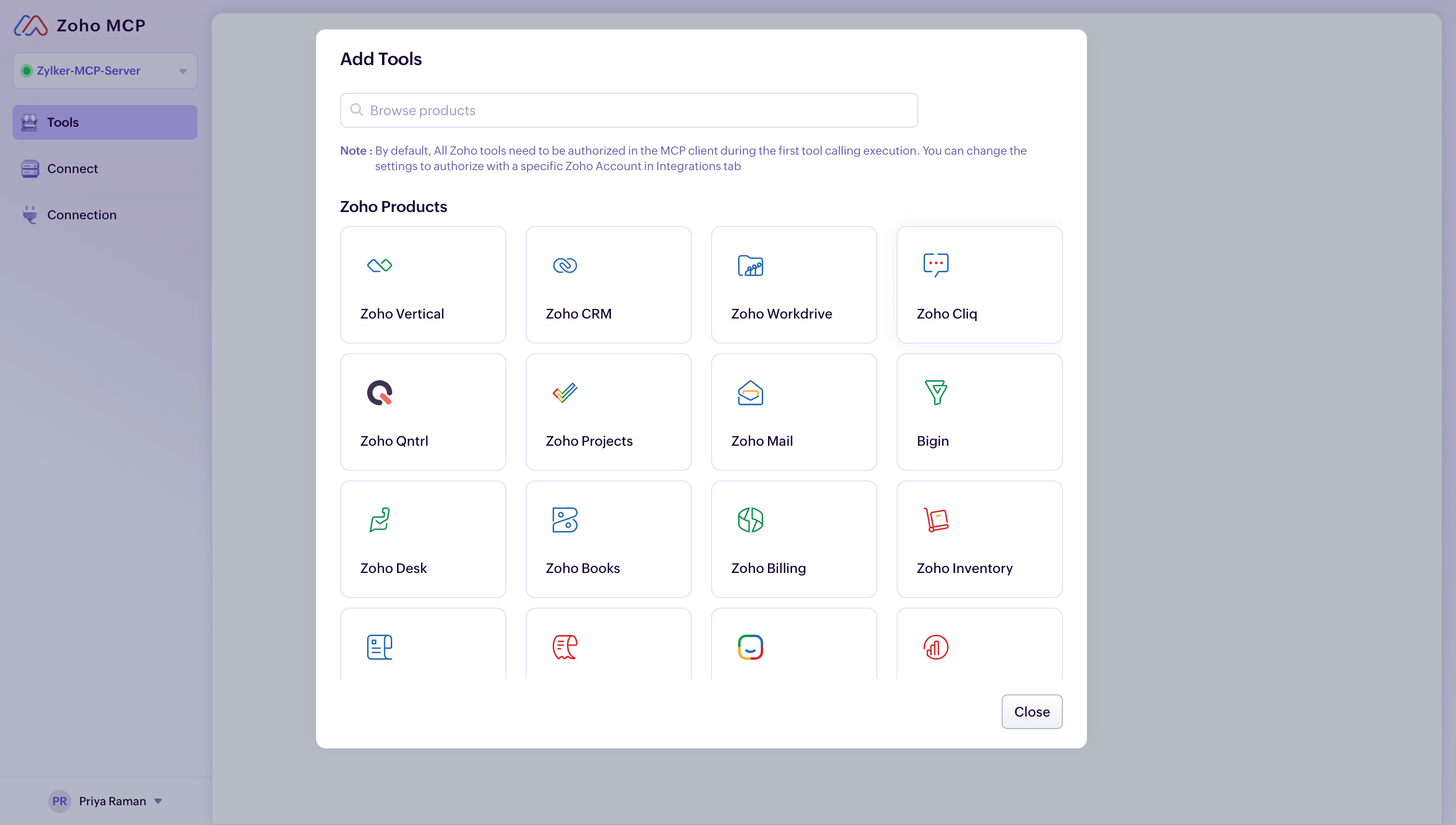
Choose Zoho Cliq.
You will be presented with a list of tools. These tools provide the appropriate context and access to perform the required actions instructed in the prompt. You can also search for your required tools using the search-bar.
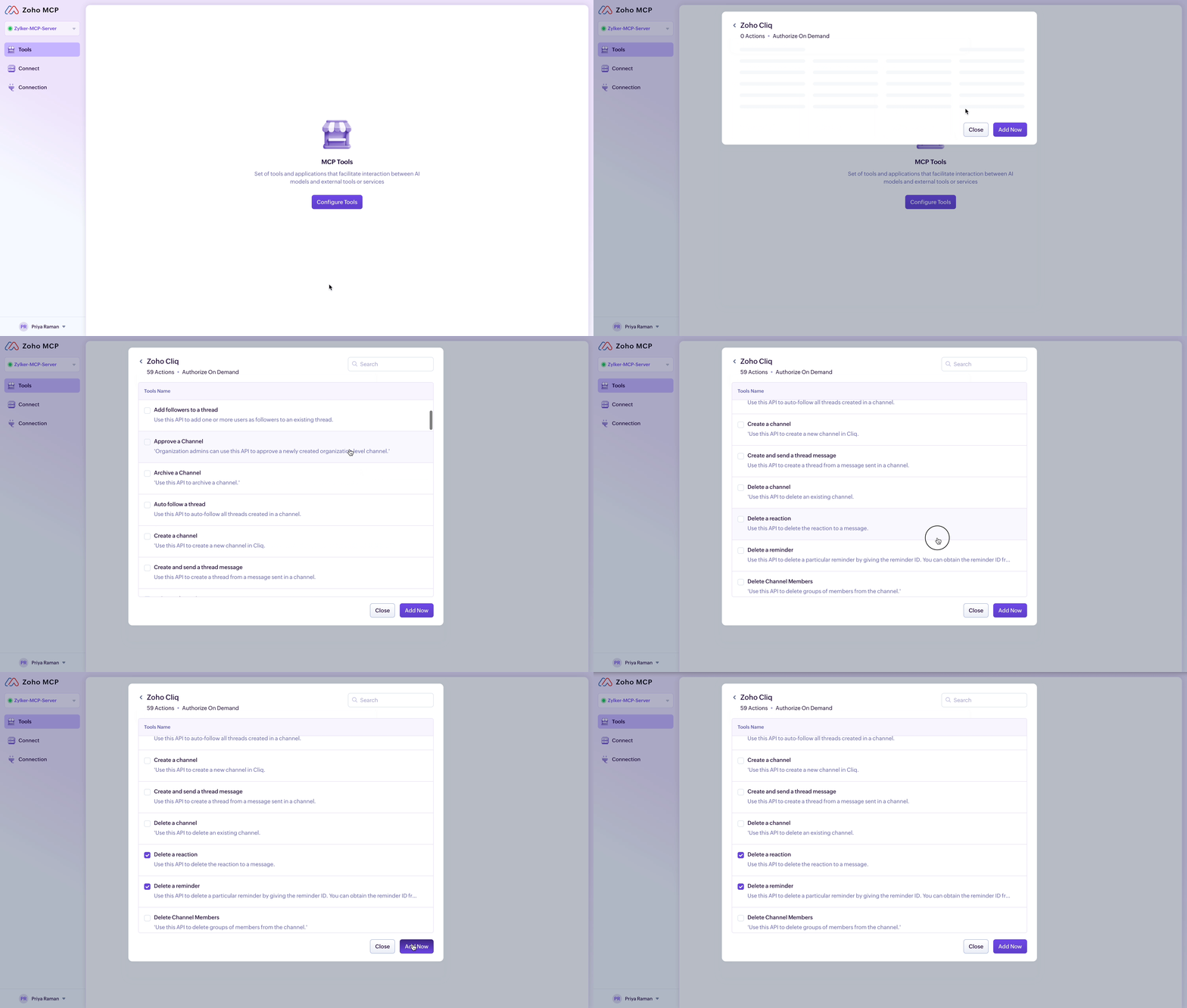
Click Add Now, once you have selected the required tools.
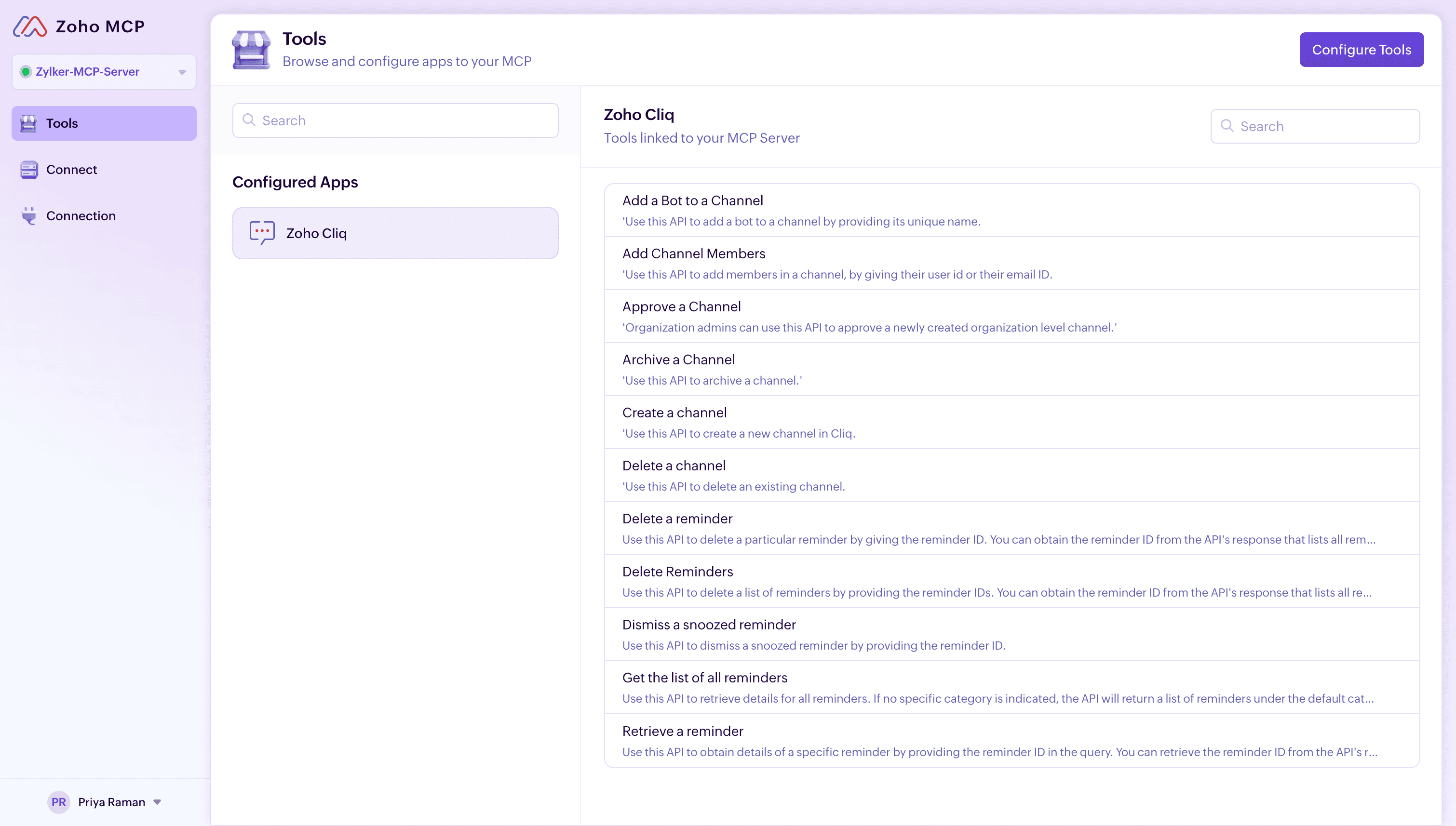
All the required tools will be added to your Zoho MCP server.
MCP URL
A unique and secure URL will be generated by the Zoho MCP service each time you create a Zoho MCP server. This MCP URL will serve as the endpoint invoked when a prompt is executed from your MCP Client.

To copy the MCP URL:
Click the Connect tab in the sidebar.
Click the copy button next to the URL to copy it.
Now you can use this URL to integrate your Zoho MCP server with your MCP Client. Additionally, you can also click the API Key Re-Generate button to generate a new MCP URL endpoint to invoke your Zoho MCP server.