



Functions in Custom Modules

Let’s take a look at the other functions you can perform in custom modules.
Customize Field Layout
Once you create the fields, they will be listed in the chronological order of creation. You can change them based on your requirements. Here’s how:
- Go to Settings on the top right corner of the page.
- Select the custom module for which you want to change the order of the custom fields from the Custom Modules card.
- Click Change Order on the top right corner of the page.
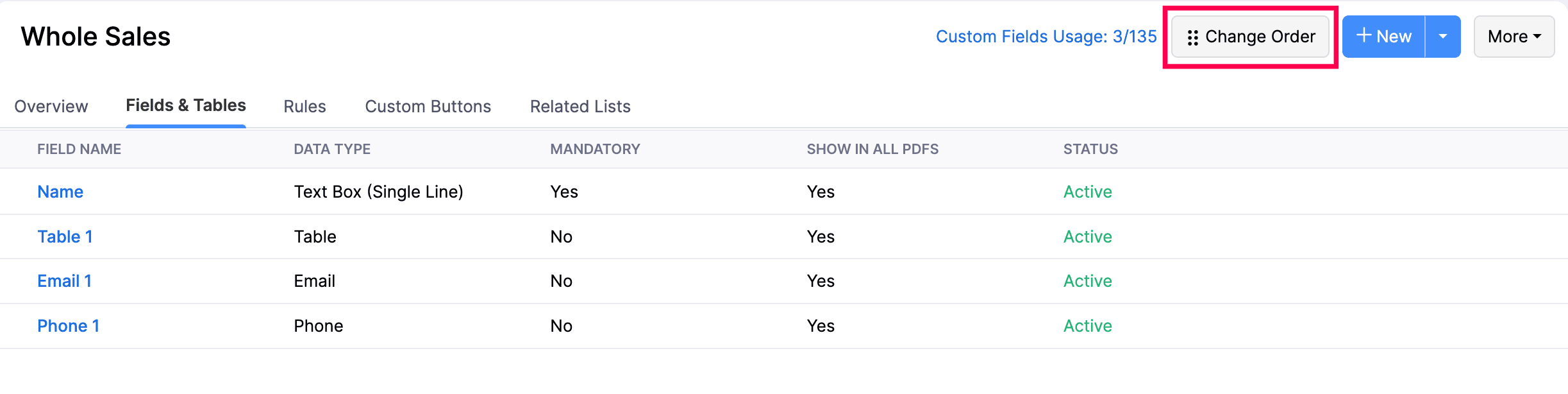
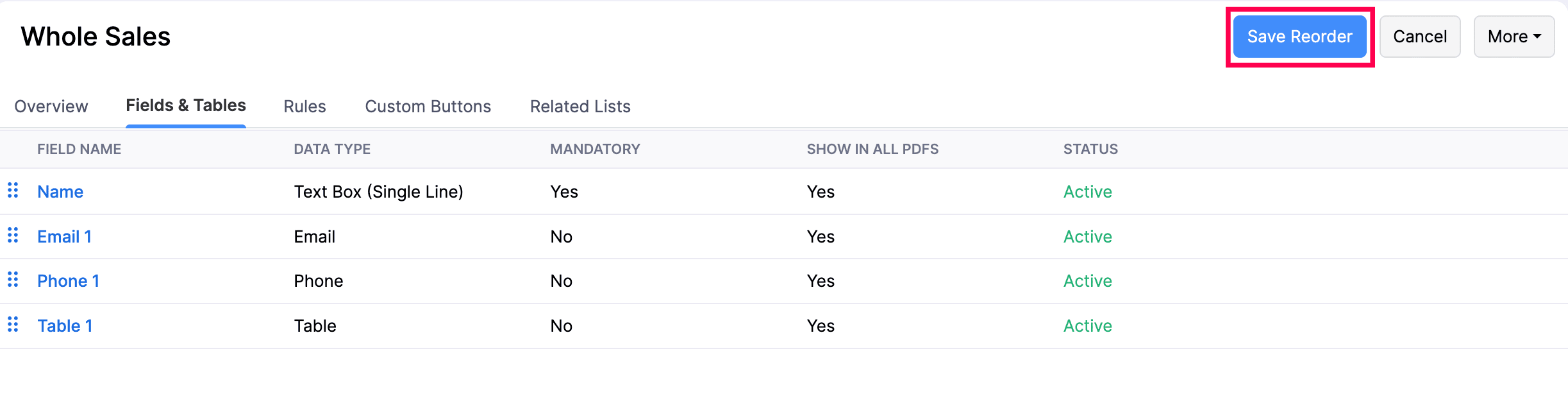
- Drag and reorder the fields based on your requirements.
- Click Save Reorder.
Configure Field Access
There may be cases where you would want to hide or give limited access for a field to a certain user. Here’s how you can do this:
- Go to Settings on the top right corner of the page.
- Select the custom module for which you to configure access from the Custom Modules card.
- Go to the Fields tab of the custom module.
- Hover over the field for which you want to configure access.
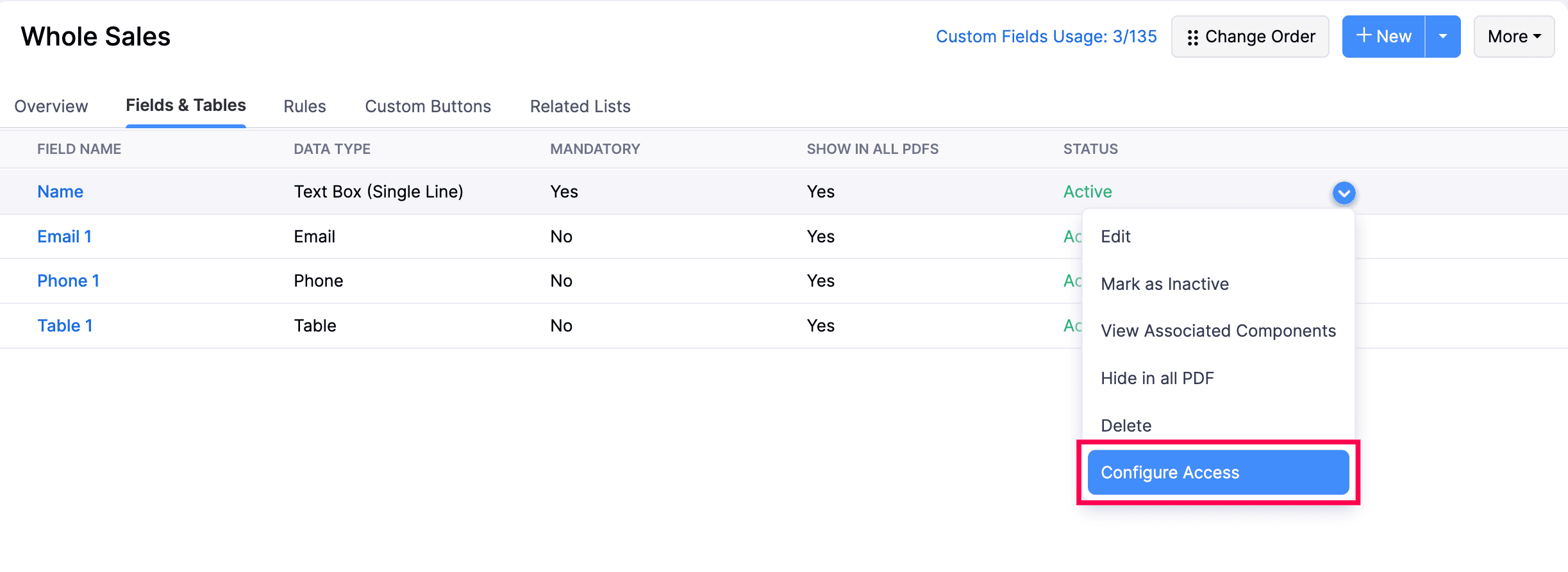
- Click the down arrow and select Configure Access from the dropdown.
- Select the access type against the role you want the give the specific access for.
| Access Type | Description |
|---|---|
| Read and Write | The user with this access can view and fill or edit the field. |
| Read Only | The user with this access can only view the field. |
| Hide Field | The user with this access type will not be able to view this field. |
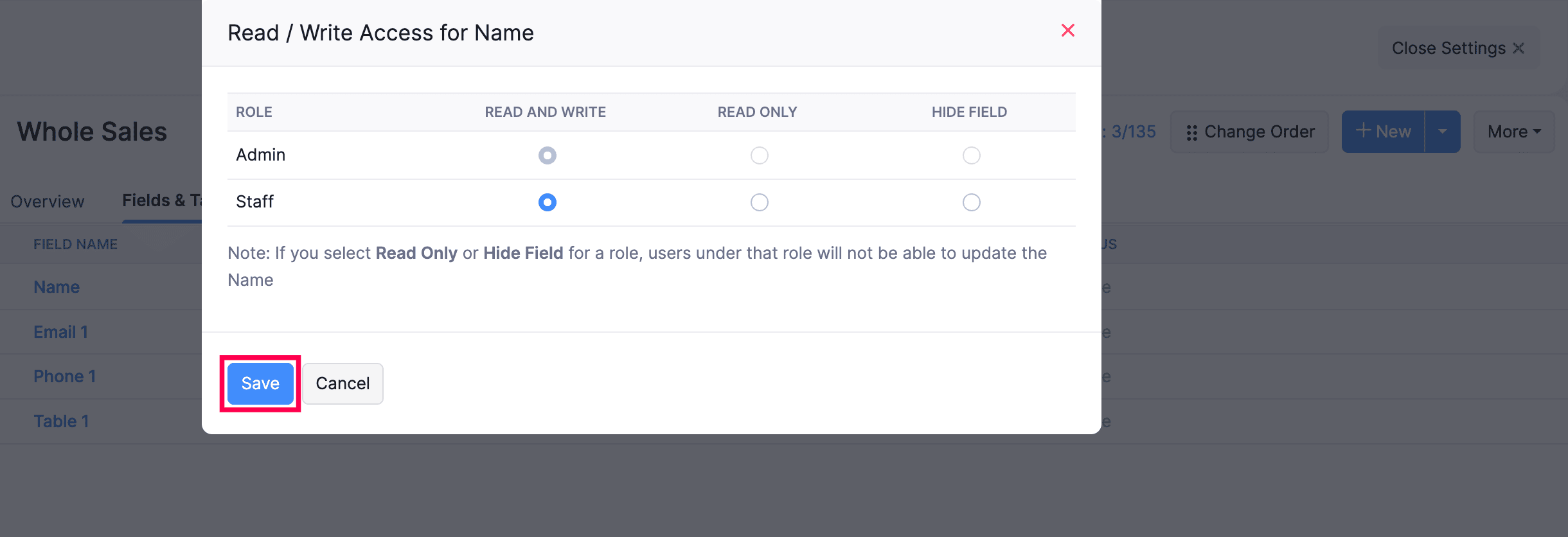
- Click Save.