Give visitors a warm welcome.
Make visitors feel right at home from the first click. Add a friendly welcome note that introduces your community's mission and values so new members know exactly what they're becoming a part of.
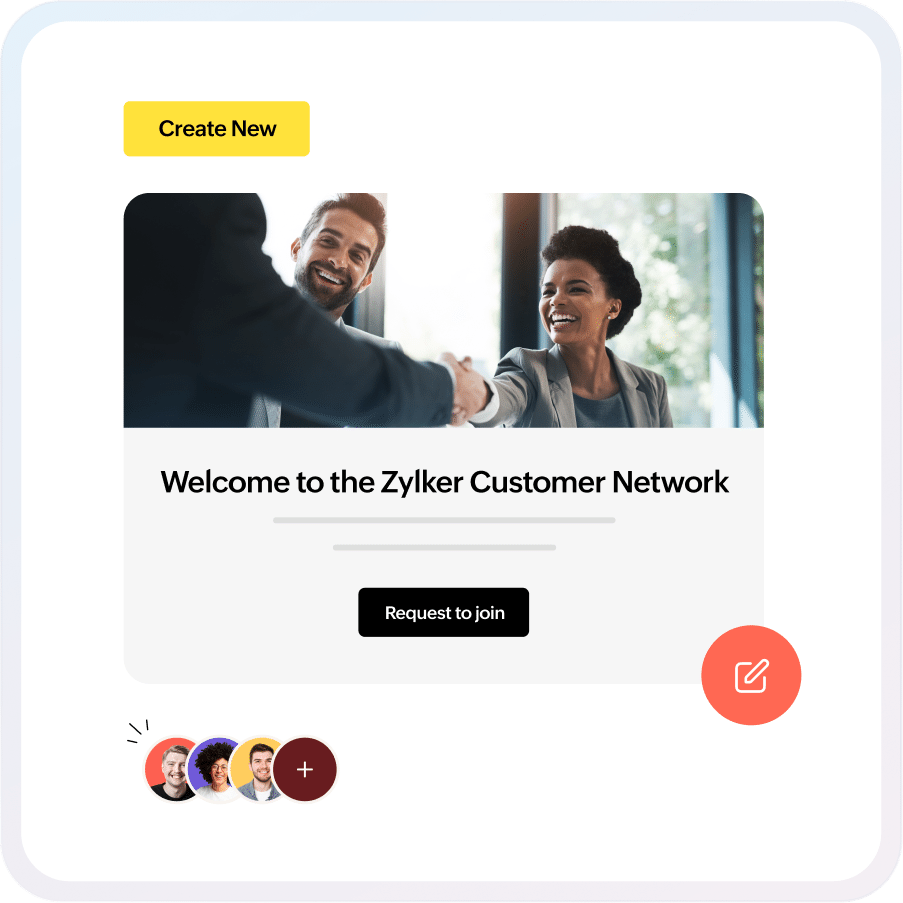
Craft a visual experience.
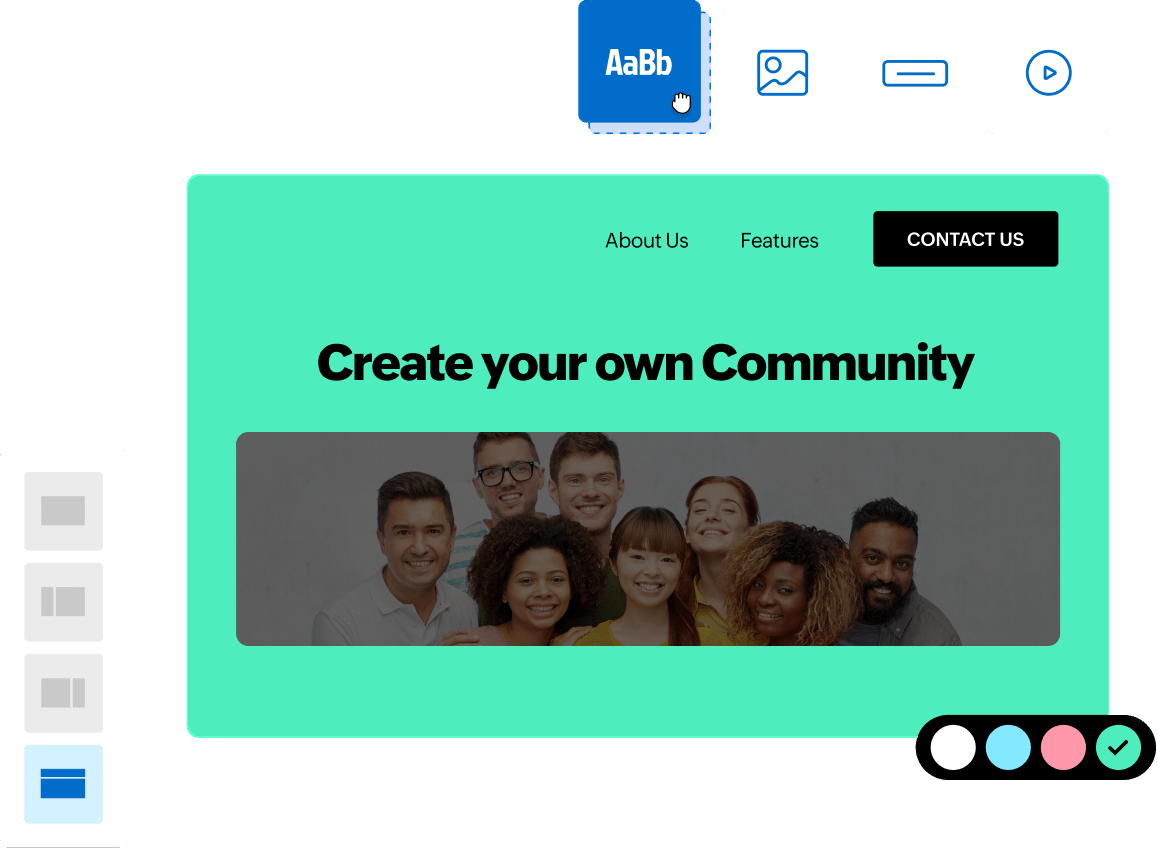
Create a landing page as unique as your community. Customize it with colors, images, and layouts that capture your brand's look and feel.
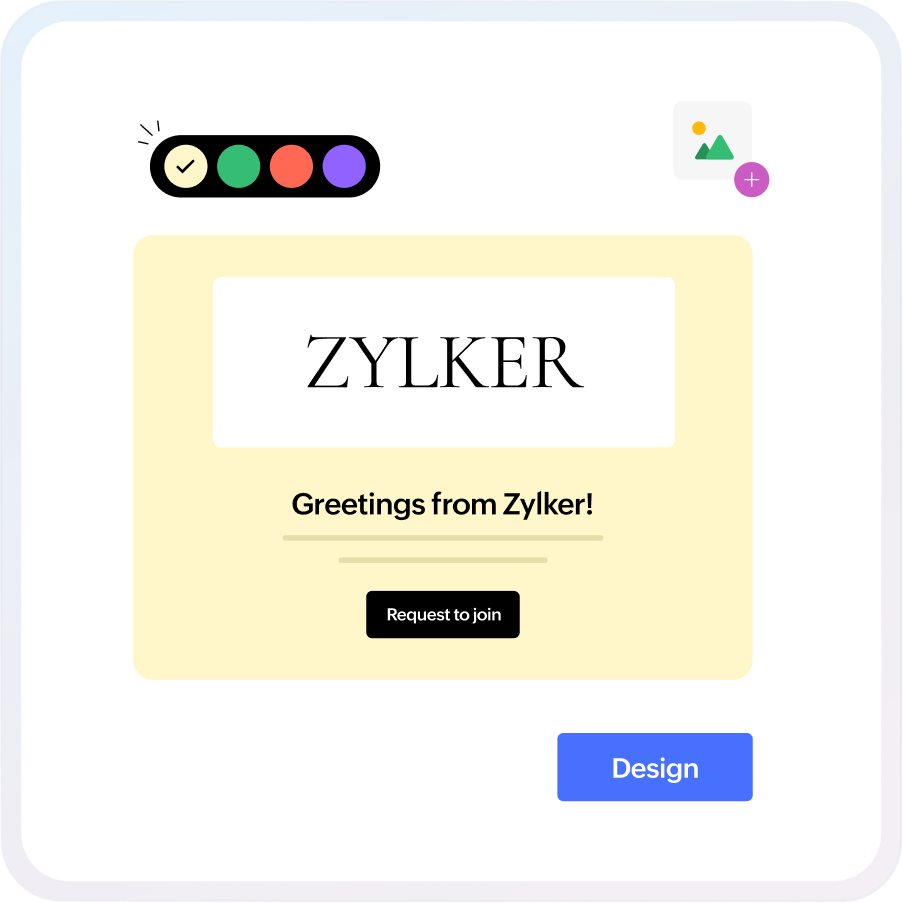
Define your purpose.
Make your community's message clear with a title and description. Help visitors instantly understand what you offer and why they should join.
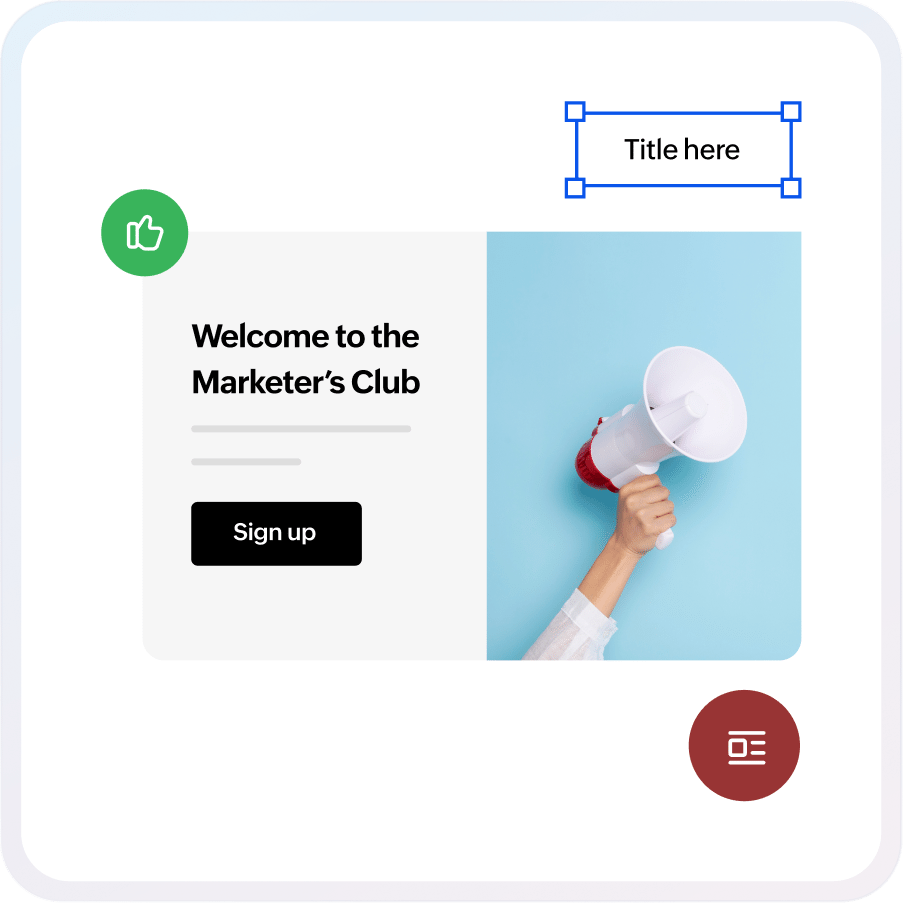
Choose how members join.
Choose how new members get access. You can offer instant entry for everyone or set up a request-based system for a more exclusive community.
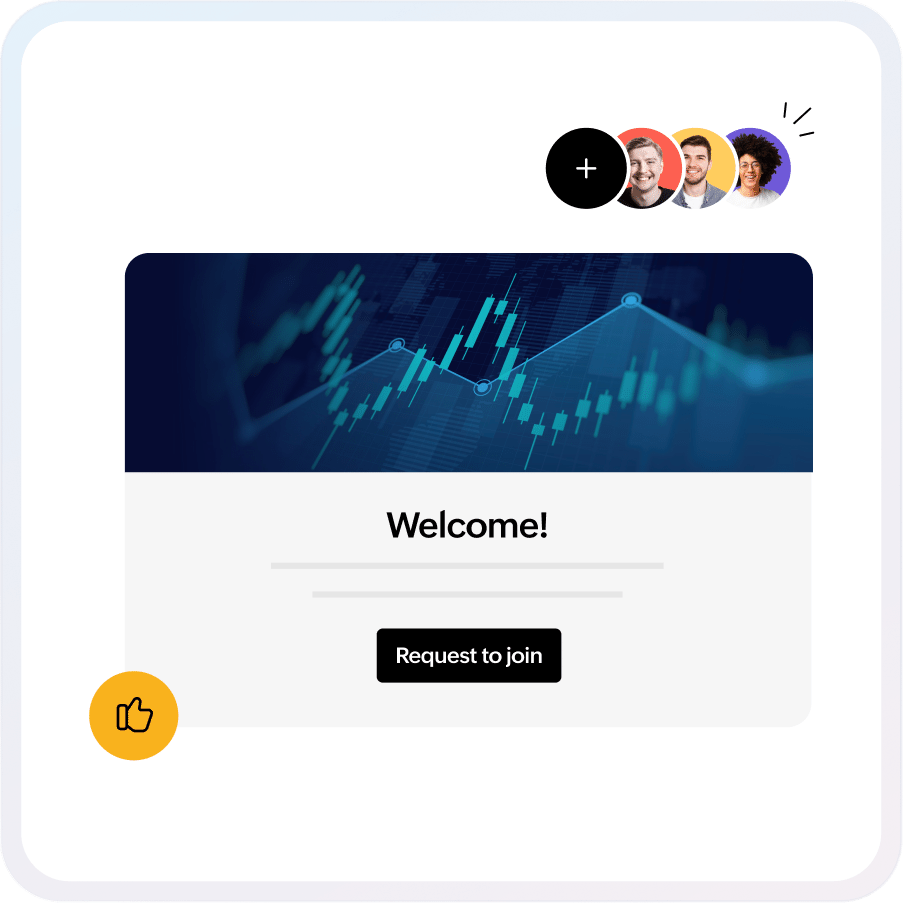
Launch when you're ready.
You're in control. Get every detail just right before you go live, so you can show off your landing page at the perfect moment.
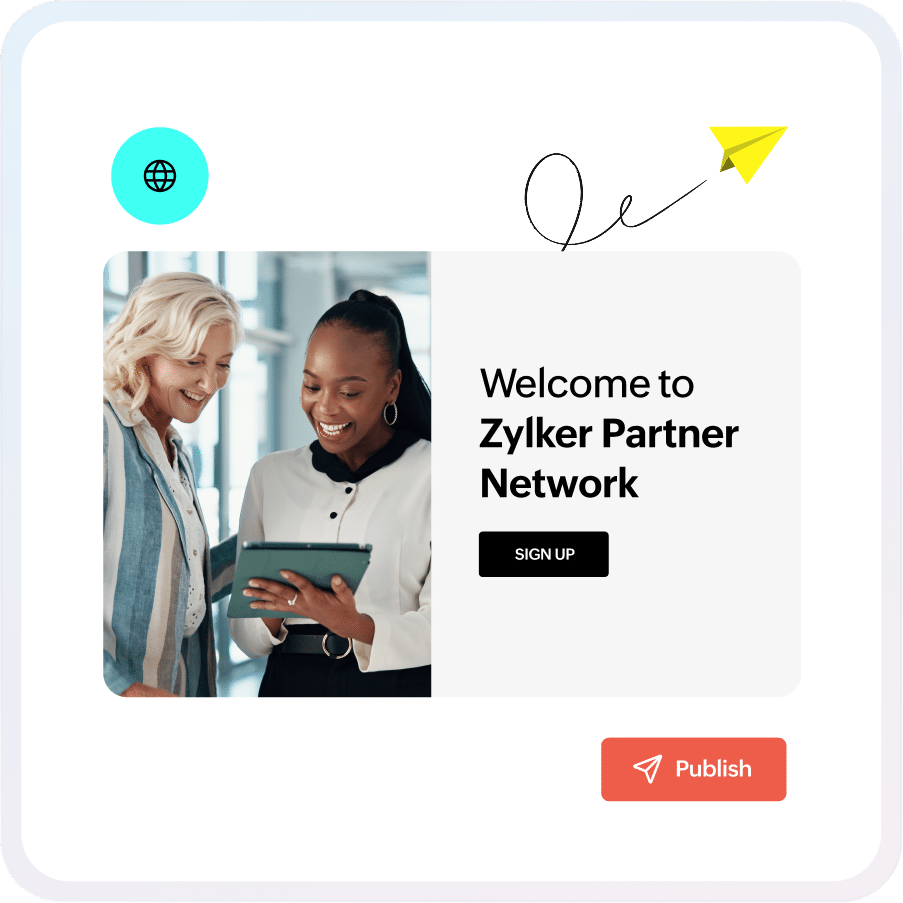
Build a custom landing page.
Every community has its own look and feel. Build landing pages that shows it from the first click.
Drag-and-drop editor
Build a professional landing page in minutes—without any coding.
Ready-made templates
Start with professionally designed, mobile-friendly templates and customize them to fit your community's style.
Customization without limits
Take full control of every element, from colors and fonts to images and layouts.
Seamless publishing
Once you've perfected your design, it's just one click to publish it as your community's landing page.
This lets you focus on what matters most—your community—while we handle the design and functionality.
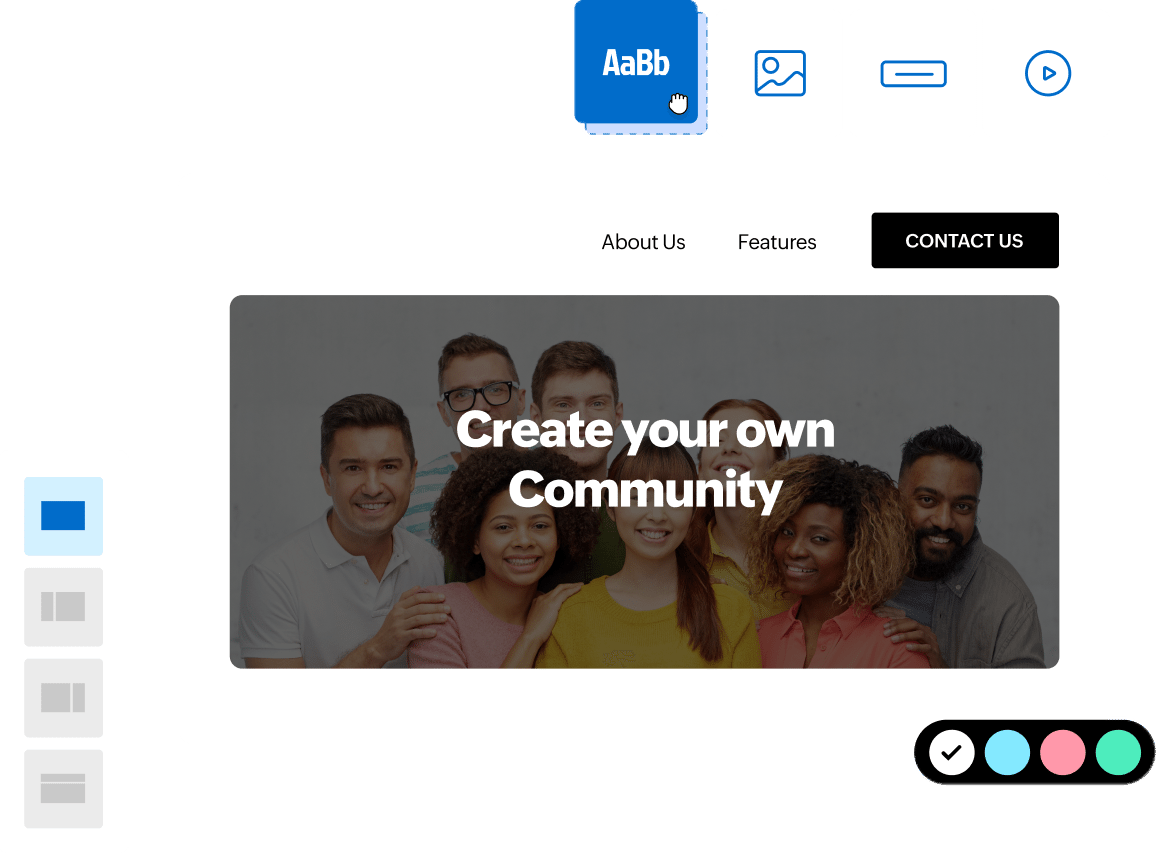
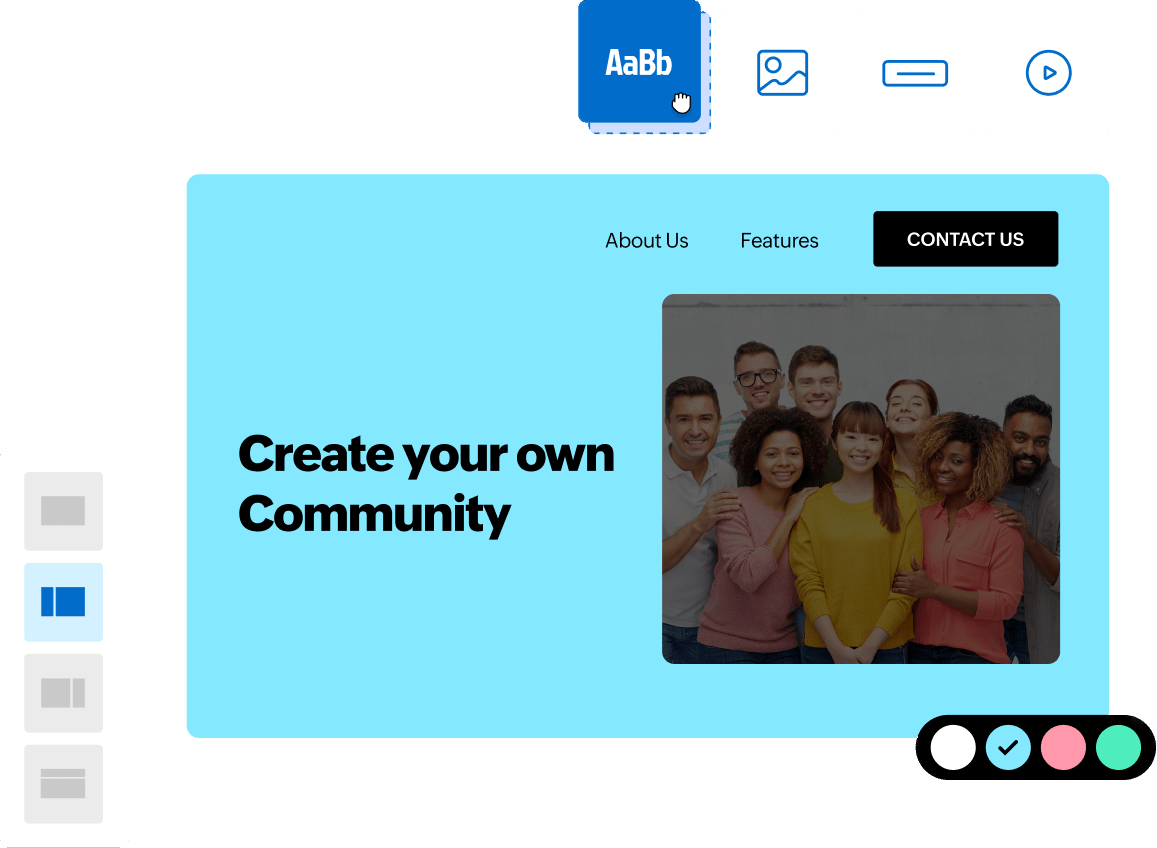
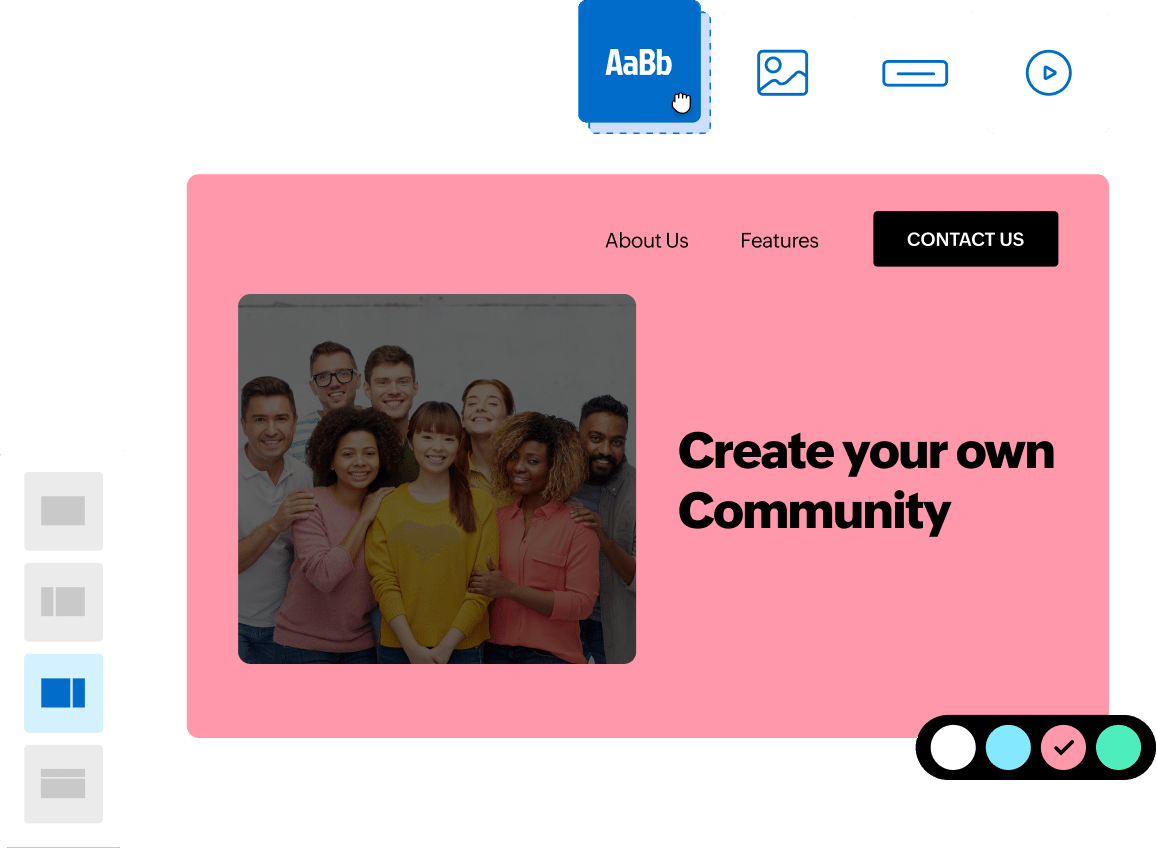
Why your landing page matters
Make a strong first impression
Your landing page is the first thing visitors see. A great design makes them feel welcome and excited to join your community.
Showcase your value
Highlight what makes your community unique. By showcasing its strengths and benefits, you make a clear case for why people should become members.
Reflect your brand identity
Curate an experience that matches your brand. A customizable landing page helps you build a consistent, recognizable identity that earns trust and loyalty.
Frequently asked questions
What is a community landing page?
A community landing page is the first page visitors see when they find your community. It's your opportunity to make a great first impression and introduce your community's purpose.
Can I build a fully custom landing page?
Yes. Alongside the built-in editor, you can build a custom landing page with Zoho Sites, which gives you full control over the design and layout.
Do you need a Zoho Sites account to use this feature?
Yes. The custom landing page is built in Zoho Sites, so you'll need a Zoho Sites account. If you don't have one, you can set it up as part of building your page. If you already have a Zoho Sites account, you can connect it to your community and use a page you've already built.
What happens if you change the design of your landing page after it's live?
Any changes you make to your landing page in the editor can be previewed before you publish them. Once you're happy with the new design, you can publish it, and it will be updated for all visitors.
What if you already have a main website? Can you still use this?
Absolutely. The landing page feature is designed to be a dedicated entry point for your community. You can link to it from your main website, social media, or other marketing channels to direct visitors to a space specifically built for engaging new members.