Deleting your Zoho CPaaS account
You can choose to permanently delete your Zoho CPaaS account at any point. All your data, including Agents, added domains and associated information will be removed. Only a Postmaster has the access to delete the account. It takes 48 hours to complete the process. On initiating account deletion :
- Email sending will be completely suspended. All information pertaining to your account will be permanently deleted.
- The deletion process can be reverted within 48 hours of the initiation.
To delete your account :
- Login to your Zoho CPaaS account.
- Go to the Settings menu and select Delete account.
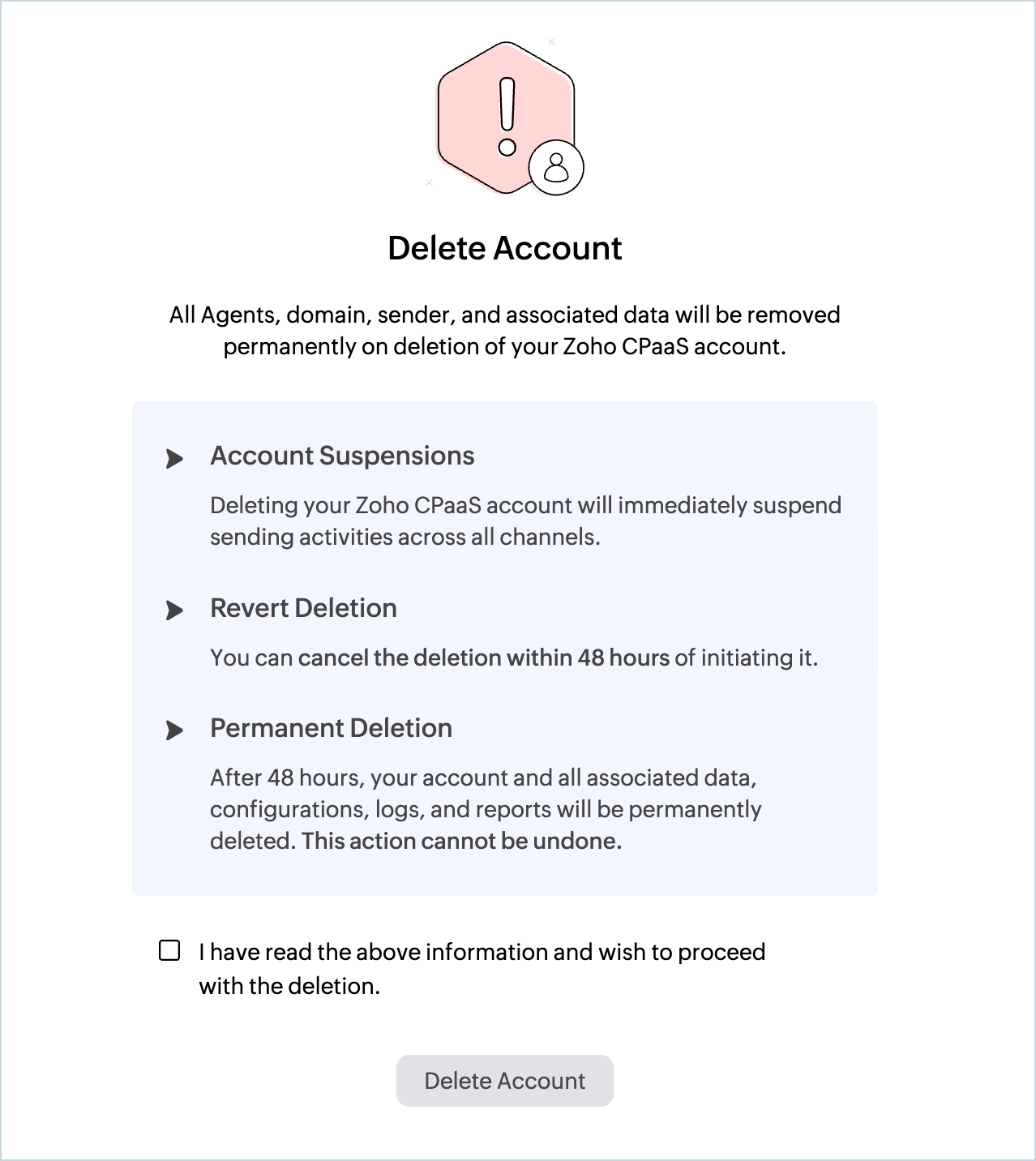
- Click the checkbox confirming that you have read the terms and conditions.
- Click Delete account.
- Enter your account password to confirm the action.
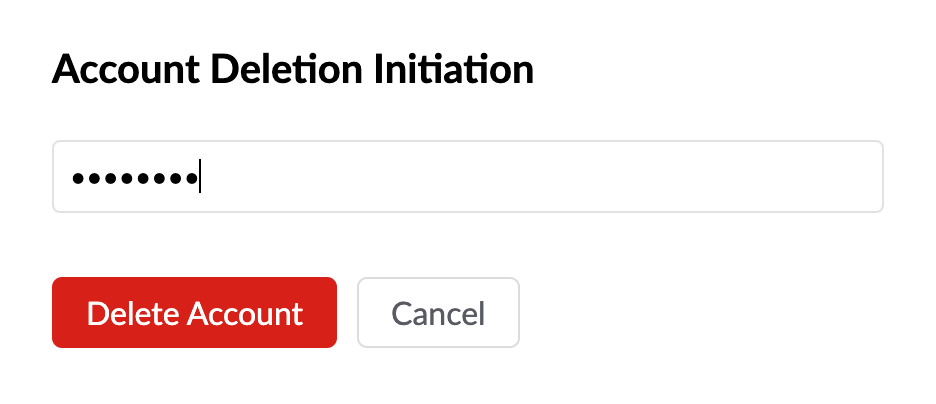
- Your account deletion process will be initiated. You can revert the deletion process within 48 hours after initiation. If you wish to revert the deletion process, go to Zoho CPaaS UI or access the Zoho CPaaS UI by clicking on the link in the notification email and then click on Revert Deletion.
- After your account is permanently deleted you can create a new Zoho CPaaS account using the same email address and domains.
- If you also wish to delete your Zoho Account, you can check out the steps here.
Note
Before you get started it is important to know that Zoho CPaaS supports transactional communications only. We do not support sending of bulk emails or promotional emails like newsletters or marketing campaign emails. If you are looking for a bulk email provider, you can visit Zoho Campaigns.