Workato Integration
Workato is a iPaaS software that can be used to created workflows using external applications. Zoho CPaaS can be used to execute actions in workflows created using Workato.
Creating a workflow using Zoho CPaaS
Consider a workflow example where you want to trigger a transactional email everytime a new entry has been made in a spreadsheet. You can use Zoho CPaaS to send these emails. As a first step, you should install the Zoho CPaaS connector in the desired project.
Installing Zoho CPaaS connector
- Login to Workato console.
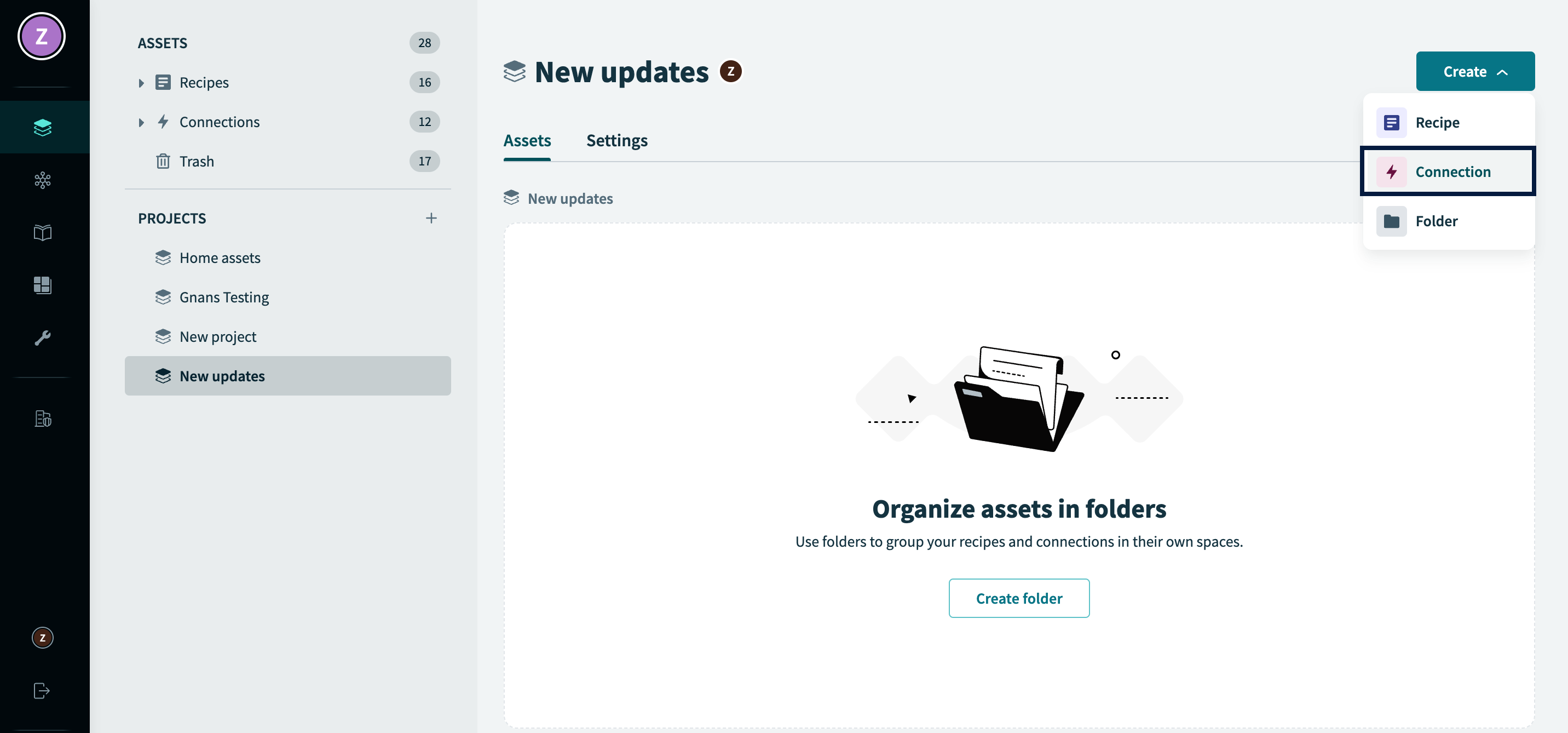
- Navigate to the desired Project and click Create.
- From the drop-down, select Connection.
- Search for Zoho CPaaS from the list and select it.
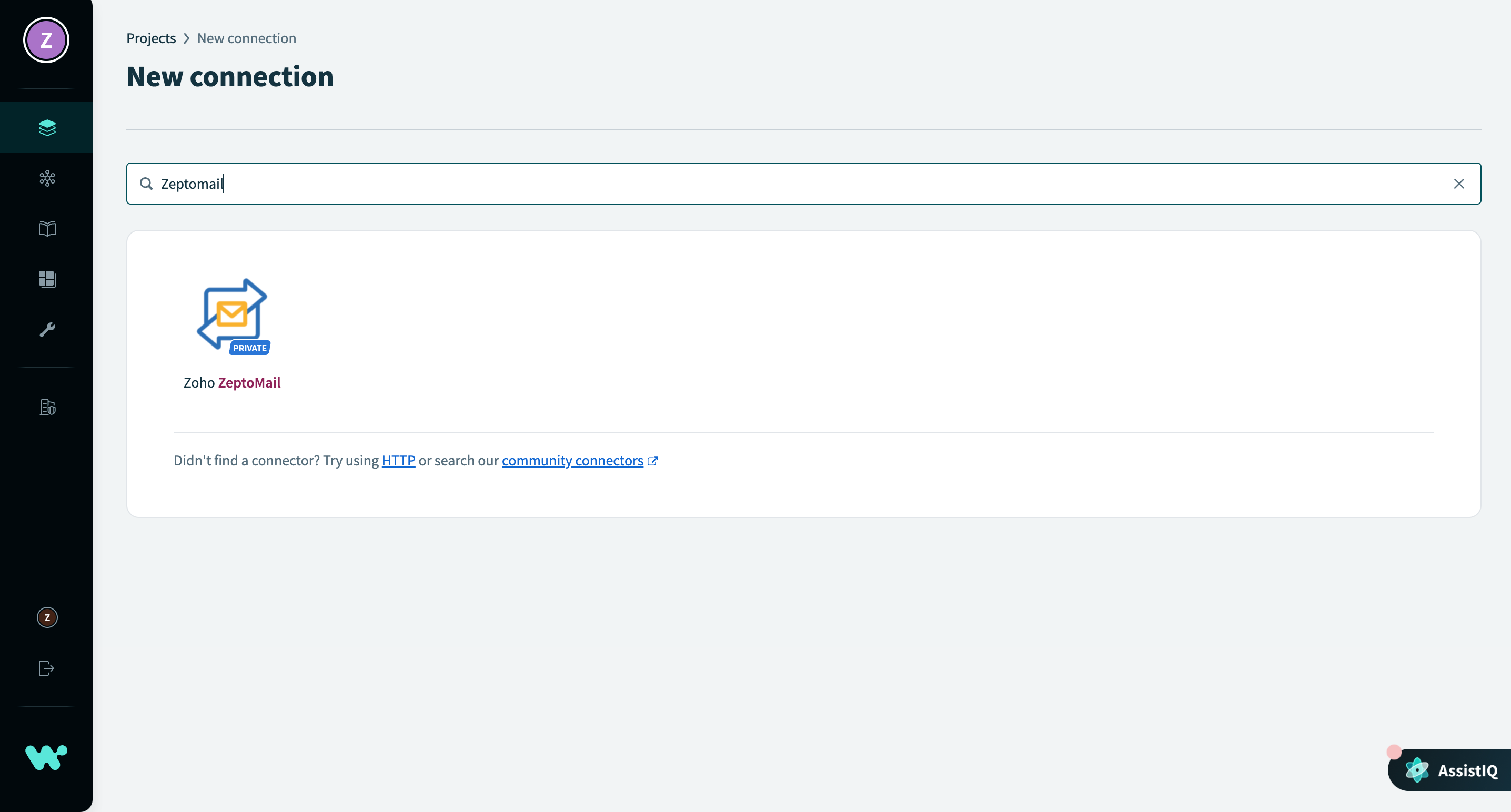
Zoho CPaaS can now be used in your workflows.
To configure Zoho CPaaS, you need the Client ID and Client secret, which can be generated from the API console.
Creating a workflow using Zoho CPaaS
- Workflows are called recipes in Workato.
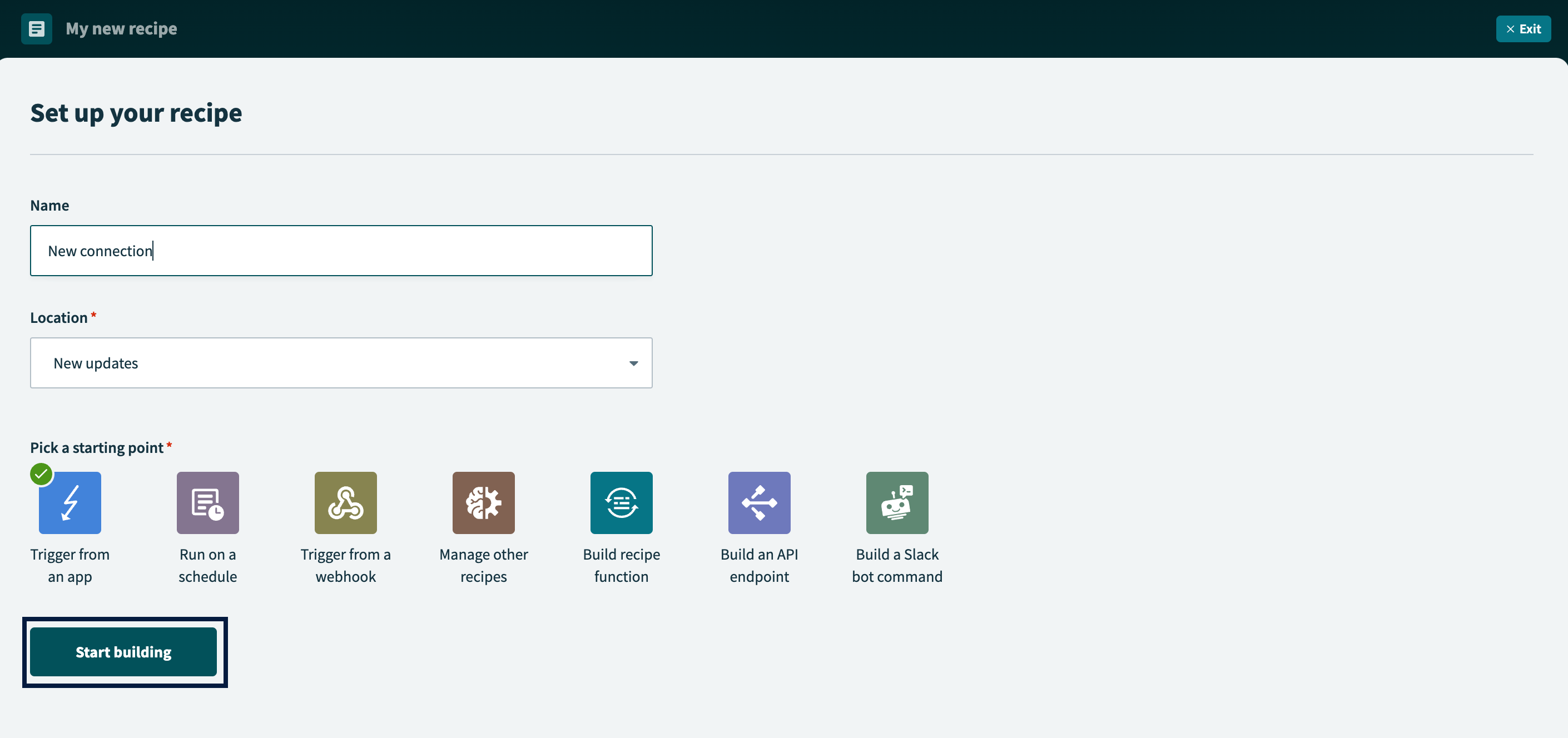
- To create a new recipe, select create and choose Recipe from the drop-down. Add the recipe name and select Start building.
- Set the value that should trigger an action. To set Zoho CPaaS as the action, choose the Action in app option.
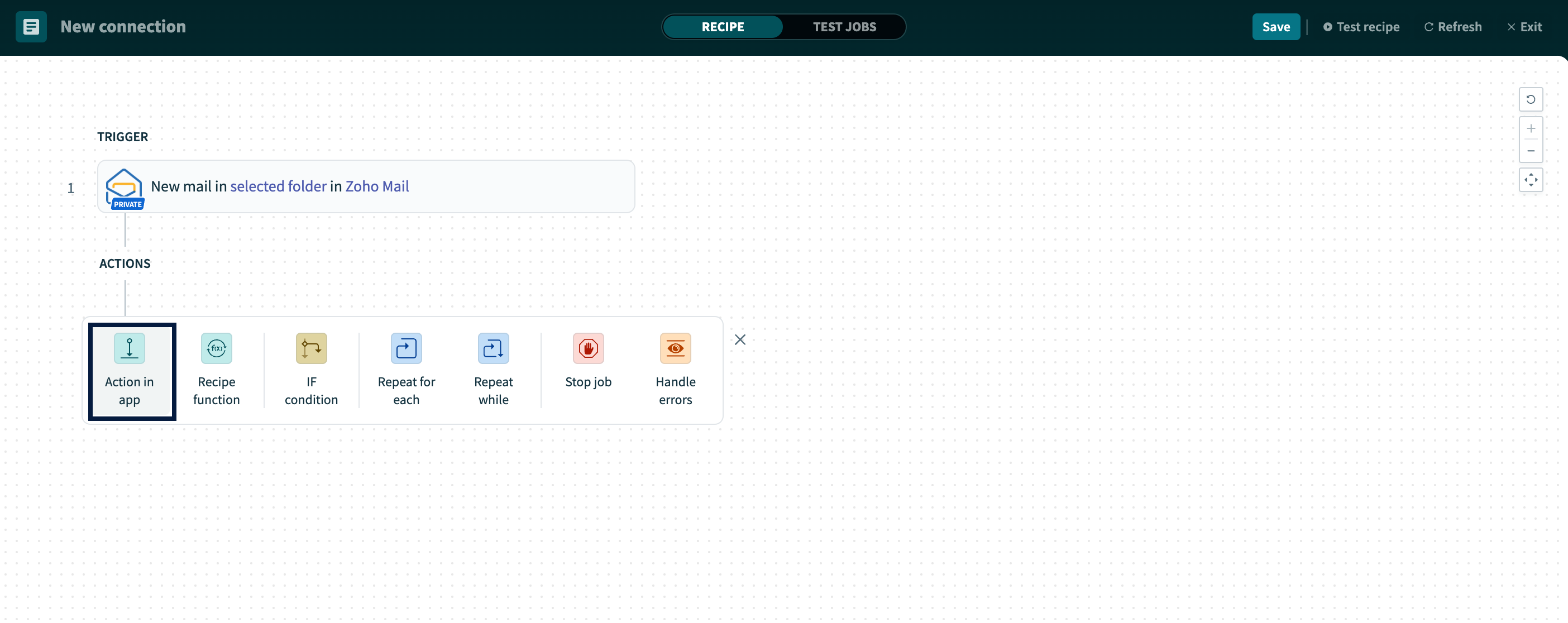
- For the action, select Zoho CPaaS from the list and choose the action Zoho CPaaS should perform.
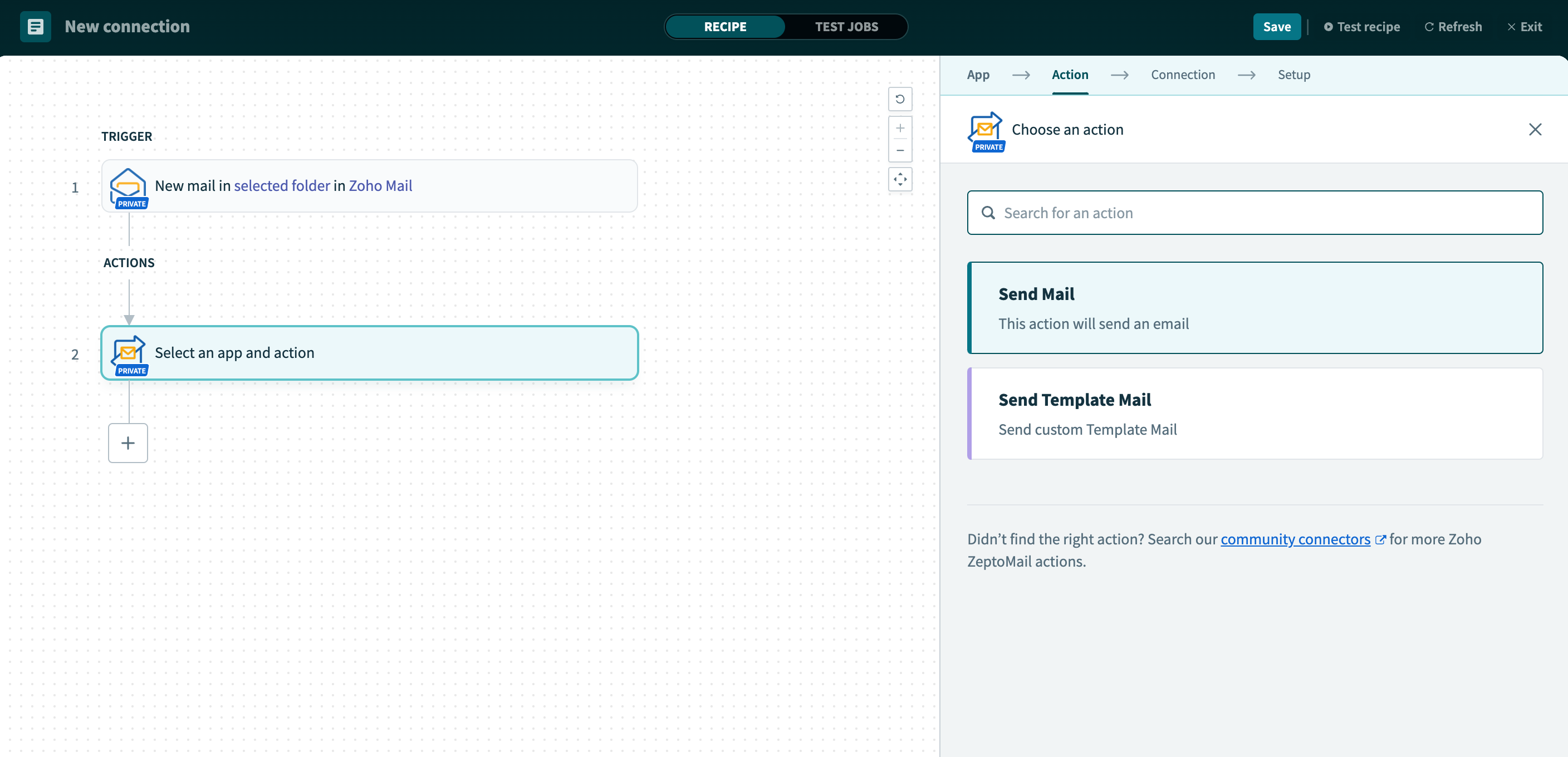
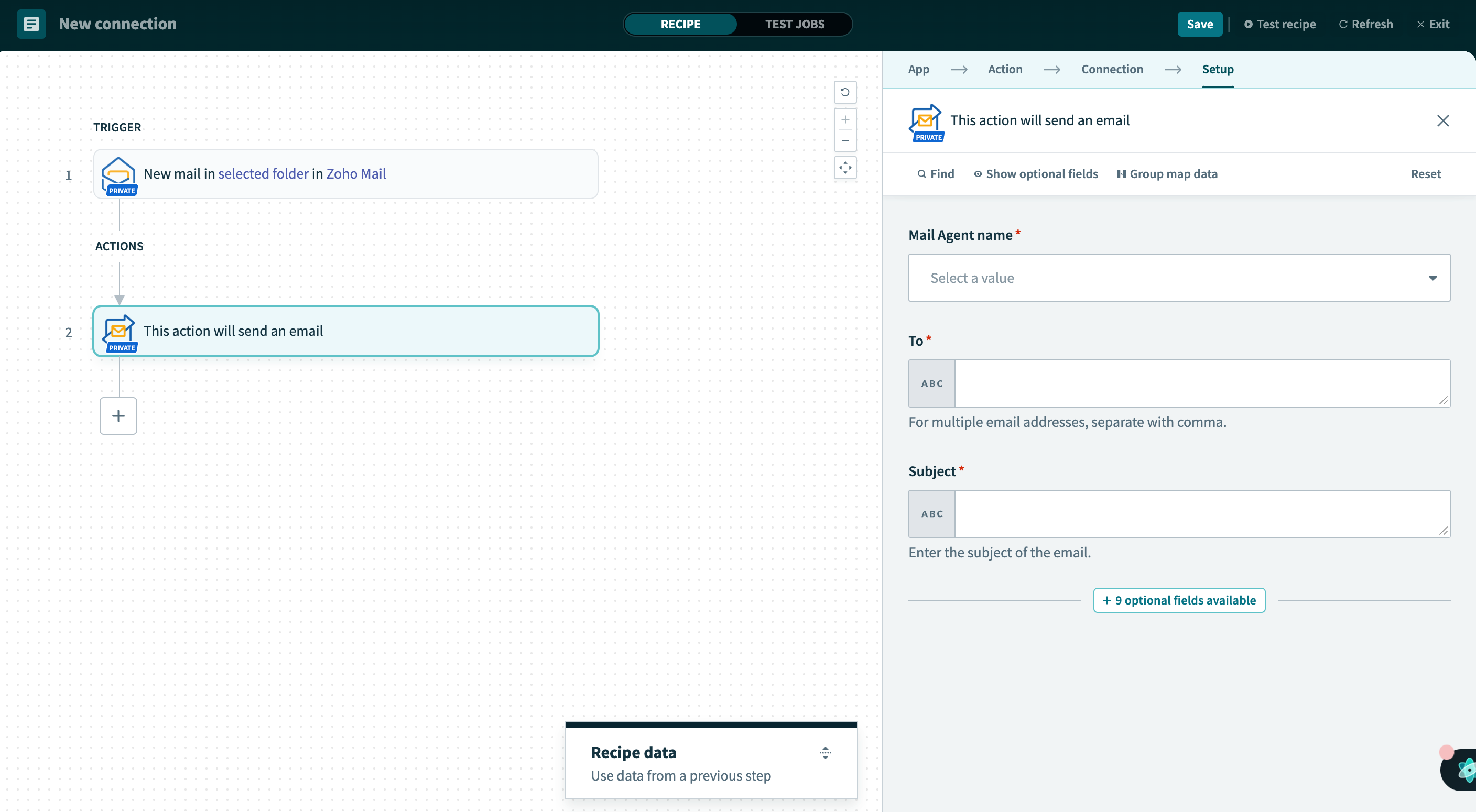
- Once you choose the type of action, you can setup Zoho CPaaS and configure the details. Enter the Agent name, To address to which the email should be triggered and the email body.
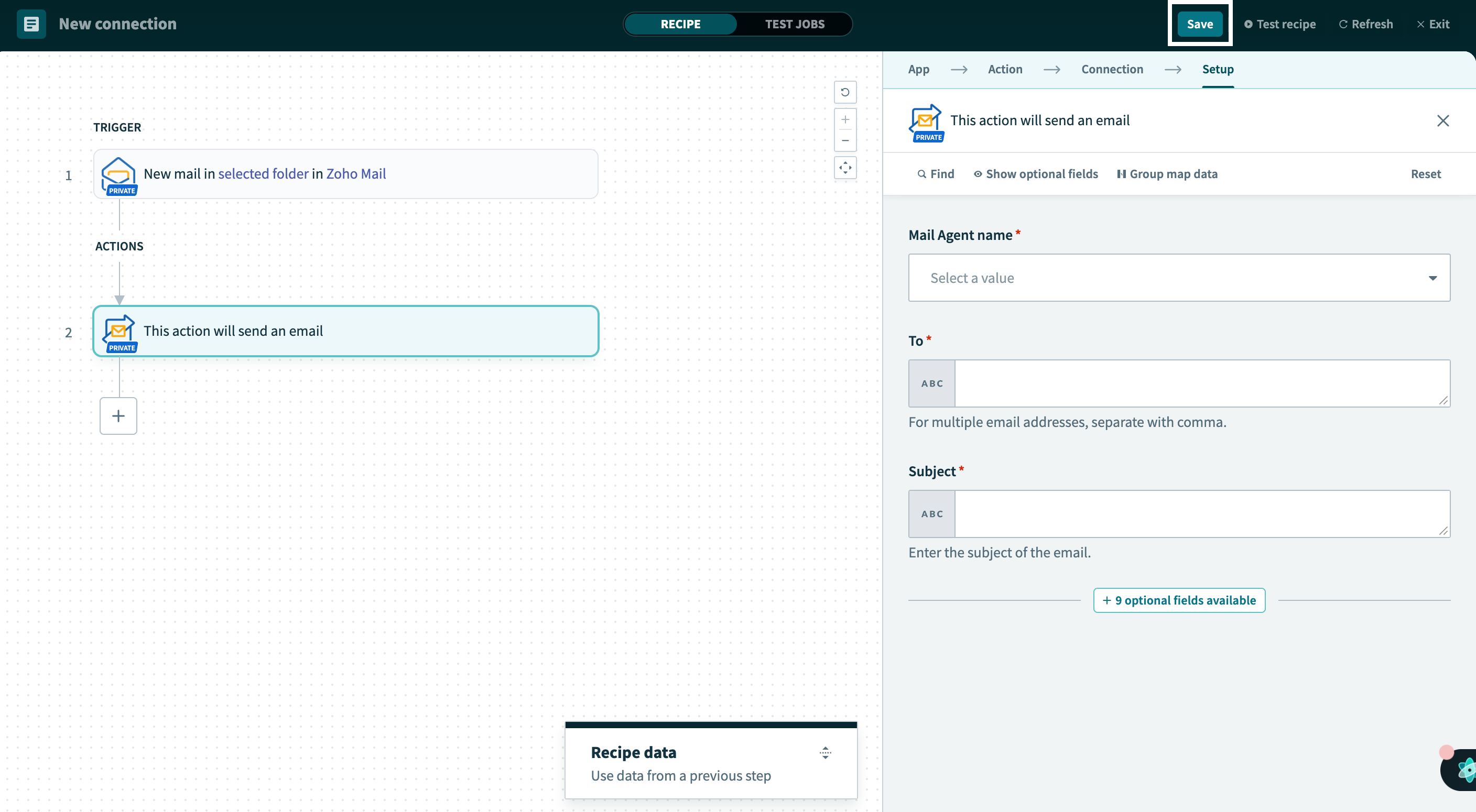
- Once you finish the setup, save the configuration.
- The workflow will be executed when the set trigger occurs.
