

Agent-built applications
From a business idea to a structured, functional application with AI agents built, tested, and deployed.
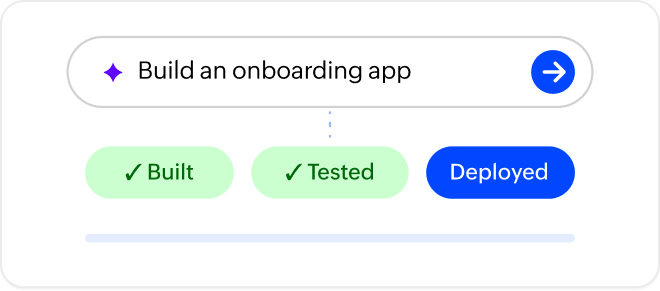
Turn ideas into AI-powered business apps with Zoho Creator. Build with AI agents, embed intelligence into every workflow, and connect your apps to the AI tools across your business.
Powered by Zia, with support for
1 of 6
Pick an idea. Watch Creator build it.
Writing the prompt…
Your app is ready to createMost AI app builders focus on prompt-to-app generation, with separate tools or services needed for integrations and business workflows. Zoho Creator brings AI across the entire application lifecycle, from planning and building to testing, deployment, and agents that work inside your apps. You can also connect your Creator apps to Claude, ChatGPT, Cursor, and other MCP-compatible tools through programmatic access.
AI capabilities run on the same application platform as your data, workflows, integrations, security, and governance, so you can turn an idea into a production-ready business app without toggling between multiple tools.
The usual way
A separate tool for every step
The Zoho Creator way
From internal tools to customer portals and core business systems, Zoho Creator lets you build applications for any business use case, with AI capabilities tailored to how each application needs to work.
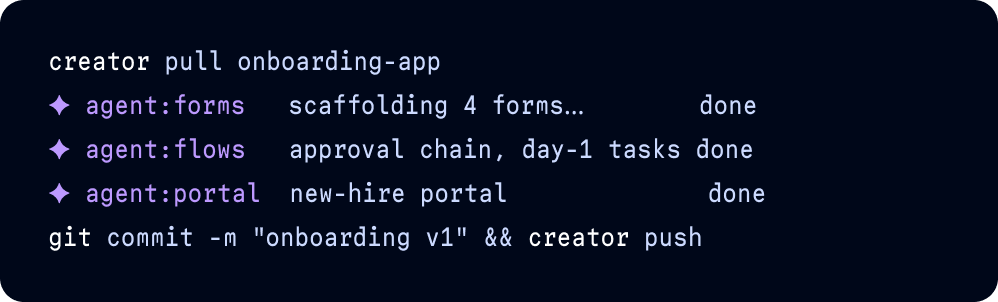
From a business idea to a structured, functional application with AI agents built, tested, and deployed.
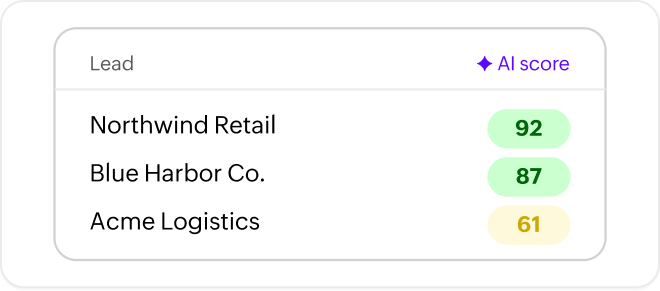
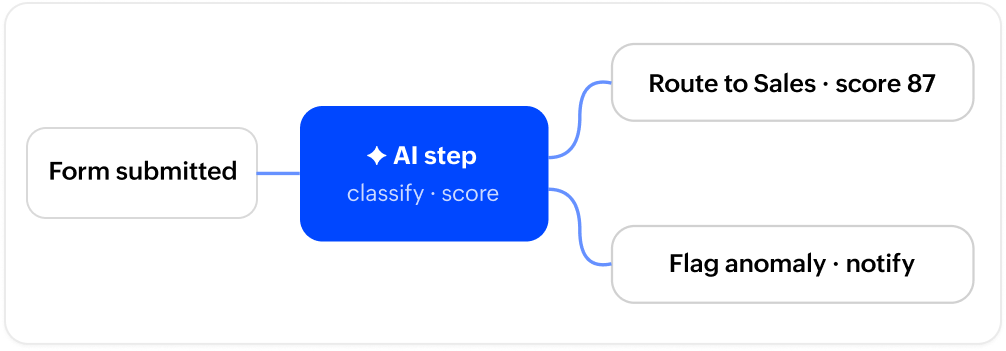
Apps that use AI to extract information, automate decisions, predict outcomes, and classify, summarize, and generate content.
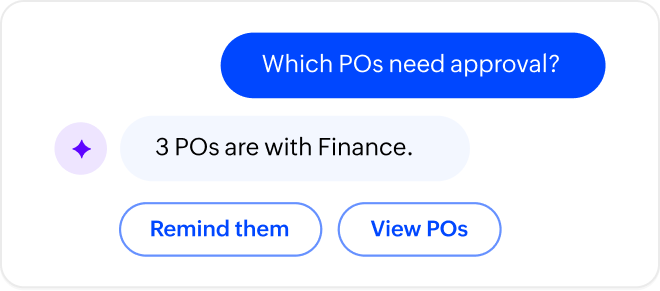
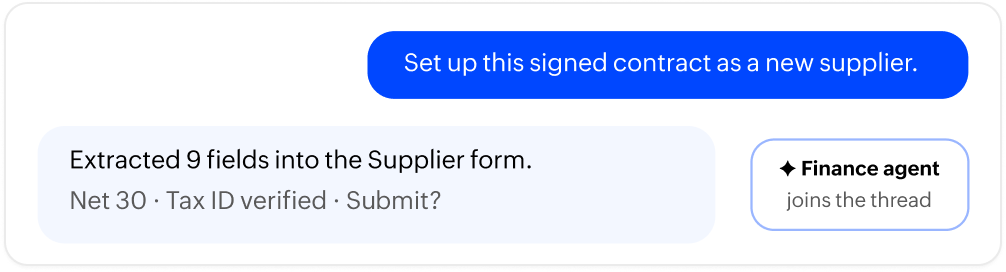
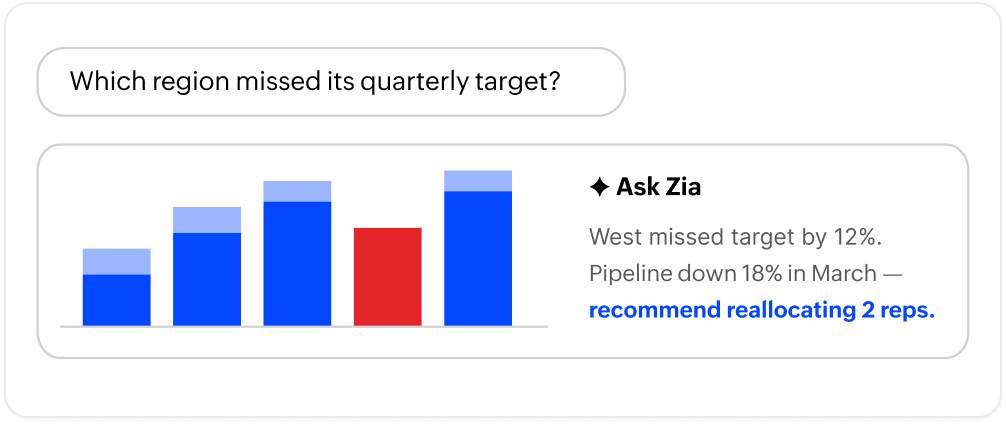
Applications where users can ask questions, retrieve information, and complete tasks through conversation.
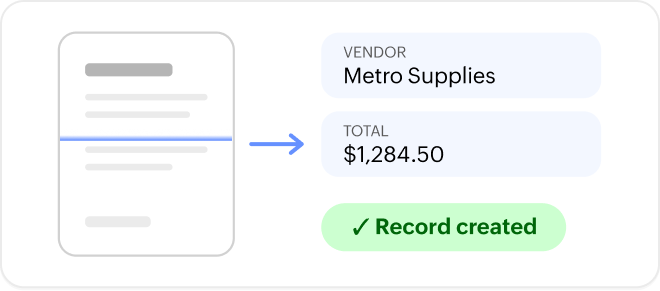
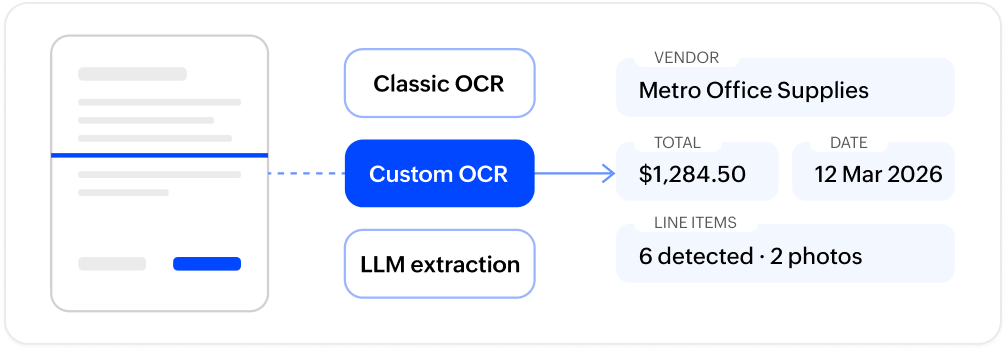
Applications that process receipts, contracts, IDs, forms, and images using OCR, object detection, and AI-powered extraction.
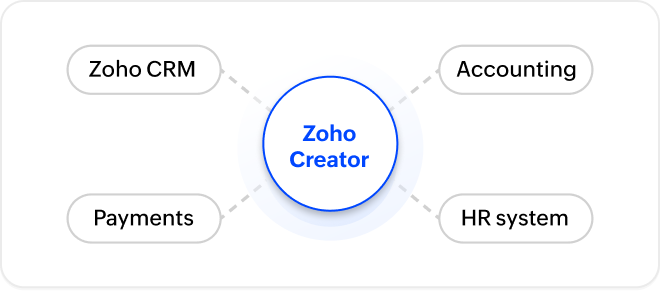
Integrate with 1,000+ apps, and let AI access specific data from your existing systems, process it, take action, and update info across systems.
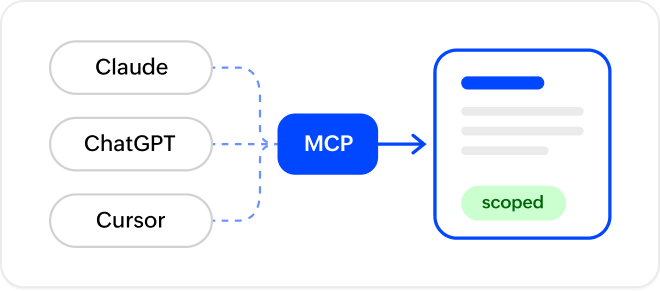
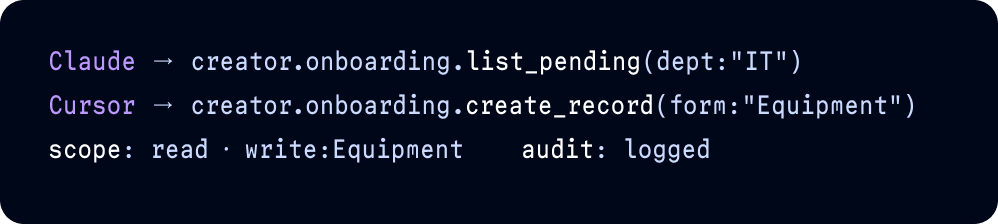
Make your apps accessible to Claude, ChatGPT, and Cursor through MCP, allowing them to access your data and take actions within your applications.
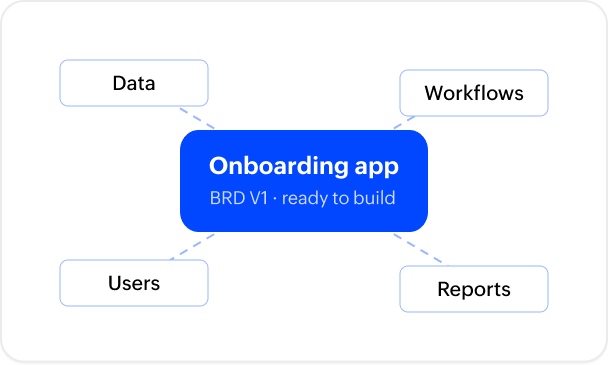
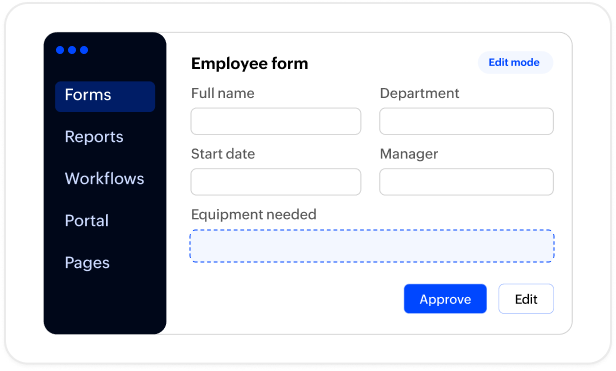
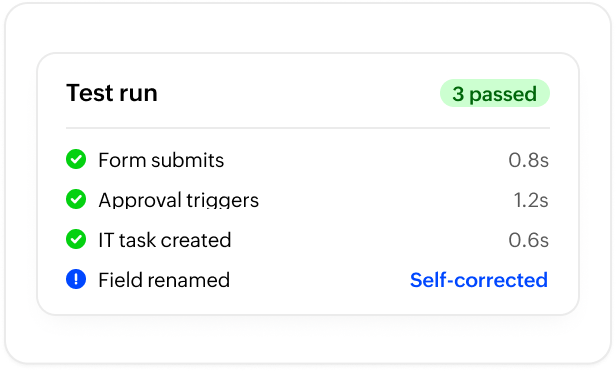
Creator provides them out of the box. If you need agents tailored to your specific business requirements, you can build custom agents with defined capabilities and permissions.



Our developer guide covers every agent, model, and integration point on the AI app builder surface.
“I keep my ERP core clean. Any customization, instead of being built in SAP, I’d rather bring it onto Zoho Creator, which gets you the agility and the speed, and moves you away from data silos.“

Anjaiah SurgiCIO, Somany Impresa Group

“In the last six months we've saved almost ₹30M INR ($360K USD) through Zoho Creator. I'd 100% refer Creator to my colleagues and friends.“

Vinayak GangavathiHead of Procurement, BigBasket

“The value that Zoho Creator adds to our business is priceless. The database, the integrations, the support—everything is beyond excellent.“

Hervé Haurie Managing Partner, deSIAM

“Creator didn’t just digitize our processes—it gave us real-time control over an operation that used to take days of manual effort. What we built wasn’t a replacement for paperwork; it became the backbone of how we run our services every single day.“

Deryck CooperVice President of Technology and Risk Management, The Arc
No. Creator AI runs inside Zoho’s infrastructure. Your data isn't used to train shared models or shared with any third-party AI provider unless you explicitly configure an external provider connection yourself.
Yes. Chat agents work within the permission scopes you define. Every change they make requires your approval before it's applied. You also control which modules each agent can access and whether it can read or write to them. Agents have no access to anything outside what you have explicitly allowed.Creating and managing AI agents.
Classic OCR works best for structured, predictable document formats like standard forms or invoices. Custom OCR is a model you train on your own document types to achieve higher accuracy for specialized layouts. LLM-based OCR uses a prompt to extract information from documents with no fixed structure, so no model training is required.How to build a custom OCR model using an AI modeler.
Yes. Creator’s MCP server exposes your apps to any MCP-compatible client, including Claude, ChatGPT, and Cursor. Your app becomes a callable tool inside those environments, with scoped permissions and a full audit trail on every request.
Yes. You can call OpenAI, Anthropic, and Google models directly from Deluge or from any workflow in Creator. You can configure different providers for different features and manage multiple API keys per provider.Deluge AI tasks reference.
Yes. Describe what your app should do in plain English, and Creator generates a working structure instantly. From there, you can customize and refine using drag-and-drop tools. Creator agents are available throughout to guide you and suggest improvements along the way.
They are related but not the same. A traditional no-code app builder requires you to manually drag, drop, and configure each element. An AI app builder generates the app structure automatically from a prompt. Zoho Creator combines both. Creator agents generate the initial structure, and the no-code platform gives you the flexibility to customize, refine, and scale from there.Prompt to App video series.
With our hybrid deployment feature, you can build applications on the cloud and deploy them on-premises or on third-party clouds as needed. Apps can only be exported as .ds files, which can be re-imported into Zoho Creator.
Yes. Zoho Creator offers a 15-day free trial of all premium features. No credit card is required to get started.

