Drag-and-drop form builder
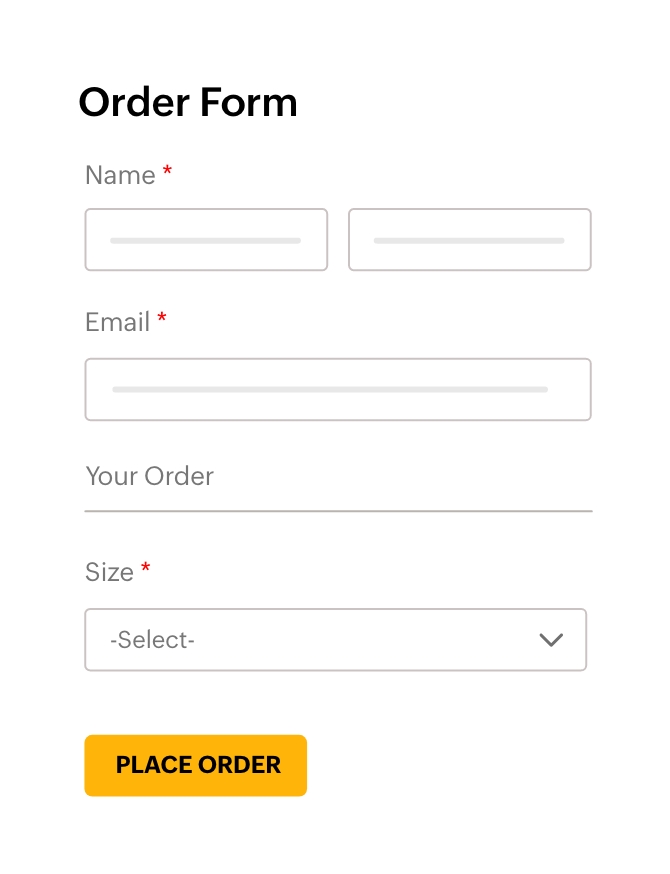
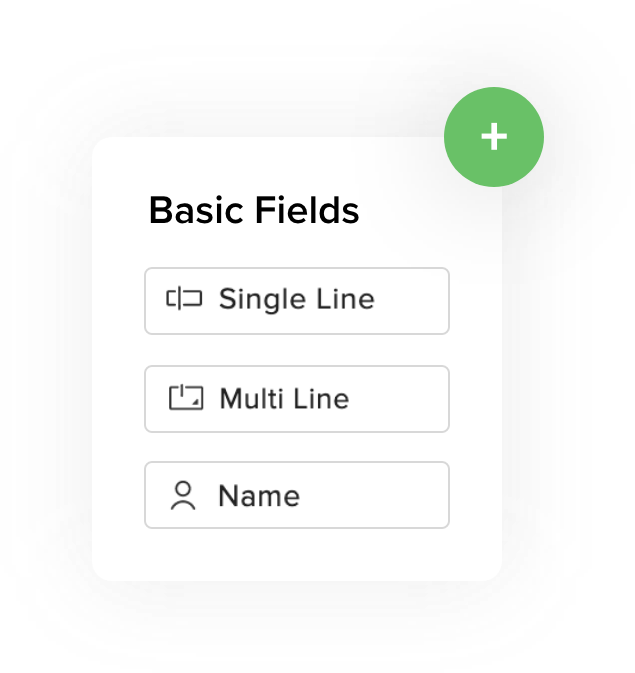
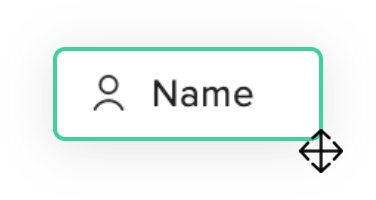
Design your form visually with our drag-and-drop interface. Add different form field types, customize layouts, and style your form to match your website's branding—all without writing a single line of code.

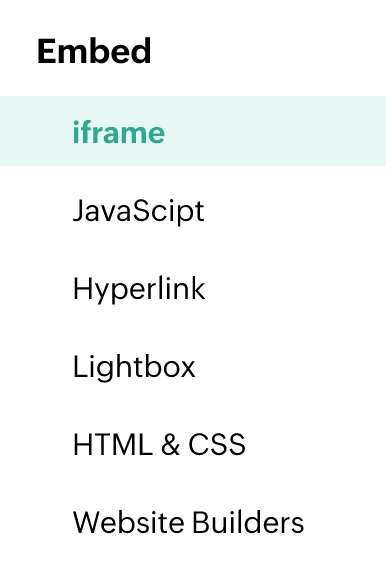
Easy-to-embed forms
Simply copy a few lines of code to embed your Zoho Forms into any website seamlessly. No need to touch your website's backend.


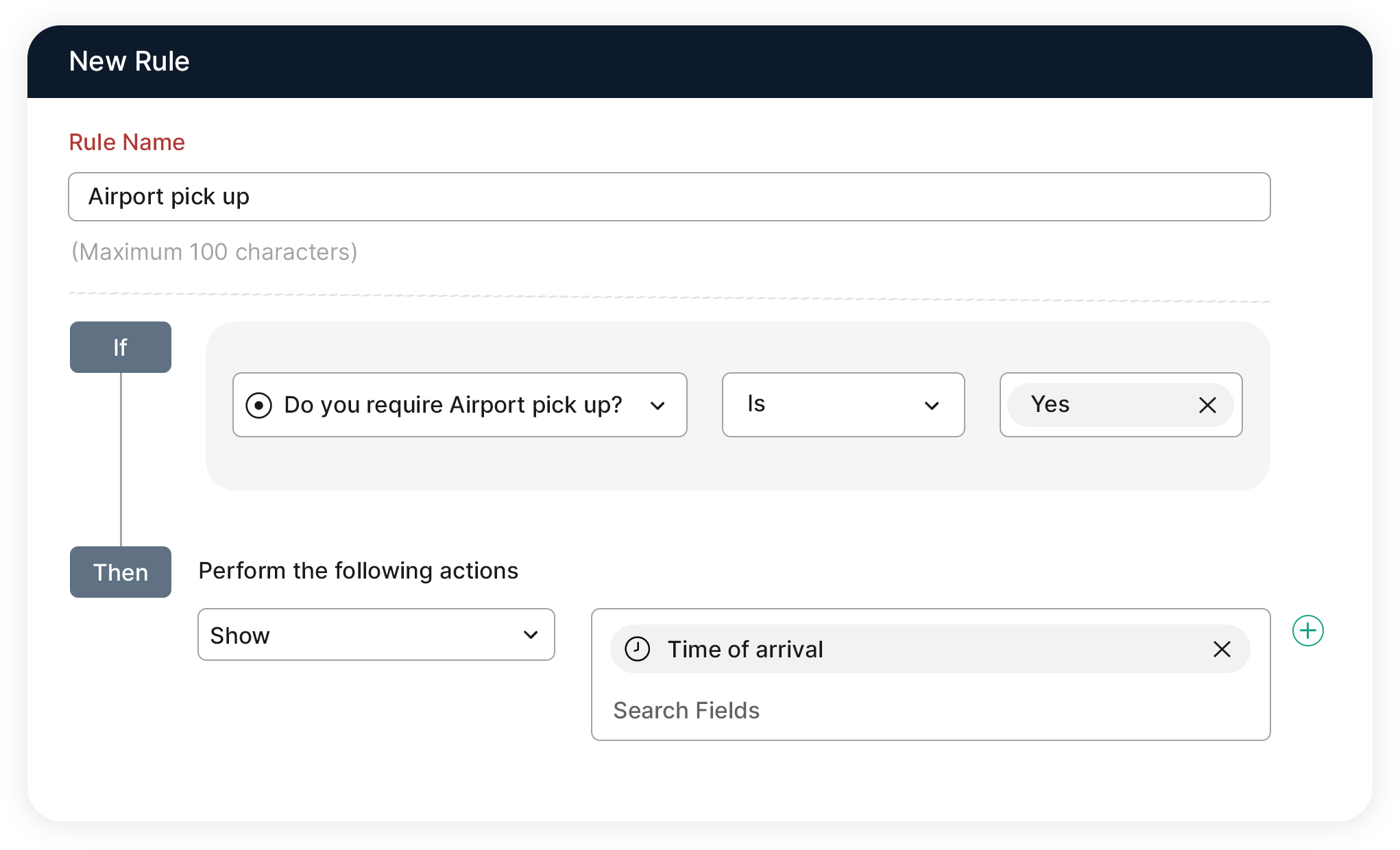
Conditional rules made easy
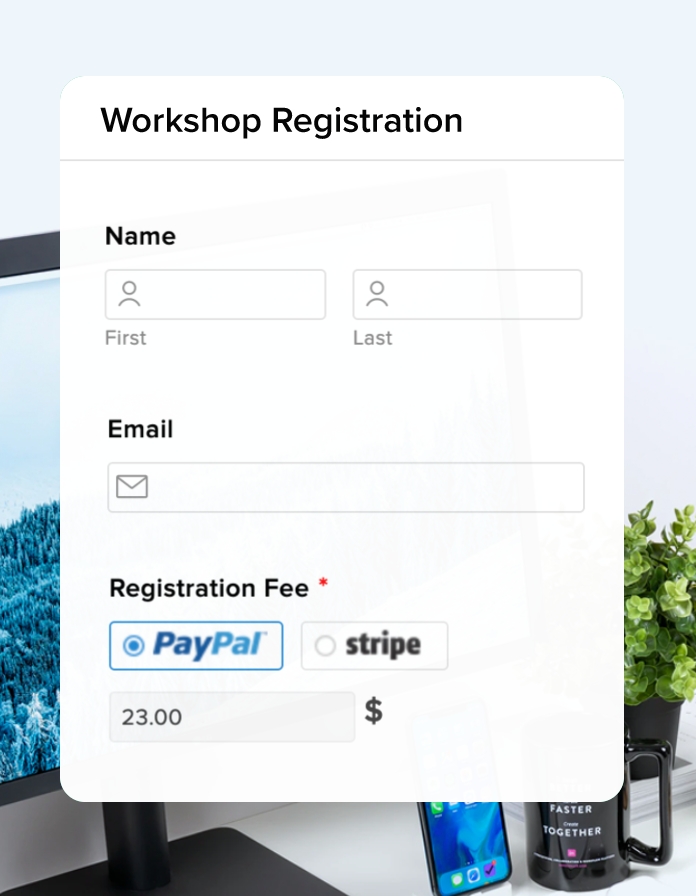
Create dynamic forms that adapt to user choices. Show form fields or pages based on the user's responses to previous questions without complex coding languages.
Mobile-friendly by default
Zoho Forms automatically creates mobile-responsive forms that look great and function flawlessly on any device in addition to an offline mobile app. This helps ensure a smooth user experience across all platforms without any extra development work.
Powerful integrations
Connect Zoho Forms with your favourite apps using our pre-built integrations. Automate workflows and streamline data collection without any coding expertise required.
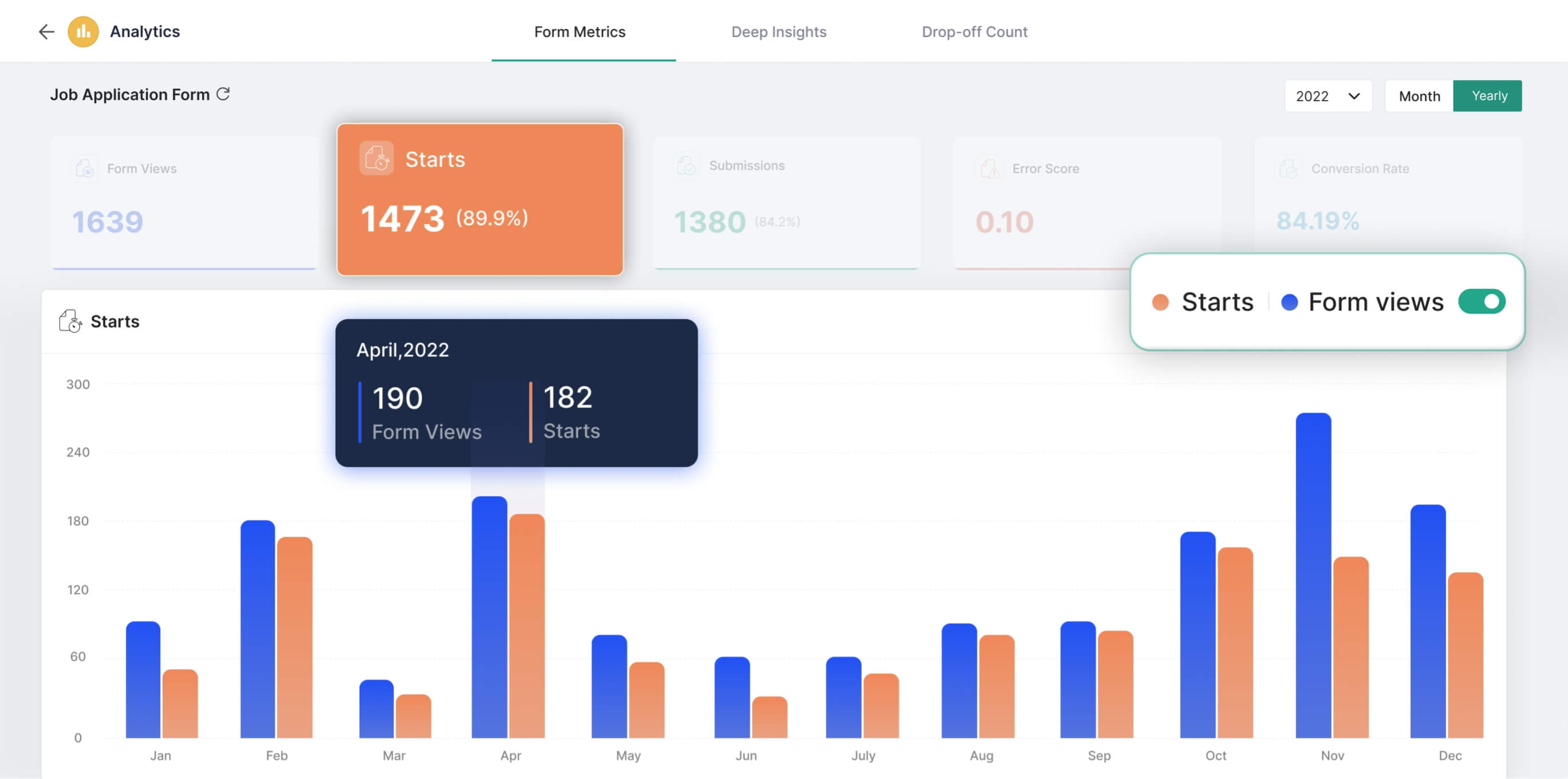
In-depth analytics
Gain detailed insights into your form's performance with Zoho Forms' built-in analytics. See how your forms are doing and identify areas for improvement—all within a user-friendly, code-free interface.
How to create an online form without coding?
Creating an online form without coding is simple using Zoho Forms’ no-code form builder.
Sign In - Log in to your Zoho Forms account.
Create a New Form - Click on "Create Form" and choose a blank form or a template.
Add Fields - Use the drag-and-drop interface to add fields like text boxes, drop-downs, checkboxes, and more.
Frequently Asked Questions
What is a no-code form builder?
A no-code form builder is a tool that allows users to create and customize forms without needing to write any code. Zoho Forms' no-code form builder offers a drag-and-drop interface allowing users to easily add fields, design layouts, and set up workflows making it easy for people without technical skills to design forms for various purposes such as contact forms, registration forms, and feedback forms.
Do I need any coding experience to use Zoho Forms?
No! Zoho Forms is designed to be user-friendly for everyone, regardless of technical background. The drag-and-drop interface and pre-built features allow you to create and manage forms without writing a single line of code.
How can I embed my form on my website?
Zoho Forms offers multiple embedding options like Javascript, CSS, iframe, HTML, and pop-up. You can copy a few lines of code and integrate your form seamlessly without modifying your website's backend.
Can I customize the look and feel of my no-code forms?
Absolutely! Zoho Forms offers a variety of customization options to match your brand identity. You can choose from predesigned themes, customize field containers, fonts, and colors, and even add your own logo to the form.
What is the best digital form creation software without coding?
Zoho Forms is a no-code, drag-and-drop digital form creation software that lets you build and customize online forms without writing any code. It offers templates, themes, integrations, and analytics to help you create and manage forms quickly and efficiently.
How can I quickly create a form without any coding knowledge?
You can quickly create a form in Zoho Forms by choosing a template or blank form, dragging and dropping fields, customizing labels and design, setting up workflows like email notifications, and then sharing or embedding the form—all without any coding knowledge.
What is the fastest way to build forms without code?
The fastest way is to use Zoho Forms’ no-code builder with ready-to-use templates and drag-and-drop fields. You can create the form, add fields, apply a theme, configure basic workflows, and publish it in just a few minutes.
Which software lets me customize safety forms without coding?
Zoho Forms lets you customize safety forms without coding using its drag-and-drop builder, field validations, conditional rules, and design options. You can adapt templates for inspections, incident reporting, and compliance checks to fit your safety processes.
Can I add third-party forms to a no-code website?
Yes. Most no-code website builders allow you to embed third-party forms using a small code snippet or iframe. Zoho Forms provides multiple embed options, so you can copy a few lines of code and add your form to any website without editing the backend.