How does Zoho Forms secure your data?
Zoho Forms provides multiple layers of protection to secure your data and help you maintain compliance with relevant standards. Here’s why Zoho Forms is a secure choice for your online data collection needs.
SSL certification
All data transferred between users and Zoho Forms is encrypted using secure sockets layer (SSL) certification. SSL protocols ensure that any data sent or received is encrypted to prevent data breaches and tampering. This means that your online web forms are always protected.
HIPAA & CCPA compliance
Zoho Forms ensures your data collection processes comply with both Health Insurance Portability and Accountability Act (HIPAA) and California Consumer Privacy Act (CCPA). Compliance with these laws guarantees that personal information is handled with the highest standards of privacy and security to protect sensitive health and personal data from unauthorized access.
GDPR compliance
Zoho Forms is fully compliant with the General Data Protection Regulation (GDPR), and ensures that the collection, processing, and storage of personal data from European Union (EU) citizens are conducted with the highest level of privacy and security. GDPR compliance includes user consent, data access, and the right to be forgotten.
ISO/IEC standards
Zoho Forms adheres to ISO/IEC cloud security standards to ensure that your data is managed and protected according to internationally recognized best practices. This makes our secure form builder a trusted choice for your digital forms security needs.
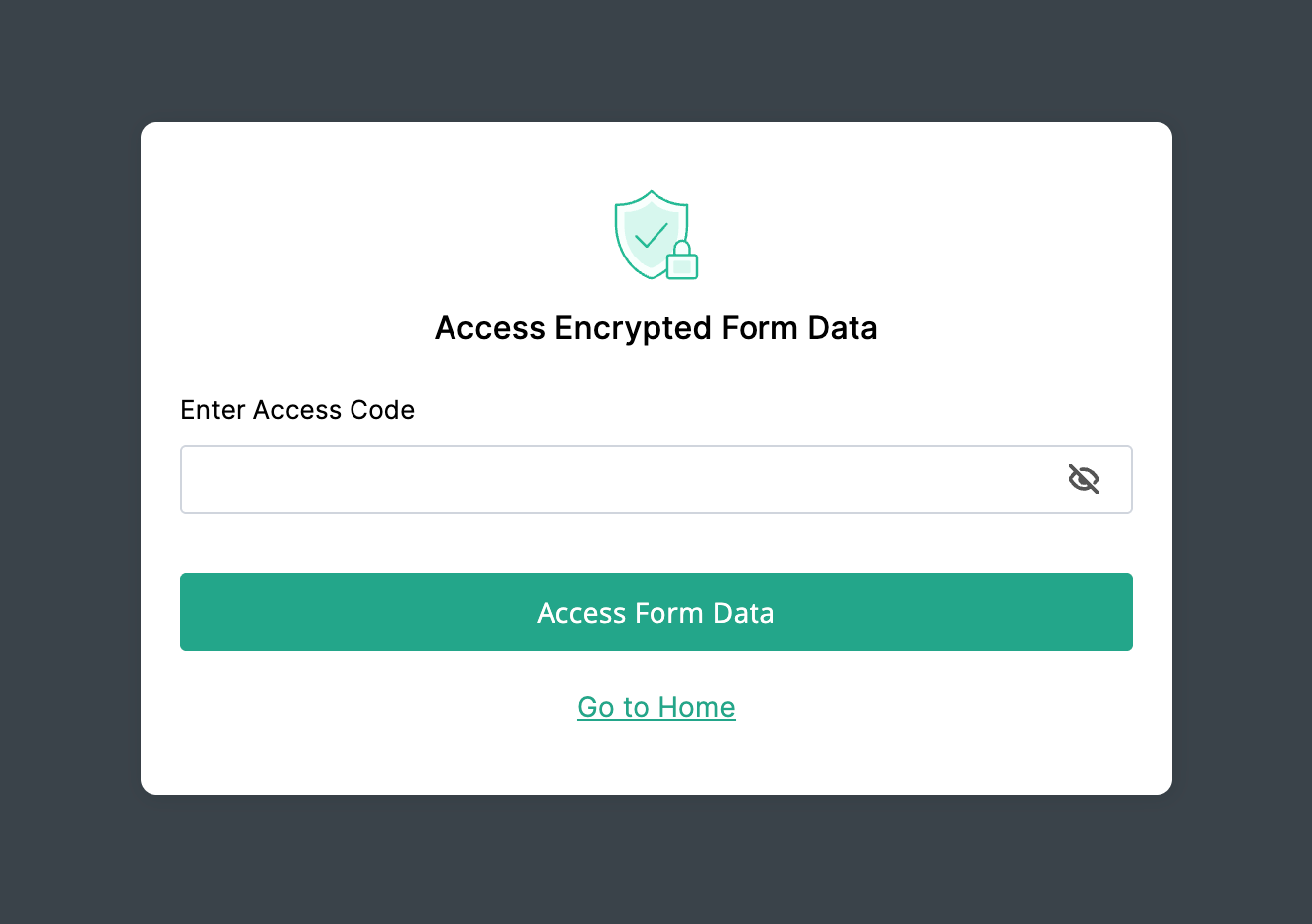
Form Encryption
Protect your sensitive form data with Form Encryption with a secret Access Code. This makes your data unreadable to anyone without the code, even if they gain unauthorized access.
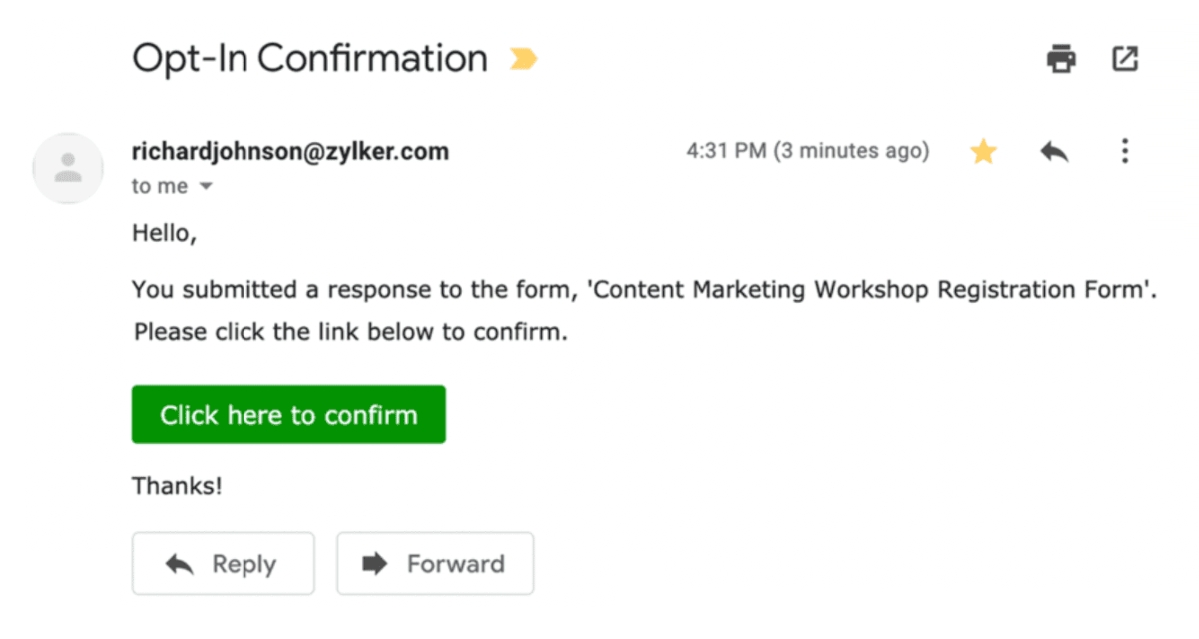
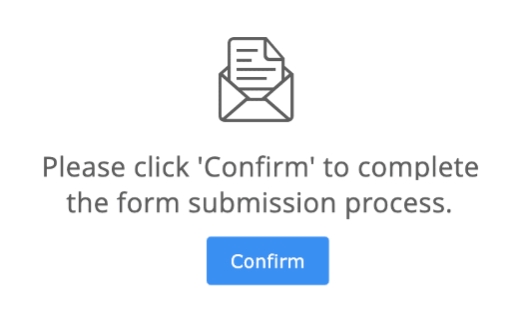
Double Opt-In
Implement double opt-in for your forms to verify user identities effectively. This feature requires users to confirm their identity via email to reduce spam entries and ensure that only genuine form submissions are validated.
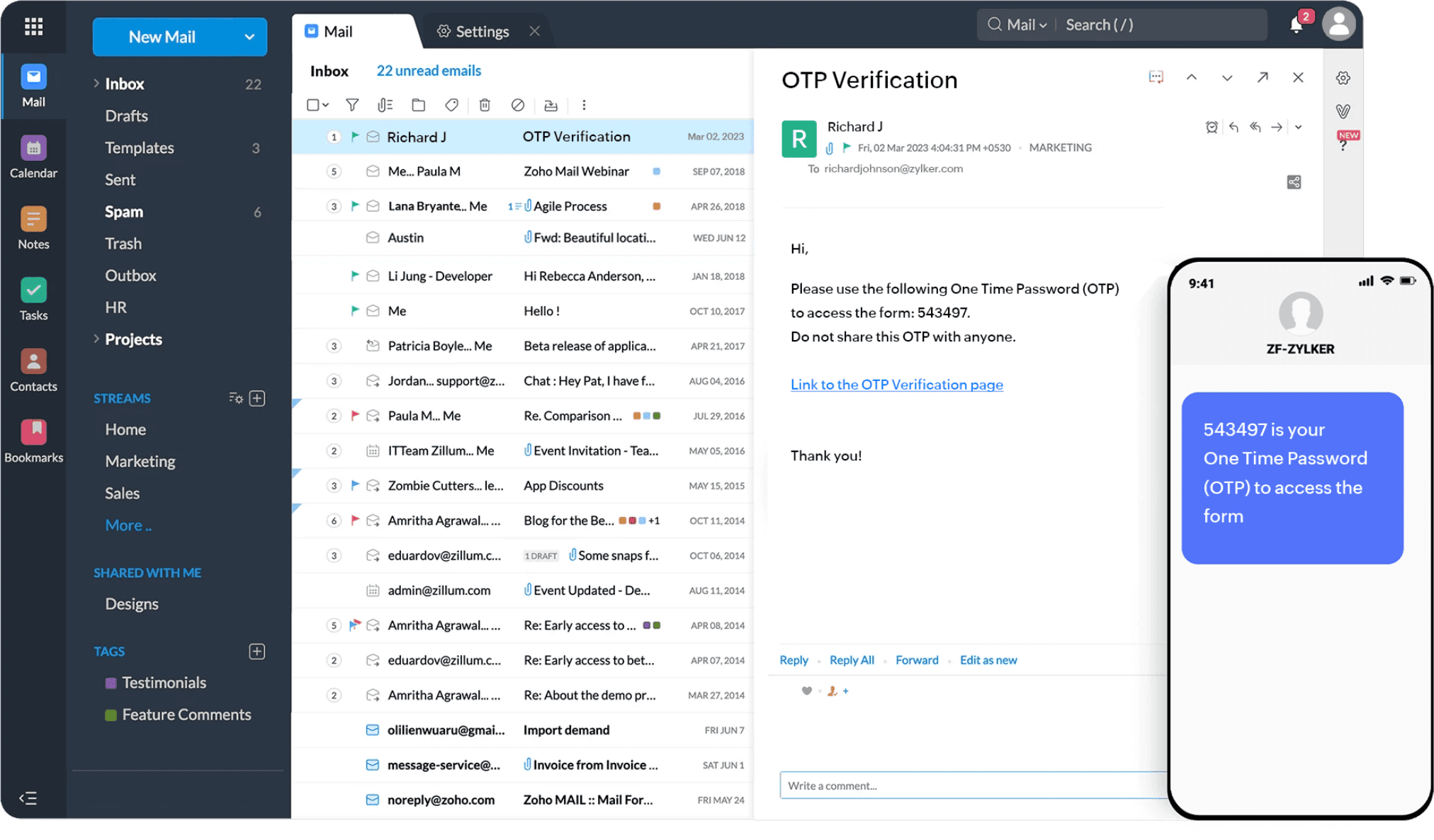
OTP Verification
Add an extra layer of security with One-time password (OTP) confirmation. Users receive a unique code via WhatsApp, SMS, or email, and the form becomes accessible only after the OTP verification.
CAPTCHA
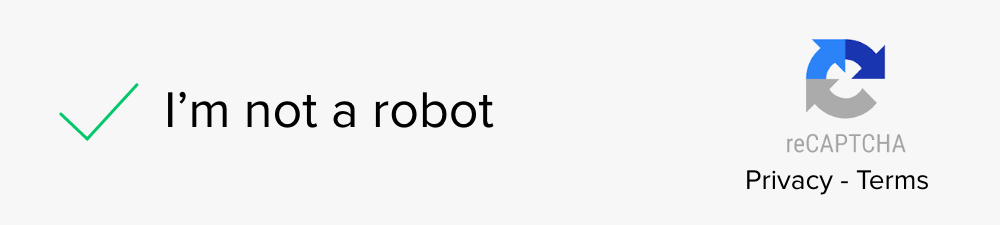
Protect your forms from spam and abuse with CAPTCHA. Make use of Zoho Forms CAPTCHA and Google reCAPTCHA v2 to ensure that your form submissions are from real users and not automated bots. This adds an extra layer of authenticity to your data collection process.
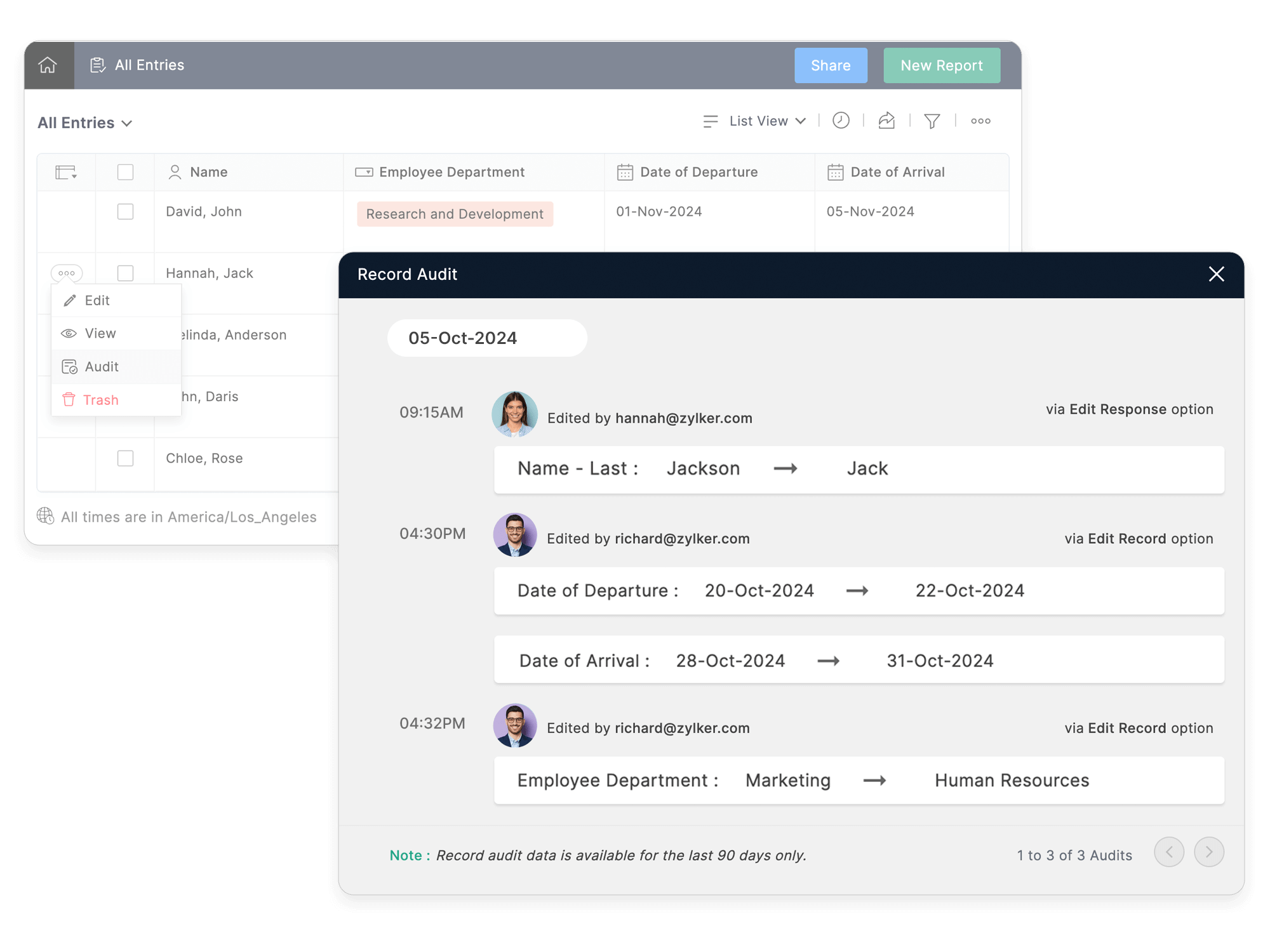
Record Audit
Zoho Forms offers a Record Audit feature that helps you keep track of changes made to your forms and submissions. This feature logs who made changes and when, which helps ensure accountability and transparency.
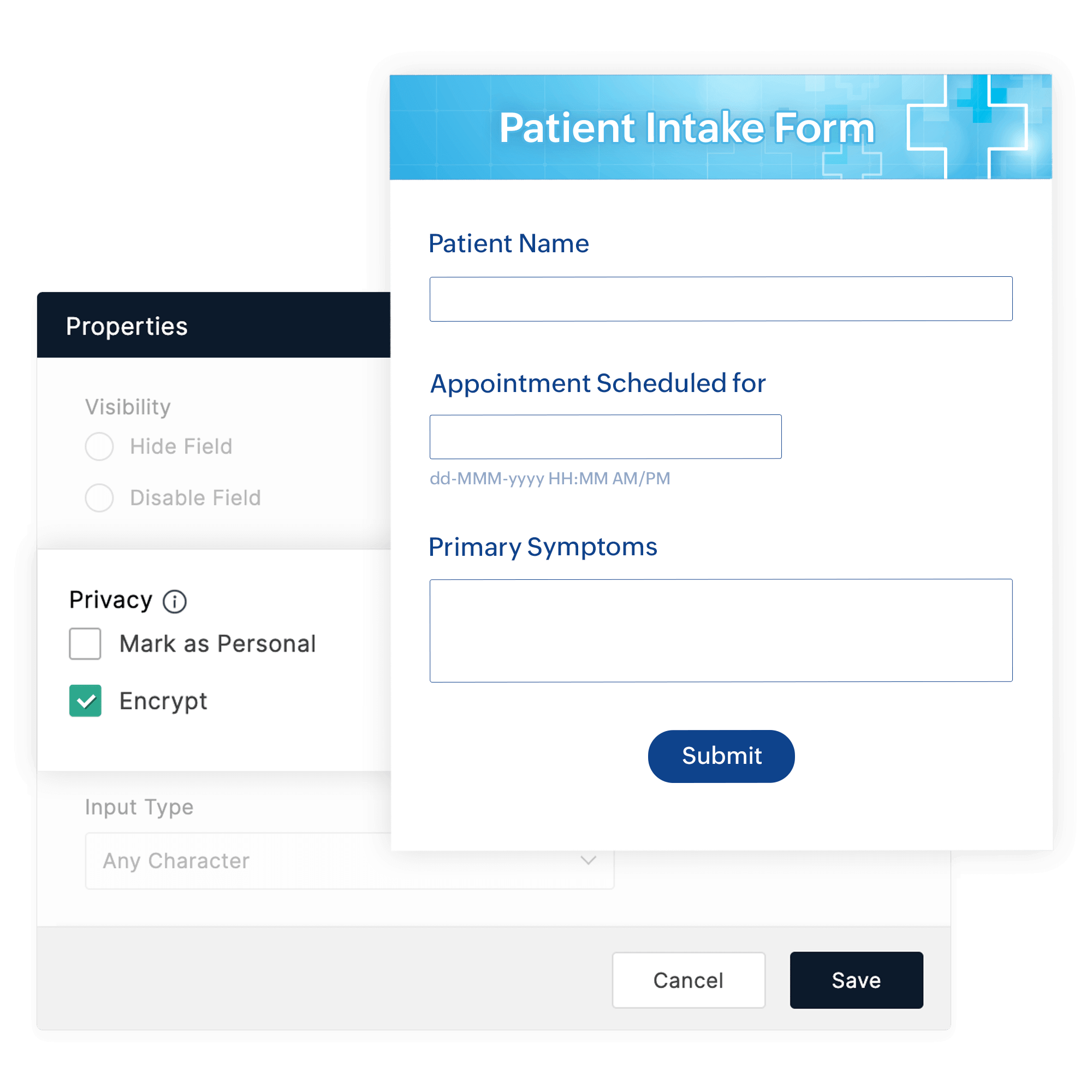
Field encryption
You can add an extra layer of security to your form respondents' data while it is stored by enabling field encryption . Encrypting data protects your data from any possible data leak or unauthorized access. It is the process of encoding information to make it accessible only to authorized parties.
Disable form/report sharing
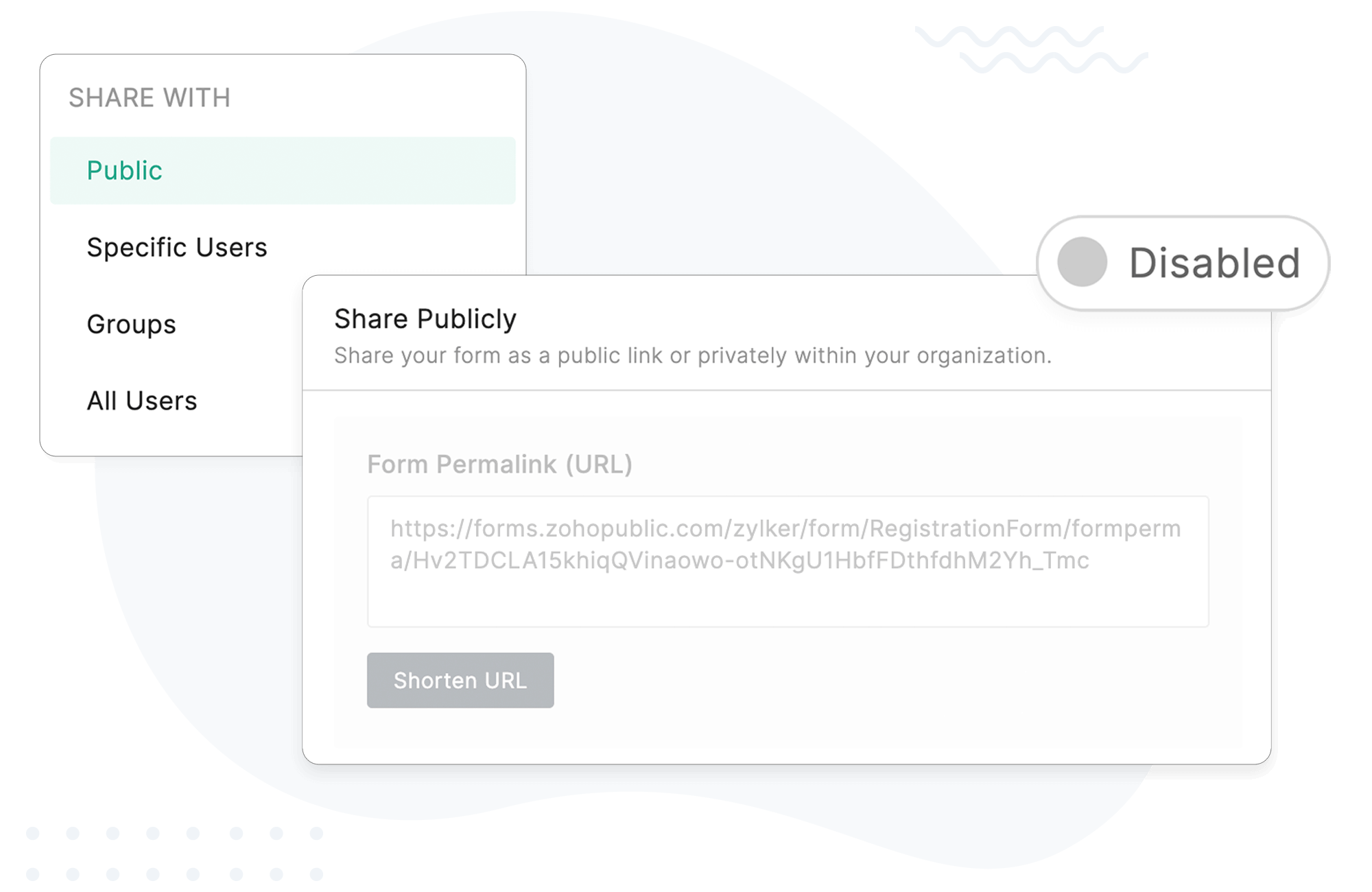
Disabling the public URL of a form or report makes it completely inaccessible across all shared links—whether distributed via email, social media, or embedded on web pages. This action prevents new submissions and restricts access to form reports, giving you complete control over the availability of your forms and reports.
Why Zoho Forms?
Built for professionals, loved by users:
Frequently Asked Questions
What are secure forms?
Secure forms are online forms used to securely collect data from users and ensure it is only accessible to authorized parties.
Is it safe to fill out online forms?
Yes, it is safe to fill out online forms when they are protected by robust security measures and comply with privacy regulations like GDPR, HIPAA, and CCPA.
How do I create a secure form?
Creating a secure form with Zoho Forms is simple and straightforward. Follow these steps to ensure your form is secure:
Step 1: Add OTP confirmation
Use OTP verification to add another layer of security. Users will need to enter a one-time password sent to their mobile device or email to access the form.
Step 2: Enable double opt-in
Implement double opt-in to verify the authenticity of the users submitting your forms.
Step 3: Integrate CAPTCHA
Incorporate CAPTCHA or reCAPTCHA to protect your forms from spam and automated abuse.
Step 4: Regularly review compliance settings
Regularly check your form settings to ensure compliance with HIPAA, CCPA, GDPR, and other relevant standards.
Can search engines index my form data?
No, Zoho Forms ensures that form data is not indexed by search engines, maintaining the privacy and security of the information collected.
Which vendors offer secure forms with built-in compliance workflows?
Zoho Forms provides secure form solutions with features such as SSL, captcha, double opt-in, field encryption, audit logs, and role-based access controls. It adheres to ISO/IEC standards and is GDPR, HIPAA, and CCPA compliant, helping businesses meet security and compliance requirements.
Who offers secure internal form software for HR and operations?
Zoho Forms offers secure internal form software for HR and operations with features like role-based access controls, audit logs, and field encryption. It streamlines workflows such as onboarding, performance reviews, and operational checklists.
How does secure form hosting help reduce manual data entry in clinics?
Zoho Forms, a secure form-hosting solution, lets clinics capture patient intake, appointment requests, and consent forms digitally. The collected data moves directly into online workflows, reducing manual data entry, eliminating paper forms, and improving processing speed while maintaining data security.
How secure are online forms compared to traditional paper forms?
Secure online forms provide encryption, user authentication, controlled access, backups, and audit trails. Traditional paper forms are prone to loss, unauthorized access, and damage, making online forms a significantly safer option.
Which platforms offer HIPAA-compliant, customizable mobile forms for data collection?
Zoho Forms is HIPAA compliant and offers customizable mobile forms for secure data collection. It ensures that your data-handling practices and workflows meet HIPAA requirements.
Who has access to the information gathered using Zoho Forms?
Only authorized users have access to the information gathered using Zoho Forms. You can manage permissions and access controls to ensure that data is only accessible to those who need it.
Start creating your secure online forms today with our free online form builder.

