

Delete Invoice

Prerequisite: Before you can delete an invoice, you have to delete the payments that have been recorded for it, if any.
Warning: Once you delete an invoice, you will not be able to retrieve it again.
To delete an invoice:
Go to Sales > Invoices and select the invoice you want to delete.
Click ••• and select Delete.
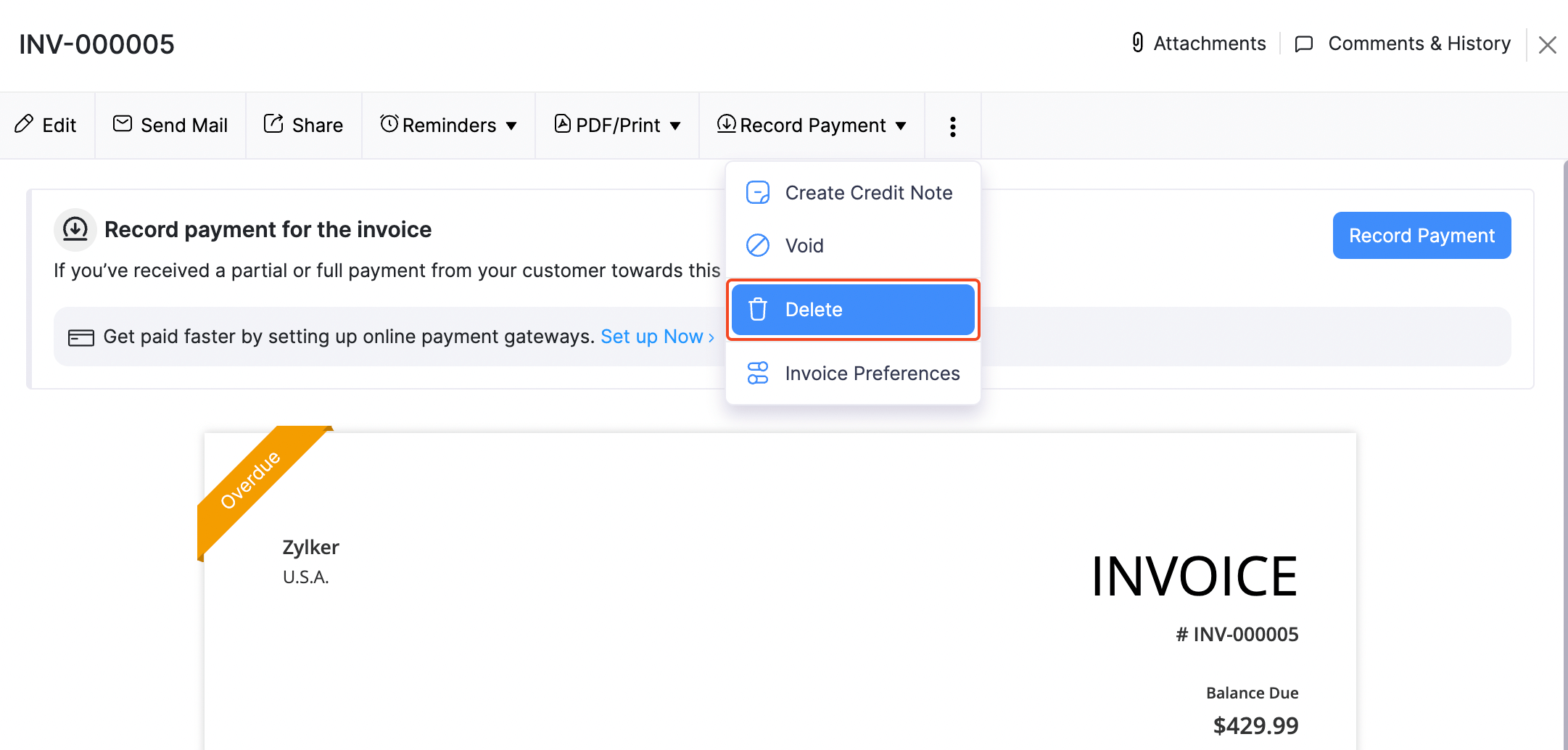
Click Delete it to confirm.
Pro Tip: If you want to keep a copy of an invoice but don’t want it to reflect on any reports or accounts, you can void it.


Loading response
Ask Zia is powered by AI. Responses are helpful but not always perfect.
 Yes
Yes