

What is the Accountant role?

You can invite an accountant user to your organisation to handle tax filing, auditing, and compliance. To invite an accountant into your organisation:
Go to Settings.
Under Organisation Settings, select Users under Users & Roles.
Click Invite Accountant in the top right corner.
Enter the Name and Email Address of the accountant you want to invite.
Click Send Invite.
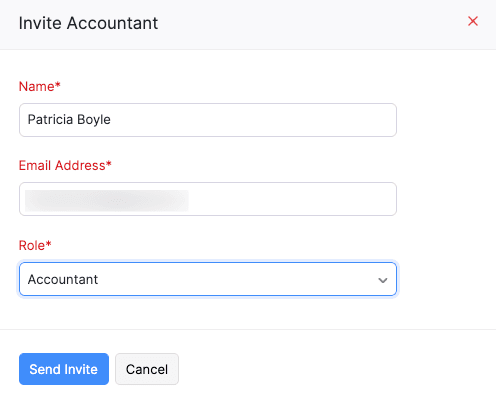
The user will be invited as an Accountant. They’ll receive an invitation email. Once they accept the invitation, they’ll be able to access to the respective Zoho Books organisation.
 Yes
Yes