What will I learn?
- What is MTA-STS?
- How does MTA-STS work?
- What are the components of an MTA-STS policy file?
- Prerequisites for MTA-STS
- Steps to set up MTA-STS for your domain
- What are the MTA-STS policy modes?
- Benefits of MTA-STS
- MTA-STS vs. STARTTLS
- What are the security risks of not using MTA-STS?
- MTA-STS best practices
- FAQ
- Wrapping up
What is MTA-STS?
MTA-STS is an email security standard that mandates encrypted delivery for messages sent to your domain. The MTA in the name refers to a Mail Transfer Agent, the software responsible for routing email between servers. STS, or Strict Transport Security, is what makes that transfer mandatory over a secure, encrypted channel.
When email travels between servers, it can be intercepted if those servers aren’t communicating securely. MTA-STS prevents this by letting your domain publish a policy that tells sending servers: Only deliver email over a verified, encrypted TLS connection. If a sending server cannot meet that requirement, the connection is refused and the email isn’t delivered over an insecure channel.
How does MTA-STS work?
MTA-STS closes a gap in traditional email delivery, where encryption between servers is optional and certificate validation isn’t enforced. It works through two components that together tell sending servers how to deliver email to your domain securely.
The HTTPS policy file
The policy file is a plain-text file hosted at a fixed URL on your domain. It lists the authorized mail servers, the enforcement mode, and how long sending servers should cache the policy. Hosting it over HTTPS ensures that the file cannot be tampered with in transit.
The DNS TXT record
Published at _mta-sts.yourdomain.com, this record signals to sending servers that your domain has an active MTA-STS policy. It includes an ID field that tracks policy updates. Whenever you change the policy file, incrementing this value tells sending servers to discard their cached version and fetch the latest.
When a sending server delivers email to your domain, it retrieves the policy file and verifies the receiving server’s TLS certificate against the authorized hostnames. If the check passes, the email is delivered securely; if not, the connection is refused. Servers cache the policy for the duration specified in the file, and any failures are reported daily via TLS-RPT (Transport Layer Security-Reporting).
What are the components of an MTA-STS policy file?
Your domain’s MTA-STS policy is defined in a text file, hosted at a fixed HTTPS URL: https://mta-sts.yourdomain.com/.well-known/mta-sts.txt. It sets the rules that sending servers must follow to deliver email to your domain, and contains four fields.
Components | Description | Values |
version | Identifies the policy format. This must appear as the first line. | Fixed value: STSv1 |
mode | Sets the enforcement level; what happens when TLS validation fails. |
|
mx | Lists the authorized MX hostnames for your domain. Sending servers only deliver to hosts listed here. | List each MX hostname on a separate line. You can also use *.yourdomain.com to cover all subdomains at once. |
max_age | How long sending servers cache this policy before re-fetching, expressed in seconds. | 1–2 weeks during testing;up to one year in enforce mode. |
Example policy file:
version: STSv1
mode: enforce
mx: mail.yourdomain.com
mx: mail2.yourdomain.com
max_age: 86400
Prerequisites for MTA-STS
Before publishing an MTA-STS policy, confirm that your environment meets these requirements. Skipping this step is the most common cause of delivery failures when moving to enforce mode.
- All MX hosts must accept inbound email over a TLS connection.
- TLS version 1.2 or higher must be enabled on every receiving mail server.
- TLS certificates must be valid, up to date, and issued by a trusted certificate authority.
- Certificate hostnames must match the MX records listed in your policy file.
- An HTTPS-enabled web server must be available at mta-sts.yourdomain.com to host the policy file.
- DNS access is required to publish the MTA-STS TXT record and the TLS-RPT record.
Steps to set up MTA-STS for your domain
Setting up MTA-STS requires a step-by-step approach. Moving to enforce mode without validating your configuration first is the most common cause of delivery disruptions.
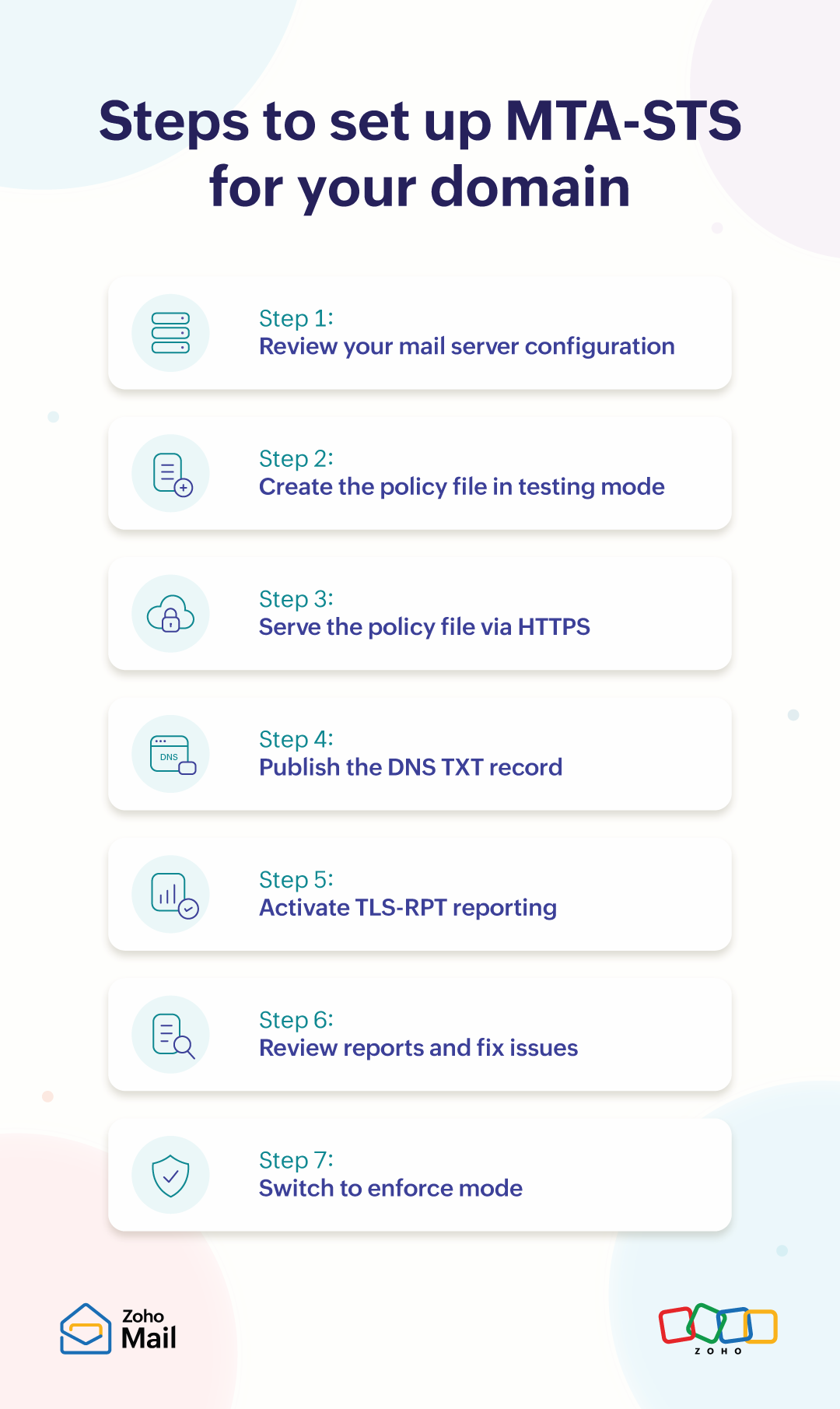
Step 1: Review your mail server configuration
Confirm that all MX hosts support TLS 1.2 or higher and hold valid, trusted certificates before publishing anything.
Step 2: Create the policy file in testing mode
Write your mta-sts.txt file with mode: testing and list each authorized MX hostname. Set a short max_age so changes propagate quickly during rollout.
Step 3: Serve the policy file via HTTPS
Upload the file to your web server at https://mta-sts.yourdomain.com/.well-known/mta-sts.txt. The server must provide a valid TLS certificate.
Step 4: Publish the DNS TXT record
Add a TXT record for _mta-sts.yourdomain.com with the value v=STSv1; id=<timestamp>; verify that it resolves correctly before proceeding.
Step 5: Activate TLS-RPT reporting
Publish a TXT record at _smtp._tls.yourdomain.com to start receiving daily failure reports. Without this, testing mode gives you no visibility into what’s failing.
Step 6: Review reports and fix issues
Monitor TLS-RPT reports for a period of two to four weeks. Resolve every failure before switching to enforce mode. Each unresolved issue becomes a blocked delivery.
Step 7: Switch to enforce mode
Update the policy file to set the mode to enforce and increment the ID in your DNS TXT record. Sending servers will fetch the updated policy and begin enforcing it.
What are the MTA-STS policy modes?
MTA-STS offers three policy modes that control how strictly the protocol is enforced. Choosing the right mode at each stage of your rollout is key to avoiding delivery disruptions.
Mode | Behavior | When to use |
testing | Sending servers check the policy but don’t block delivery if TLS validation fails. Failures are reported through TLS-RPT. | Best to use during initial rollout to identify and fix issues before enforcement. |
enforce | Delivery is refused if TLS validation fails. However, you’ll still receive failure reports. | Switch to this only after resolving all failures reported in testing mode. |
none | The policy is disabled. Sending servers treat MTA-STS as inactive for your domain. | Use when disabling a policy or pausing enforcement during infrastructure changes. |
Benefits of MTA-STS
MTA-STS addresses specific limitations in SMTP delivery that STARTTLS alone cannot resolve.
Prevents downgrade attacks: Sending servers cannot silently fall back to plain-text delivery. If a verified TLS connection cannot be established, the email is refused.
Blocks man-in-the-middle interception: Certificate validation ensures that sending servers cannot be redirected to an unauthorized server using a fraudulent certificate.
Surfaces failures through TLS-RPT: Expired certificates, missing TLS support, and policy mismatches appear in daily reports. This gives you time to act before they affect delivery.
Supports a low-risk rollout: Testing mode lets you observe failures and gather data before enforcement begins. This makes the switch to enforce mode a deliberate, evidence-based decision.
MTA-STS vs. STARTTLS
STARTTLS and MTA-STS both protect email as it moves between servers. STARTTLS makes encryption possible, and MTA-STS makes it mandatory.
Feature | MTA-STS | STARTTLS |
Encryption | Mandatory. Email is delivered only over a verified TLS connection. | Optional. Servers upgrade to TLS only if both sides support it. |
Fallback to plain text | Not allowed. If TLS fails, the delivery is refused. | Allowed. If TLS fails or is stripped, email is sent unencrypted. |
Certificate validation | Required. The certificate must be valid and match the authorized hostnames in the policy. | Not enforced. Servers may accept invalid or self-signed certificates. |
Protection against downgrade attacks | Yes. Attackers cannot force delivery over an unencrypted connection. | No. Attackers can remove the STARTTLS command without either server knowing. |
Reporting | Pairs with TLS-RPT for daily failure reports. | No built-in reporting. |
What are the security risks of not using MTA-STS?
Without MTA-STS, email delivered to your domain relies on optional encryption with no enforcement, leaving it exposed to several threats.
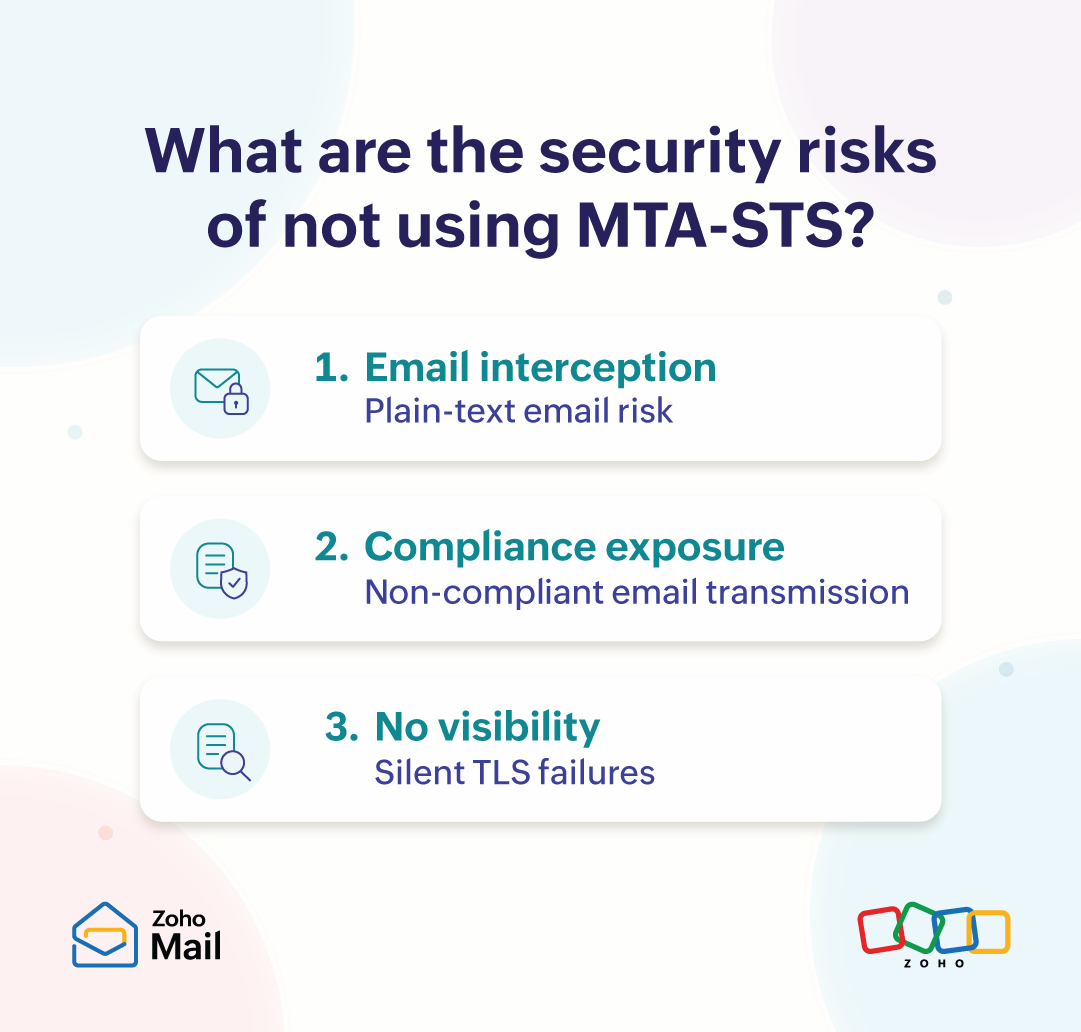
Email interception: Attackers on the network path between two mail servers can strip the STARTTLS command, forcing email to travel in plain text without either party knowing.
Compliance exposure: Data protection regulations increasingly expect encrypted email transmission. Without MTA-STS, organizations face heightened risk if a breach involving email in transit is investigated.
No visibility into failures: Without TLS-RPT, expired certificates, missing TLS support, or misconfigured mail servers can go undetected for months, with no alert to the domain owner.
MTA-STS best practices
Deploying MTA-STS right takes careful planning from the start and consistent attention over time. These practices apply at every stage, from initial setup to long-term maintenance.
Always start in testing mode: Never move directly to enforce without baseline data. Run testing mode for at least two to four weeks and resolve every reported failure before switching.
Automate certificate renewal: Every MX host listed in your policy must maintain a current, trusted certificate. A single expired certificate in enforce mode stops inbound delivery for that host.
Keep the policy file in sync with your MX records: Whenever a mail server is added or removed, update the policy file and increment the DNS id in the same deployment.
Review TLS-RPT reports regularly: TLS-RPT reports aren’t a one-time check; review them regularly. A sudden spike in failures, especially after infrastructure changes, often points to a problem before it disrupts delivery.
Layer with SPF, DKIM, and DMARC: MTA-STS protects how email is delivered, not who sends it. For complete protection, use it alongside SPF, DKIM, and DMARC.
FAQ
1. What does MTA-STS stand for?
MTA-STS is short for Mail Transfer Agent - Strict Transport Security. A Mail Transfer Agent is the software that moves email between servers, and Strict Transport Security means that transfer must happen over an encrypted connection.
2. What is MTA-STS in email?
MTA-STS is a standard that protects email while it travels to your domain. It tells sending servers to use a secure, verified connection every time, so messages can’t be read or changed along the way.
3. What is the difference between MTA-STS testing and enforce mode?
Testing mode only monitors. Email is still delivered when a TLS check fails, and you get a report about the failure. Enforce mode blocks delivery whenever the check fails. Most domains begin with testing and move to enforce once the reports show no issues.
4. What is TLS-RPT in MTA-STS?
TLS-RPT (Transport Layer Security Reporting) works alongside MTA-STS. It sends you a daily report of any secure connections that failed when servers tried to deliver email to your domain. These reports help you catch problems like expired certificates early.
Wrapping up
Email security doesn’t stop at your inbox. MTA-STS ensures that the path email takes to reach your domain is just as secure. It's easy to set up, low-risk to test, and once enforced, works quietly in the background. This keeps your email communications protected without ongoing effort.