
Carry your entire hiring operation in your palm


Generate emails
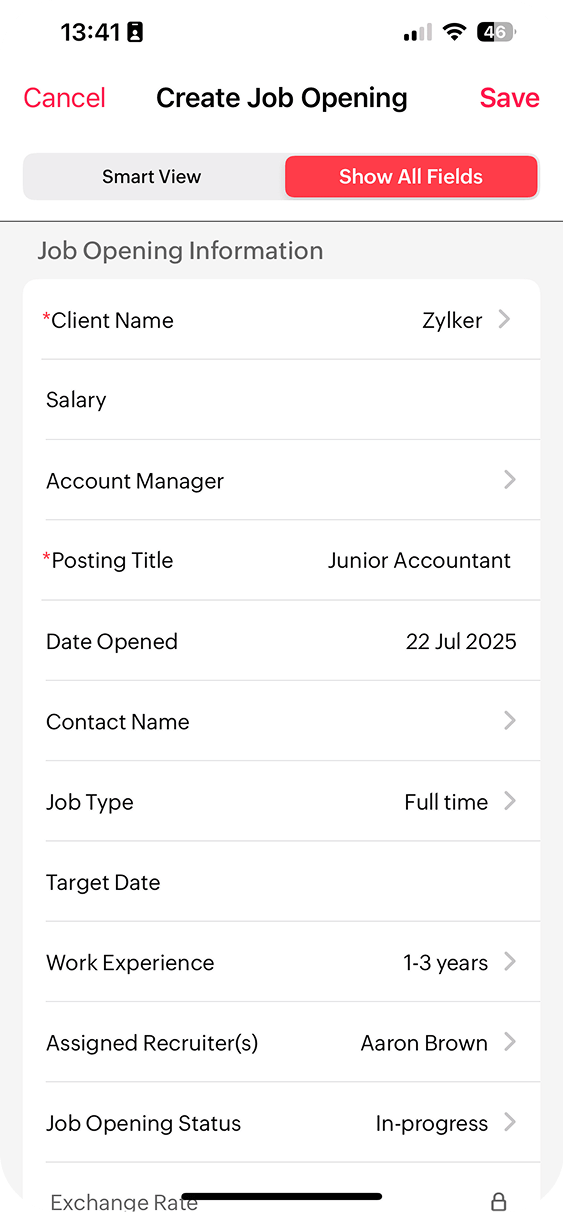
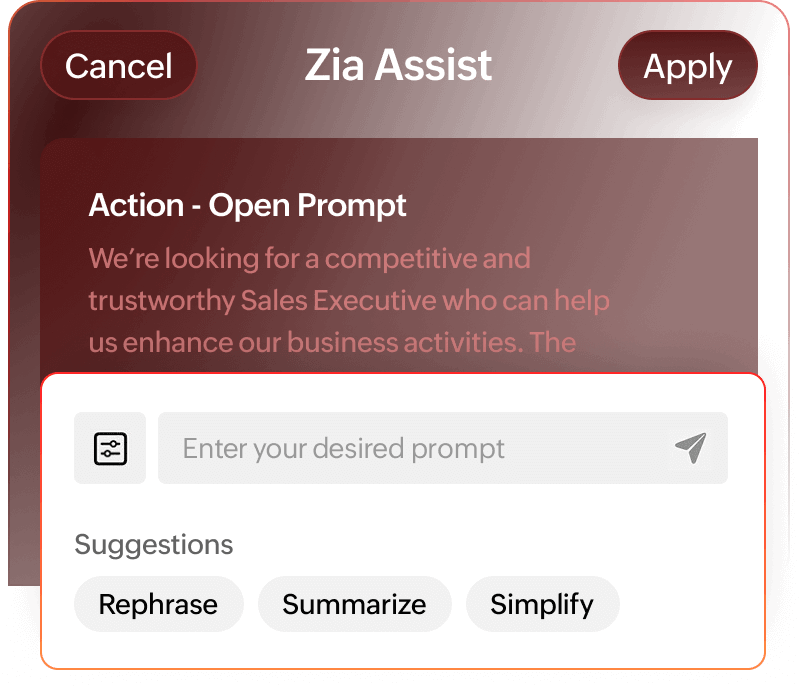
Uphold your brand's voice and professionalism through Zoho Recruit's AI Assist. Create job descriptions, emails, and SMS texts through prompts.
Match candidates
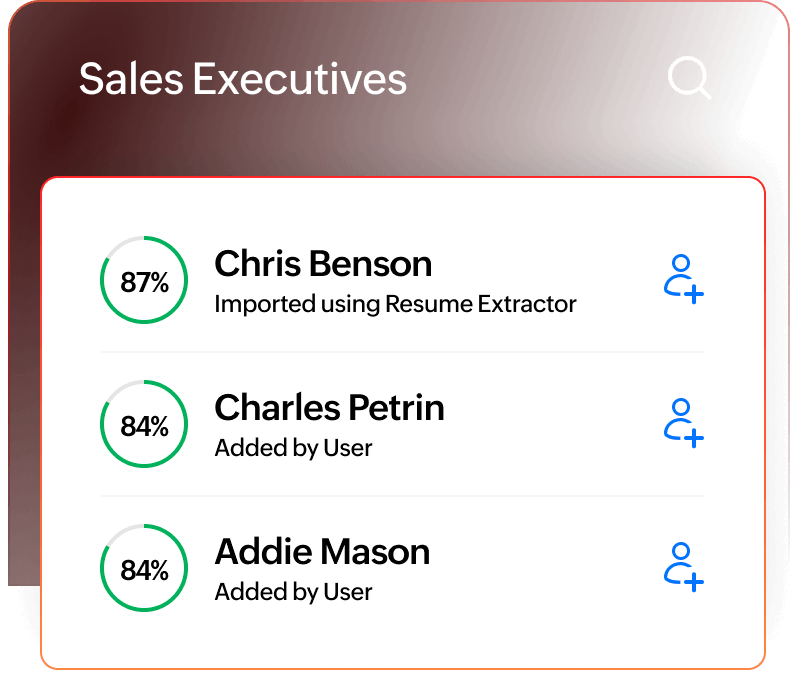
Let AI pick the best candidates for job openings, and then you can make the final decision. Available on the Zoho Recruit web app, experienced through mobile.
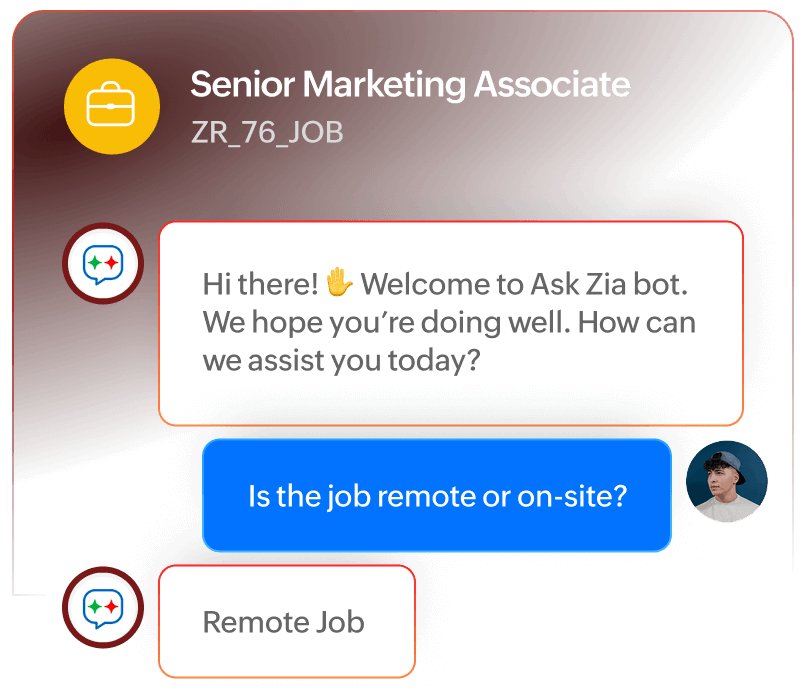
Talk to your ATS,
Use Ask Zia to ask clarifying questions about a job, candidate, interview, etc.
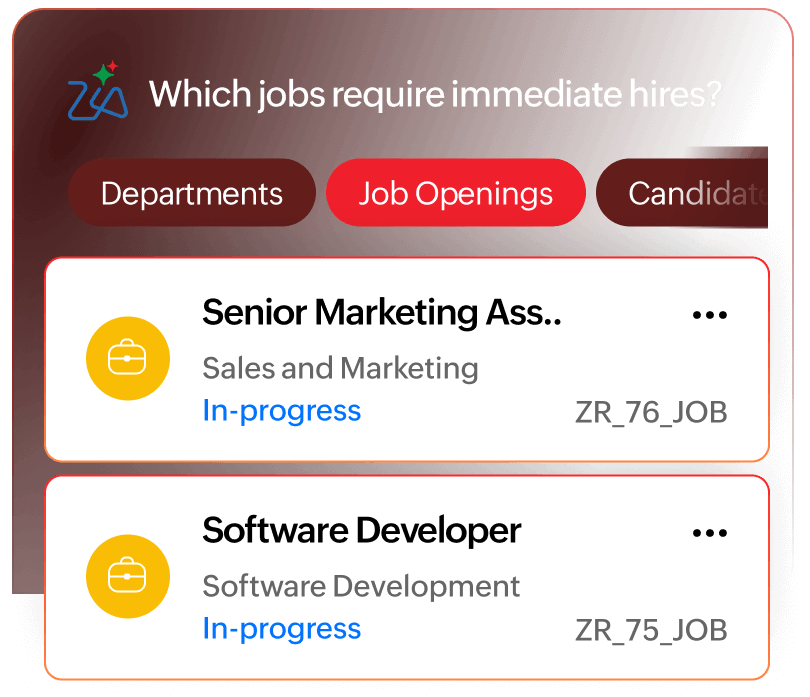
Act with clarity
Use Zia Search to uncover insights and gain instant clarity on what matters most in your hiring pipeline.
The best tool for busy recruiters
Three recruiters. Countless hires. One mobile app powering them all.


Call candidates and send SMS texts instantly through the app. A built-in caller ID feature helps you differentiate candidates from other callers.
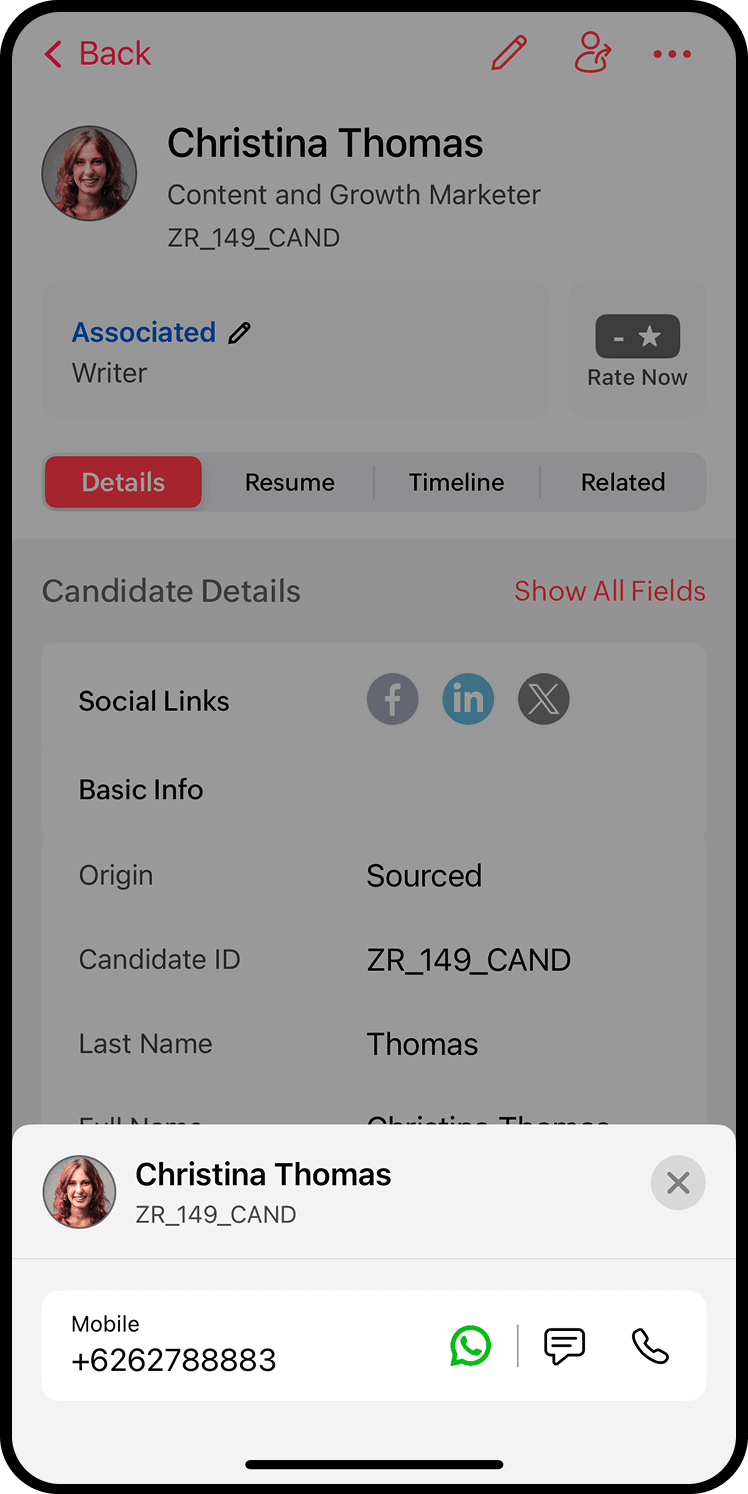
Compose emails from scratch or let our AI assistant help you write emails that convert. Create your own templates and reuse them whenever you need them.
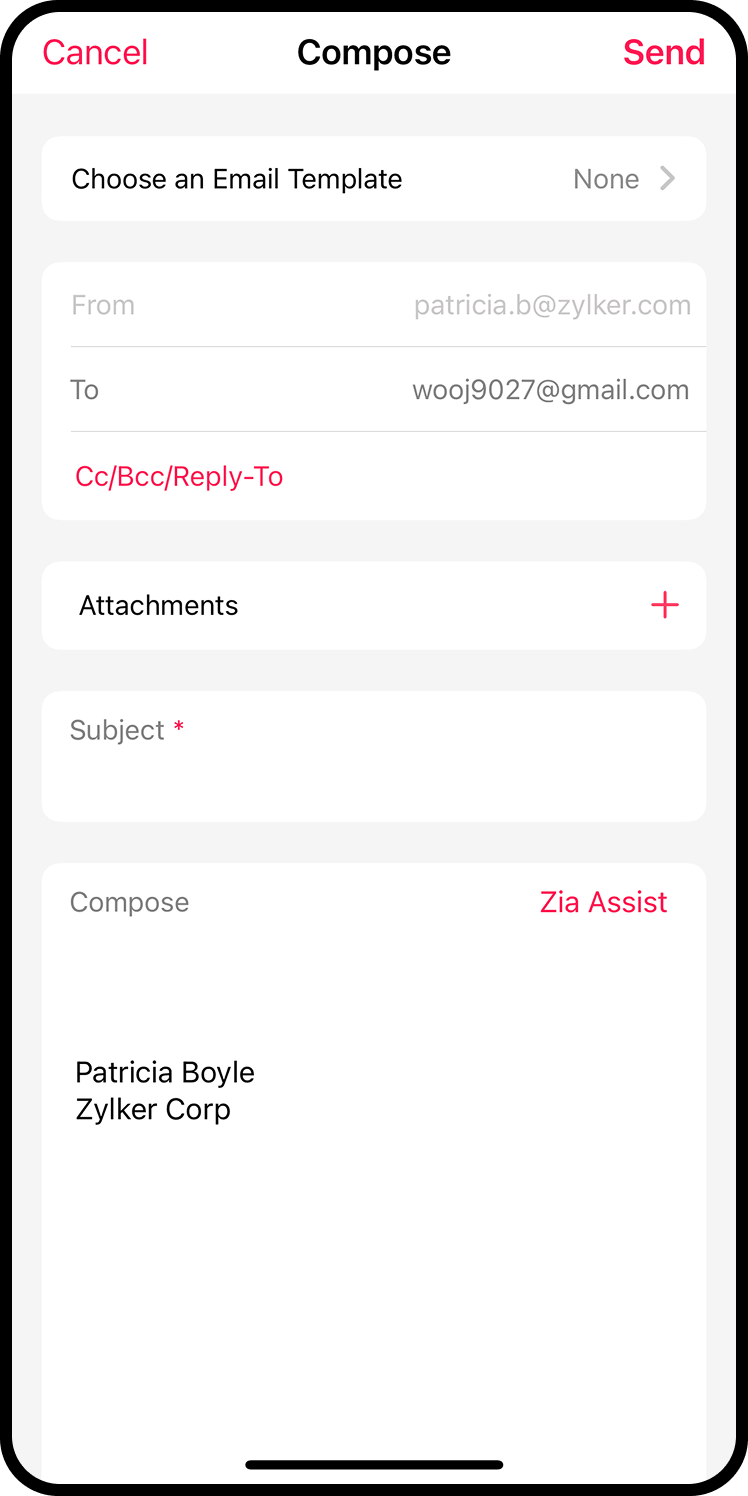
Look through the candidate's details, social media profiles, resume, and their entire pipeline history, all in one place.
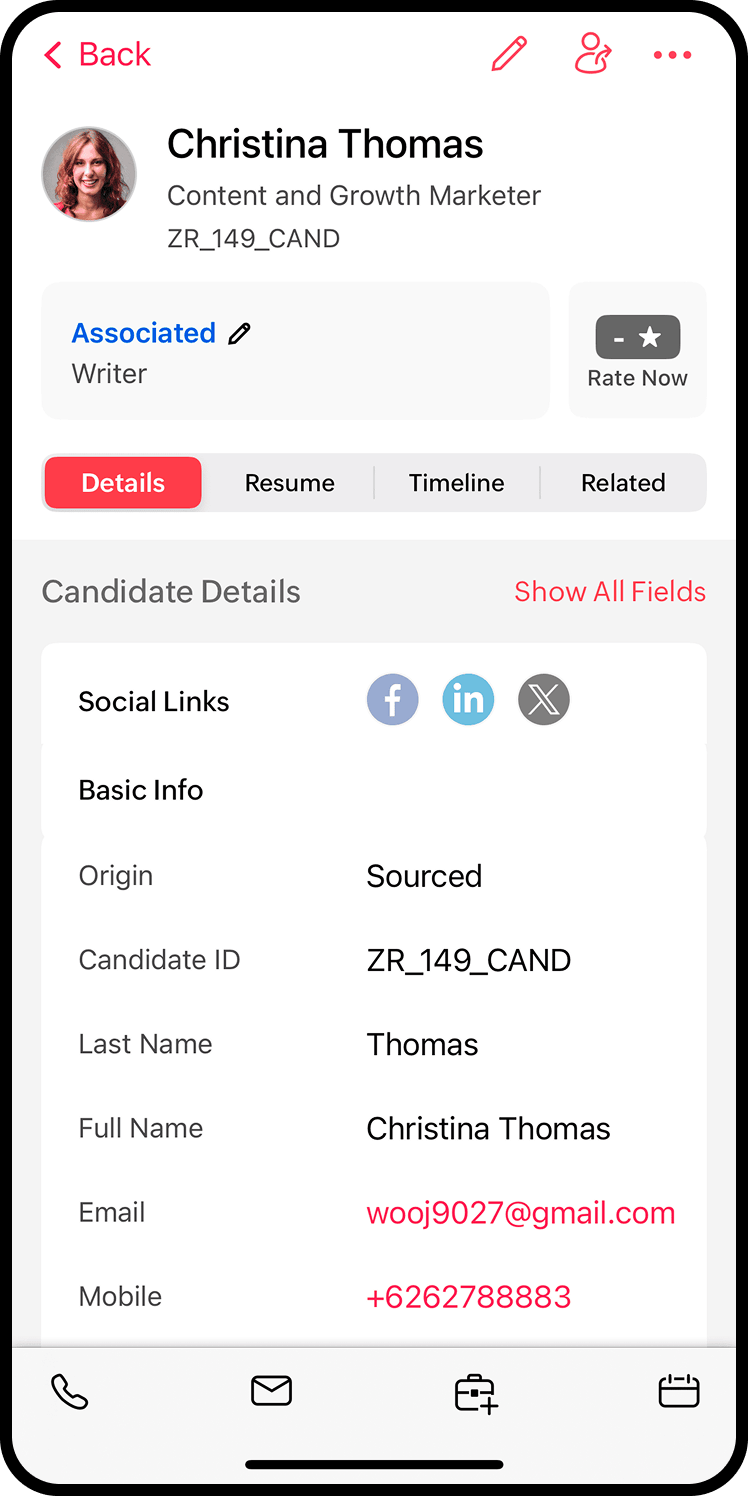
Personal assistance
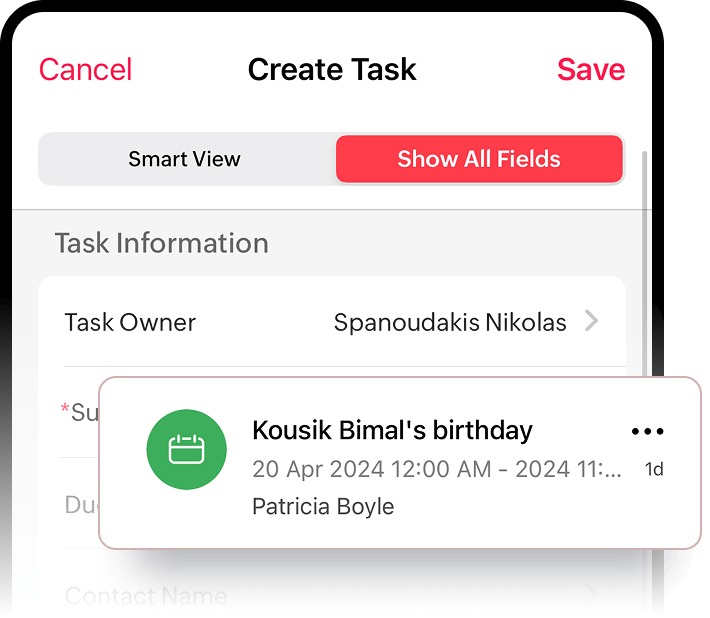
Add tasks and events
When out of the office, you can create and delegate tasks on the go right from our mobile app.
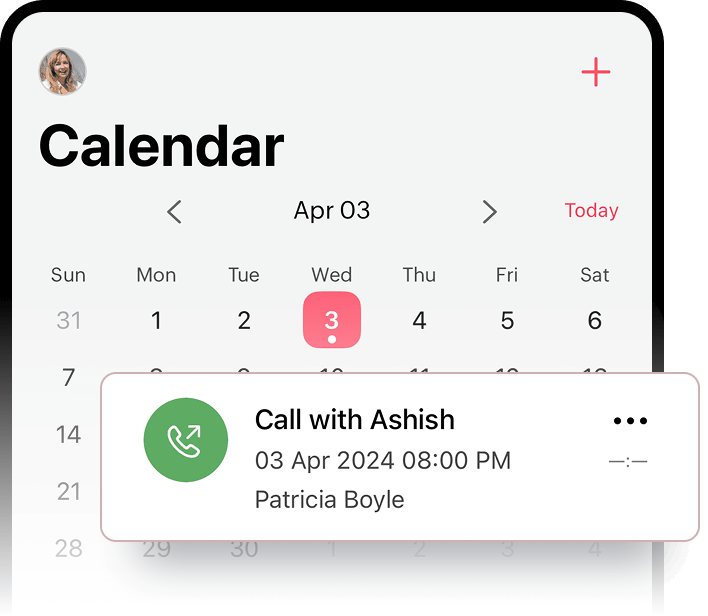
Calendar
Stay in sync with your hiring calendar. Engage with candidates and clients at the right time and never miss a meeting.
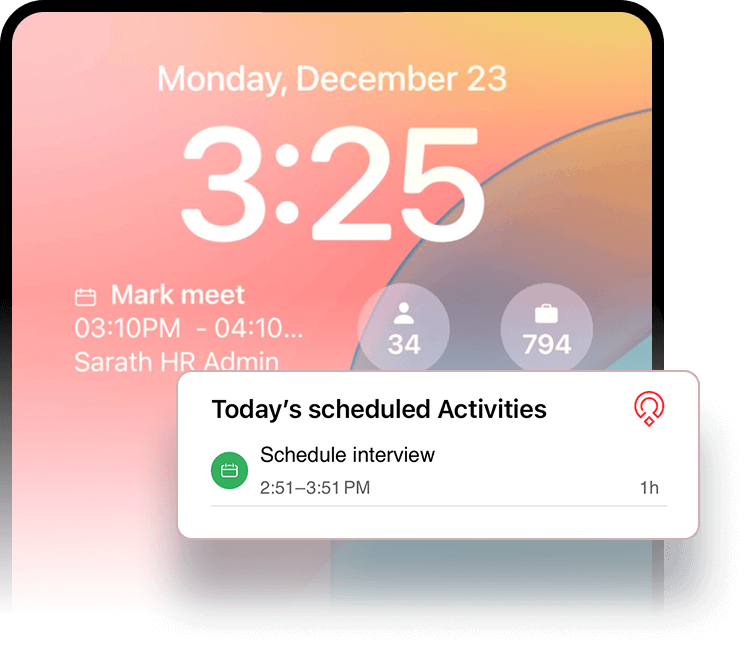
Lock and home screen widgets
Always stay in the know with widgets. Get your day's schedule, pending tasks, interviews, events, and to-dos, along with key hiring metrics at a glance.
Frequently Asked Questions
Can I add or update job openings through the app?
Yes. You can create, edit, or close job openings directly from the Zoho Recruit mobile app.
Can I track candidate movement through the pipeline on mobile?
Yes. You can view pipelines and update candidate stages with a tap.
Can I schedule interviews or send emails from the app?
Absolutely. Schedule interviews, trigger follow-ups, and send emails or SMS from your mobile phone. You can manage calendars and schedule to-dos in the form of tasks, calls, meetings, or interviews.
Can I view a candidate’s full profile including past interactions?
Definitely. You get access to resumes, communication history, interview notes, and more in a single timeline view. In a single tap, you can also view the profile summary to show their skills, experience, and qualifications.
Can I access my entire recruitment pipeline on mobile?
Yes. You can manage your entire pipeline across jobs, candidates, and clients from the app.
Can the Zoho Recruit mobile app suggest the right candidates for a job?
Yes, Zoho Recruit uses the AI candidate matching feature to suggest the top candidates suited for a job.
Does the app support push notifications for task reminders?
Yes. You’ll receive alerts for interviews, follow-ups, new candidates, and task due dates. If there are too many notifications for you to cover, a notification summary gives you a quick highlight of all notifications.
Will I get real-time notifications on mobile?
Yes. Zoho Recruit keeps you instantly updated with alerts for candidate submissions, replies, interview status updates, and more. You can also configure notification triggers for custom actions performed in Zoho Recruit.
Can I add or complete tasks from the app?
Definitely. You can create, assign, and mark tasks as complete right from the Zoho Recruit mobile app.
Can I manage calendar events and see upcoming interviews?
Yes. The mobile app shows your recruiter calendar updated with all upcoming events, interviews, and follow-ups.
Can I use widgets to see upcoming events or tasks?
On both Android and iOS devices, you can use home screen and lock screen widgets to glance at daily tasks and hiring pipeline without opening the app.
Can I log notes after a call or interview?
Definitely. Add quick notes, ratings, or tags the moment you finish a call—so nothing slips through. You can use Ask Zia
Can I source and parse resumes directly from my phone?
You can. Add candidates from contacts, scan resumes through your camera, and parse details using the mobile app’s resume tools.
Can I send bulk messages or emails through the app?
You can choose and send a templated email to several candidates individually, although bulk campaigns are better handled on the web app.
Can I manage client communication from the app?
Yes. You can reply to emails, log calls, and share candidate profiles with clients.
Can I email candidates from the app?
Absolutely. You can also use Zia Assist, our AI assistant to write emails, job descriptions, notes, etc.
Can I use the app to follow up with candidates?
Absolutely. Email, SMS, and call options are integrated, and you can log all communication instantly.
Can I call candidates from the app?
Yes, you can call candidates or send text messages from the app and even get caller IDs displayed on your phone for when candidates call you.
How easy is it to search and filter candidates?
Very. Use advanced filters by skill, location, associated tags, source, and more—so you find the right candidate fast, even on the move. Our advanced Zia Search lets you ask questions like "what jobs are hot right now?" and get specific answers so you can perform the right hiring actions quickly.
Can I search using keywords in resumes or notes?
Yes, you can run keyword-based searches across candidate profiles and saved notes.
Can I access all my hiring data through the app?
Yes. View job openings, candidate details, resumes, interview feedback, and pipelines right from your phone. You can also use Ask Zia, to ask specific questions about a job, candidate, etc.
Does the app work offline?
The Zoho Recruit mobile app needs an active internet connection through WiFi or mobile data to access and update data.
Is the mobile app secure for storing sensitive data?
Zoho Recruit follows enterprise-grade encryption and access controls to keep candidate and client data safe. All data is stored and processed in accordance with Zoho's privacy policy. Zoho does not share user data with third-parties.
Can I collaborate with my team through the app?
Yes. Update statuses, assign tasks, create to-do's, share candidate profiles, and tag teammates for smooth coordination.
Can candidates use the mobile app too?
Candidates do not have access to the Zoho Recruit mobile app. But they get access to a candidate portal via the web app that is accessible on any device.