ScaleIconmarketing efforts for your business with Zoho Social
A social media marketing tool to help you streamline your LinkedIn content strategy, and, reach—all from one dashboard.
Get Started




Scheduling tools built to optimize your LinkedIn Marketing goals

Robust Content Calendar
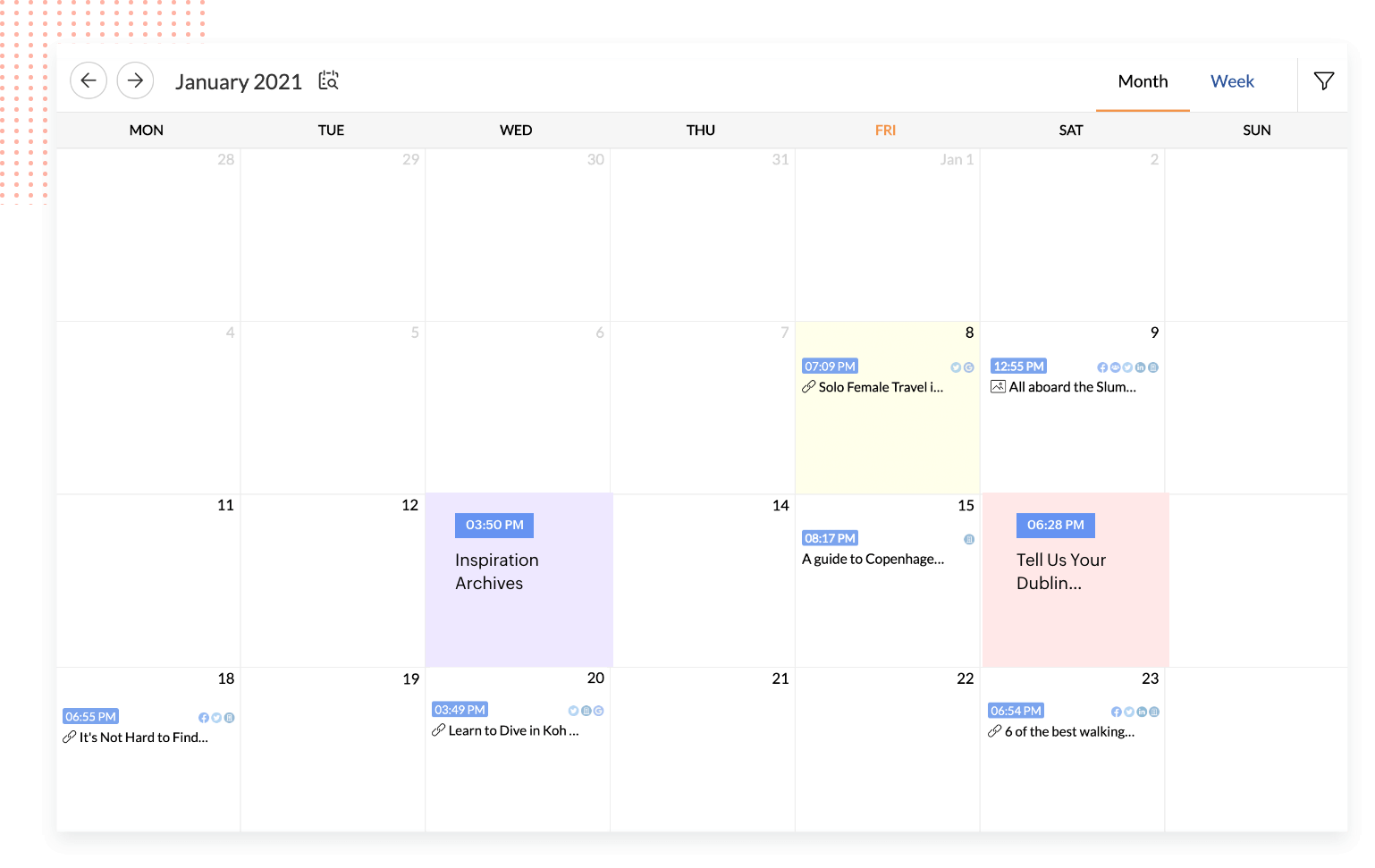
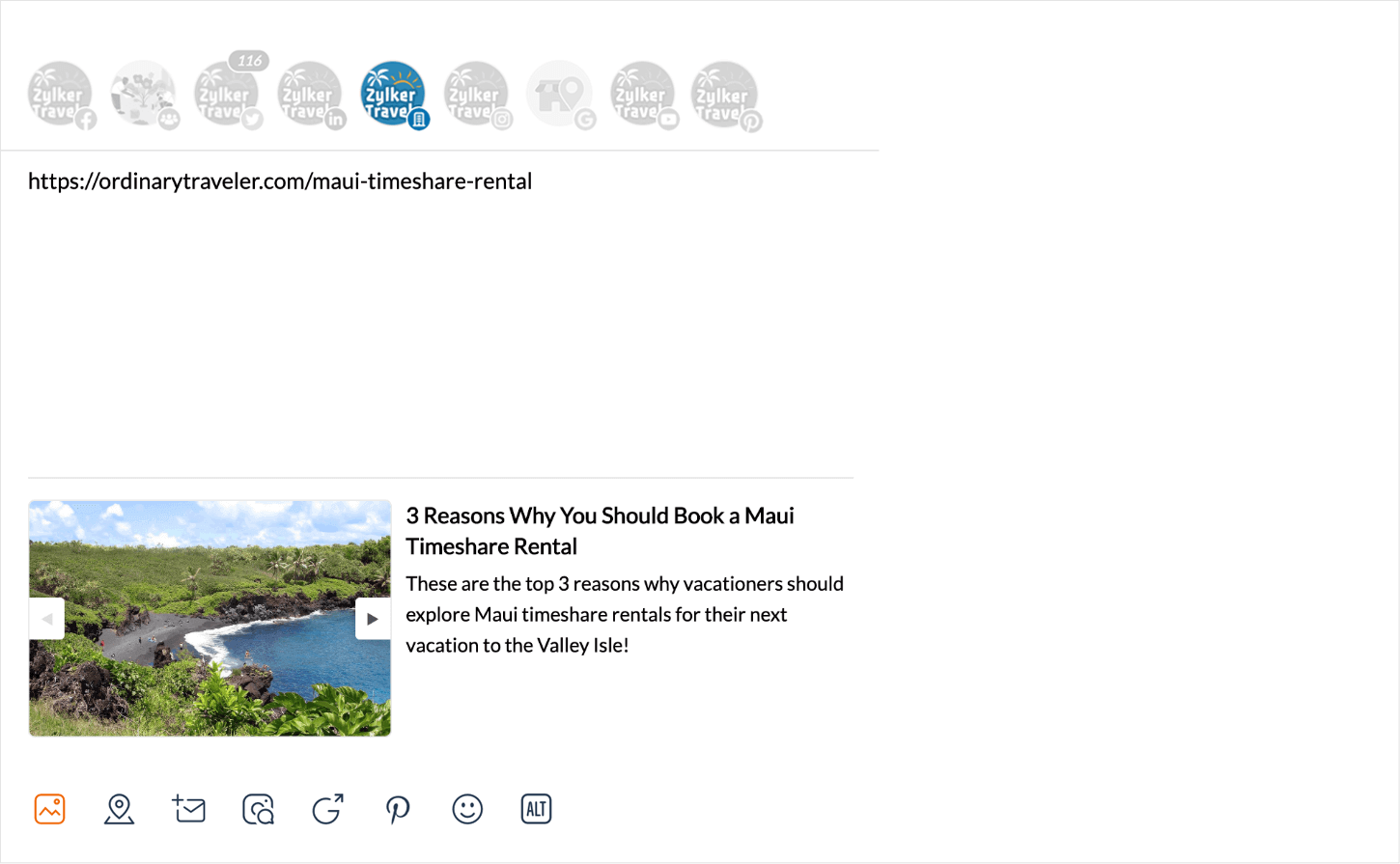
Brewing up new content for your business? Add them to your Zoho Social publishing calendar to visualize and plan better for your LinkedIn Pages and Profiles.
Optimized Publishing Window
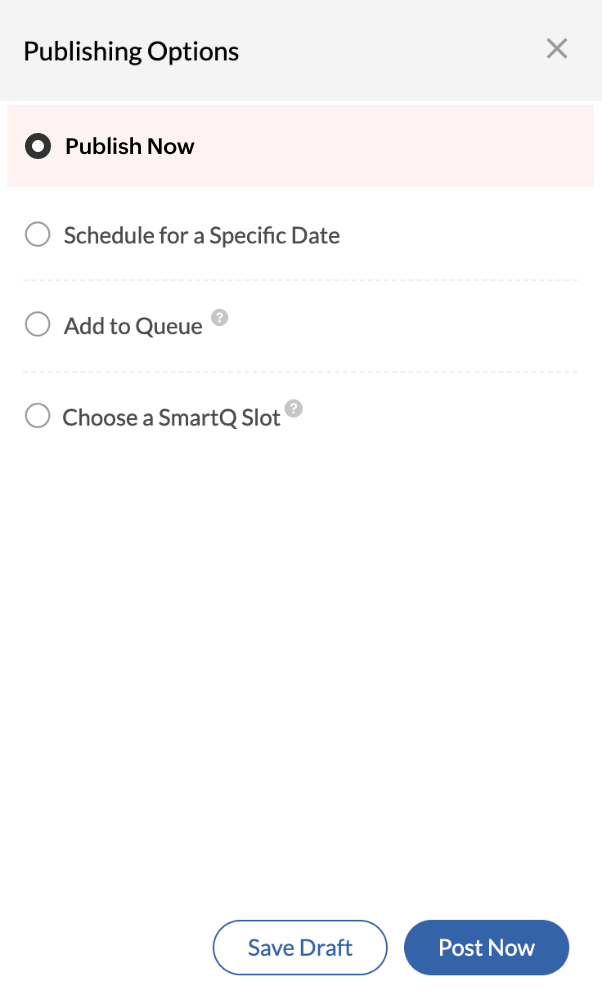
Take advantage of a publishing window built to optimize your brand reach, with tools like Set-targeting to fine tune audience your LinkedIn audience and reach only those who matter.
Advanced Scheduling Tools
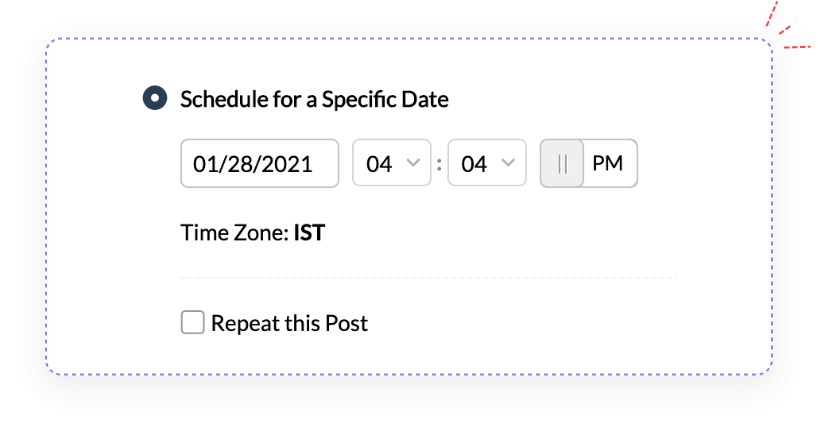
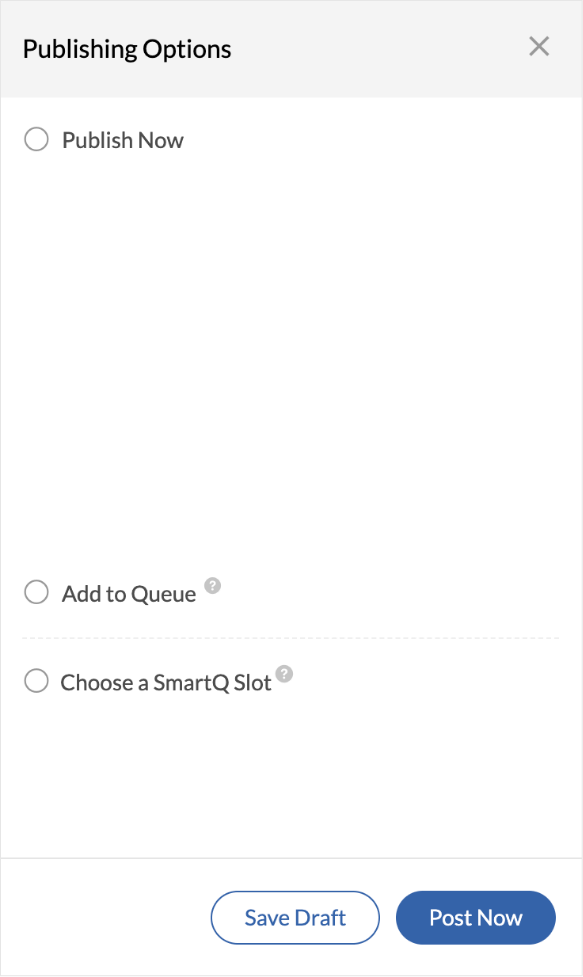
Explore a set of powerful scheduling tools like the SmartQ predictions and Repeat-post automation to reach your LinkedIn audience when they're active.
Get detailed post performance right from your profile


Profile follower analytics
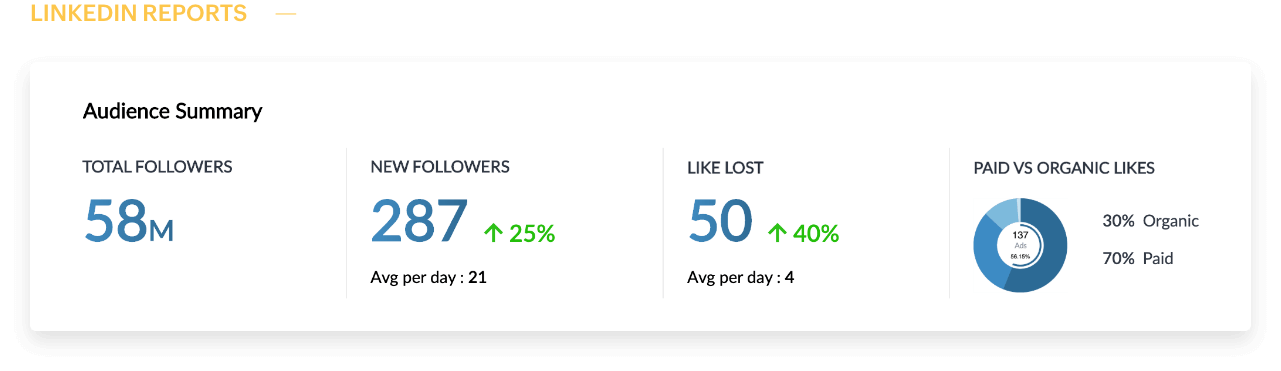
Track how your LinkedIn profile audience grows over time. View total follower count, monitor daily gains, and analyze historical trends across custom date ranges to measure campaign impact or audience engagement effectively.


Member post analytics
Every post counts—and now, you can measure exactly how it performs. Track impressions, unique members reached, reactions, comments, and reposts for each LinkedIn post. Filter results by custom date ranges or view aggregated insights across all your profile posts for up to 6 months.


Video post performance
Understand what's driving engagement with detailed video analytics for your LinkedIn posts. Track total views (2+ second plays), unique viewers, and total watch time. You can analyze performance for individual videos or view aggregated insights across any custom date range.
Get actionable insights into your LinkedIn Pages and Profiles performance.
Complete Reporting Dashboard
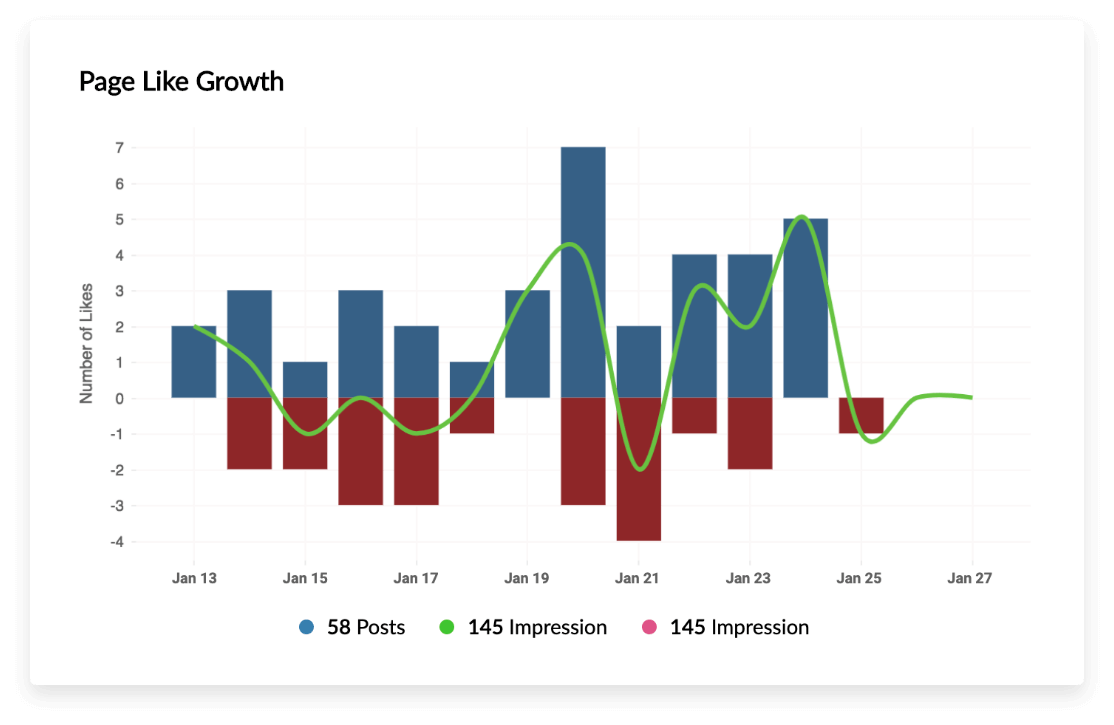
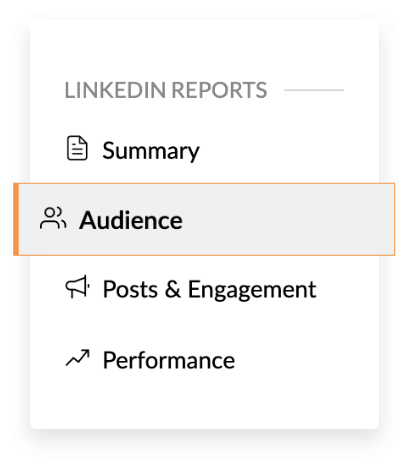
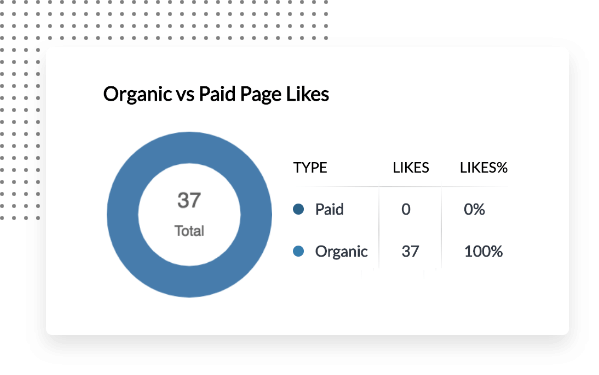
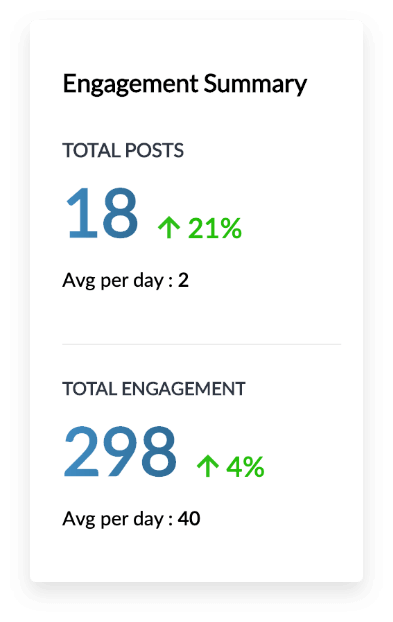
Granular LinkedIn Analytics
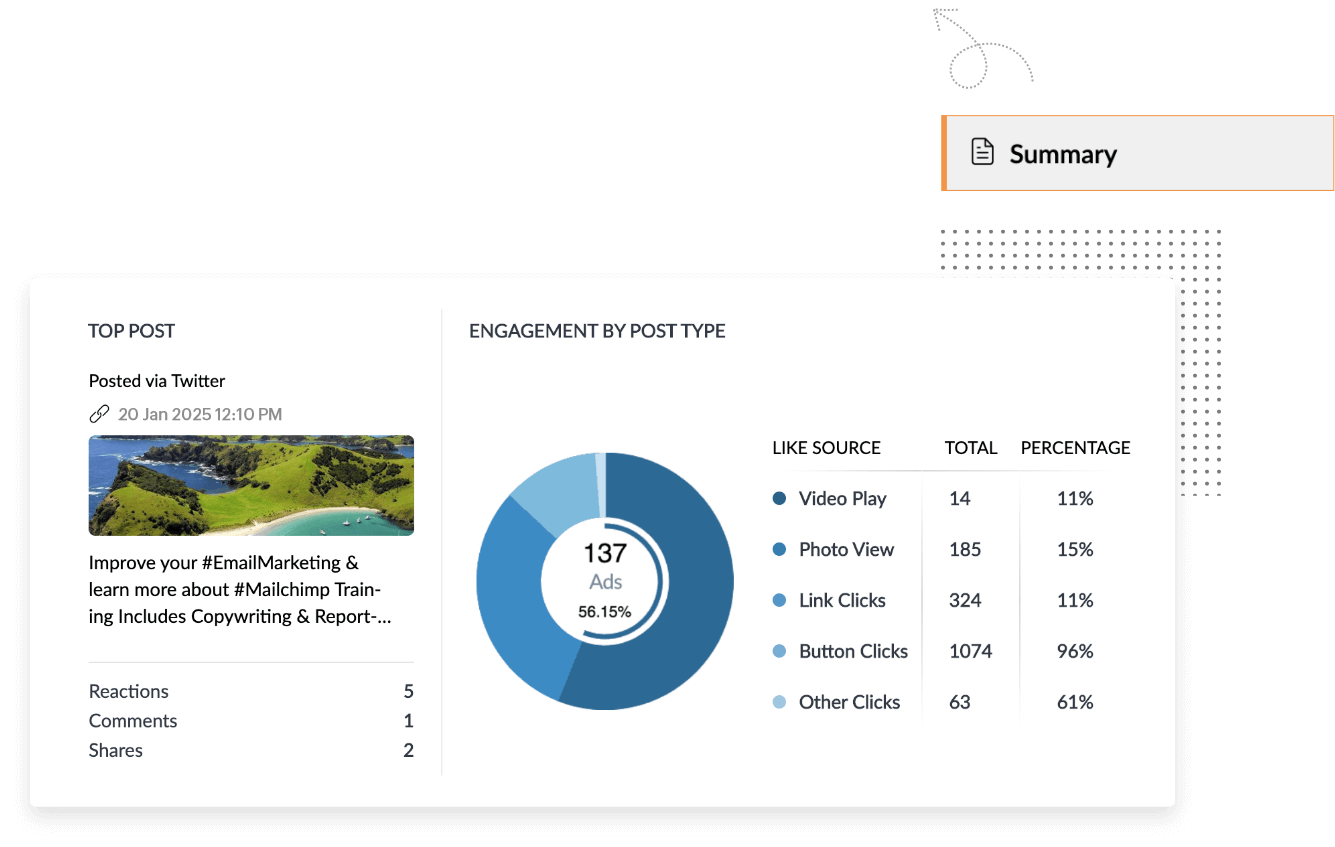
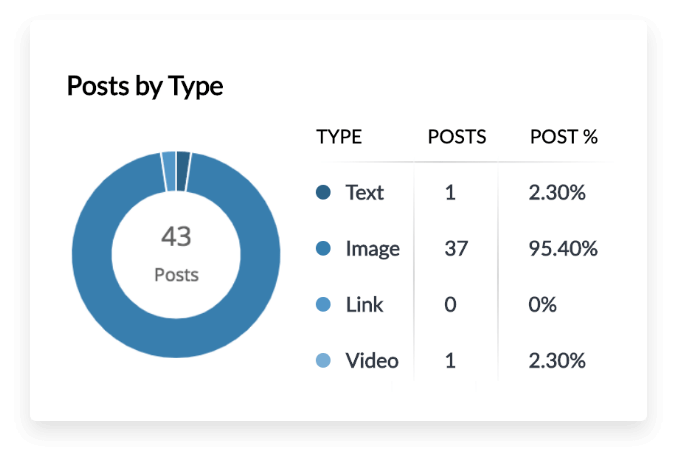
View top performing posts by engagement, figure out your core audience, and see what type of LinkedIn content is working best for your business.
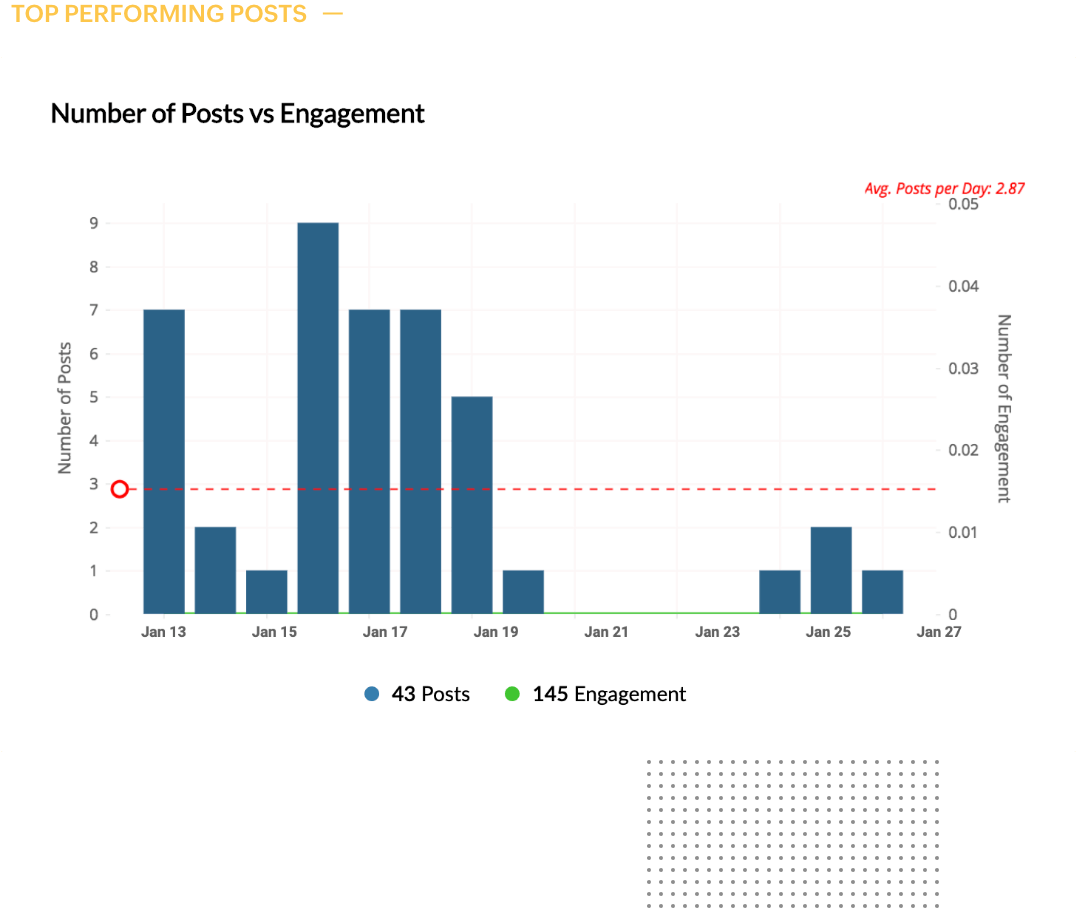
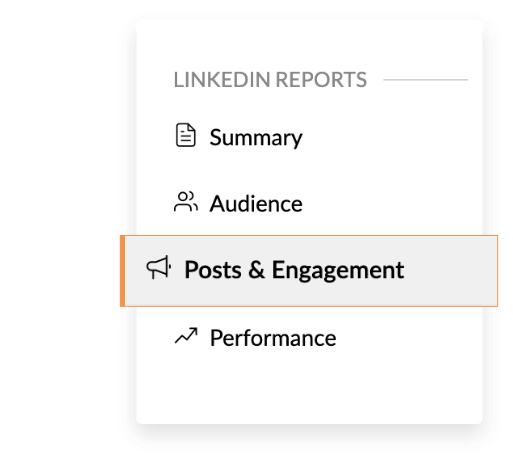
Customized Brand Reports
Want to track and export a few key numbers? Build your own LinkedIn reporting dashboards by hand-picking only the metrics that matter.