

- HOME
- Taxes & compliance
- Common Self-Assessment (SA100) mistakes to avoid
Common Self-Assessment (SA100) mistakes to avoid
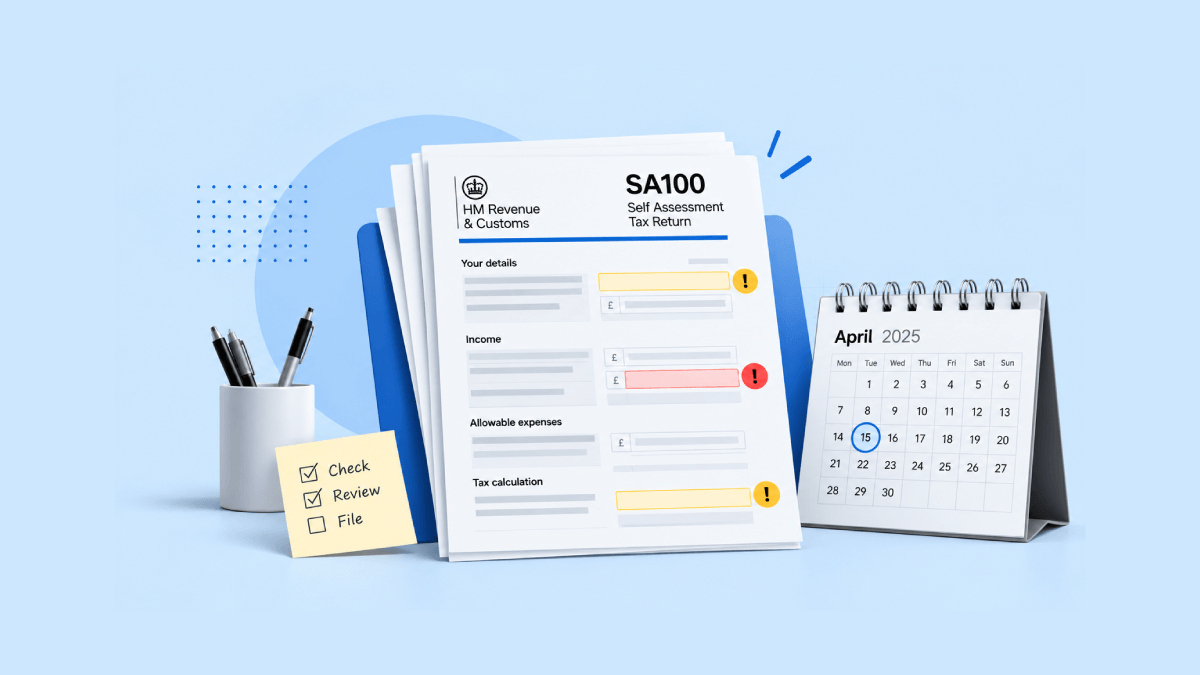
Filing Self-Assessment (SA100) tax returns is not an easy task, especially when you’re doing it alone. From missing an income source to missing deadlines, taxpayers can make several avoidable mistakes that can lead to compliance issues, penalties, and even investigations. To help you stay on top of your filing requirements, we’ve put together a list of common Self-Assessment mistakes taxpayers make and how to avoid them. This can help you save time, file accurately, and avoid penalties.
Incorrect personal details
The first step towards filing your Self-Assessment is entering your personal details. Entering the wrong UTR number or NINO might delay the filing of your tax return or even result in rejection by HMRC.
How to fix it
Take the time to double-check your personal details before submitting your return and make sure they match the details HMRC has on record.
Calculation errors
While HMRC’s online service and commercial software calculate your tax liability, entering incorrect figures can still lead to errors in your Self-Assessment return. For example, you could enter the wrong income, expenses, tax reliefs, or deductions, which could affect the amount of tax you owe.
How to fix it
Keeping your bookkeeping up to date can simplify your Self-Assessment. Your recorded income and expenses can be used to help complete the relevant Self-Assessment forms, while the software can calculate your tax liability based on the information you enter. Always review your records carefully before submitting your return to HMRC.
Not maintaining proper records
Keeping proper records is essential for accurate Self-Assessment filing. It’s easy to misplace receipts, forget to record transactions, or lose track of business expenses throughout the year.
How to fix it
Maintain accurate records of your income, expenses, and other relevant financial data for at least six years, as required by HMRC. This not only helps you stay compliant but also gives you a clear overview of your finances.
Not reporting capital gains
Missing out on reporting capital gains is another common mistake. If you have sold shares, property, or other assets during the tax year, you may need to report the resulting capital gains.
How to fix it
Record the details as soon as the transaction takes place rather than waiting until the tax season. Review your investment activities before filing and calculate any capital gains that need to be reported.
Incorrectly declaring income
Don’t skip reporting any of your income. Taxpayers may overlook interest, dividends, or income from side gigs. Make sure you include all relevant income when filing your tax return, as failing to report it could lead to penalties.
How to fix it
Maintain records of all your income throughout the year. With Zoho Books, you can record income directly without having to raise an invoice, making it easier to keep track of transactions that don’t require invoicing.
Not claiming the right expenses
Another common mistake is missing out on allowable expenses or incorrectly categorising expenses when preparing your Self-Assessment return. If you’re a sole trader or landlord, you may be able to claim certain allowable expenses, such as business travel and office supplies. However, expenses such as fines and penalties, personal expenses, and most business entertaining costs are generally not allowable.
How to fix it
Keep your business receipts and categorise expenses correctly throughout the year, rather than trying to sort them out when filing your return. Accounting software with an auto-scan feature can help you capture receipts as you receive them, making it easier to keep your expense records organised and review them before filing.
Incorrectly reporting PAYE income
If you’re employed and also need to file a Self-Assessment return, it’s important to report your PAYE income and tax deducted correctly. A common mistake is entering the wrong figures from your P60 or P45, or failing to include PAYE income altogether. This can result in an incorrect tax calculation and potentially lead to underpaying or overpaying tax.
How to fix it
Check your P60, P45, or payslips and enter the income and tax deducted exactly as shown. Make sure you include all relevant PAYE employment income when completing your Self-Assessment return.
Missing the deadline
One of the most common yet costly mistakes is missing the filing deadline. The deadline for online Self-Assessment filing is January 31. Missing it can result in an immediate £100 penalty, which can increase if the delay continues.
How to fix it
If you manage your bookkeeping in accounting software like Zoho Books, your recorded income and expenses can flow into the relevant Self-Assessment forms and populate the required figures. So when it’s time to file, you mainly need to review the figures, make any necessary adjustments, and submit your return before the deadline without delays.
Made a mistake on your Self-Assessment return?
There’s no need to panic if you make a mistake in your Self-Assessment filing. You can usually amend your return within 12 months of the original filing deadline. If you have just submitted your return, you may need to wait 72 hours before making an amendment.
Once you make the necessary changes, you’ll be able to see whether you need to pay additional tax or are due a refund.
How to have a stress-free filing experience
Manually entering your income and expenses into HMRC’s online portal can be time-consuming and may lead to data-entry errors or miscalculations. Keeping your financial records updated in your accounting software can reduce manual work by exporting your financial data into the relevant Self-Assessment forms, so all you have to do is review the figures before filing.
With Zoho Books, you can generate your tax return from your accounting data, fill in the necessary sections, and file it directly with HMRC, making the filing process more streamlined.
You can preview supported forms—including SA100, SA102, SA103S, SA105, (with pre-filled values for sole traders and landlords), and SA110—in the required HMRC format before submission. You can also access a detailed tax breakdown (SA302) and file your return directly with HMRC.
Plus, our cloud accounting software offers a free plan to help you stay on top of your Self-Assessment obligations.
Self-Assessment filing doesn’t have to involve juggling multiple tools or manual processes. With the right accounting solution, managing your finances and staying compliant can be hassle-free. Start early, keep your records up to date, and stay informed about the latest tax requirements.