

How do I upgrade from Zoho Invoice to Zoho Books?

If you are looking for software that can do more than just invoicing and wish to get a broader perspective of your company’s finances, you should upgrade to Zoho Books.
Zoho Books is cloud-based accounting software that has all the features of Zoho Invoice along with Banking, Inventory and powerful financial reports such as Profit and Loss, Cash Flow Statements and lot more.
Here’s how to upgrade to Zoho Books:
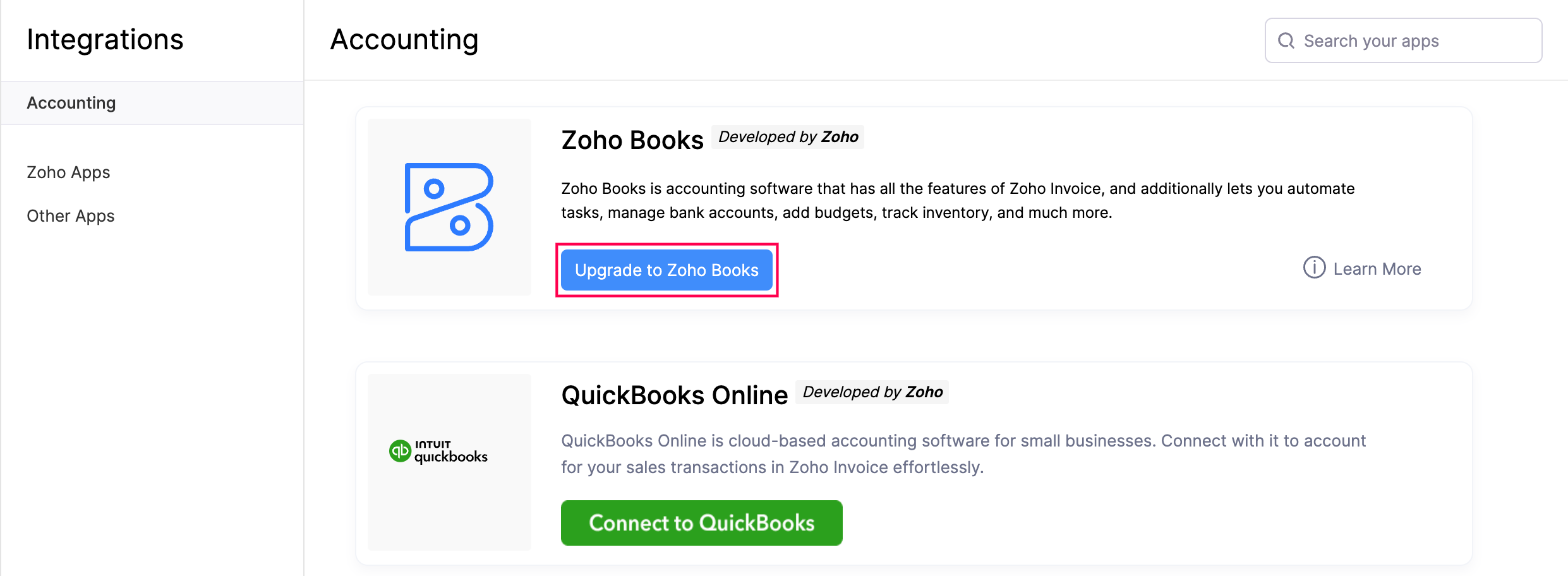
- Go to Settings and click Integrations.
- Select Accounting.
- Click Upgrade to Zoho Books.
- Confirm your action in the page that follows.
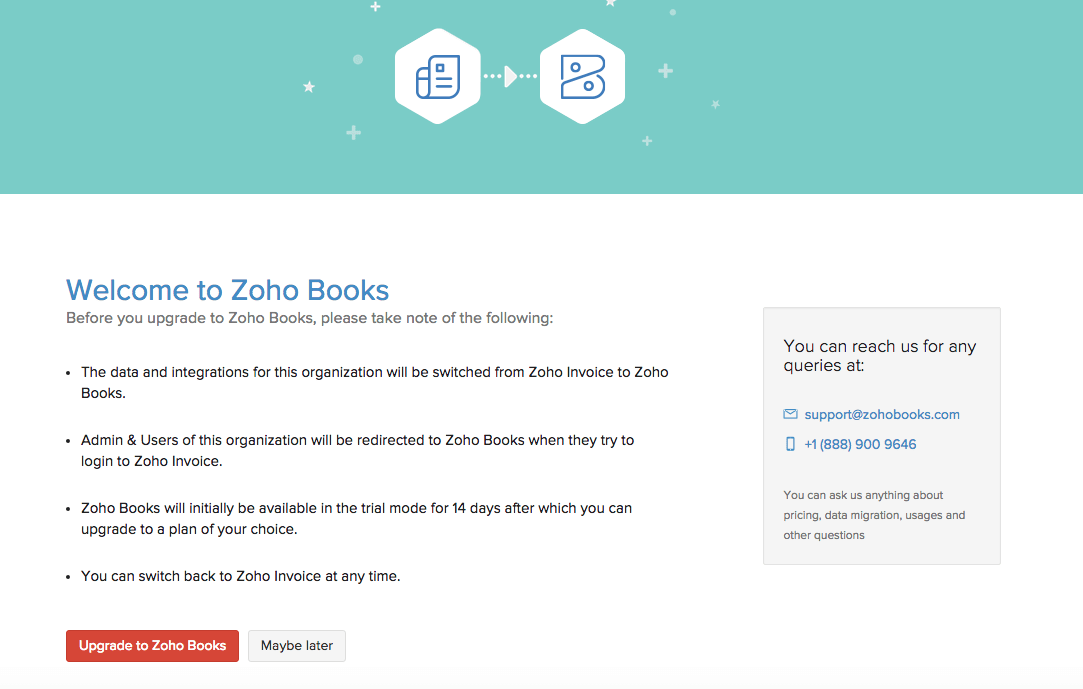
Note:
- The users of the newly upgraded organization will be redirected to Zoho Books if they try to log in to Zoho Invoice.
- If you do not wish to continue with Zoho Books and would like to switch your organization back to Zoho Invoice, write to us at support@zohoinvoice.com. Our support team will check your organization and assist you further. Transactions and modules that are not supported in Zoho Invoice, such as Bills, Purchase Orders and Sales Orders, will not be moved back to Zoho Invoice.
 Yes
Yes