Content retention
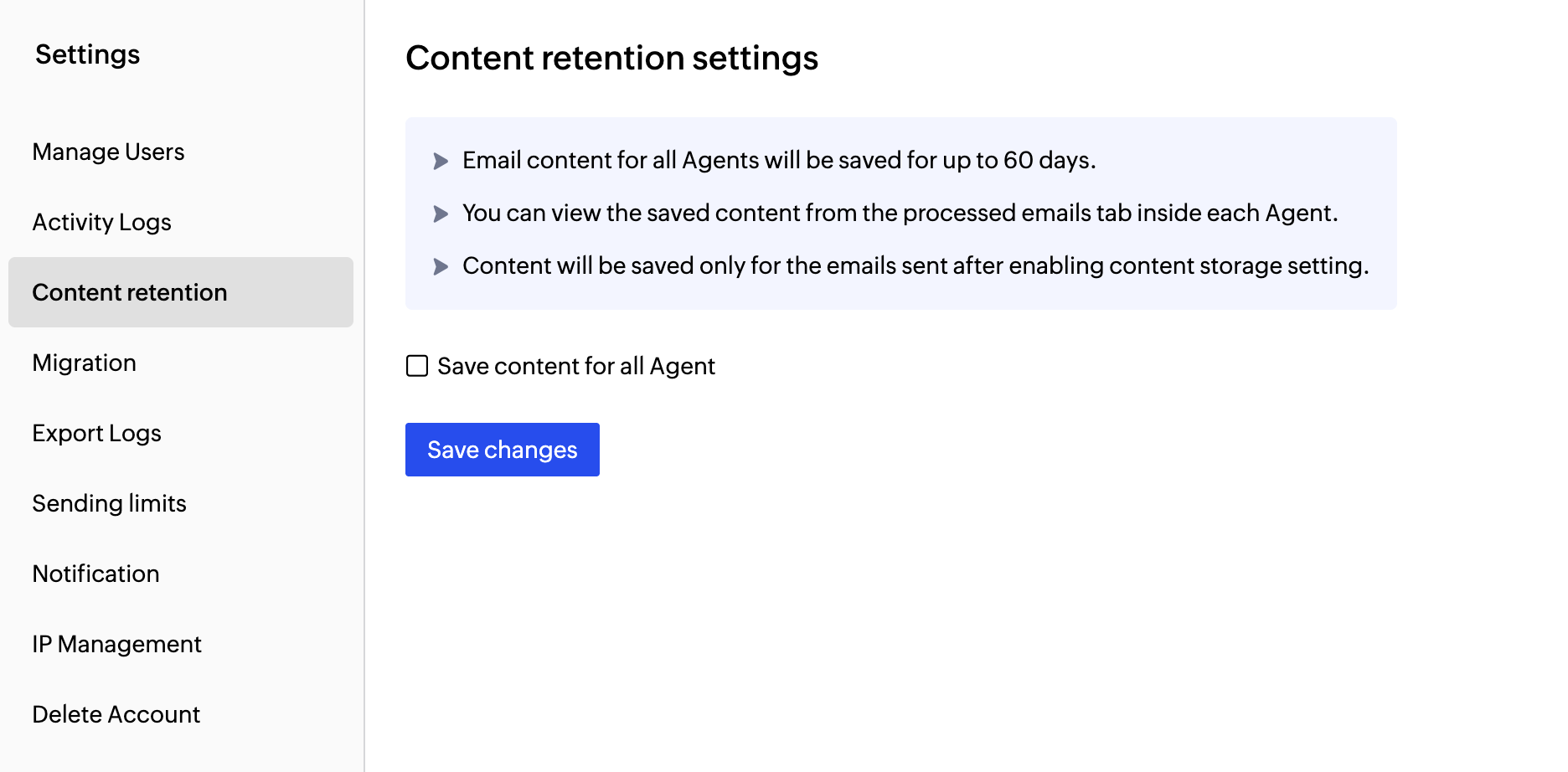
You can save the contents of your emails you send in the Content retention section in the Settings menu. Once enabled, email content for all Agents will be saved for up to 60 days. You can view saved emails in the Processed Emails section within each Agent.
To save the contents of the emails :
- Go to the Settings menu from the left panel.
- Navigate to the Content retention tab.
- Choose the Save content for all Agents checkbox to save your email contents.
- The contents of the emails will be saved only after enabling this setting.
- Click Save Changes when done.
Note:
Before you get started it is important to know that ZeptoMail is for sending transactional emails like welcome emailers, password resets emails, OTPs. We do not support sending of bulk emails or promotional emails like newsletters or marketing campaign emails. If you are looking for a bulk email provider, you can visit Zoho Campaigns.