Sending limits
ZeptoMail allows you to set email blocking and warning limits for each Agent. This helps you review and control the volume of outgoing emails based on your specific requirements.
- Blocking limit: The maximum number of emails that can be sent from an Agent per day. Once this limit is reached, further emails will be blocked. You can configure individual block limits for each Agent. The limit automatically resets at 12AM (server time) each day.
- Warning limit: A threshold you can set to receive an early alert before your blocking limit is reached. This helps you monitor your remaining email quota and take timely action when needed. You can configure individual warning limits for each Agent. The warning limit resets along with the block limit at 12AM (server time) each day.
You can set these limits either from within each Agent or directly through the Email Limits section in your ZeptoMail account settings.
The warning limit must always be set lower than the blocking limit, so you receive an alert before the limit is reached.
How to set a sending limit in ZeptoMail
- Navigate to the Settings section of your ZeptoMail account.
- In the left pane, select Sending limits.
- Click Configure limit.
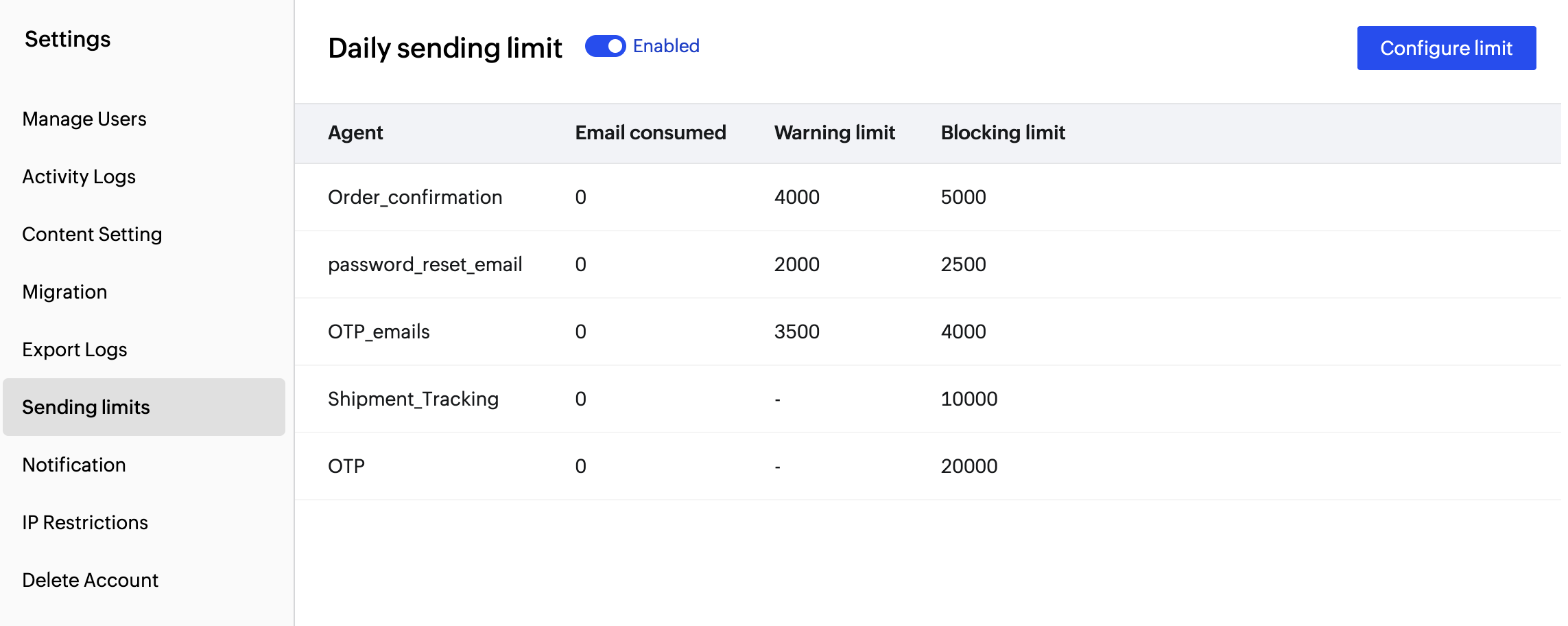
- Choose the Agent for which you wish to set the limits.
- Enter the desired blocking limit and warning limit. Use only numeric values.
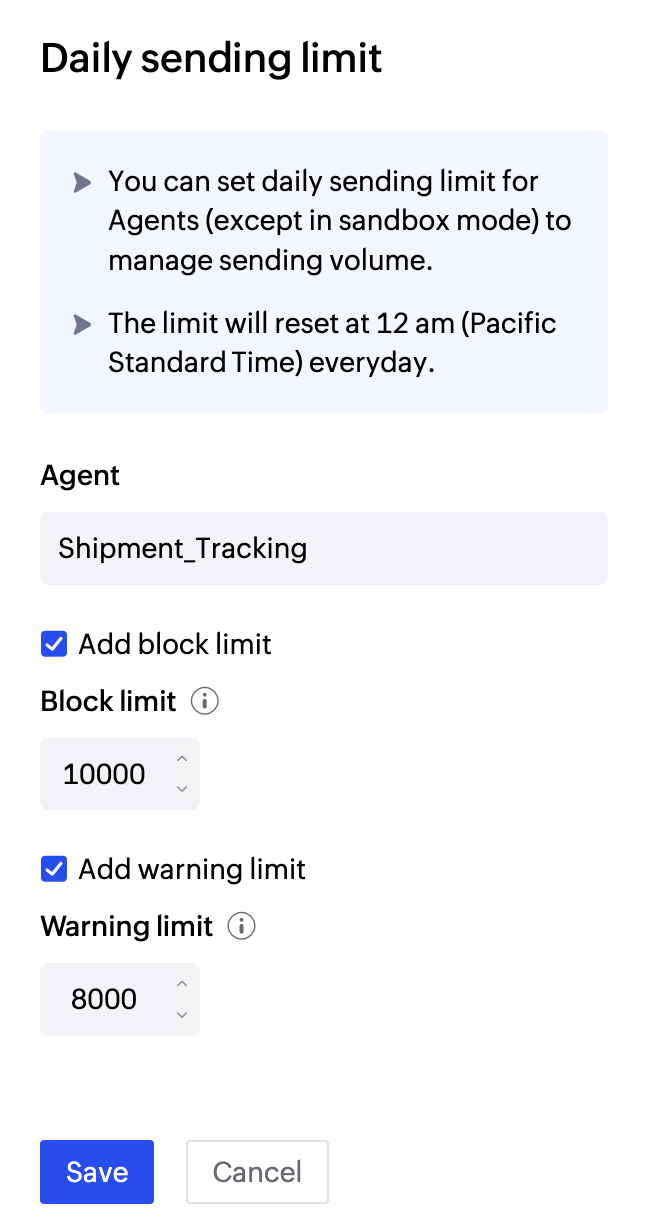
- Click Save to confirm your changes.
Note:
- The limit you set automatically resets at 12AM(server time).
- If the number of outgoing email exceeds the set limit:
- For API users, the email will not be processed and you will receive a SM_151 error in your console.
- For SMTP users, your email will be accepted by ZeptoMail servers, but will not be sent out to your recipients. The email will have a Process failed status.
Edit sending limits
You can modify the email limits at any point:
- In the Sending Limits section, click the Edit icon next to the relevant Agent.
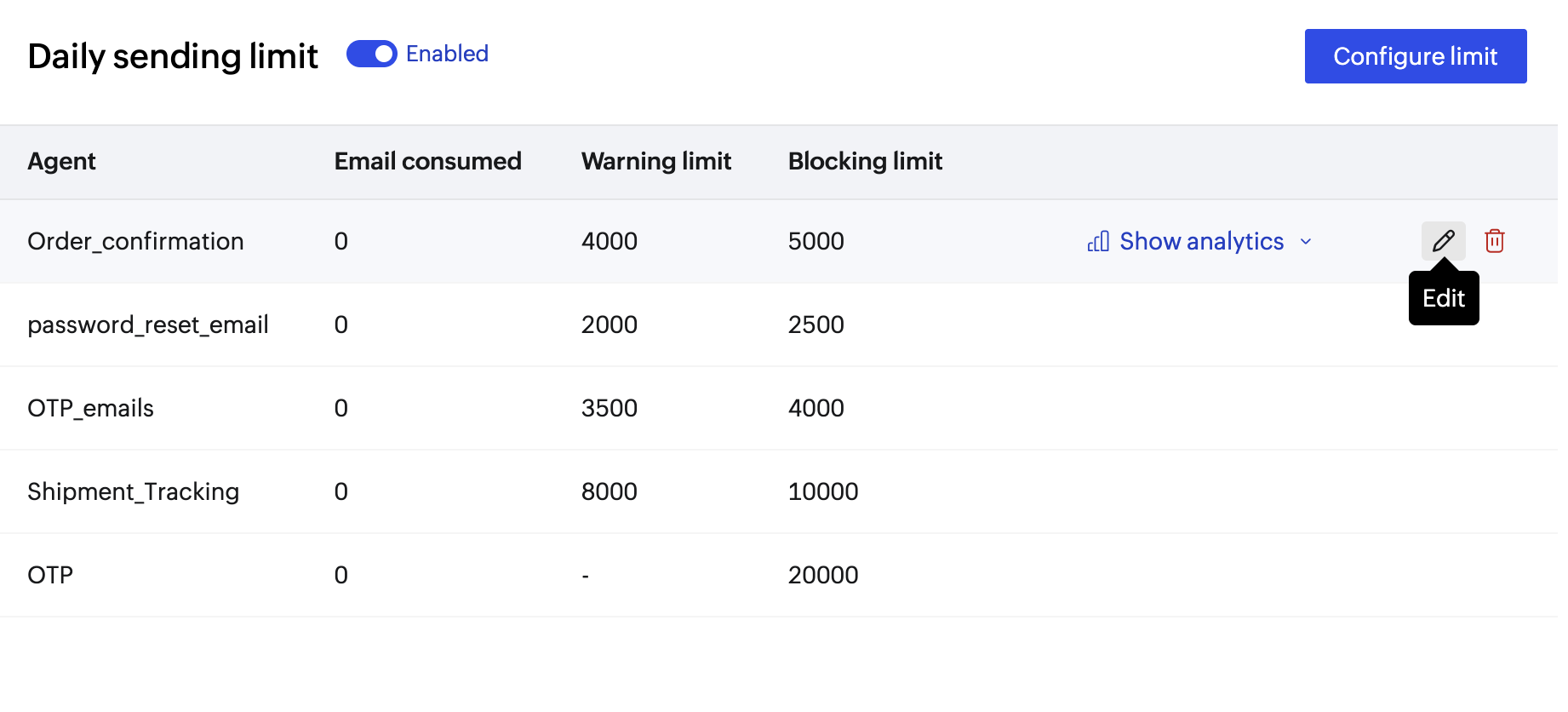
- Enter the new values.
- Click Save.
Sending limit analytics
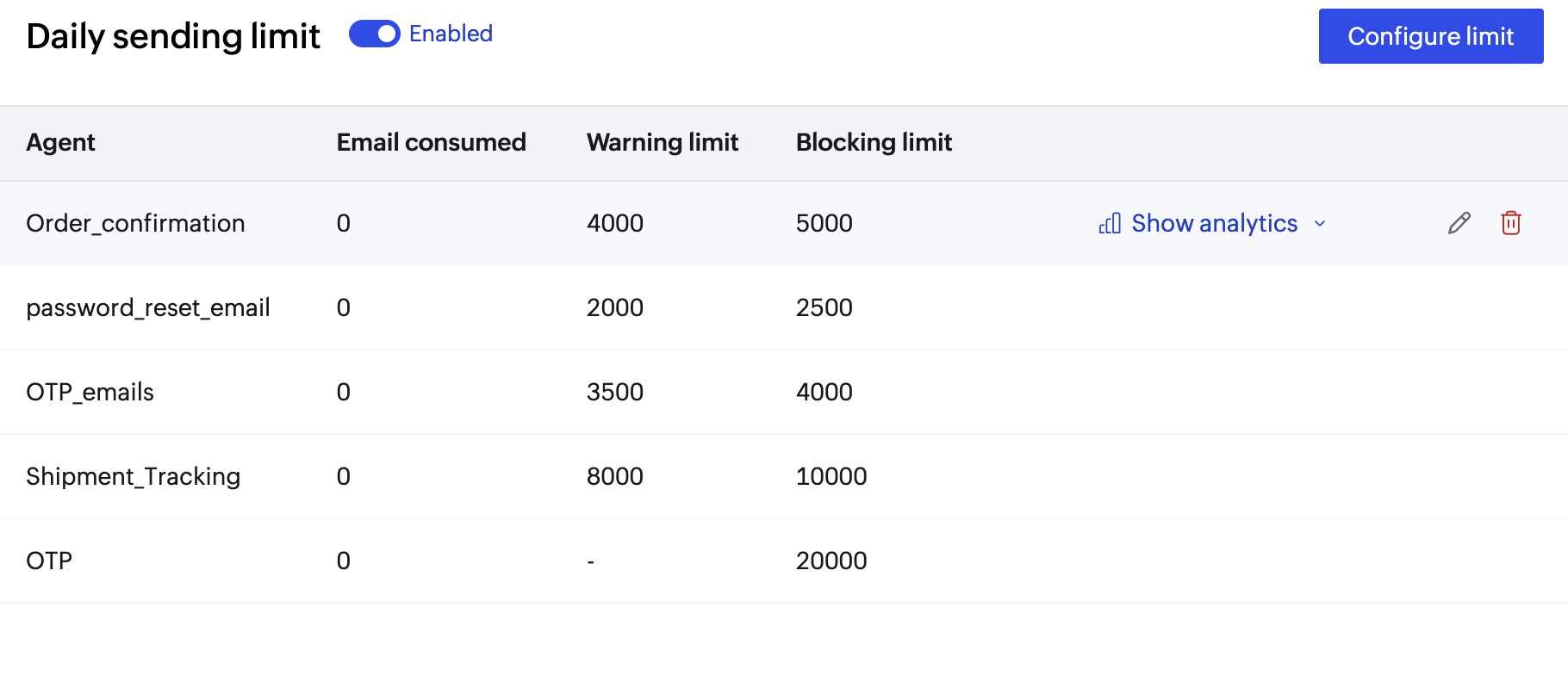
Each Agent includes a dedicated Analytics section to track outgoing emails and their delivery statuses over time.
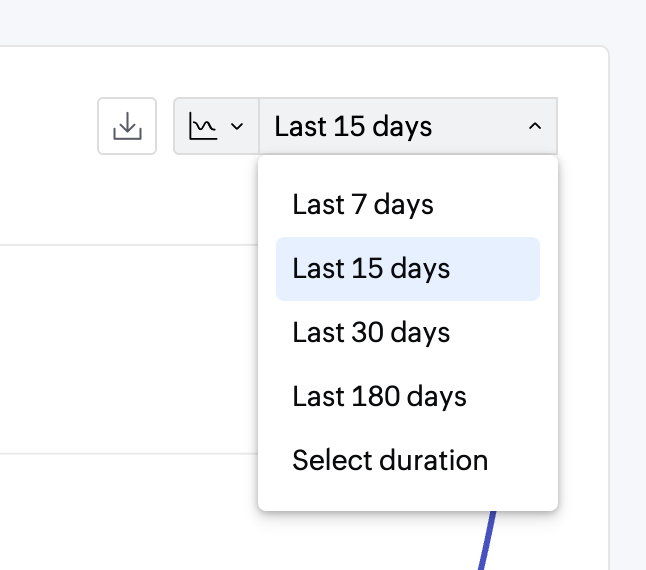
- You can select a custom time range to filter the data.
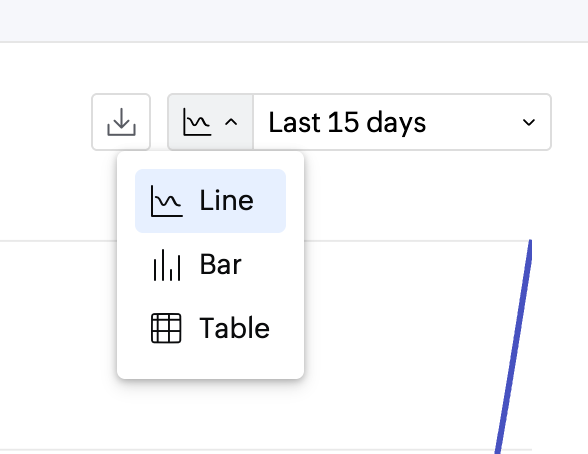
- Choose from different graph types: Line, Bar, or Table.
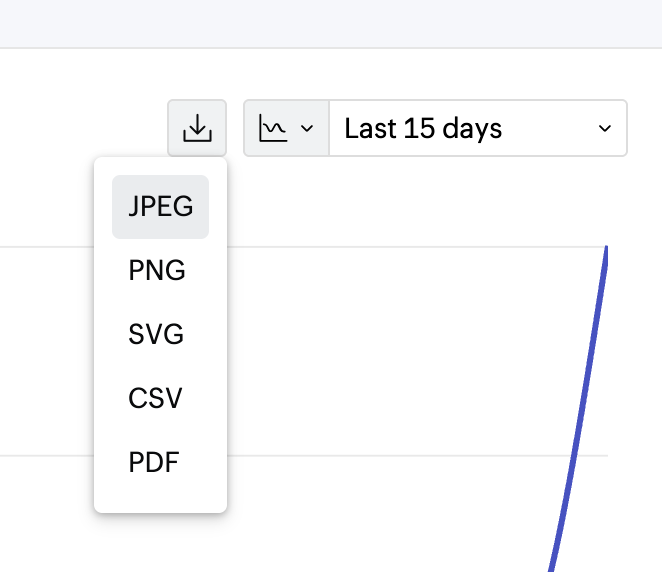
- Use the Download button to export the report. Available formats:
- JPEG
- PNG
- SVG
- CSV
- PDF
Remove email sending limits
To remove an existing email limit:
- Go to the Sending Limits section.
- Click the Delete icon next to the relevant Agent.
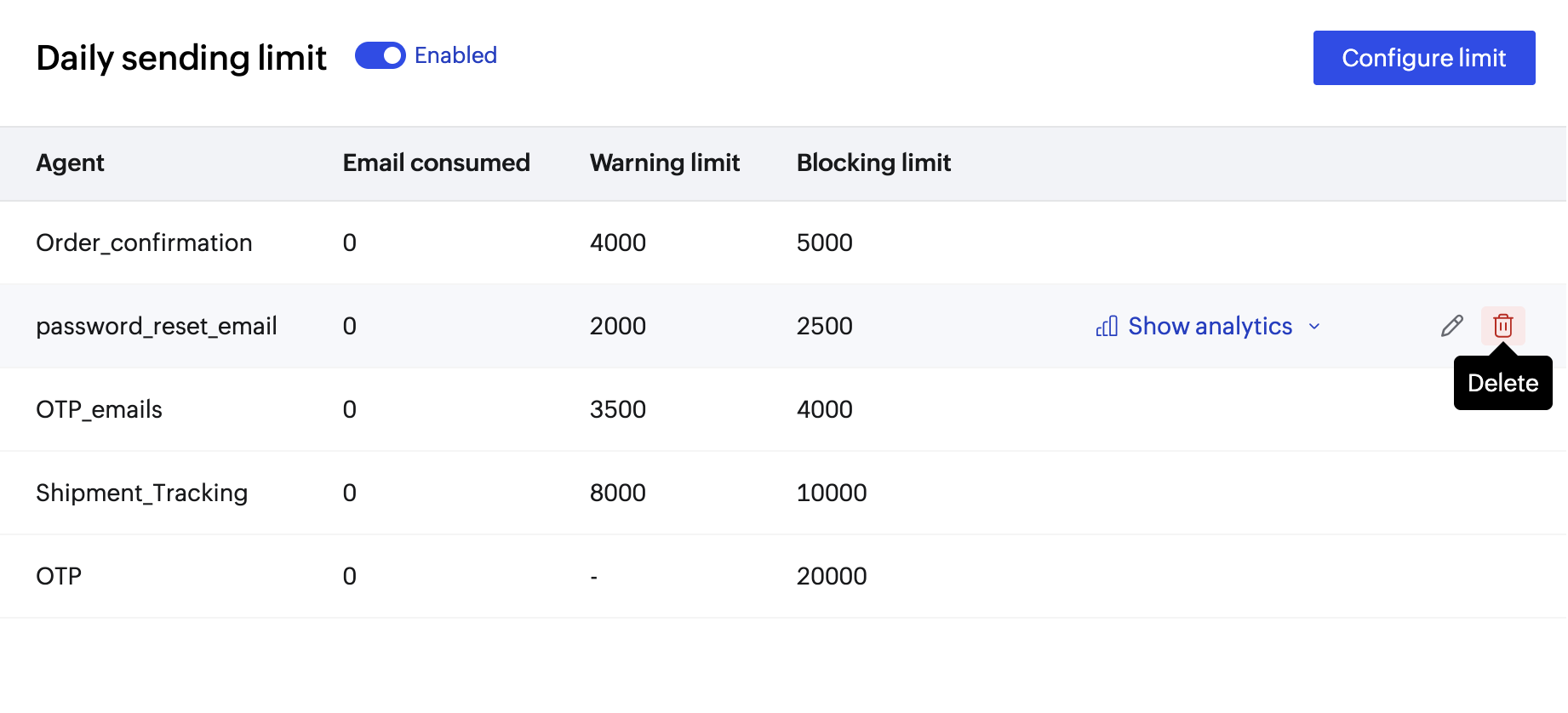
- This will completely remove the sending limit for that Agent.
Note:
Before you get started it is important to know that ZeptoMail is for sending transactional emails like welcome emailers, password resets emails, OTPs. We do not support sending of bulk emails or promotional emails like newsletters or marketing campaign emails. If you are looking for a bulk email provider, you can visit Zoho Campaigns.