Stream Analytics
Zoho Analytics allows you to import data from streaming services and analyze events as they arrive. Streamed data is stored in a stream table that updates continuously, so your reports always show the latest activity. To keep data for longer analysis, you can also store a copy of every row in a historical table.
Stream Analytics is useful for tracking time-sensitive data such as payment events, user activity, IoT sensor readings, and application logs.
Note: Reports created over stream tables refresh about every 30 seconds. Dashboards do not refresh automatically. Refresh the dashboard to view the latest data.
1. How Stream Analytics Works
Zoho Analytics connects to streaming services in one of two ways. The method depends on the service you use.
- Push: Your service sends data to Zoho Analytics. Zoho Analytics generates a unique Push URL, and your service posts JSON events to it.
- Pull: Zoho Analytics connects to your service and reads messages from the channels, topics, or subscriptions you specify.
For every service, the import follows four steps:
- Connect: Copy the Push URL, or enter the connection details.
- Design Table: Define the columns manually, from sample JSON, or from live data.
- Table Details: Review the columns and name the table.
- Validate and Import Data: Validate the stream. Data is imported once validation succeeds.
[Image: The Import Streaming Data into Zoho Analytics pane listing the four import steps.]
2. Supported Streaming Services
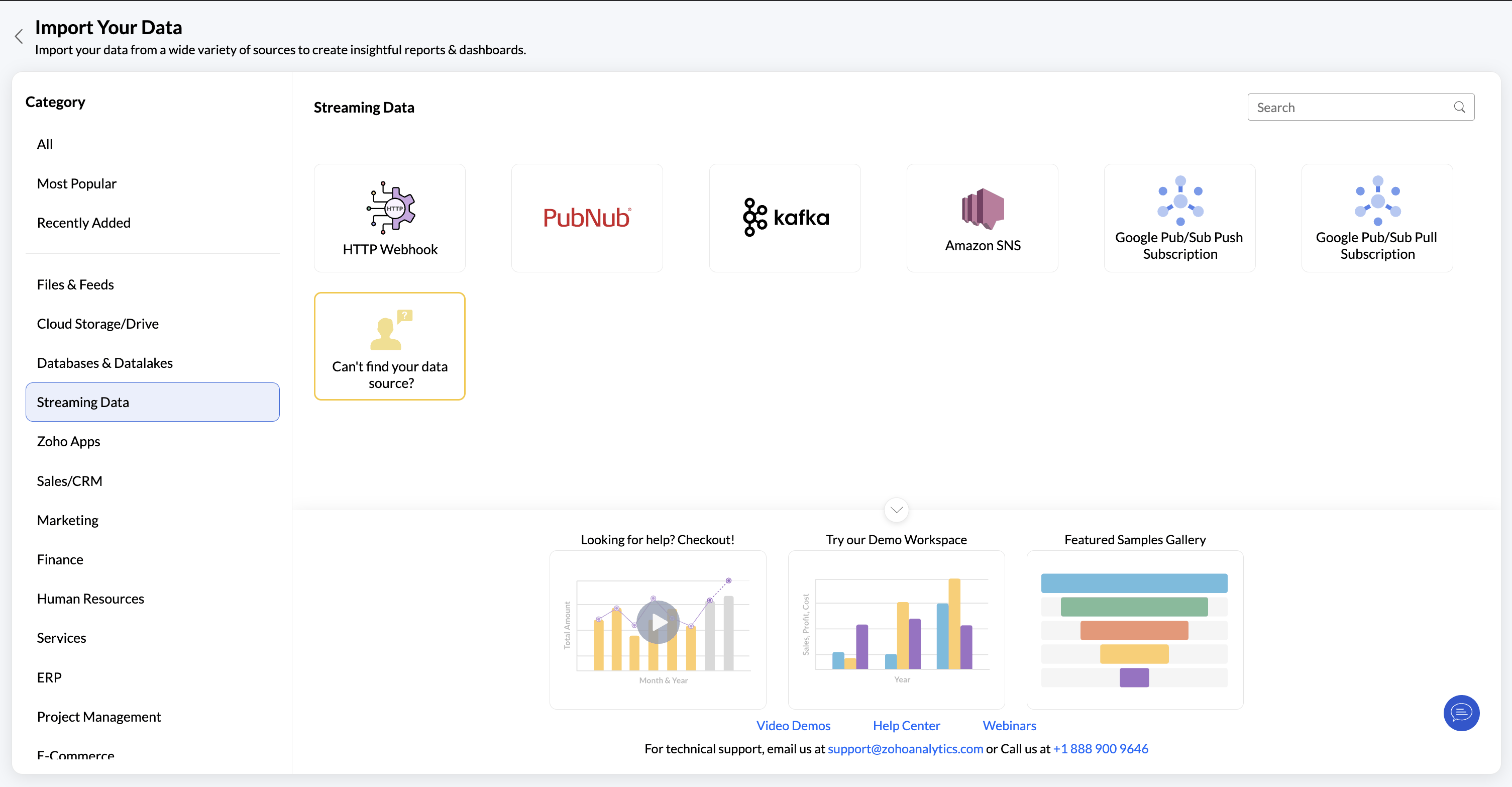
| Service | Method | What you set up |
|---|---|---|
| HTTP Webhook | Push | Send JSON in a POST request to the Push URL |
| Amazon SNS | Push | An HTTPS subscription to the Push URL, with raw message delivery enabled |
| Google Pub/Sub Push Subscription | Push | A push subscription to the Push URL, with payload unwrapping enabled |
| Public Kafka | Pull | Broker details, SASL credentials, and topic names |
| PubNub | Pull | Subscription Key and channels or channel groups |
| Google Pub/Sub Pull Subscription | Pull | Google sign-in, Project ID, and pull subscription names |
3. Before You Begin
- Availability: Stream Analytics is available in the Premium plan and above. You can connect up to 5 streaming sources in Premium and up to 20 in Enterprise. To connect more, purchase add-ons.
- Data format: Every service must send a JSON object or a JSON array of objects. Each top-level key becomes a column, and key names must match the column names exactly, including case.
- Data storage: A stream table holds up to 1 million rows or 1 hour of data. You can set the retention period from 30 minutes to 24 hours.
- Network access: Pull services must be reachable over the internet from Zoho Analytics.
Note: Use flat JSON. A nested object is stored in a single text column.
4. In This Chapter
In this chapter, we will discuss the following topics:
- Push services
- Pull services