New in Zoho Flow: Built-in intelligence to create and automate smarter workflows

We’re excited to announce a host of advanced AI-powered capabilities in Zoho Flow that are designed to transform the way you build, enhance, and run your workflows.
These features have been in the works for a while—instead of adding AI for the sake of it, we focused on delivering meaningful intelligence that makes your workflows easier to build and smarter to run.
With this launch, Zoho Flow becomes more than just a platform that connects your apps. It becomes a smart integration partner that understands context, makes decisions, and helps you incorporate intelligent steps into your workflows that would otherwise require human intervention.
What's new in Zoho Flow?
Creating workflows from plain English
Drag-and-drop workflow building was easy; but we just made it even easier. Now when you create a new flow, you can describe your workflows in natural language, and Zoho’s built-in AI, Zia, will convert your prompt into a working flow template that has app triggers and actions.
This helps both technical and non-technical users get started quickly. You don’t have to manually add every step from scratch. Instead, you get a reliable base you can customize further to suit your exact needs.
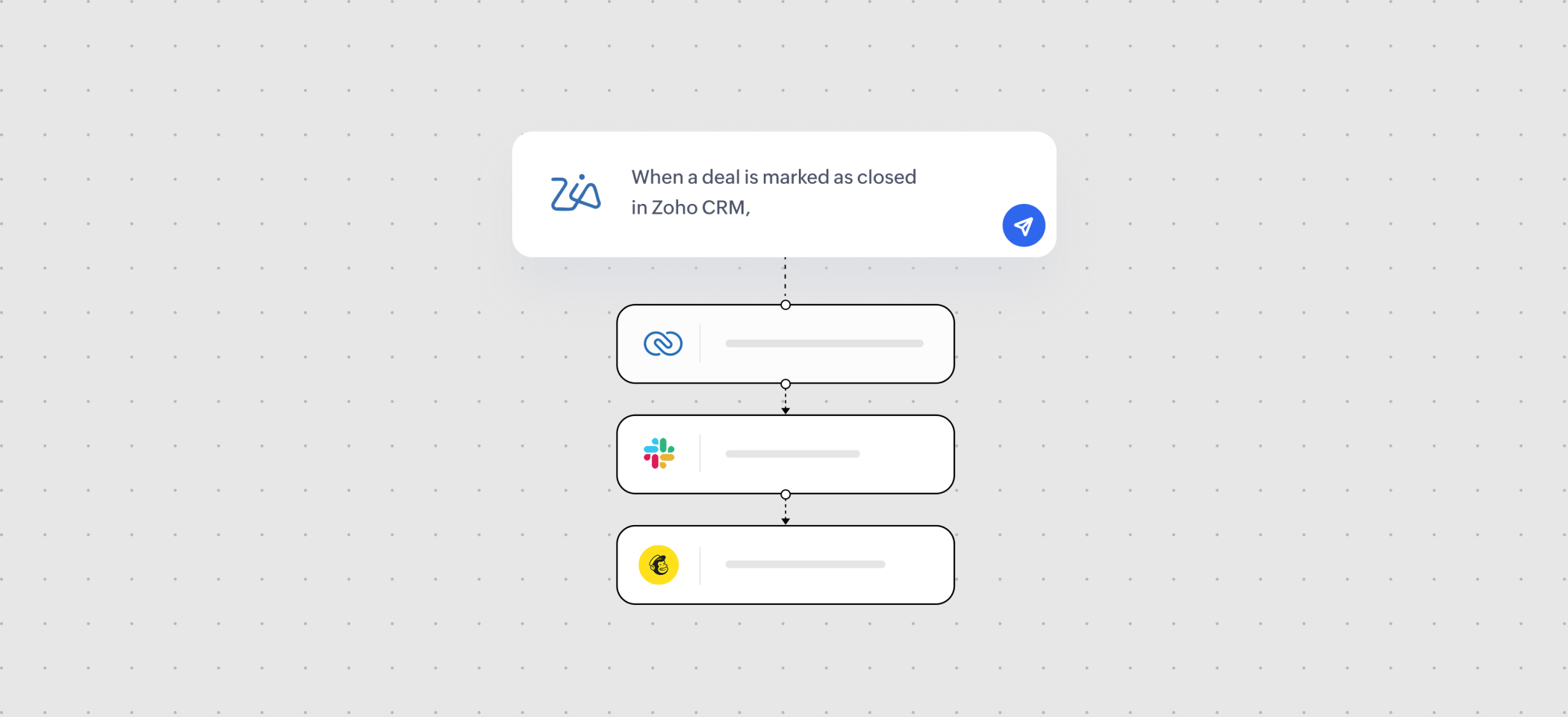
Here are a few ways to describe your automation ideas in plain English:
“When a new form is submitted on Paperform, send a thank-you email and add the contact to Zoho CRM.”
“If an invoice is overdue in Zoho Books, send a reminder email and notify the finance team on Slack.”
Smart AI utilities built in to your workflows
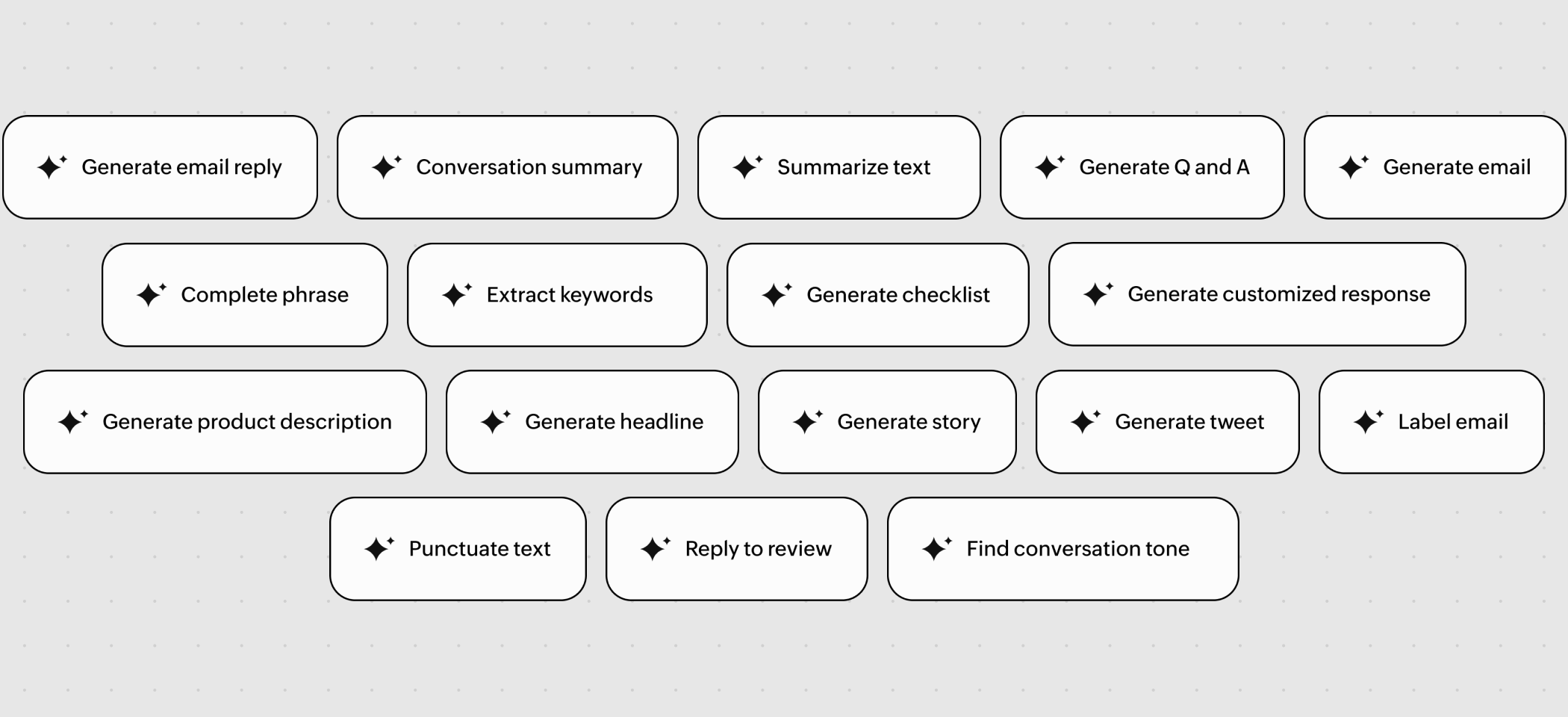
Your workflows can now automatically generate, clean, and optimize content that flows in and out of your apps with Zia Utilities.
With Zia Utilities built in to the workflow builder, you can now:
- Generate email responses based on context
- Label email content (e.g., “invoice”, “query”, “complaint”)
- Create product descriptions from plain specs
- Generate checklists from free-text instructions
- Detect tone and summarize long conversations
- Rephrase content for clarity or tone
...and a lot more!
Think of use cases like:
When a ticket is created in Zoho Desk, generate a first draft of a response using the conversation summary.
When a sales rep logs a note, extract keywords and push them to Zoho Analytics for deal insights.
Rephrase support messages from “technical” to “customer-friendly” before sending.
Agentic actions that can think and act in real time
Add agentic actions to your workflows and let Zia take the next step based on prompts and real-time context.
Simply configure a set of smart actions for Zia to choose from, and provide a clear prompt within the agentic action in your flow on any particular way you want the data to move between the apps. During execution, Zia evaluates the input and scenario, then selects and performs the most relevant actions intelligently, without your manual intervention.
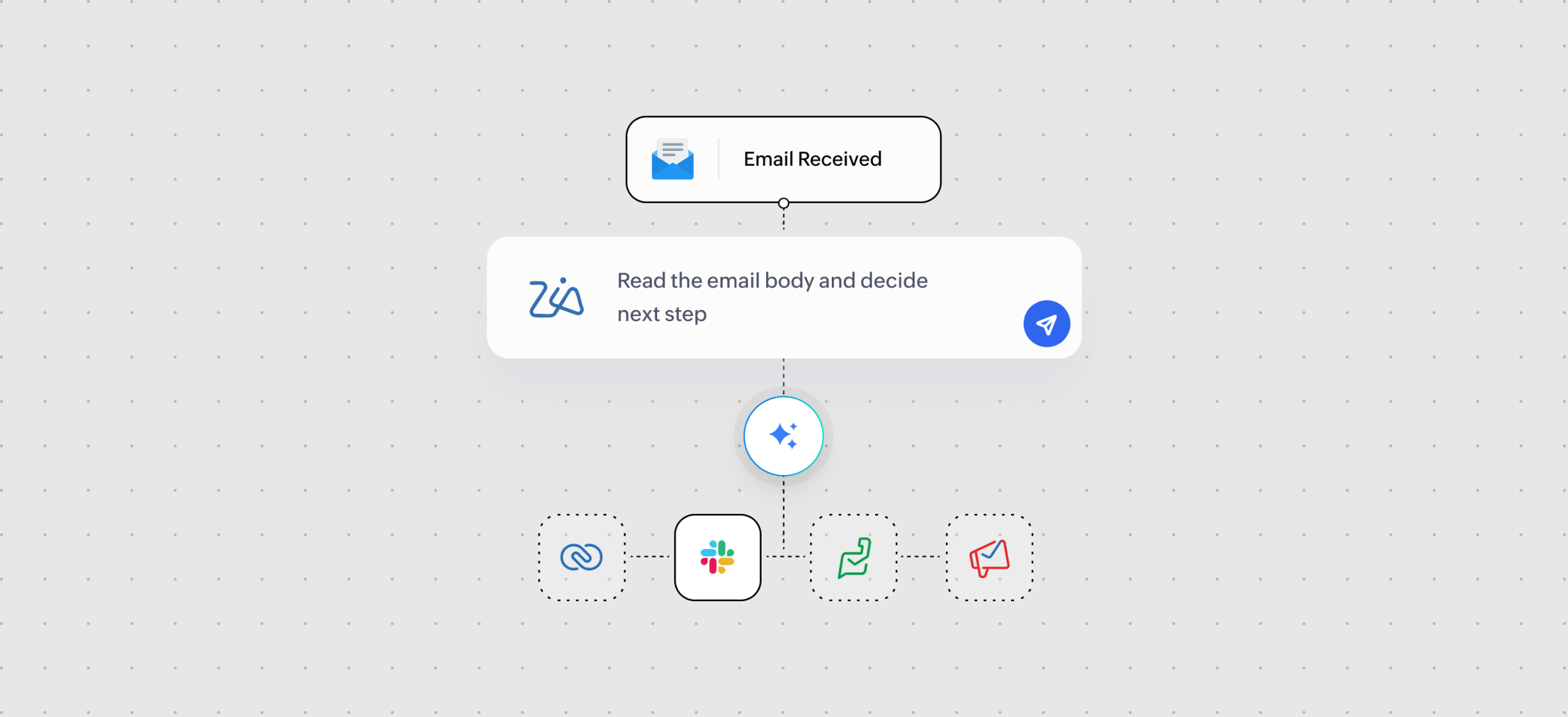
You can use agentic actions for scenarios like:
- If a new Zoho CRM lead has a deal size over $5,000 and “Urgent” in the notes, depending on how you've prompted it, Zia can pick an action from a list:
- Add a high-priority tag
- Assign it to a senior rep
- Notify Presales on Slack
- For support tickets, the agent can decide whether to escalate, request more info, or close the ticket depending on sentiment and context.
These new capabilities weren't added just to check a box. They're designed to help you start automation faster without friction, handle communication and content inside workflows, and let intelligent agents handle decision-making based on context.
From creating your first flow to scaling complex automations, these features form the first steps in helping you get more done with less manual work and build automations at scale with AI.
You can learn more about these features here.
Enable AI in Flow, try these features out, and let us know how they’re working for you, or what you'd like to see next. Please feel free to reach out to us at support@zohoflow.com if you have any questions.

Comments