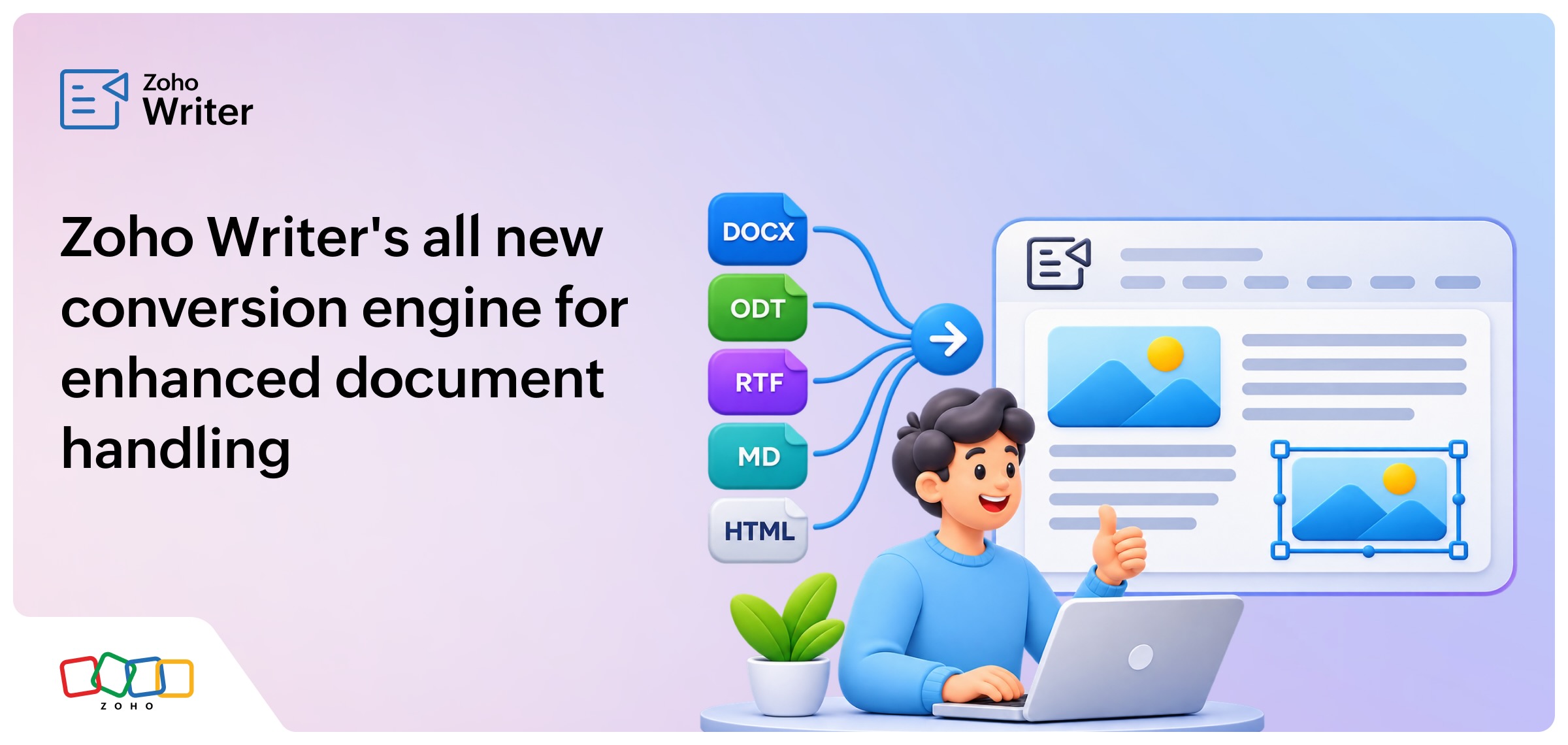
Zoho Writer's all new conversion engine for enhanced document handling

Hi everyone,
Whenever organizations switch or consider switching to Zoho Writer, a key question comes up: Will our existing documents retain the formatting, structure, and functionality we depend on when we move them?
Even small differences in how word processors interpret document formats can cause formatting loss, flattened forms, broken cross-references, or lost document elements.
That's why we've rebuilt Zoho Writer's conversion engine around interoperability. Whether you open DOCX, ODT, or RTF files, Writer is designed to preserve the original layout, formatting, and structure, so you can move to Zoho Writer with confidence.
Benefits of Zoho Writer's new faster conversion engine
- Edit local files natively: Open and edit DOCX, ODT, and other document formats straight from your PC.
- Handle large files: Import DOCX files up of to 50 MB.
- Efficient alternative to LibreOffice Writer: Open and edit your ODT files in Zoho Writer on the web or on desktop.
- Better feature parity with MS Word documents: Visuals, forms, comments, captions, cross-references, and more carry over from Word documents.
What's new in Writer's conversion engine
- Open and edit more formats: With ODT support now added, you can open and edit documents in popular formats such as DOCX, RTF, TXT, and HTML, on the web and on the desktop. Markdown (MD) is also supported natively, so you can create new files and edit existing ones.
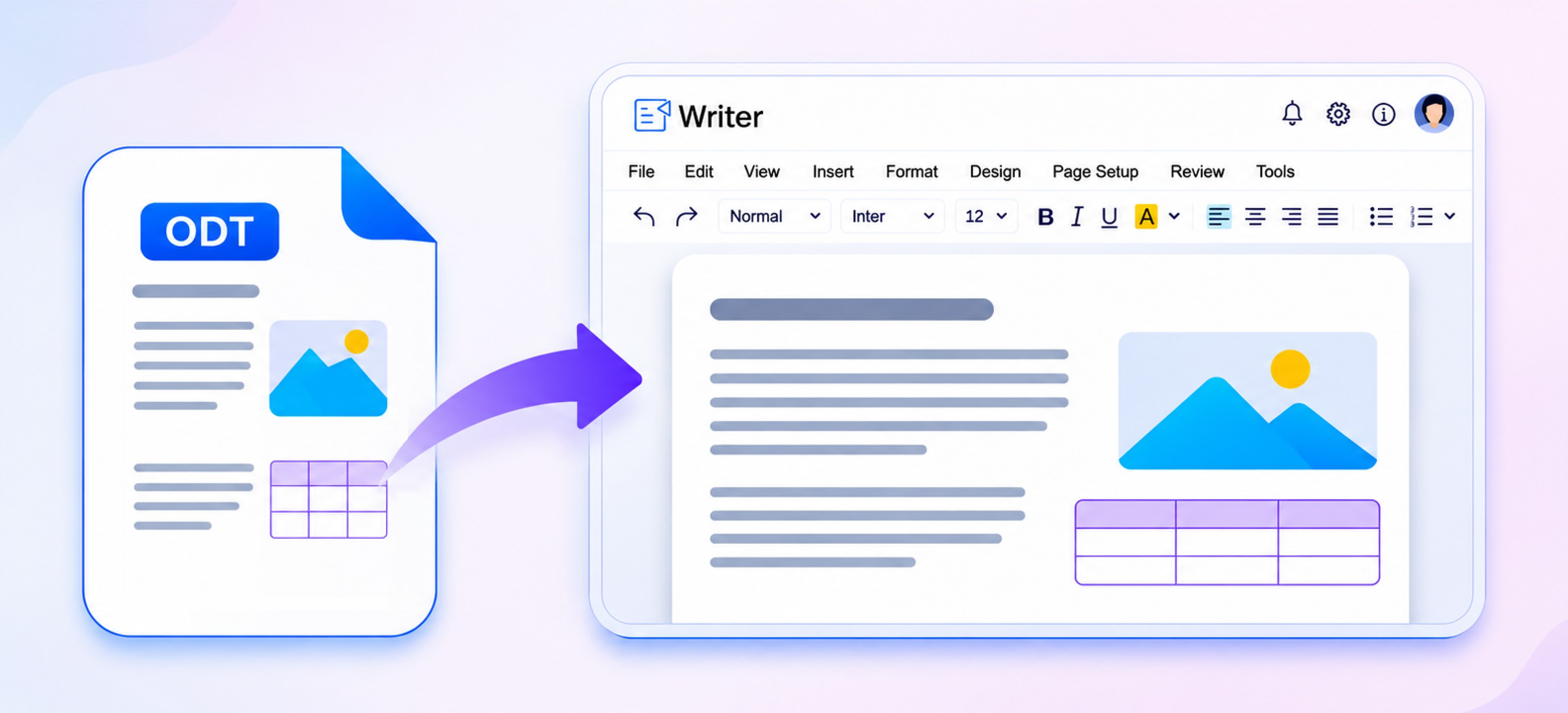
- Work offline: Open DOCX, TXT, ODT, MD, and other files in the Zoho Writer desktop app and start editing them without an internet connection.
- Better rendering of Word documents:
- SmartArt is converted to editable shapes, so you can keep working on them.
- EMF and WMF vector images render accurately.
- OLE objects appear as thumbnails, so you can see what's inside the document.
- Open password-protected files: Open password-protected DOCX files directly in Writer, on both web and desktop.
- Lossless HTML import: If you export a document from Writer as HTML and import it back, its original styles are retained.
- Enhanced MS Word parity: Imported Word files keep their table of contents, table of figures and table of tables, captions, cross-references, and threaded comments. Text fields, checkboxes, and dropdown lists become interactive Writer fields that recipients can fill in. See the full list of supported Word features in our Microsoft Word compatibility guide.
- Process large files: Import DOCX files up to 50 MB. Limits for other formats:
| File format | Import limit |
| DOC, DOCM, DOT, DOTM, DOTX, RTF, and ODT, MD, HTML, HTM, TXT, and TEXT | 10 MB |
A practical alternative to LibreOffice Writer
Zoho Writer is already an efficient alternative to Microsoft Word. With ODT support, it's a practical alternative to LibreOffice Writer too. If you switch, you get a modern, intuitive interface, one consistent experience on web and desktop, and offline editing of local files, all at no cost.
To learn more about supported formats and how to import files, see our user guide.
Try these updates and let us know what you think in the comments. If you have questions or feedback, write to us at support@zohowriter.com, or support@eu.zohowriter.com. We’d love to hear from you.

Comments