- HOME
- On Zoho Contracts
- What's new in Zoho Contracts: Docusign, MS Word, smarter approvals, & more
What's new in Zoho Contracts: Docusign, MS Word, smarter approvals, & more
- Last Updated : September 30, 2026
- 135 Views
- 2 Min Read

At Zoho Contracts, we had a busy stretch of releases across Q3 2026, with updates enhancing signing, approvals, admin controls, and language support. Here's a brief of what's new.
Docusign integration
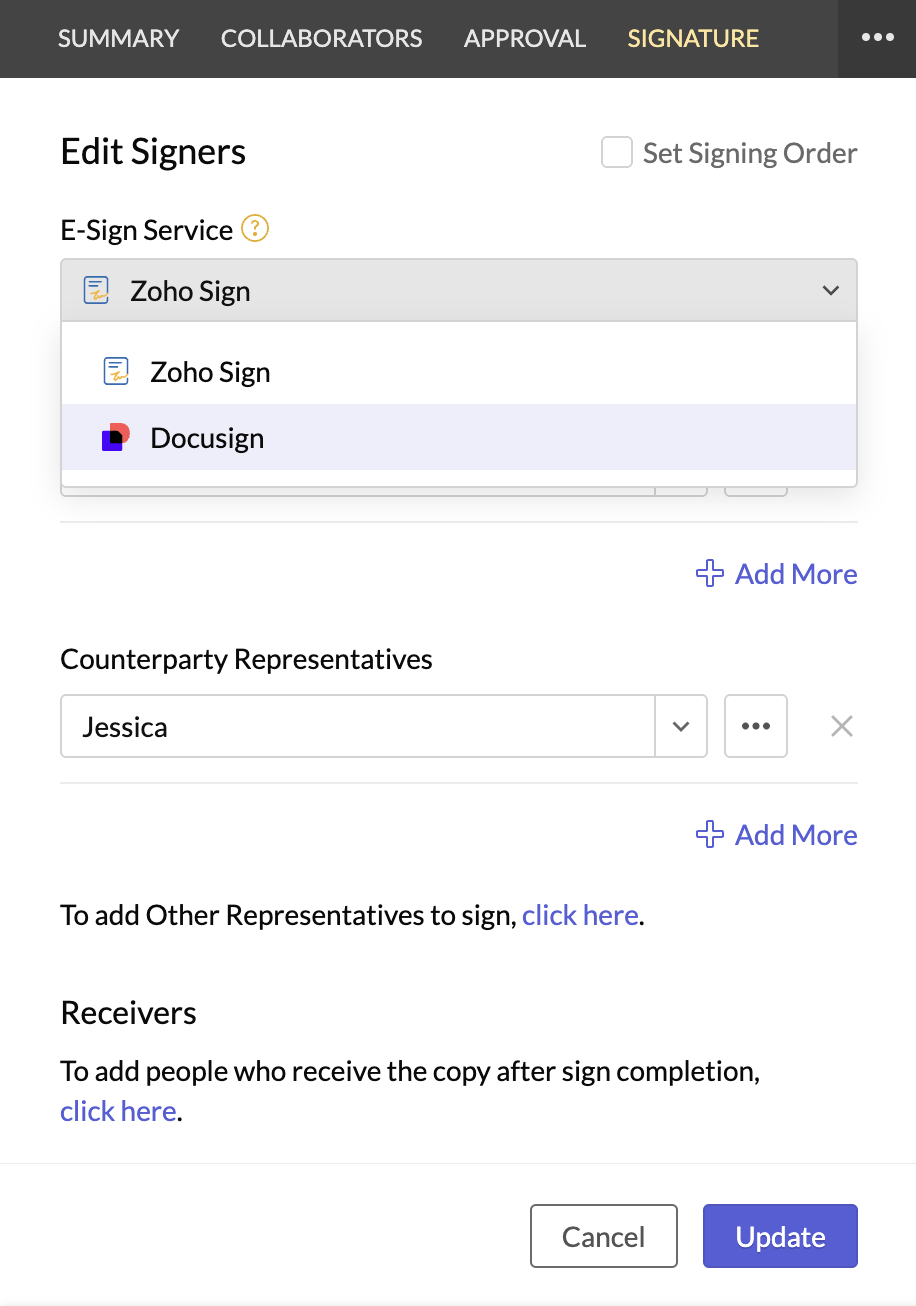
Zoho Contracts now integrates with Docusign. Contract owners can send agreements out for signature through Docusign, and once they're signed, both the document and the digital signature certificate sync back into Zoho Contracts automatically. Owners then manage the rest of the contract lifecycle within Zoho Contracts.
Microsoft Word integration
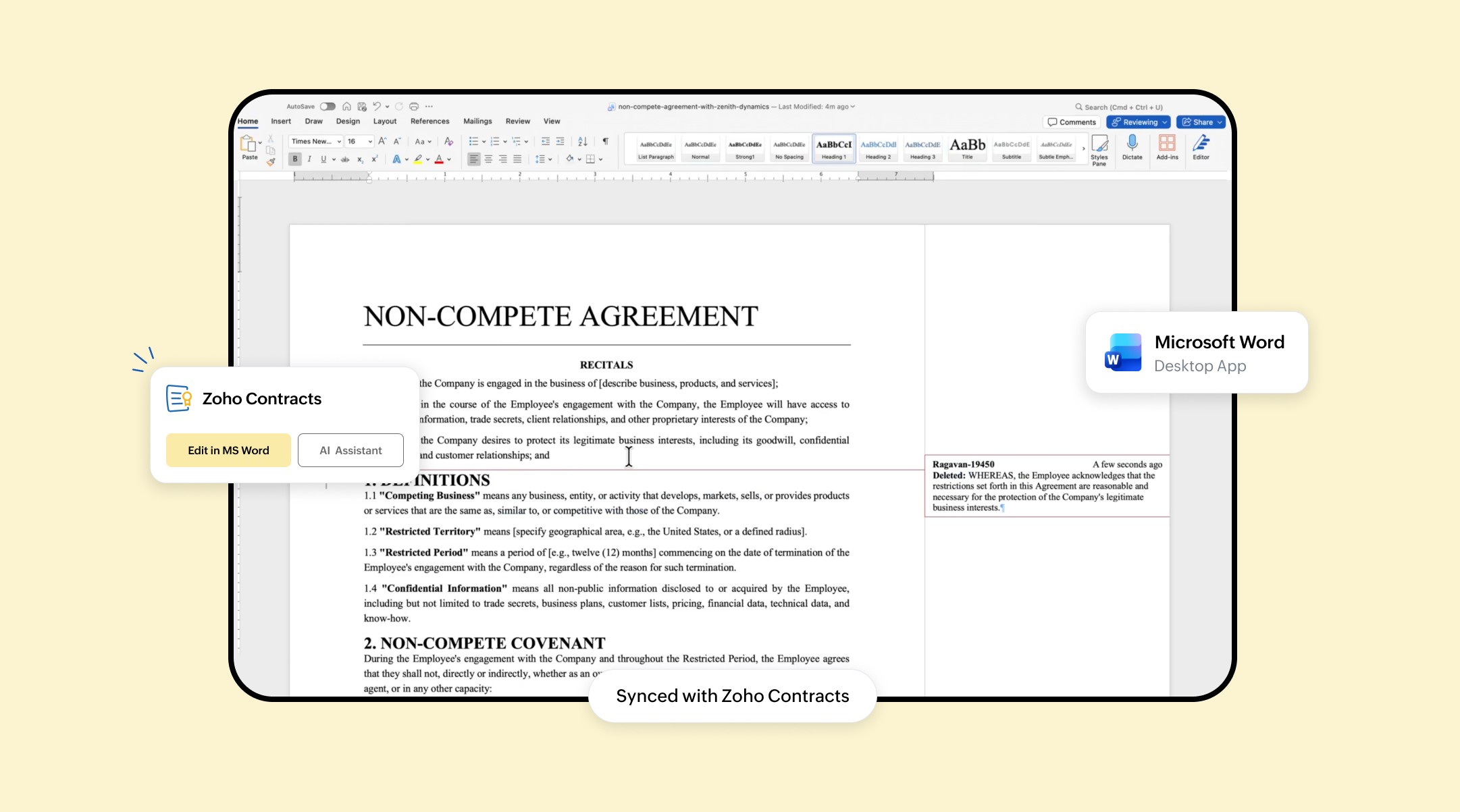
The new Microsoft Word integration connects Zoho Contracts with the Word desktop app. Teams can create contract types, author, review, and edit contracts, collaborate with internal stakeholders, and negotiate with counterparties, all inside Word. And the changes made in Word will sync back to Zoho Contracts, allowing them to manage the rest of the contract lifecycle in Zoho Contracts.
Conditional Approval Workflows
Contracts can now be routed for internal approval based on criteria you define, rather than following a single fixed path. Admins can choose no approval, a fixed workflow, or a conditional one for each contract type. They can also set independent workflows for originals versus renewals, and apply a fallback workflow when no condition matches. For sequential approvals, admins can decide whether a contract advances only once every approver in a specific level signs off or as soon as any one of them does.
Custom sender email address
Admins can add a custom sender email address, letting contract emails go out from their own address instead of the default Zoho address.
Negotiation settings
Admins can now tune negotiation settings per contract type. Options include disabling negotiation entirely for select contract types, setting delivery modes for the negotiation password, controlling whether counterparties can download the contract document, and resending a contract with redlines or comments instead of a clean copy.
Signature settings
Admins can allow or restrict offline signatures. This setting is available at both the organization level and the contract type level.
Renewal, extension, and termination settings
Admins can configure renewal and extension rules at both the organization and contract type levels, and set termination rules at the contract type level.
Portuguese language support
Zoho Contracts is now available in Portuguese, bringing the total to eleven supported languages: English, Spanish, French, German, Dutch, Italian, Russian, Chinese (Simplified and Traditional), Japanese, and Portuguese.
You can see the full rundown on the What's New page.