What is a transactional message? SMS types and examples
- Published : September 30, 2026
- Last Updated : October 8, 2026
- 150 Views
- 7 Min Read

Businesses send countless messages every day to keep customers informed about transactions and important account activity. From OTPs and payment confirmations to order updates, delivery alerts, and appointment reminders, transactional messages help businesses communicate timely information automatically.
In this guide, we’ll explore what transactional messages are, their different types and examples, how businesses can send them, and the best practices to follow.
What is a transactional message?
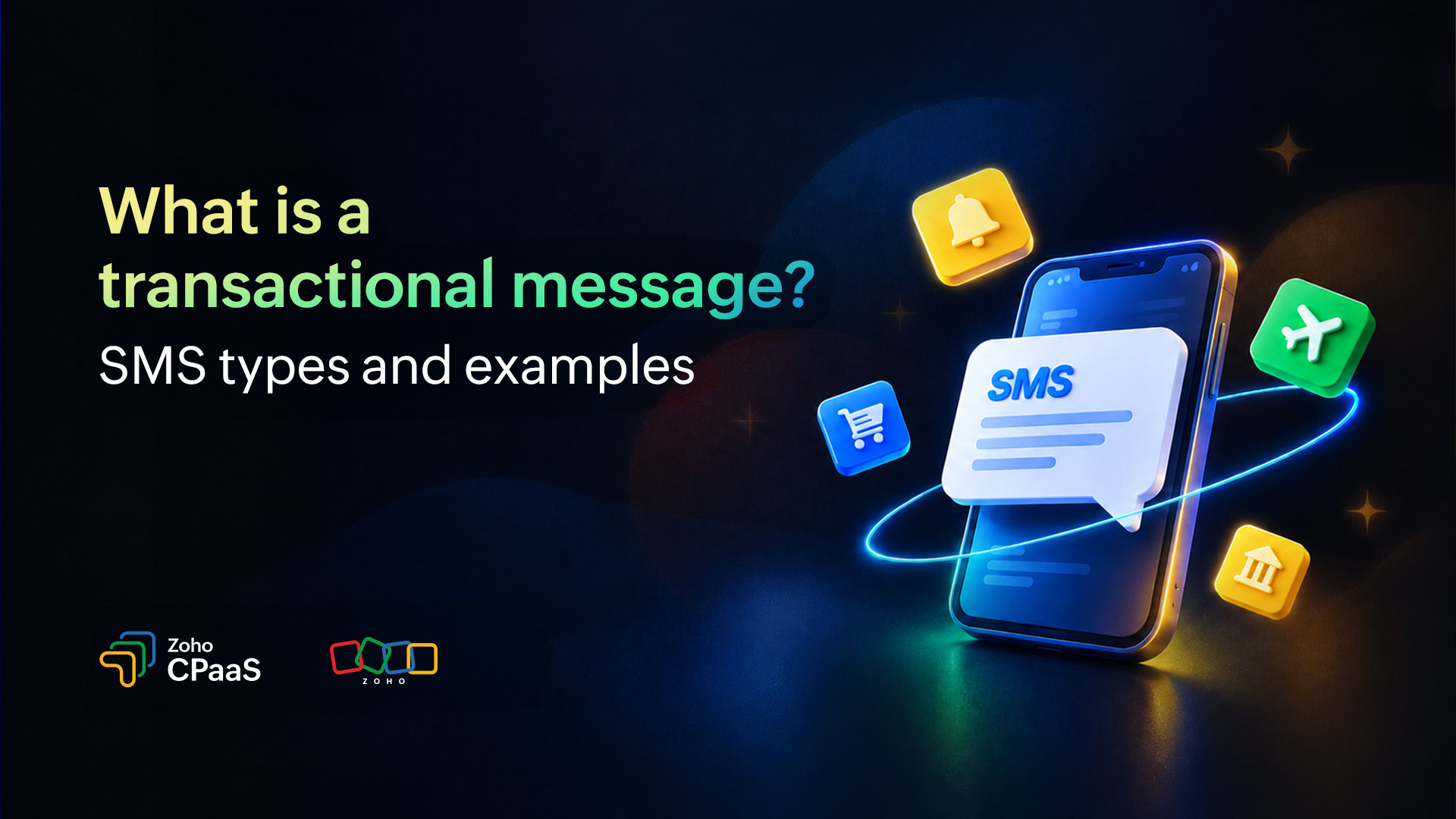
A transactional message is a form of SMS text message sent to a recipient to communicate important information related to a specific action performed transaction, account activity, or service they have requested or are using.
Transactional SMS is typically triggered automatically by a customer action or business event, such as placing an order, making a payment, or requesting an OTP.
Transactional vs. promotional messages
Transactional and promotional messages serve different communication purposes. Understanding this distinction helps businesses choose the appropriate message category, follow applicable regulations, and create communications that align with customer expectations.
Aspect | Transactional messages | Promotional messages |
Primary purpose | Provide essential, service-related information | Promote products, services, or offers |
Trigger | Customer action, on request, or relevant event trigger | Planned marketing campaign or promotional activity |
Content | Account updates, OTPs, confirmations, alerts, and notifications | Discounts, product launches, sales, and offers |
Timing | Often sent right after an event occurs or an update is needed | Usually scheduled around a campaign or marketing objective |
Examples | OTP, payment receipt, delivery update, order confirmation | Festival sales, discount coupons, new product announcements |
Main objective | Keep customers informed and support essential workflows | Generate awareness, engagement, or sales |
Example | “Your order #45821 has been confirmed. Expected delivery: September 20. Track your order: [link]” | “Enjoy 20% off your next purchase! Shop our latest collection today. Use code SAVE20.” |
10 transactional message types with examples
Transactional messages are used across industries to communicate important information at different stages of the customer journey. The message content and timing depend on the event that triggers the communication.
Here are some common types of transactional SMS, along with examples.
1. OTP and verification messages
OTP messages or SMS verification codes contain a one-time password used to verify a customer’s identity or authorize an action. They’re commonly used during account registration, login, password resets, and certain financial transactions.
Example:
"Your verification code is 482913. It is valid for 5 minutes. Do not share this code with anyone."
2. Order confirmation messages
E-commerce businesses send order confirmation SMS messages after a customer successfully places an order. These messages reassure customers that their purchase has been recorded and provide essential order details.
Example:
“{{Company Name}}: Thanks for shopping with us! Your order #{{065421}} has been confirmed.”
3. Shipping and delivery updates
Shipping notifications inform customers about the progress of their deliveries. These messages can be triggered when an order is dispatched, reaches a distribution center, or is out for delivery.
Example:
“{{Company Name}}: Your order #607320 is out for delivery and will arrive today. Track here: {{link}}”
4. Payment confirmation messages
Payment confirmation SMS messages notify customers when a payment has been successfully processed. They’re frequently used by banks, payment gateways, e-commerce businesses, and subscription-based services.
Example:
"Payment of ₹{{Amount}} received for invoice #{{Invoice ID}}. Txn ID: {{Txn ID}}. Thank you!"
5. Banking and account alerts
Banks and financial service providers use transactional messages to notify customers about account activity, such as deposits, withdrawals, balance updates, and unusual transactions.
Example:
“{{Bank Name}}: ₹{{Amount}} debited from account ending in {{x1234}} on {{Date}}. Not you? Call us immediately: {{Phone}}.”
6. Appointment and booking reminders
Healthcare providers, salons, hotels, and service businesses send appointment or booking messages to confirm reservations and remind customers about upcoming schedules.
Example:
“{{Brand Name}} - Reminder: Your appointment with {{Name}} is set for {{Date}} at {{Time}}. Manage booking: {{link}}.”
7. Password reset messages
Password reset messages help customers regain access to their accounts. They typically include a secure link or verification code that allows the recipient to complete the reset process.
Example:
“A password reset was requested for your {{Service/company}} account. Use this link to reset your password: {{link}}. Didn’t request this? Contact us immediately.”
8. Service disruption and maintenance alerts
Businesses send service alerts to inform customers about planned maintenance, unexpected disruptions, or changes that could affect their access to a product or service.
Example:
“Scheduled maintenance: {{System}} will be offline on {{Date}} from {{Time}} to {{Time}}. We apologize for the inconvenience. - {{Company Name}}”
9. Subscription and renewal notifications
Subscription businesses use transactional messages to notify customers about upcoming renewals, successful renewals, failed payments, or changes to their subscription status.
Example:
“{{Company Name}}: Your {{Plan Name}} subscription has been renewed! Next billing date: {{Date}}. Manage your account here: {{link}}"
10. Security and fraud alerts
Security alerts notify customers about potentially suspicious account activity, such as a new device login, an attempted password change, or an unusual transaction.
Example:
“{{Company Name}}: New login to your account from {{Location/Device}}. If this wasn’t you, secure your account now: {{link}}”
How do you send transactional messages?
Sending transactional messages typically involves connecting your application or platform to a messaging service through an API. Here’s a quick workflow of how transactional messages are sent.
Choose a transactional messaging provider
Select a provider that supports the channels you need, such as SMS, WhatsApp, voice, or email, along with APIs and developer tools for integration like Zoho CPaaS.
Set up your account and sender details
Complete the required verification and configure your sender identity, phone numbers, WhatsApp Business Account, or other channel-specific requirements.
Integrate the API
Connect your application to the provider using its APIs or SDKs. Your application can then trigger messages automatically based on specific events.
Create message templates
Prepare concise templates for common events such as OTPs, payment confirmations, order updates, booking confirmations, and delivery notifications. Use variables to insert details such as names, order numbers, amounts, and dates dynamically.
Trigger messages based on events
Configure your application to send the appropriate message when a predefined event occurs. For example, a successful payment can automatically trigger a payment confirmation SMS or WhatsApp message.
Monitor delivery and performance
Track delivery status, failures, bounces, and other relevant metrics to identify issues and improve message reliability.
Advantages of transactional messages
Transactional messages play an important role in keeping customers informed at critical points in their journey. Some key advantages include:
Delivering time-sensitive information: Send OTPs, payment alerts, order updates, and other important information as soon as an event occurs.
Improving customer experience: Keep customers informed about actions they have taken and transactions involving their accounts.
Automating communication: Trigger messages automatically based on events in your application, reducing manual intervention.
Increasing operational efficiency: Automating routine notifications can reduce the workload on support and operations teams.
Building trust and transparency: Timely updates about payments, orders, appointments, and account activity help customers stay informed.
Enabling real-time alerts: Transactional messaging can deliver security and account-related alerts quickly, helping customers respond to important events.
Is it okay to use a CPaaS service to send transactional messages?
Yes. A CPaaS (Communications Platform as a Service) can be used to send transactional messages across channels such as SMS, WhatsApp, voice, and email.
Instead of building communication infrastructure independently for every channel, businesses can integrate APIs provided by a CPaaS platform like Zoho CPaaS and trigger messages directly from their applications.
For example, an e-commerce application could use a CPaaS platform to:
Send an order confirmation through SMS or WhatsApp.
Send a delivery update when an order is shipped.
Send a payment confirmation after a successful transaction.
Make an automated voice call for an important delivery or payment notification.
When choosing a CPaaS provider, consider API reliability, omnichannel transactional messaging delivery rates, scalability, security, channel availability, template editor, regulatory compliance, analytics, pricing, and developer support.
Best practices for crafting transactional messages
A transactional message should deliver the necessary information clearly and quickly. Follow these best practices when creating your messages.
Keep the message concise
Include only the information the recipient needs. Avoid unnecessary promotional language or lengthy explanations.
Example: “Your order #12345 has been shipped. Track your order using the link below.”
Make the purpose clear
The recipient should understand why they received the message as soon as they read it. Clearly identify the event, transaction, or action associated with the message.
Include relevant details
Add information that helps the recipient understand or act on the notification, such as an order ID, appointment time, payment amount, or verification code.
Personalize where appropriate
Use relevant dynamic information such as the customer’s name, order number, or transaction amount. Make sure dynamic variables are correctly populated before sending the message.
Use a clear call to action
If the recipient needs to take a specific action, make it clear and easy to follow. If the action involves a link, hyperlink it and ensure it’s clearly identifiable as clickable.
Example: “Your appointment is confirmed for September 28 at 10:00 AM. Manage your appointment here: {{link}}”
Avoid unnecessary promotional content
Transactional messages should primarily communicate information related to a transaction or user-initiated action. Avoid turning essential notifications into promotional messages.
Get your SMS templates verified
Before sending transactional SMS, make sure your message templates are registered and approved as required by the regulations applicable to your destination country. In India, businesses need to follow the applicable DLT requirements, including registering and getting SMS templates approved before sending eligible messages.
Create your message templates carefully
When creating templates, keep the content clear and aligned with the purpose of the message. Make sure the variables, sender details, and message content are correctly configured to avoid delivery issues or template mismatches.
Test before sending
Test templates with different variable values and edge cases to ensure that the message is formatted correctly and contains all required information.
Follow local regulations
Messaging requirements can vary by country and channel. Make sure your sender identity, templates, consent practices, and messaging traffic comply with applicable regulations and carrier or platform requirements.
FAQ
1. Do transactional messages require consent?
Consent requirements depend on the message type, channel, and applicable regulations. Transactional messages are typically triggered by a customer action, such as an OTP request, order confirmation, or payment alert. Businesses should still follow relevant consent and messaging regulations.
2. What is the character limit for a transactional SMS message?
A standard GSM-7 SMS can contain up to 160 characters, while Unicode SMS messages generally allow up to 70 characters. Longer messages may be split into multiple segments. The exact limits and number of segments can vary depending on the encoding, carrier, and messaging provider.
3. Can you send transactional SMS in India without DLT registration?
No. Businesses sending transactional SMS in India must comply with applicable TRAI regulations and complete the required DLT registration and template approval processes.
4. How fast should a transactional message arrive?
Transactional messages should ideally be delivered within seconds, especially for time-sensitive messages such as OTPs and payment alerts. Actual delivery time can vary depending on the provider, network, carrier, and recipient's connectivity.