What is a voice API? Programmable calling explained
- Published : September 23, 2026
- Last Updated : October 22, 2026
- 174 Views
- 10 Min Read

A phone call can do more than connect two people. For businesses, it can verify a customer, confirm an order, remind someone about an appointment, route a support request, or even deliver a wake up call from your bus app.
But have you wondered how you make these calls happen automatically from a website, mobile app, CRM, or business application? That’s where a voice API comes in.
From automated appointment reminders and voice OTPs to IVR systems, call centers, AI voice agents, and click-to-call applications, voice APIs make voice communication programmable. Let’s learn about what this voice API is, how it works, it’s importance and some best practices to use them effectively for your business.
What is a voice API?
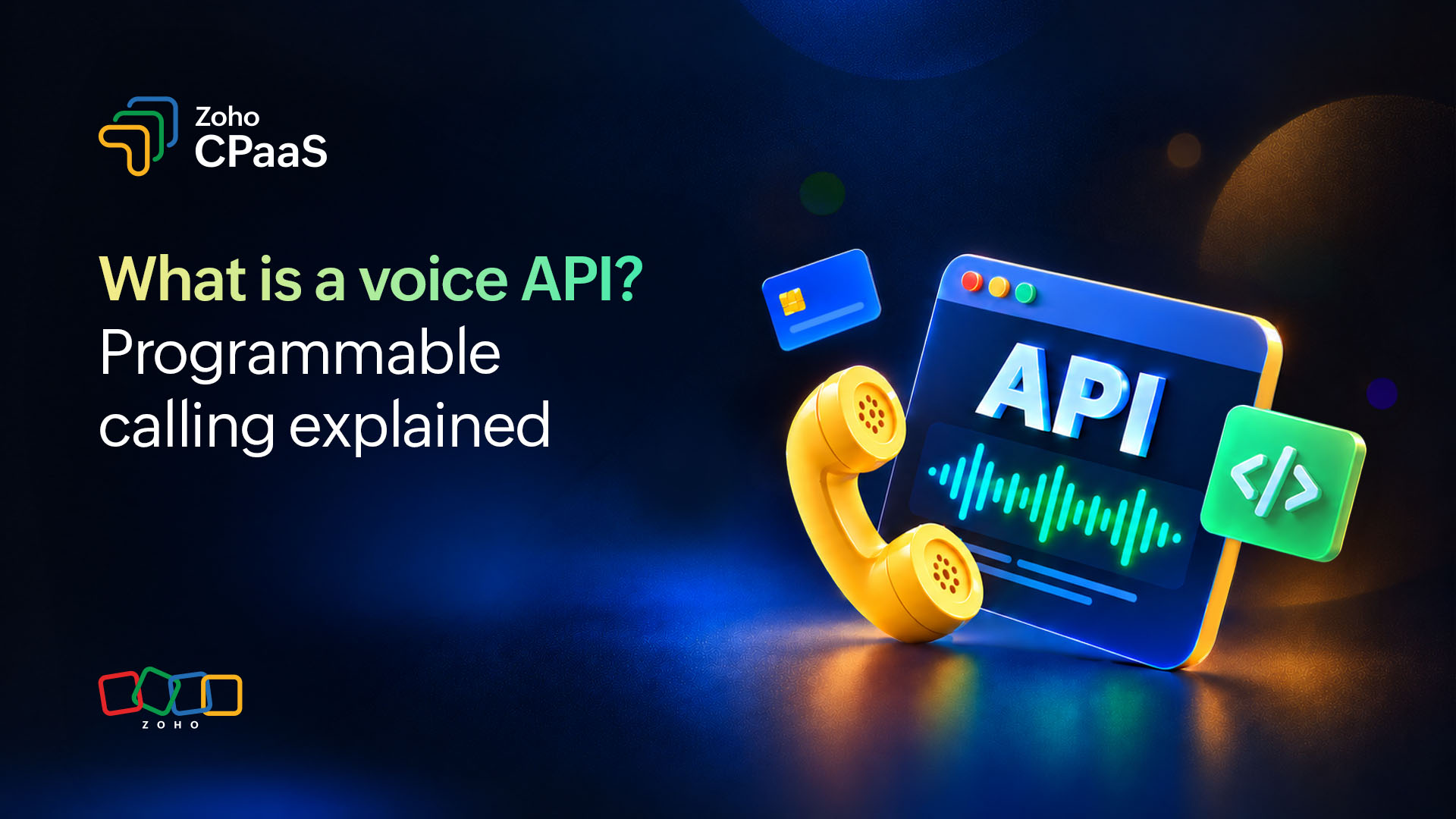
A voice API is a service with a set of tools that allows businesses to integrate voice calling capabilities into their applications, websites, or software systems.
It enables applications to make, receive, and manage phone calls programmatically without requiring businesses to build their own telecommunications infrastructure from scratch. Instead of manually placing every call, businesses can use APIs to program how calls are initiated, routed, answered, recorded, and managed.
How does a voice API work?
A voice API sits between your application, the carrier network, and the people on the other end of the call.The exact architecture differs between providers, but a typical voice API call follows these steps.
| Business application (event occurs) → API request → voice API platform → telephone network → end user’s phone → call result → business application |
Here’s a flow of how voice API works when you use a Business Service Provider (BSP).
Step 1: An event occurs in your application
A customer performs an action on your website or app, like placing an order, scheduling an appointment, or requesting a verification code. When the event occurs, your application determines whether a voice call is required based on the event and the customer’s communication preferences.
Step 2: Your application sends an API request
Your backend sends a request to the Voice API containing information such as:
The customer’s phone number.
The caller ID or business number.
The instructions for the call.
The URL or application logic that should control the call.
Voice APIs commonly use web-based APIs such as REST APIs, allowing developers to trigger calls from their applications to a service that the user relies on for voice calls.
POST https://api.voiceprovider.com/v1/calls
Authorization: Bearer YOUR_API_KEY
Content-Type: application/json

{
  "to": "+91XXXXXXXXXX",
  "from": "+1800XXXXXX",
  "message": "Your OTP is 4 8 2 1. Do not share this with anyone.",
  "language": "en-IN",
  "max_retries": 2
}
Step 3: The voice API platform connects the call
A direct carrier integration or a business communications platform, like Zoho CPaaS, Twilio, or Sinch, handles the telecommunications layer and connects the call to the recipient through the appropriate network.
Step 4: Text-to-Speech conversion
If you’re passing a dynamic text message, the BSP’s built-in Text-to-Speech (TTS) engine converts your text into natural-sounding audio. CPaaS platforms like Zoho CPaaS support multiple languages, regional accents, gender options, and speech speed controls—all configurable via API parameters without any external TTS integration required.
Step 5: Route selection by the BSP
A BSP or a direct carrier integration selects the optimal carrier route to reach the destination number. Because BSPs maintain relationships with multiple carriers simultaneously, they can make this decision dynamically based on:
Geographic location of the destination number.
Real-time call quality benchmarks per carrier.
Cost optimization rules.
Carrier availability at that exact moment.
This multi-carrier intelligence is one of the core advantages of using a BSP service like Zoho CPaaS over a direct carrier integration.
Step 6: A call is placed over PSTN or VoIP
The BSP initiates the call through the selected carrier network. The call travels over either a traditional phone line like Public Switched Telephone Network (PSTN) (traditional phone lines) or Voice over Internet Protocol (VoIP), which is internet-based depending on the destination and the BSP’s routing decision. The user’s phone rings.
Step 7: The call is answered (or not)
If the user answers, the TTS audio plays immediately. If the user presses a keypad digit (DTMF input), the BSP’s platform captures the tone and relays the input to your system via a webhook. If the call goes unanswered, the BSP’s retry logic kicks in automatically based on your configured rules.
Step 8: Webhook delivery to your backend
Throughout the call lifecycle, the BSP like Zoho CPaaS sends real-time status updates to your server via webhooks. So your application always knows what is happening without polling:
{
  "call_id": "CA7d2f9a1b",
  "status": "completed",
  "duration": "18 seconds",
  "dtmf_input": "1",
  "answered_by": "human",
  "cost": "$0.012"
}
BSP platforms also store these events as Call Detail Records (CDR) in your dashboard for audit, billing, and analytics purposes.
Voice API vs. SIP trunking: What’s the difference?
There are two different approaches to adding voice/phone capabilities to applications or businesses. Here’s how they compare.
Voice API
A voice API is a cloud-based service that lets you integrate phone call capabilities into your app or software using code. It eliminates the need for physical phone lines or telephony hardware, allowing you to make and manage calls programmatically over the internet.
Instead of building any phone infrastructure yourself, you send simple instructions (HTTP requests) to a provider like Zoho CPaaS, Twilio or Vonage over the internet, and they handle all of the telephony behind the scenes.
How it works: Your app calls a REST API → provider handles the telephony infrastructure → calls are routed over the internet.
Best for: Startups, apps with variable call volume, developers building communication features (OTP calls, click-to-call, call centers).
SIP trunking
SIP trunking is a way to make and receive phone calls over the internet instead of using traditional physical phone lines. It uses Session Initiation Protocol (SIP) to establish, manage, and end calls.
Your existing phone system, known as a Private Branch Exchange (PBX), can remain in place. SIP trunking connects it to the Public Switched Telephone Network (PSTN), allowing your business to communicate with people using traditional phone networks.
Under the hood, SIP handles call signaling, such as dialing, ringing, and hanging up, while the actual voice is transmitted as data packets over an IP network. SIP trunking can operate over a private, dedicated connection or the public internet.
How it works: Your PBX/IP phone system → SIP trunk provider → PSTN. You manage the infrastructure.
Best for: Enterprises with an existing PBX, high call volumes, businesses replacing legacy ISDN/PRI lines, and contact centers with stable, predictable traffic.
Here’s a quick overview:
Aspect | Voice API | SIP trunking |
Primary purpose | Enables applications to make, receive, and control voice calls programmatically | Connects an existing phone system to the public telephone network |
Designed for | Developers, applications, and product teams | Businesses with existing PBX or VoIP systems |
Call initiation | Calls can be triggered automatically by application events | Calls are generally initiated through the connected phone system. |
Call control | Provides programmatic control over call flows | Primarily provides voice connectivity |
IVR | Can be created and controlled through software | Usually managed through the existing PBX |
Text-to-speech | Can use TTS to generate automated voice messages | Not typically provided as a core feature |
Call routing | Can route calls based on application logic and customer data. | Usually handled by the existing phone system |
Call recording | Can be integrated into application workflows | Usually handled by the PBX or contact-center system |
Integrations | Can integrate with websites, apps, CRMs, and backend systems | Commonly integrates with PBXs and existing telephony infrastructure |
Best suited for | Automated calls, voice OTPs, IVR, notifications, and custom voice applications | Connecting existing business phone systems to the telephone network |
Infrastructure | Provider manages much of the underlying telecom infrastructure. | The business typically manages its own PBX/VoIP infrastructure. |
What are the core features a voice API?
Voice API features vary by provider, but common capabilities include:
Inbound and outbound calling: Make and receive automated calls for notifications, customer support, and verification.
Phone number provisioning and approval: Obtain and verify eligible phone numbers for voice calling, subject to provider and regional requirements.
Text-to-speech (TTS): Convert text into spoken messages, with support for different languages, voices, and speech settings.
DTMF capture: Let callers respond using their phone keypad, such as pressing 1 to confirm an appointment.
Interactive voice response (IVR): Create automated phone menus that guide callers to information or the right department.
Call routing and transfer: Direct calls to the appropriate agent or team, and transfer callers when additional assistance is needed.
Call recording: Record conversations for quality assurance, training, or dispute resolution, where permitted.
Webhooks and real-time events: Receive updates about call activity, such as when a call is answered, completed, or fails.
Answering machine detection (AMD): Identify whether a call may have been answered by a person or voicemail and trigger an appropriate action.
Voice API templates: Use ready-made call flows for scenarios such as OTP verification, appointment reminders, order confirmations, and payment alerts.
What can you build with a voice API?
Voice APIs let businesses add automated calls and interactive voice experiences to their applications. Common use cases include:
Voice OTPs: Deliver one-time passwords through automated calls, including as a fallback when SMS is unavailable.
Click-to-call: Let sales and support teams initiate calls directly from a CRM or business application.
Interactive voice response (IVR): Create automated phone menus that help callers get information or reach the right team.
Appointment reminders: Send automated calls to remind customers about upcoming appointments or bookings.
Order and delivery updates: Notify customers about order confirmations, delivery status, or collection instructions.
Payment reminders: Call customers about upcoming or overdue payments.
Fraud alerts: Notify customers about suspicious activity and guide them through verification steps.
Customer surveys: Collect feedback through automated calls using keypad responses or speech input (where supported).
Service booking confirmations: Confirm appointments for services such as salon visits, home repairs, or consultations, and remind customers about their scheduled time.
Best practices for implementing a Voice API
A reliable voice API implementation depends on call quality, secure integration, and a smooth caller experience. Follow these best practices.
Prioritize call quality
Choose a provider with suitable regional coverage and reliable network connectivity. Monitor latency, jitter, and dropped calls.
Handle webhooks reliably
Process call events asynchronously, validate incoming webhook requests, and handle retries or duplicate events to avoid disrupting call flows.
Meet regulatory requirements
Follow applicable privacy, telecommunications, and consent requirements in each region. If calls are recorded, provide required notices and obtain consent where necessary.
Secure your integration
Protect API credentials, use strong authentication, restrict access, and apply safeguards against unauthorized calls and toll fraud. Use encrypted media and signaling where supported.
Test real-world call scenarios
Test across devices, networks, languages, and noisy environments. Include failure cases such as unanswered calls, busy lines, and interrupted connections.
Monitor call performance
Track call completion, failure rates, duration, and customer responses to identify issues and improve call flows.
Use clear, concise audio prompts
Keep automated messages short, use natural-sounding speech, and make next steps easy to understand.
Voice API vs. other communication channels (SMS, email, WhatsApp)
No single communication channel fits every business scenario. Choosing the right channel depends on the urgency, complexity, and context of the interaction.
Voice API: Best for urgent, complex, or highly sensitive interactions (e.g., fraudulent credit card activity alerts, complex customer support, or urgent delivery fixes). Voice offers higher emotional context and immediate resolution.
SMS: Ideal for short, time-sensitive alerts (e.g., shipping updates or appointment confirmations) with high open rates, though limited in context and length.
Email: Best for non-urgent, detail-rich communications (e.g., invoices, onboarding guides, or monthly reports) where instant responses aren’t expected.
WhatsApp Messaging: Great for ongoing conversational engagement, media sharing, and international customer support where internet messaging dominates.
Is it better to use a voice API with a CPaaS service provider?
For many businesses, using a CPaaS provider is a practical way to add voice calling to an application without building and managing the entire communications infrastructure in-house.
CPaaS (Communications Platform as a Service) providers offer APIs and supporting services that help developers integrate programmable voice into websites, apps, and business systems. Some providers also offer channels such as SMS, email, and WhatsApp through the same platform.
Key benefits of using a CPaaS provider
Simplified integration: Use APIs and developer tools to add voice features without building every component from scratch.
Managed infrastructure: Rely on provider-supported telecom connectivity and call-routing capabilities.
Scalability: Adjust calling capacity as your business needs grow, subject to provider limits and regional availability.
Usage-based pricing: Many providers charge based on usage, such as call duration and phone-number rental. Pricing models vary.
Multi-channel communication: Integrate voice with other channels, such as SMS and WhatsApp, where supported, to create coordinated customer communication workflows.
Developer support and documentation: Access API documentation, SDKs, and technical support to help build and maintain voice-enabled applications.
Webhooks and call tracking: Receive real-time event notifications and track call activity, such as call status, duration, and completion, depending on the provider.
Advanced analytics: Review call reports and performance metrics to understand communication activity and identify areas for improvement.
Phone number provisioning and verification: Apply for or purchase eligible voice numbers and complete required verification or approval processes, depending on the country and provider.
Pre-built call flows: Use ready-made templates for common scenarios such as OTP verification, appointment reminders, service booking confirmations, and payment alerts to simplify implementation.
What should you consider before choosing a provider?
Compare country coverage, phone-number availability, call quality, pricing, security, regulatory requirements, API documentation, and support. If you plan to use multiple communication channels, check whether the provider supports them and how they can be integrated.
Wrapping up
By choosing the right features and communication provider, businesses can build reliable voice experiences and combine calls with channels like email, SMS, and WhatsApp to reach customers when it matters.
FAQ
Is a voice API the same as a text-to-speech API?
No, they’re not the same. A voice API enables applications to make, receive, and manage phone calls. A text-to-speech (TTS) API converts written text into spoken audio. A voice API may include TTS capabilities or integrate with a separate TTS service.
Is it possible to send OTPs using a voice API?
Yes, you can use a voice API to deliver OTPs through automated calls. The system generates the code, triggers a call, and reads it aloud to the recipient. Use verification limits, retry controls, and secure OTP handling to help protect the process.
Is a separate voice API required if I already have an email API?
Usually, yes. An email API is designed to send emails, while a voice API handles voice calls. If you need both channels, you can integrate separate APIs or use a CPaaS provider like Zoho CPaaS, Twilio, or Infobip that supports both.
Should I have a separate business phone number for enabling a voice API?
Not always. Depending on the provider, country, and use case, you may be able to use a provider-issued number, port an existing number, or connect a supported business number. Check number availability and verification requirements before implementation.
Can I use the same phone number for SMS and voice API?
Sometimes. A number can support both SMS and voice, depending on its type, country, carrier, and provider. Check compatibility and service requirements before using the same number for both channels.