const url = "https://cpaas.zoho.com/v1.1/sms";
const token = "<token>";

const requestBody = {
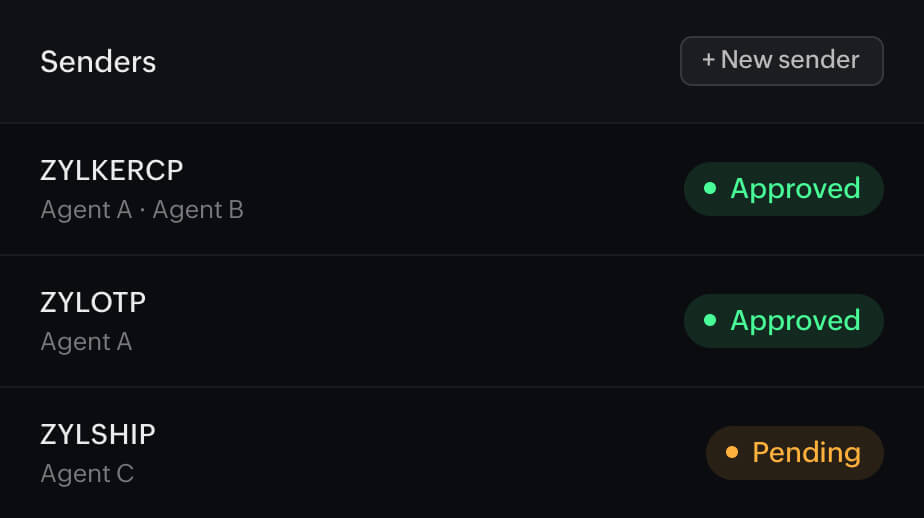
  sender_key: "<sender_key>",
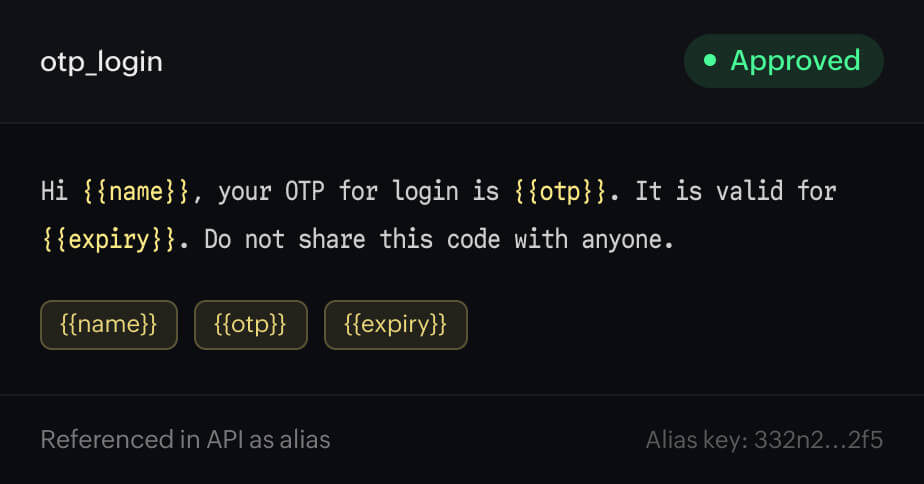
  template_key: "<template_key>",
  to: [{ mobile_no: "<mobile_no>" }],
  merge_info: { "<merge_key>": "<merge_value>" }
};

fetch(url, {
  method: "POST",
  headers: {
    "Content-Type": "application/json",
    Authorization: token
  },
  body: JSON.stringify(requestBody)
})
  .then((response) => response.json())
  .then((resp) => console.log("success"))
  .catch((error) => console.log(error, "error"));
curl "https://cpaas.zoho.com/v1.1/sms" \
  -X POST \
  -H "Accept: application/json" \
  -H "Content-Type: application/json" \
  -H "Authorization: <token>" \
  -d '{
    "sender_key": "<sender_key>",
    "template_key": "<template_key>",
    "to": [{"mobile_no": "<mobile_no>"}],
    "merge_info": {"<merge_key>": "<merge_value>"}
  }'
using System;
using System.Net;
using System.Text;
using System.IO;
using Newtonsoft.Json.Linq;

namespace Rextester
{
    public class Program
    {
        public static void Main(string[] args)
        {
            System.Net.ServicePointManager.SecurityProtocol = System.Net.SecurityProtocolType.Tls12;
            var baseAddress = "https://cpaas.zoho.com/v1.1/sms";

            var http = (HttpWebRequest)WebRequest.Create(new Uri(baseAddress));
            http.Accept = "application/json";
            http.ContentType = "application/json";
            http.Method = "POST";
            http.PreAuthenticate = true;
            http.Headers.Add("Authorization", "<token>");
            JObject parsedContent = JObject.Parse("{'sender_key': '<sender_key>','template_key': '<template_key>','to': [{'mobile_no': '<mobile_no>'}],'merge_info': {'<merge_key>': '<merge_value>'}}");

            ASCIIEncoding encoding = new ASCIIEncoding();
            Byte[] bytes = encoding.GetBytes(parsedContent.ToString());
            Stream newStream = http.GetRequestStream();
            newStream.Write(bytes, 0, bytes.Length);
            newStream.Close();

            var response = http.GetResponse();
            var stream = response.GetResponseStream();
            var sr = new StreamReader(stream);
            var content = sr.ReadToEnd();
            Console.WriteLine(content);
        }
    }
}
import requests

url = "https://cpaas.zoho.com/v1.1/sms"

payload = "{\n\"sender_key\": \"<sender_key>\",\n\"template_key\": \"<template_key>\",\n\"to\": [{\"mobile_no\": \"<mobile_no>\"}],\n\"merge_info\": {\"<merge_key>\": \"<merge_value>\"}\n}"
headers = {
    "accept": "application/json",
    "content-type": "application/json",
    "authorization": "<token>",
}

response = requests.request("POST", url, data=payload, headers=headers)
print(response.text)
<?php

$curl = curl_init();

curl_setopt_array($curl, array(
    CURLOPT_URL => "https://cpaas.zoho.com/v1.1/sms",
    CURLOPT_RETURNTRANSFER => true,
    CURLOPT_ENCODING => "",
    CURLOPT_MAXREDIRS => 10,
    CURLOPT_TIMEOUT => 30,
    CURLOPT_HTTP_VERSION => CURL_HTTP_VERSION_1_1,
    CURLOPT_CUSTOMREQUEST => "POST",
    CURLOPT_POSTFIELDS => "{\n\"sender_key\": \"<sender_key>\",\n\"template_key\": \"<template_key>\",\n\"to\": [{\"mobile_no\": \"<mobile_no>\"}],\n\"merge_info\": {\"<merge_key>\": \"<merge_value>\"}\n}",
    CURLOPT_HTTPHEADER => array(
        "accept: application/json",
        "authorization: <token>",
        "cache-control: no-cache",
        "content-type: application/json",
    ),
));

$response = curl_exec($curl);
$err = curl_error($curl);

curl_close($curl);

if ($err) {
    echo "cURL Error #:" . $err;
} else {
    echo $response;
}
?>
import java.io.BufferedReader;
import java.io.InputStreamReader;
import java.io.OutputStream;
import java.net.HttpURLConnection;
import java.net.URL;
import org.json.JSONObject;

public class SmsSendApi {
    public static void main(String[] args) throws Exception {
        String postUrl = "https://cpaas.zoho.com/v1.1/sms";
        BufferedReader br = null;
        HttpURLConnection conn = null;
        String output = null;
        StringBuffer sb = new StringBuffer();
        try {
            URL url = new URL(postUrl);
            conn = (HttpURLConnection) url.openConnection();
            conn.setDoOutput(true);
            conn.setRequestMethod("POST");
            conn.setRequestProperty("Content-Type", "application/json");
            conn.setRequestProperty("Accept", "application/json");
            conn.setRequestProperty("Authorization", "<token>");
            JSONObject object = new JSONObject("{\n\"sender_key\": \"<sender_key>\",\n\"template_key\": \"<template_key>\",\n\"to\": [{\"mobile_no\": \"<mobile_no>\"}],\n\"merge_info\": {\"<merge_key>\": \"<merge_value>\"}\n}");
            OutputStream os = conn.getOutputStream();
            os.write(object.toString().getBytes());
            os.flush();
            br = new BufferedReader(new InputStreamReader((conn.getInputStream())));
            while ((output = br.readLine()) != null) {
                sb.append(output);
            }
            System.out.println(sb.toString());
        } catch (Exception e) {
            br = new BufferedReader(new InputStreamReader((conn.getErrorStream())));
            while ((output = br.readLine()) != null) {
                sb.append(output);
            }
            System.out.println(sb.toString());
        } finally {
            if (br != null) br.close();
            if (conn != null) conn.disconnect();
        }
    }
}
QUICK START
Go from signup to first send in minutes.
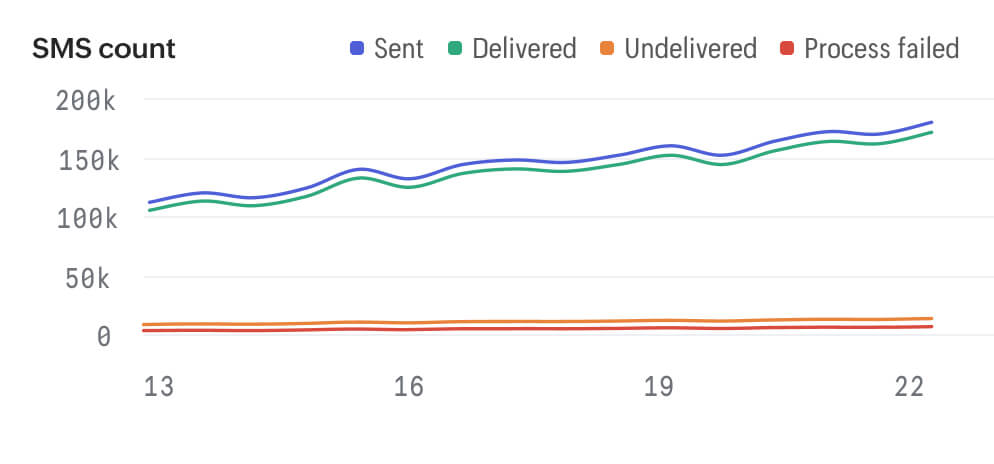
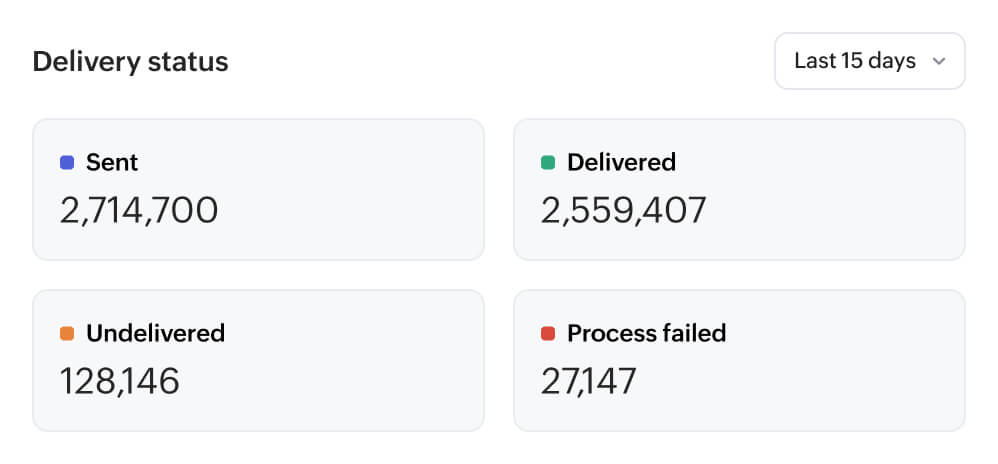
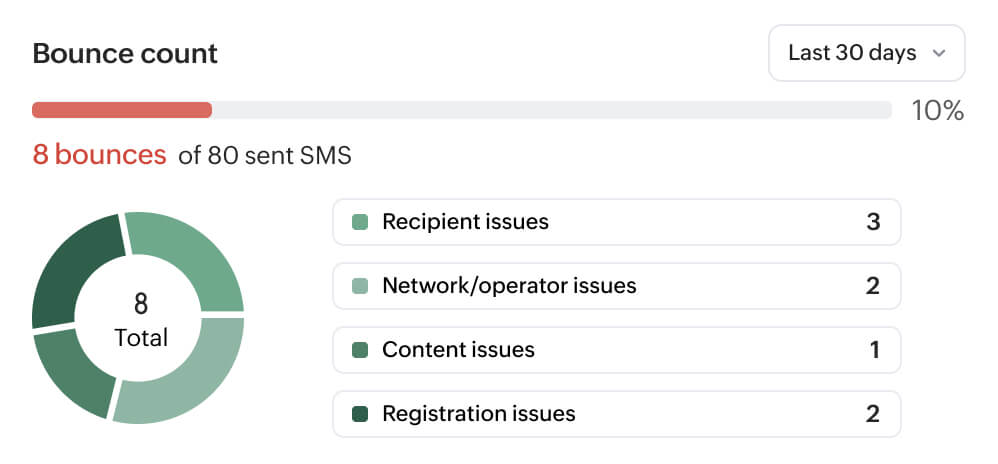
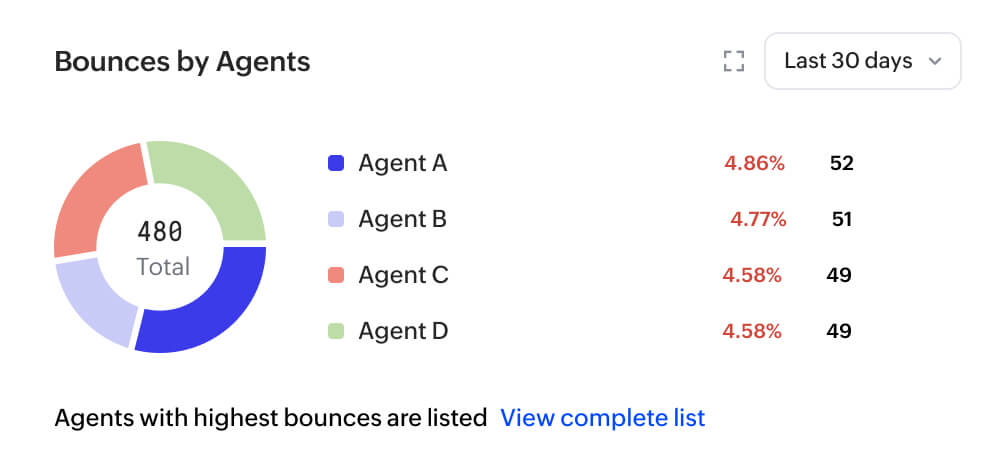
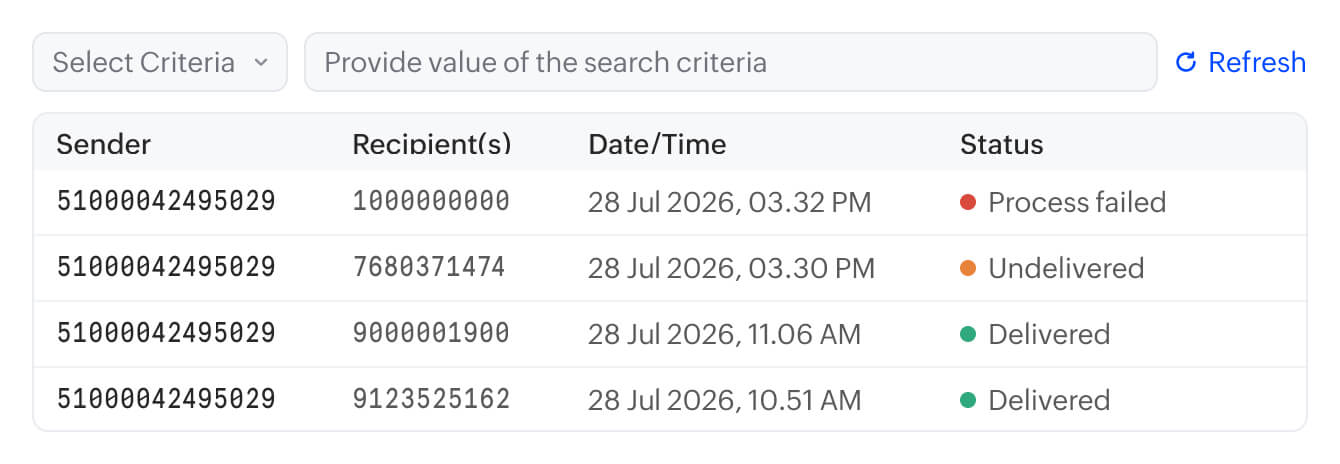
One API call is all it takes. Point to your template, pass in your variables, and Zoho CPaaS handles the rest like routing, delivery, and tracking. Whether you're sending a single OTP or thousands of alerts, the integration stays the same.
templatevariablesroutedelivered