const url = "https://cpaas.zoho.com/v1.1/whatsapp";
const token = "<Authorization-token>";

const requestBody = {
  from: "<FROM_PHONE_NUMBER>",
  to: "<TO_PHONE_NUMBER>",
  template_key: "<TEMPLATE_KEY>",
  merge_info: { "<merge_key>": "<merge_value>" }
};

fetch(url, {
  method: "POST",
  headers: {
    "Content-Type": "application/json",
    Authorization: token
  },
  body: JSON.stringify(requestBody)
})
  .then((response) => response.json())
  .then((resp) => console.log("success"))
  .catch((error) => console.log(error, "error"));
curl --location 'https://cpaas.zoho.com/v1.1/whatsapp' \
  --header 'Content-Type: application/json' \
  --header 'Authorization: <Authorization-token>' \
  --data '{
    "from": "<FROM_PHONE_NUMBER>",
    "to": "<TO_PHONE_NUMBER>",
    "template_key": "<TEMPLATE_KEY>",
    "merge_info": {"<merge_key>": "<merge_value>"}
  }'
using System;
using System.Net;
using System.Text;
using System.IO;
using Newtonsoft.Json.Linq;

namespace Rextester
{
    public class Program
    {
        public static void Main(string[] args)
        {
            System.Net.ServicePointManager.SecurityProtocol = System.Net.SecurityProtocolType.Tls12;
            var baseAddress = "https://cpaas.zoho.com/v1.1/whatsapp";

            var http = (HttpWebRequest)WebRequest.Create(new Uri(baseAddress));
            http.Accept = "application/json";
            http.ContentType = "application/json";
            http.Method = "POST";
            http.PreAuthenticate = true;
            http.Headers.Add("Authorization", "<Authorization-token>");

            JObject parsedContent = JObject.Parse("{'from': '<FROM_PHONE_NUMBER>','to': '<TO_PHONE_NUMBER>','template_key': '<TEMPLATE_KEY>','merge_info': {'<merge_key>': '<merge_value>'}}");

            ASCIIEncoding encoding = new ASCIIEncoding();
            Byte[] bytes = encoding.GetBytes(parsedContent.ToString());
            Stream newStream = http.GetRequestStream();
            newStream.Write(bytes, 0, bytes.Length);
            newStream.Close();

            var response = http.GetResponse();
            var stream = response.GetResponseStream();
            var sr = new StreamReader(stream);
            var content = sr.ReadToEnd();
            Console.WriteLine(content);
        }
    }
}
import requests
import json

url = "https://cpaas.zoho.com/v1.1/whatsapp"

payload = json.dumps({
    "from": "<FROM_PHONE_NUMBER>",
    "to": "<TO_PHONE_NUMBER>",
    "template_key": "<TEMPLATE_KEY>",
    "merge_info": {"<merge_key>": "<merge_value>"}
})

headers = {
    "accept": "application/json",
    "content-type": "application/json",
    "authorization": "<Authorization-token>"
}

response = requests.request("POST", url, data=payload, headers=headers)
print(response.text)
<?php

$curl = curl_init();

curl_setopt_array($curl, array(
    CURLOPT_URL => "https://cpaas.zoho.com/v1.1/whatsapp",
    CURLOPT_RETURNTRANSFER => true,
    CURLOPT_ENCODING => "",
    CURLOPT_MAXREDIRS => 10,
    CURLOPT_TIMEOUT => 30,
    CURLOPT_HTTP_VERSION => CURL_HTTP_VERSION_1_1,
    CURLOPT_CUSTOMREQUEST => "POST",
    CURLOPT_POSTFIELDS => json_encode(array(
        "from" => "<FROM_PHONE_NUMBER>",
        "to" => "<TO_PHONE_NUMBER>",
        "template_key" => "<TEMPLATE_KEY>",
        "merge_info" => array(
            "<merge_key>" => "<merge_value>"
        )
    )),
    CURLOPT_HTTPHEADER => array(
        "accept: application/json",
        "authorization: <Authorization-token>",
        "cache-control: no-cache",
        "content-type: application/json"
    ),
));

$response = curl_exec($curl);
$err = curl_error($curl);

curl_close($curl);

if ($err) {
    echo "cURL Error #:" . $err;
} else {
    echo $response;
}
?>
import java.io.BufferedReader;
import java.io.InputStreamReader;
import java.io.OutputStream;
import java.net.HttpURLConnection;
import java.net.URL;
import org.json.JSONObject;

public class WabaTemplateSendApi {
    public static void main(String[] args) throws Exception {
        String postUrl = "https://cpaas.zoho.com/v1.1/whatsapp";
        BufferedReader br = null;
        HttpURLConnection conn = null;
        String output = null;
        StringBuffer sb = new StringBuffer();
        try {
            URL url = new URL(postUrl);
            conn = (HttpURLConnection) url.openConnection();
            conn.setDoOutput(true);
            conn.setRequestMethod("POST");
            conn.setRequestProperty("Content-Type", "application/json");
            conn.setRequestProperty("Accept", "application/json");
            conn.setRequestProperty("Authorization", "<Authorization-token>");

            JSONObject mergeInfo = new JSONObject();
            mergeInfo.put("<merge_key>", "<merge_value>");

            JSONObject body = new JSONObject();
            body.put("from", "<FROM_PHONE_NUMBER>");
            body.put("to", "<TO_PHONE_NUMBER>");
            body.put("template_key", "<TEMPLATE_KEY>");
            body.put("merge_info", mergeInfo);

            OutputStream os = conn.getOutputStream();
            os.write(body.toString().getBytes());
            os.flush();

            br = new BufferedReader(new InputStreamReader((conn.getInputStream())));
            while ((output = br.readLine()) != null) {
                sb.append(output);
            }
            System.out.println(sb.toString());
        } catch (Exception e) {
            br = new BufferedReader(new InputStreamReader((conn.getErrorStream())));
            while ((output = br.readLine()) != null) {
                sb.append(output);
            }
            System.out.println(sb.toString());
        } finally {
            if (br != null) br.close();
            if (conn != null) conn.disconnect();
        }
    }
}
HOW IT WORKS
How transactional WhatsApp works in Zoho CPaaS
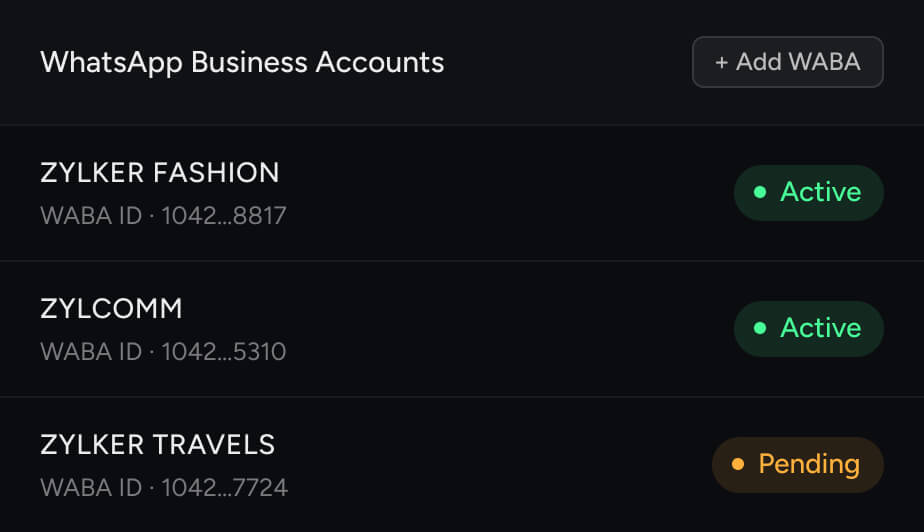
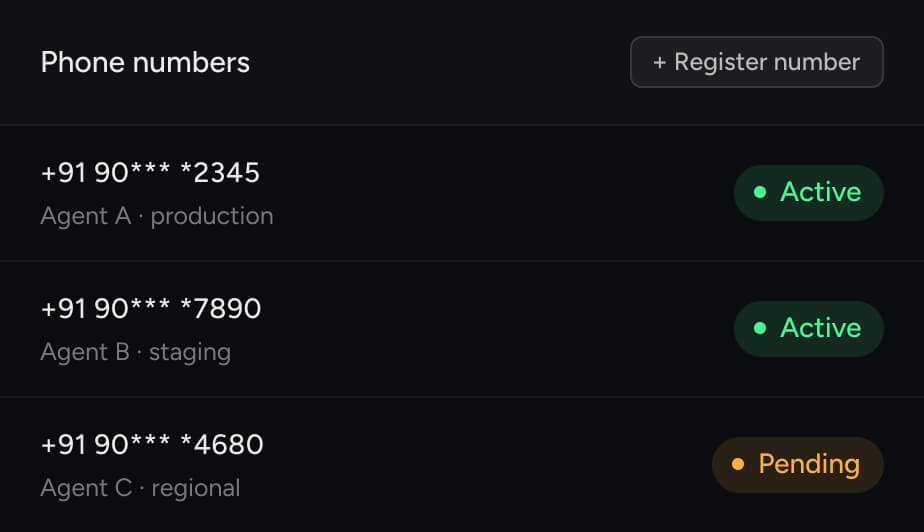
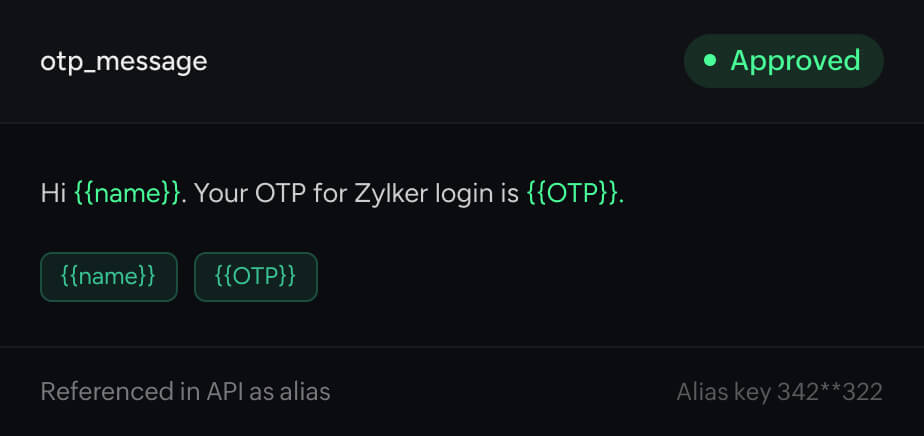
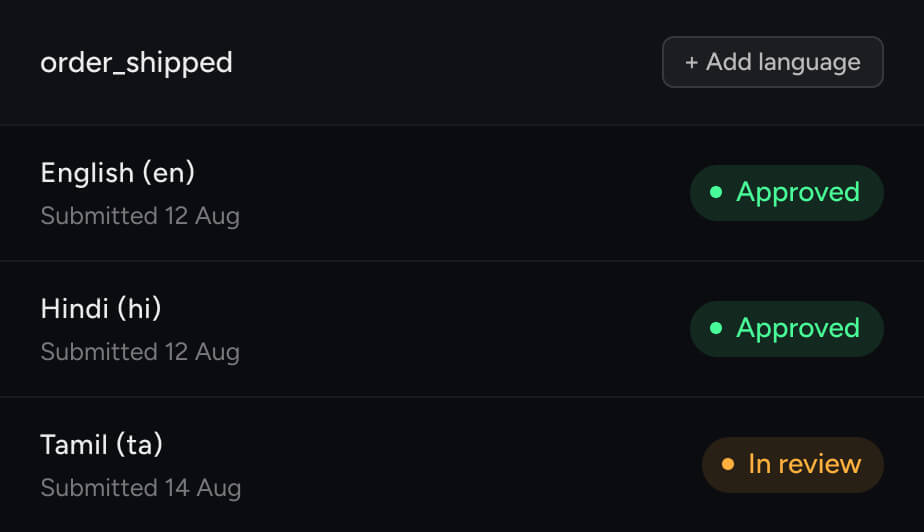
One POST request. Simply pass your sender key, recipient number, template key and variables—delivery and tracking are handled automatically. Works across all of your templates and WABAs. No extra SDKs or channel-specific setup.
templatevariablesroutedelivered