

- HOME
- Expense Management
- Expense Approval Workflows: How to Set One Up (with Examples)
Expense Approval Workflows: How to Set One Up (with Examples)
An expense approval workflow is the sequence of reviews an expense report goes through before it is approved for reimbursement, accounting, or both. It defines who reviews expenses, when approval is required, how policy exceptions are handled, and which expenses can be approved automatically.
A well-designed approval workflow is a critical part of the expense reporting process. It helps organizations process expense reports consistently, maintain financial oversight, reduce manual effort, and give employees better visibility into the status of their claims.
Whether you're setting up an expense reporting process for the first time or refining an existing one, this guide explains how approval workflows work, when to use different approval models, and how to build rules that scale as your organization grows.
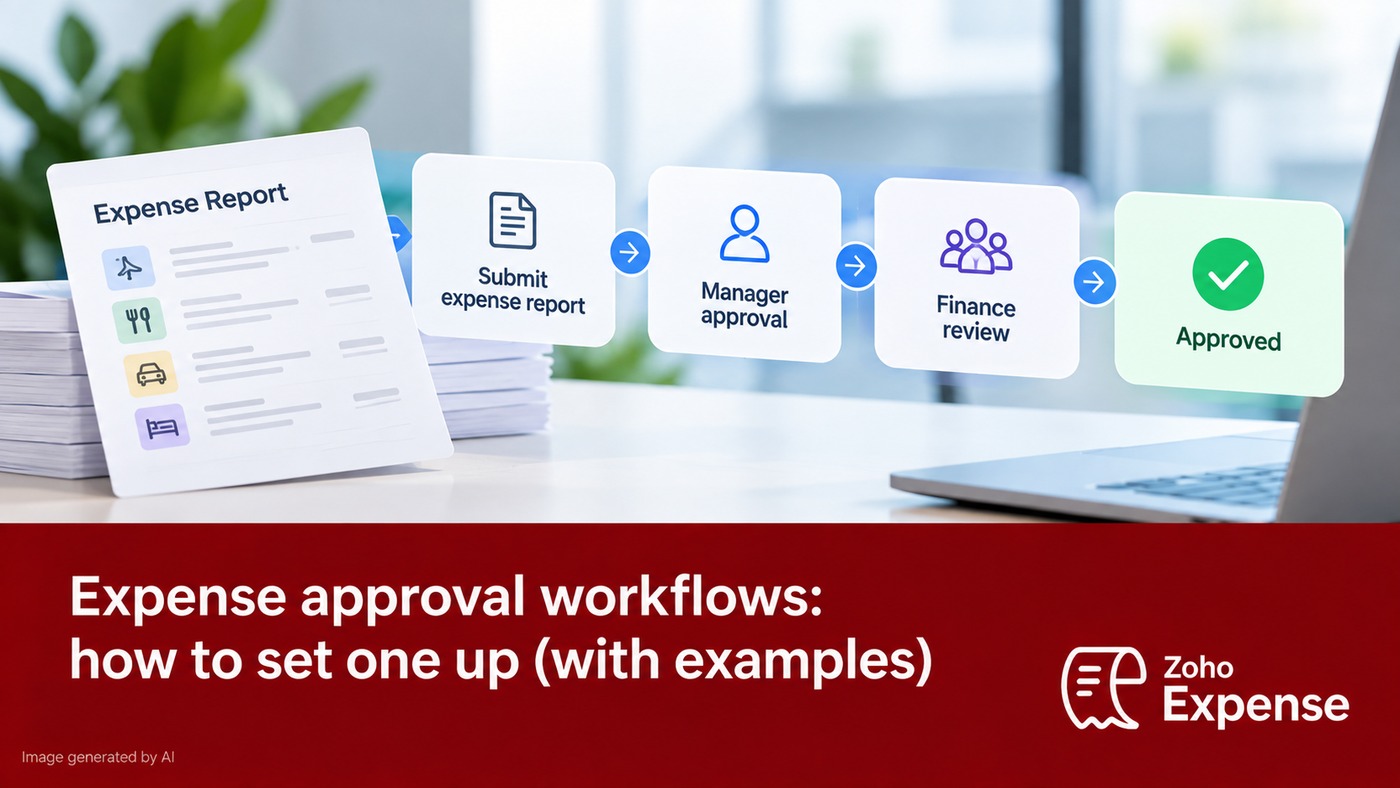
Quick Answer: An expense approval workflow determines how an expense report moves from submission to approval. Most organizations use one or more of three models: a single approver, multiple approval levels, or automated approvals based on predefined policy rules.
Where Approval Fits in the Expense Reporting Process
Approval is one stage in the broader expense reporting process.
Capture receipts
↓
Categorize expenses
↓
Create expense report
↓
Submit expense report
↓
Approval workflow
↓
Accounting review
↓
Employee reimbursement
↓
Reporting and audit
Each stage depends on the one before it. For example, missing receipts or incorrect expense categories can delay approvals even when the approval workflow itself is well designed
What Is an Expense Approval Workflow?
An expense approval workflow is a predefined set of rules that determines:
- Who reviews an expense report
- Which expenses require approval
- When additional approvals are needed
- Which expenses can be approved automatically
- How policy exceptions are handled
- What happens after a report is approved or rejected
The workflow should be simple enough for employees to understand while providing finance teams with appropriate financial controls.
Why Approval Workflows Matter
A structured approval workflow helps organizations:
- Process expense reports consistently
- Apply company policies uniformly
- Improve visibility into report status
- Reduce manual routing
- Maintain an approval history for future reference
- Balance faster reimbursements with appropriate oversight
Rather than reviewing every expense in the same way, organizations can focus additional review on higher-risk or policy-sensitive expenses.
The Three Most Common Expense Approval Workflows
1. Single Approver Workflow
A single approval workflow routes every expense report to one designated approver before reimbursement.
Best for
- Small businesses
- Startups
- Small departments
Employee
↓
Manager
↓
Finance or Reimbursement
Advantages
- Easy to manage
- Fast approvals
- Clear ownership
Considerations
As submission volumes increase, relying on a single approver may create delays.
2. Multi-Level Approval Workflow
A multi-level approval workflow routes expense reports through more than one reviewer based on organizational responsibilities.
Best for
- Growing organizations
- Enterprises
- Higher-value expenses
Employee
↓
Manager
↓
Department Head
↓
Finance
↓
Reimbursement
Different approvers may review different aspects of the report. For example, business purpose, budget ownership, or policy compliance.
Advantages
- Stronger financial oversight
- Better separation of responsibilities
- Appropriate for larger organizations
Considerations
Additional approval levels should only be added when they provide meaningful review.
3. Automated Approval Workflow
An automated approval workflow approves qualifying expense reports based on predefined business rules.
Best for
- Routine expenses
- High-volume submissions
- Mature expense policies
Employee
↓
Policy Validation
↓
Meets Rules?
↓
Yes → Automatically Approved
No → Route to Approver
Automation works best when approval rules are clear, consistent, and regularly reviewed.
Example Approval Rules
Approval rules should reflect your organization's expense policy, spending limits, and internal controls.
Note: These examples illustrate common workflow patterns. Every organization should tailor approval rules to its own policies and governance requirements.
Scenario | Example Rule |
|---|---|
Low-value office supplies | Automatically approve when receipts are attached and policy requirements are met. |
Standard employee expenses | Route to the employee's manager. |
Higher-value expense reports | Route to the manager, then Finance. |
International travel | Require manager approval followed by Finance review. |
Missing receipt | Return the report to the employee for additional information. |
Expense exceeds policy limit | Route for additional approval before reimbursement. |
Executive expense reports | Route to the designated executive approver or Finance team. |
Approval Workflow Templates
The following examples show how organizations commonly structure approval workflows.
Small Business
Employee
↓
Manager
↓
Finance
Growing Organization
Employee
↓
Manager
↓
Finance
↓
Reimbursement
Enterprise
Employee
↓
Manager
↓
Department Head
↓
Finance
↓
Controller (if required)
Travel-Heavy Organization
Employee
↓
Travel Manager
↓
Finance
↓
Reimbursement
These templates are starting points and should be adapted to fit your organization's approval responsibilities.
Choosing the Right Approval Criteria
Organizations commonly design workflows around one or more of these factors:
- Expense amount
- Expense category
- Employee role
- Department
- Project or cost center
- Policy exceptions
- Missing documentation
The simpler the approval logic, the easier it is for employees to understand and for finance teams to administer.
Common Approval Delays (and How to Reduce Them)
Common Delay | Typical Cause | Suggested Improvement |
|---|---|---|
Reports waiting for approval | Approver unavailable | Enable delegate approvers or mobile approvals. |
Missing receipts | Incomplete submissions | Require receipts before submission whenever possible. |
Incorrect expense categories | Employees unsure which category to use | Provide clear category definitions and examples. |
Manual routing | Reports forwarded manually | Route reports automatically using approval rules. |
Policy exceptions | Employees unaware of spending limits | Make expense policies easy to access during submission. |
Expense Approval Workflow Best Practices
An effective workflow should:
- Keep approval paths as simple as possible.
- Define clear approval responsibilities.
- Use automation for routine, low-risk expenses.
- Reserve additional approvals for higher-risk situations.
- Document receipt and documentation requirements.
- Give employees visibility into approval status.
- Review approval rules periodically as business needs evolve.
The objective is to improve efficiency without reducing appropriate financial oversight.
Commonly Confused Concepts
Expense Approval Workflow vs. Expense Reporting Process
An expense reporting process includes every step from capturing receipts to reimbursement and recordkeeping.
An expense approval workflow is the review and approval stage within that larger process.
Expense Approval Workflow vs. Reimbursement
Approval determines whether an expense report meets company requirements.
Reimbursement is the payment made after the report has been approved according to company procedures.
Frequently Asked Questions
What is an expense approval workflow?
An expense approval workflow is the sequence of reviews an expense report passes through before it is approved, rejected, or returned for additional information.
Why is an expense approval workflow important?
It helps organizations apply expense policies consistently, improve financial oversight, and process expense reports more efficiently.
What are the most common approval workflows?
The three most common approaches are single approver, multi-level approval, and automated approval based on predefined business rules.
Should every expense require manager approval?
Not necessarily. Many organizations automate approvals for routine, low-risk expenses while routing higher-value or policy-sensitive reports for additional review.
What happens if an expense report violates company policy?
Depending on the organization's workflow, the report may be returned for corrections, require additional approval, or be rejected.
How often should approval workflows be reviewed?
Approval workflows should be reviewed whenever organizational structures, expense policies, or approval responsibilities change, and periodically to ensure they remain effective.
Expense Approval Workflow Checklist
Before implementing an approval workflow, confirm that it:
- Defines who approves each type of expense.
- Specifies approval thresholds.
- Documents receipt requirements.
- Covers policy exceptions.
- Includes delegated approvers where appropriate.
- Uses automatic routing wherever practical.
- Allows employees to track approval status.
Is reviewed periodically as business requirements evolve.
Build an Approval Workflow That Supports Your Expense Reporting Process
An effective expense approval workflow is more than a series of approval steps. It is a structured system that helps organizations process expense reports consistently while balancing employee experience with financial control.
By defining clear approval rules, reducing unnecessary review steps, and applying automation where appropriate, organizations can improve the efficiency of their expense reporting process without compromising oversight.
