
Create lead generation forms that convert more visitors

Why choose Zoho Forms as your lead generation form builder?
Your website and marketing campaigns are the major source for lead generation. While an easy-to-read web page is obviously a must, the difference between a good landing page and a great landing page is how well-thought-out the data collection process is. For one thing, it should be optimized across various devices. It's also important to have easy-to-fill lead capture forms embedded on your website or floating on your social media handle. Since conversion might not happen on the first visit, your goal must be to remain at the top of their mind by hosting interactive lead generation forms throughout your website, emails, social media campaign links, and more that clearly depict your brand's identity. Web forms that are customizable make this simple to achieve.
Build and customize lead capture forms without coding
Many sales funnel examples end with the filling out of a form. In reality though, this should be a new beginning. Carefully crafted lead generation forms can help you gather information about your leads, which can continue to strengthen your sales funnel and eventually result in higher customer retention. Zoho Forms helps to create high impact lead generation forms without having to code.
Strengthen your sales funnel
Measure the source of leads
Gather quality leads
Nurture your leads for better sales
High converting lead generation form templates
Zoho Forms offers high-converting lead generation form templates designed to elevate your customer acquisition strategies. With a user-friendly interface and customizable options, these templates streamline the process of capturing valuable leads. From sleek designs to responsive layouts, Zoho Forms ensures a seamless experience for both businesses and potential customers.


How to optimize your lead generation form?
Zoho Forms streamlines lead generation form optimization by offering intuitive design tools, customizable fields, and conditional logic options. It integrates seamlessly with CRM and email marketing platforms, automating lead capture and follow-up processes. With robust analytics tools, Zoho Forms enables data-driven optimizations for maximizing conversion rates and improving overall lead generation effectiveness.
How to create a lead generation form with Zoho Forms?
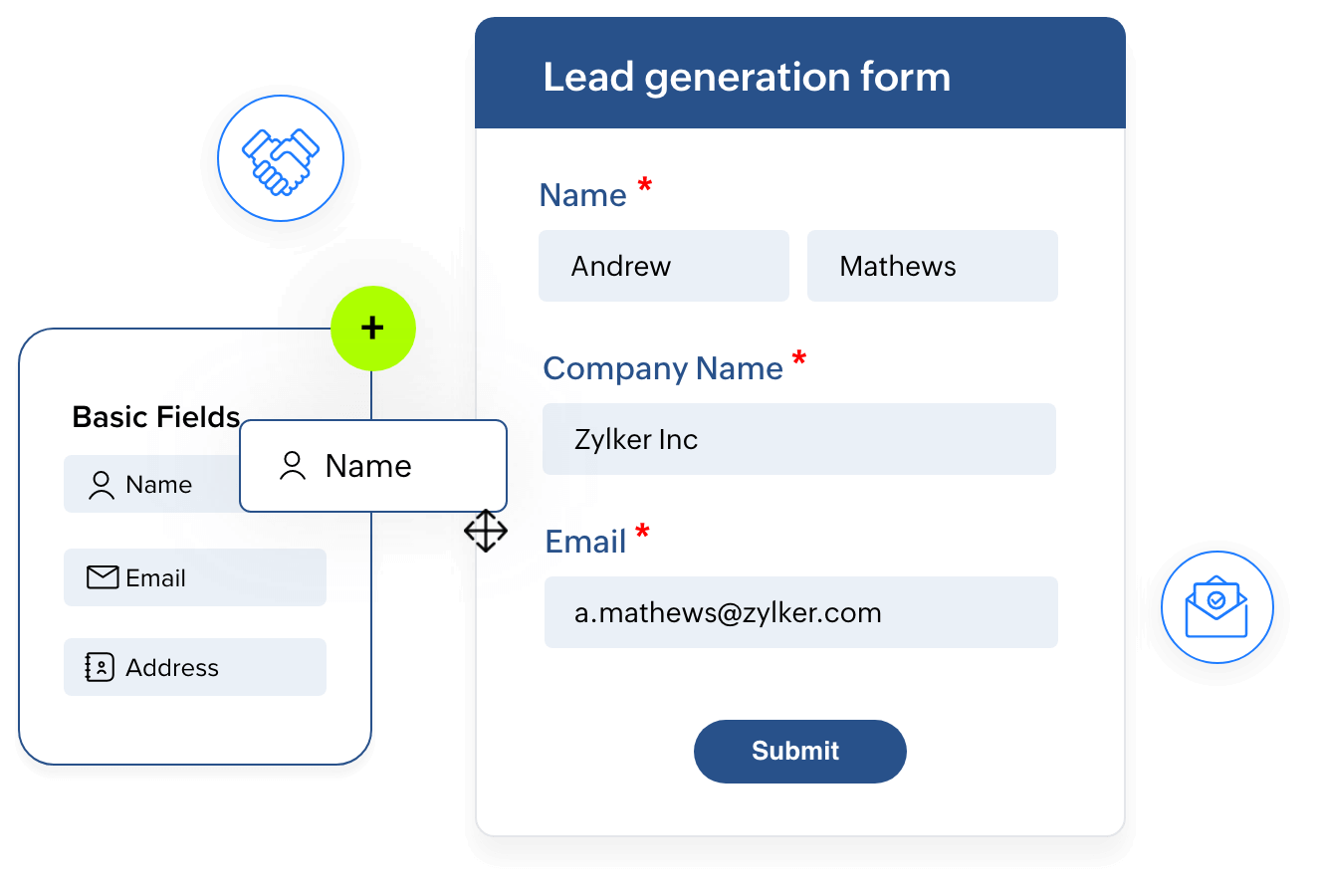
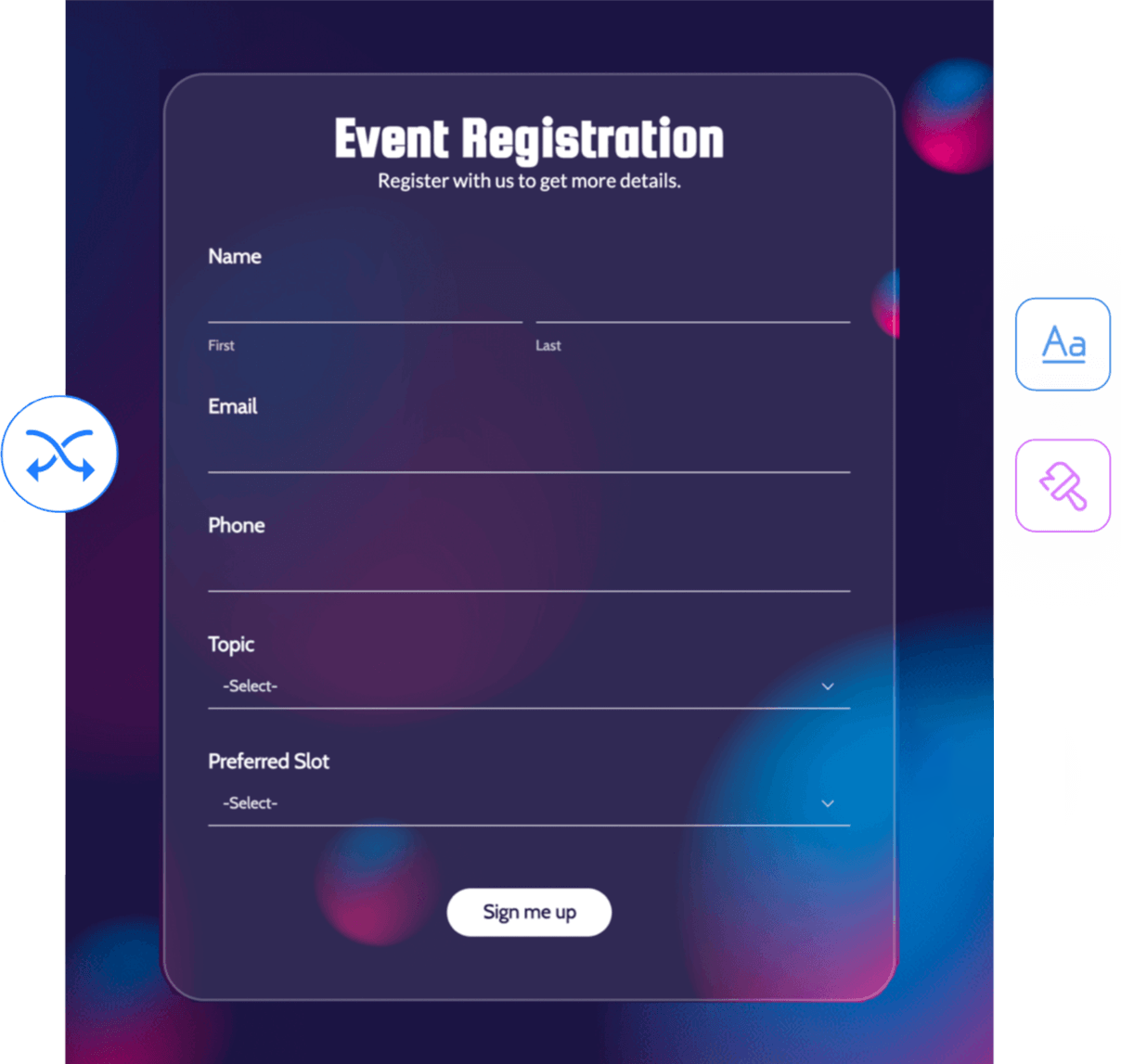
Creating a lead generation form with Zoho Forms is simple. You can choose a form template or start from scratch. The extensive field types allow you to customize your lead capture form to collect the information you need from your leads. With conditional logic to show or hide fields based on user responses and customizable theme builder to match your branding, your form has a higher response rate. Zoho Forms also integrates with your Zoho CRM to automate lead capture and follow-up processes.
Lead generation form best practices
Ask only for what you'll use
Every extra field is one more reason to leave. Start with name and email, and add other fields only when your sales process needs them.
Split longer forms into steps
If you do need more detail, spread the questions across a multi-step form so each page feels quick to finish.
Go where your audience is
Embed forms on high-traffic pages and share them in emails and social posts. Don’t rely on a single contact page.
Multi-page forms
Advanced theme builder
Conditional logic
Source tracking
Multiple share options
Social media friendly
Website embedding
Responsive across devices
Zoho CRM integration
Zoho Desk integration
Zoho Campaigns integration
Zoho SalesIQ integration

We've converted several paper-based processes from paper to online — all thanks to Zoho Forms! Most of our customers ask, "Can we do this online?" Zoho Forms was our answer to them.
Conan Power Information Systems Analyst, Waterford City Council

The mobile apps are very quick and user-friendly. Everything is electronic. Zoho Forms is amazing for staying organized — from event organization to vendor management. Everyone's happy!
Trey Diller Co-founder, Inspire Productions LLC

We used to go back and forth, sending and signing paperwork. Now, enrollment is almost instantaneous. The signing process happens via an online enrollment form and the merged PDF is sent as an email—it's never been so simple!
Shannon Marie Baker Owner, Alabama Church School
Even more reasons to choose Zoho Forms as your online lead generation forms
Custom URL
Email notifications
Custom redirects
Custom messages
Referral tracking
Make your lead generation forms more efficient
Frequently Asked Questions
What is a lead generation form?
A lead generation form, also known as a lead form or lead capture form, is a crucial tool for businesses to collect information from potential customers or leads. Typically found on websites or landing pages, these forms prompt visitors to provide their contact details and other relevant information in exchange for valuable resources or offers. The data captured through lead generation forms helps businesses identify and nurture potential leads, ultimately driving sales and conversions.
What is a lead generation form builder?
A lead generation form builder is a tool for creating forms that collect contact details from potential customers. Zoho Forms lets you build these forms with drag and drop, start from ready-made templates, track where each lead comes from, and send submissions to your CRM automatically.
Can I create a lead generation form without coding?
Yes. You add fields by dragging them onto the form, set conditional logic through simple rules, and style the form with the theme builder. When you're ready to publish, Zoho Forms generates the embed code or share link for you.
What fields should a lead generation form include?
Start with the basics: name and email address. Add a phone number, company name, or a qualifying question only if your sales team will actually use the answer. Conditional logic lets you ask follow-up questions only when they apply, which keeps the form short for most visitors.
Can I embed lead generation forms on websites and landing pages?
Yes. You can embed a form on any website or landing page, or share it through a link, a QR code, email, or social media. If you use UTM tracking, embed the form with its permalink rather than a shortened URL so the tracking works correctly.
On WordPress, install the Zoho Forms plugin and add your form to any page or post using the Zoho Forms block or a shortcode.
Can I create multi-step lead generation forms?
Yes. Zoho Forms supports multi-page forms, so you can split a longer form into short steps. Visitors see a few questions at a time, which makes a longer form feel quicker to complete.
How can I track lead form conversion rates and traffic sources?
The built-in analytics page shows form views, submissions, error score, and conversion rate, which is submissions divided by views. For traffic sources, enable UTM tracking to capture the source, medium, and campaign behind each entry. You can also send conversions to Google Analytics, Google Tag Manager, or Facebook Pixel.
Is Zoho Forms a free lead generation form builder?
Zoho Forms offers a free forever plan with basic features, which works well for small websites and startups. Paid plans add more advanced features as your lead generation needs grow.
How secure is the data collected through lead generation forms?
Zoho Forms encrypts data in transit and stores it with AES-256 encryption at rest. You can also enable field-level encryption for sensitive fields. The product supports GDPR, CCPA, and HIPAA compliance, and it includes CAPTCHA and spam controls to keep bot submissions out of your lead list.
What are the three common types of leads?
The three common types of leads in marketing are cold leads, warm leads, and hot leads. Cold leads are individuals who have shown minimal interest in a product or service. Warm leads have expressed some interest and may require further nurturing to become customers. Hot leads are highly interested and ready to make a purchase, requiring minimal persuasion.
How do I promote my lead capture form?
To promote your lead capture form effectively, leverage various marketing channels such as social media, email marketing, and your website. Create compelling call-to-action buttons and embed the lead collection form on prominent pages of your website. Utilize targeted advertising campaigns to reach your ideal audience. Additionally, consider offering incentives or exclusive content to entice visitors to fill out your lead form and maximize lead collection.
What are the best practices to consider while creating lead generation forms?
When creating lead generation forms, it's essential to follow best practices to maximize effectiveness. Firstly, keep the form concise by including only essential fields to reduce friction. Utilize clear and compelling copy that explains the value proposition and encourages action. Design the form for easy navigation and ensure mobile responsiveness for seamless user experience. Implement validation checks to ensure data accuracy and security. Lastly, offer a clear call-to-action and consider using incentives to increase conversions. By adhering to these best practices, you can create lead generation forms that effectively capture leads and drive business growth.
Which platform offers multi-language lead capture forms?
Zoho Forms provides multi‑language lead capture forms, letting you translate a single form to 10 languages from a catalogue of 50+ supported languages. Once translated, share forms via a single URL, QR, or embed, so leads can select their preferred language in the form and respond in it.
How do I send leads from form fills directly into email campaigns?
This can be achieved by integrating Zoho Forms with Zoho Marketing Automation or Zoho Campaigns. Once integrated, form submissions are automatically pushed to a mailing list within the chosen marketing application. Once the lead is in the mailing list, you can plan your marketing activities and lead nurture campaigns. You can also achieve this with third-party tools like Mailchimp via Zoho Flow integration.
How can I push leads from multiple forms into one CRM pipeline?
You can consolidate leads from multiple forms into single CRM by configuring integrations of multiple distinct forms to the same modules (Leads or Contacts) in the CRM. By doing this, submissions from various forms will automatically populate in the desired pipeline.