Build forms effortlessly with our online form maker
Collect data with ease using our form creator software that's designed to accommodate users with no coding experience. Add and personalize form fields according to your individual needs. Generate custom reports to view and analyze all your form submissions.
Pick from an array of fields
Collect data efficiently with the help of 30+ field types. Each field in the online form generator has customizable properties that make your forms unique. These fields are optimized to protect the privacy of your respondents and safeguard any sensitive information.


Online form creator with field validation
Urge respondents to avoid duplicates or repetitions in their responses in our online form maker. Field validation in our digital form creator clearly indicates fields that are marked as mandatory, such as name, terms and conditions, and more by pointing them out to respondents.
Enter a valid email address. (eg: yourname@domain.com)
Generate forms with multiple pages
Simplify complex forms by sectioning them out as multiple pages. Structure forms in our online form builder software to contain relevant fields or questions on each page, and ensure that respondents are directed to pages with questions that pertain to them.

Save your progress and resume later with our form generator!
Give your respondents the freedom with our forms creator to save partially filled forms and complete them at their convenience. Ensure that no data is lost, so form filling is an easy task instead of a tiresome one.

Skip unnecessary steps with conditional logic
Redirect your respondents to the relevant question or page based on their answers. Set rules to hide irrelevant information in the form, and provide a customized form-filling experience for each respondent with conditional logic.

Create repeating sections with one subform
Allow respondents to add multiple entries and line items within a single section. Use Zoho Forms online form builder to create smooth online ordering experience by applying values and formulas to elements on your subform, and ensure a seamless shopping experience for your customers.

Online form builder with free templates
Our pre-designed templates are convenient, and time-saving. They eliminate the need to design forms from scratch, and allow quick customization using themes. This saves time, effort, and resources, enabling efficient form creation for all your business needs.
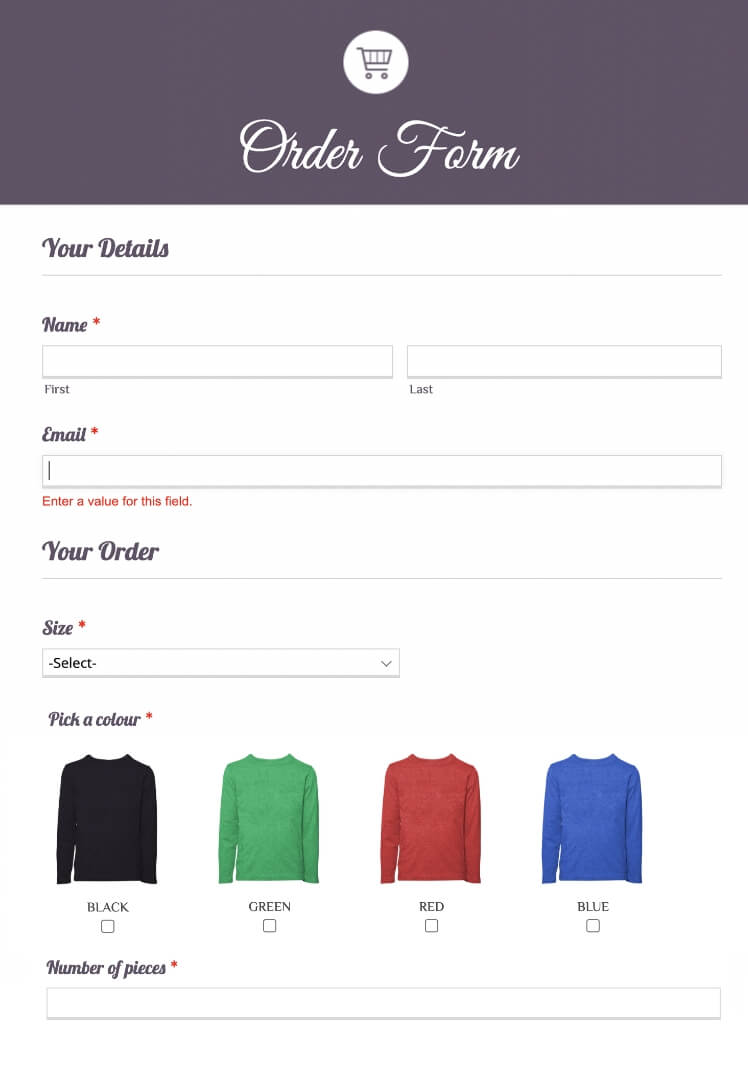
Simplify the process of ordering products from your online store with the help of a well designed Online Order Form template.

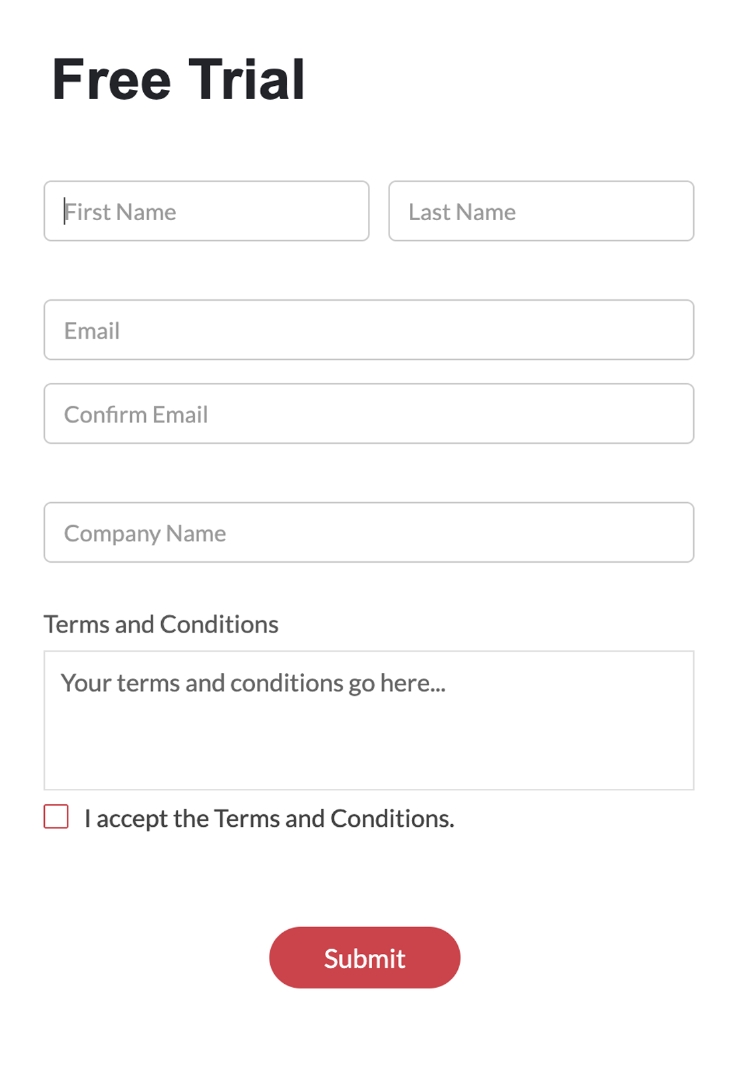
Help your website visitors to sign up for a free trial of your product or service with this easily-to-fill Free Trial template.
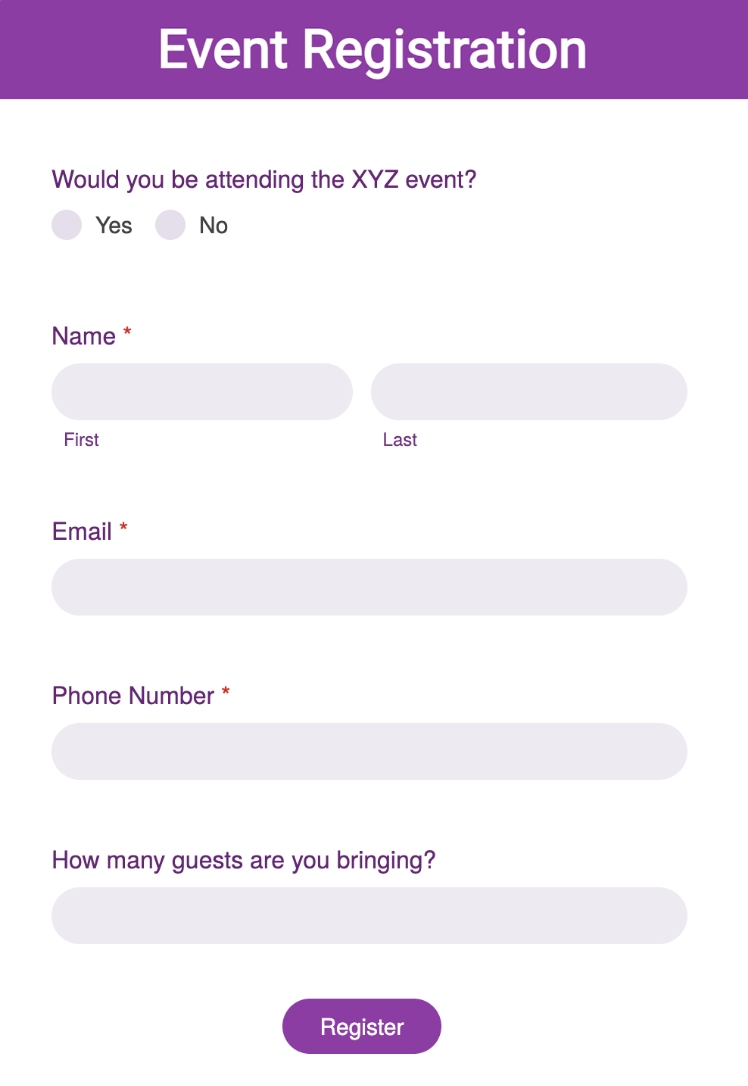
Keep a track of the attendees and volunteers of all charity and non-profit events using a simple and efficient Event Registration Form template.
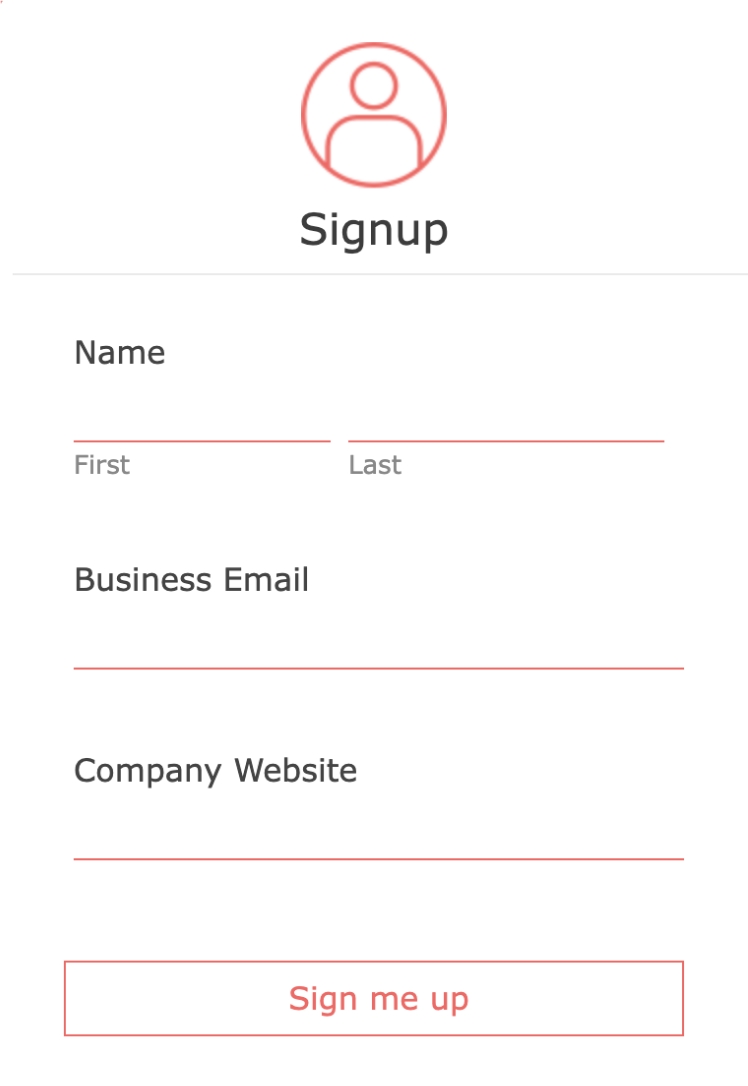
Collect leads' information when website visitors sign up for your mailing list using this Email Sign Up Form template.
New success stories every day



Grow your business online with our free form generator!
Frequently Asked Questions
What is a form maker?
A form maker is a versatile tool that simplifies the process of creating various types of online forms. It empowers users to build custom forms for surveys, registrations, applications, and more. With an efficient form maker like Zoho Forms, individuals or organizations can easily design, customize, and manage online forms to collect data and feedback from respondents efficiently.
Does Zoho Forms offer free online form generator?
Yes, you can create a free-form using Zoho Forms. Zoho Forms, an online form builder, offers a free plan that allows you to design and build online forms without any cost. With the free plan, you can create a variety of forms, including contact forms, surveys, registration forms, order forms, and more. You can customize your forms with different form fields, add logic and rules, and integrate them with other Zoho applications or third-party services. While the free plan has limitations on form submissions and storage, it provides a great starting point for creating and managing basic forms at no cost. Please visit our pricing page to browse our paid plans.
How can I create a new form with pre-fill feature?
Collect repetitive data without asking your customers to fill multiple forms by leveraging Field Alias and Prefill features in Zoho Forms.
You can create a main form with all the fields required. Then, create additional forms using our form builder software with only the unique information or fields that need to be filled each time. Use Field Alias to provide alternate names to the fields that require to be prefilled. Configure the field alias. This Field Alias can be used to prefill fields in additional forms.
With the Prefill feature, you can use data from a previous form submission to prefill fields in subsequent forms. Use the field alias to set up prefill URLs. Then, when your customers need to fill out subsequent forms, you can prefill the fields with their previously submitted data, making it easier for them to complete the form without re-entering information.
Where can I get online forms integrated with CRM systems?
You can get online forms integrated with CRM systems by using form builders that offer built-in CRM connections. Zoho Forms lets you create online forms and with its native integration, you can automatically send the captured form submission data into CRMs such as Zoho CRM and Salesforce. Map form fields to CRM modules like Leads, Contacts, or Deals, so every submission becomes a CRM record instantly.
What is the most affordable online form builder for small businesses?
Zoho Forms is one of the most affordable online form builders for small businesses because it offers a powerful Free plan and low-cost paid plans without compromising on essential features. Small businesses and solopreneurs can create unlimited forms, use drag-and-drop fields, get mobile access, collect responses, all at no additional cost on the free tier. As your requirements grow, Zoho Forms’ paid plans remain budget-friendly, giving you more submissions, advanced automation, PDF customization, approvals, and workflow features at a lower price compared to many other form builders.
Which platforms provide drag-and-drop online form builders?
Several platforms offer drag-and-drop form builders, and Zoho Forms stands out as a hassle-free option for businesses that want to create professional online forms without writing any code. Along with Zoho Forms, tools like Jotform, Typeform, Formstack, and Wufoo also provide drag-and-drop interfaces. However, Zoho Forms offers the added advantage of seamless integration with the Zoho ecosystem, offline forms and mobile app, making it one of the most complete drag-and-drop form builders for small and large businesses alike.
Does Zoho Forms offer an online form builder with a cloud-based database?
Yes. Zoho Forms is a fully cloud-based online form builder that automatically stores all your form entries in the cloud.
How to create and manage online forms for lead generation using Zoho Forms?
Zoho Forms makes it easy to build and manage lead-generation forms without any technical expertise. You can use the drag-and-drop builder to add fields, customize the design, and embed the form on your website or share it on social media. Once leads start coming in, Zoho Forms helps you manage them efficiently with features like Zoho CRM integration, email notifications, approval workflows, and advanced analytics. You can even score and route leads by applying rules that match your sales process. With Zoho Forms, your entire lead-generation workflow, from capturing prospects to sending them directly into your CRM, is automated and effortless.
How to make your forms interactive?
Interactive forms provide a user-friendly approach rather than the feel of paperwork. This is essential for making the form filling experience smooth for your customers, resulting in more conversions. Here are some simple tips:
- Ask questions instead of using generic field labels
- Personalize field labels
- Use a form description to connect with your respondents
- Show them only what is relevant by hiding irrelevant fields
- Showcase your brand and logo using Themes
- Guide your respondents using custom messages
- Share forms in the native language of your target audience
- Acknowledge customers with email/SMS notifications
Read more how to create interactive forms using our form builder software.
How to create a form to collect data offline?
Yes, Zoho Forms mobile app supports offline forms. Whether you are in a low-signal area or have no network coverage, you can still access some of forms' most important features. Build and edit your forms in offline mode and sync them when you are back online.
How to create a new form?
To create online forms using Zoho Forms, follow these steps:
- Step 1: Sign up or log in to your Zoho Forms account.
- Step 2: Start with our free-form maker and upgrade when you need additional features.
- Step 3: Click the Create Form button to start building your form.
- Step 4: Choose from a wide range of pre-designed templates or create your own forms from scratch using the free online form builder.
- Step 5: Enhance your form with advanced features , such as rules, payment integration, and notifications.
- Step 6: Save and publish your form online.
- Step 7: Share the form with your audience or embed it on your website to start collecting responses and data.
How secure is our free form maker?
Zoho Forms offers a secure and free form creator with robust data protection measures. Your data is kept safe using industry-standard security practices and technologies. Zoho Forms provides SSL encryption, GDPR compliance, Field encryption, and much more, making it a trustworthy application for creating online forms and collecting sensitive information.