Connecting, collaborating, and growing: Zoho Mail 2025 wrap-up

Your inbox has been home to a lot this year—quick updates, long threads, approvals, reminders, and the occasional late-night draft you weren’t sure about. Through it all, our focus stayed the same: making your everyday communication a little simpler, a little smarter, and a lot more you.
Before we step into another year, here’s a look at the features we built, the moments we shared, and the milestones that shaped Zoho Mail this year.
A smarter inbox
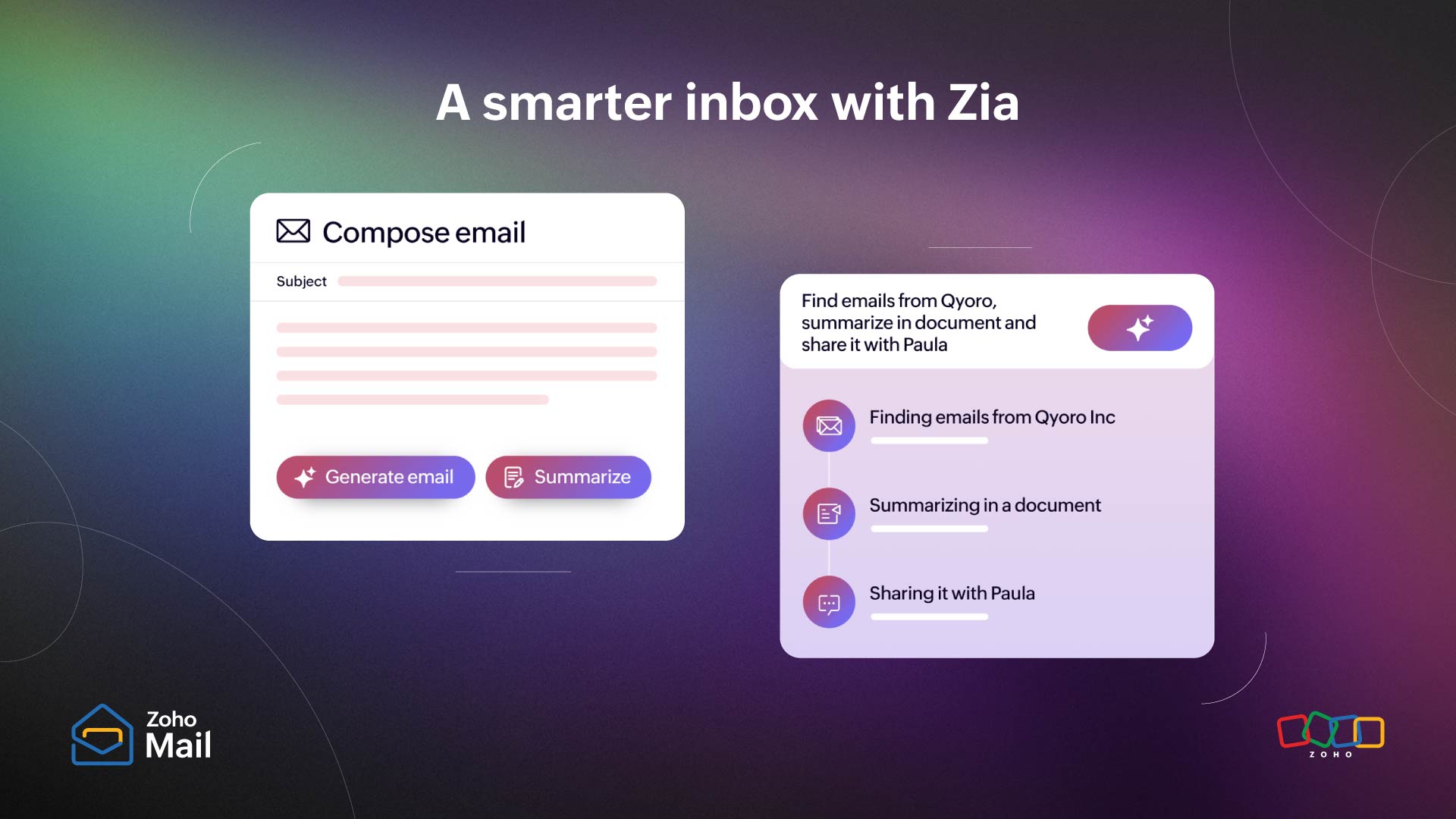
This year, your inbox got a lot smarter. With Zia stepping in to support your writing, simplify long threads, and help you communicate with clarity, Zoho Mail took a big leap into intelligent email.
Zia writing assistant in Zoho Mail
Whether you’re drafting a quick reply or writing something that needs the right tone, Zia now helps refine your message for grammar, clarity, readability, and fluency. It’s your writing, just clearer and a little more confident.
AI summaries in shared mailboxes
Shared mailboxes often hold long conversations with multiple participants. With Zia’s new Summarize option, teams can now get a quick, clean recap of the entire thread, making it easier to catch up or hand over work without missing context.
Workplace AI launch for Zoho Mail
As part of the wider Workplace AI rollout, several intelligent capabilities made their way into Zoho Mail this year to help users write better, respond faster, and navigate their inbox with less effort.
Together, these updates shaped a smarter, more intuitive inbox—one that supports you at every step of your communication.
A more seamless workflow
Your inbox is often the starting point for most of your work, so we spent this year making sure it could also be the place where more of your work gets done. With deeper integrations and smarter ways to bring information together, Zoho Mail moved closer to becoming your unified command center.
Slash commands
Switching tabs to fetch information is a small interruption, but it adds up. With slash commands in the mail assistant, you can now pull data from other apps straight into your email composer in seconds. Just type a slash, choose the command, and keep writing without losing context.
Qntrl integration
Approvals and process-driven tasks don’t need extra back-and-forth anymore. With the new Qntrl integration, you can create, view, and manage requests right from your inbox, helping teams keep workflows moving without breaking their rhythm.
Voice integration
Communication goes beyond email. With voice support now inside Zoho Mail, you can manage calls, messages, voicemails, and even contact notes without leaving your inbox. Everything you need to stay connected lives in one place.
These integrations bring more of your everyday tools into your inbox, creating a smoother, faster, and more connected work experience.

A more collaborative workspace
Great teamwork is rarely a solo effort, and this year we made sure Zoho Mail supported that reality better. With new enhancements to ToDo, collaboration inside your inbox became simpler and more natural.
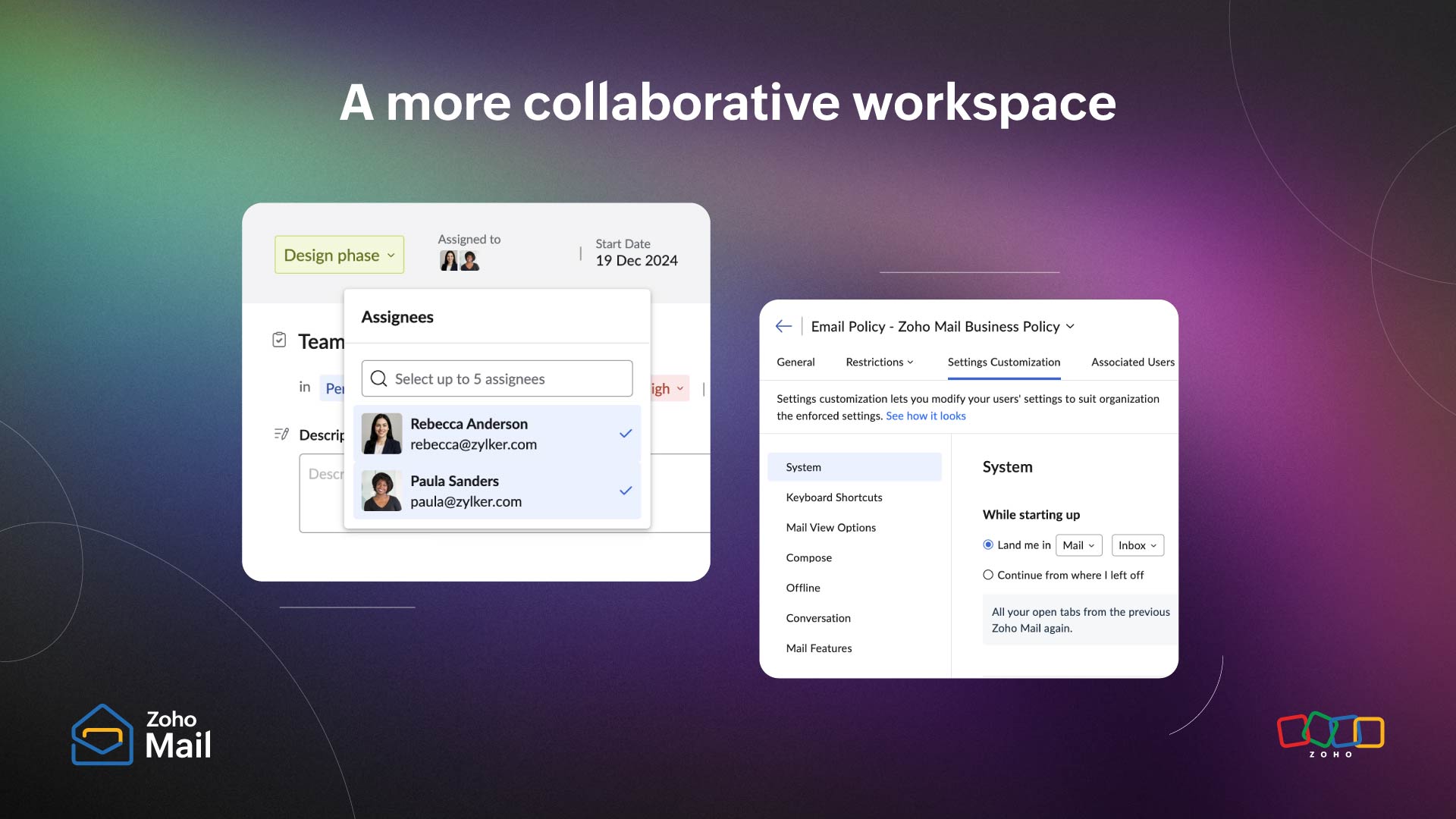
Multiple assignees in ToDo
Tasks often involve more than one person, and now your ToDo lists can reflect that. You can assign a task to multiple team members, ensuring that everyone stays aligned, accountable, and up-to-date. Whether it’s a shared follow-up, a joint action item, or a project checkpoint, ToDo now keeps teamwork visible and organized.
With these updates, your inbox becomes more than a place to track tasks; it becomes a space to move forward together.
Zoho Mail, anywhere
Your inbox doesn’t stay at your desk, and this year we made sure Zoho Mail could keep up whether you’re on Android or iOS.
On Android, spam alerts now come with quick actions, letting you block, trust, or report suspicious messages in seconds. Folder management became simpler, and the Add Event interface got a revamp supporting conferencing options, event colors, multiple reminders, custom recurring schedules, and private events.
On iOS, Mail 3.0 brought a complete new UI and backend overhaul. You can now manage signatures in the app, take advantage of Siri shortcuts, and enjoy the new “Liquid Glass” design for iOS 26.
With these updates, Zoho Mail became not just smarter at your desk, but smarter in your pocket, helping you stay organized, connected, and in control anytime, anywhere.
A more controlled, calm inbox
Behind every smooth email experience is an admin working hard to keep things consistent, compliant, and secure. This year, we introduced features that give admins deeper control so every user’s inbox feels more organized, intentional, and safe.
Settings customization
Every organization works differently, and now Zoho Mail adapts more closely to those needs. With granular settings customization, admins can:
- Standardize how emails are composed.
- Enable or restrict features based on roles.
- Set org-wide defaults.
- Shape the inbox experience for different teams.
From highly regulated environments to fast-moving startups, this update brought flexibility and clarity exactly where it’s needed most
Milestones we’re grateful for
This year also brought a few recognitions that reminded us we’re moving in the right direction. Zoho Mail was honored by TechImply as Best Software, Best Customer Support, and Most Trusted Software, acknowledgments that reflect the effort we put into building a reliable, thoughtful email experience.
We also received Crozdesk’s Quality Choice and Trusted Vendor badges, reinforcing the trust and consistency users see in Zoho Mail every day.
These milestones mean a lot to us, not just as awards, but as encouragement to keep improving the way you connect, collaborate, and communicate.

Stories that stayed with us
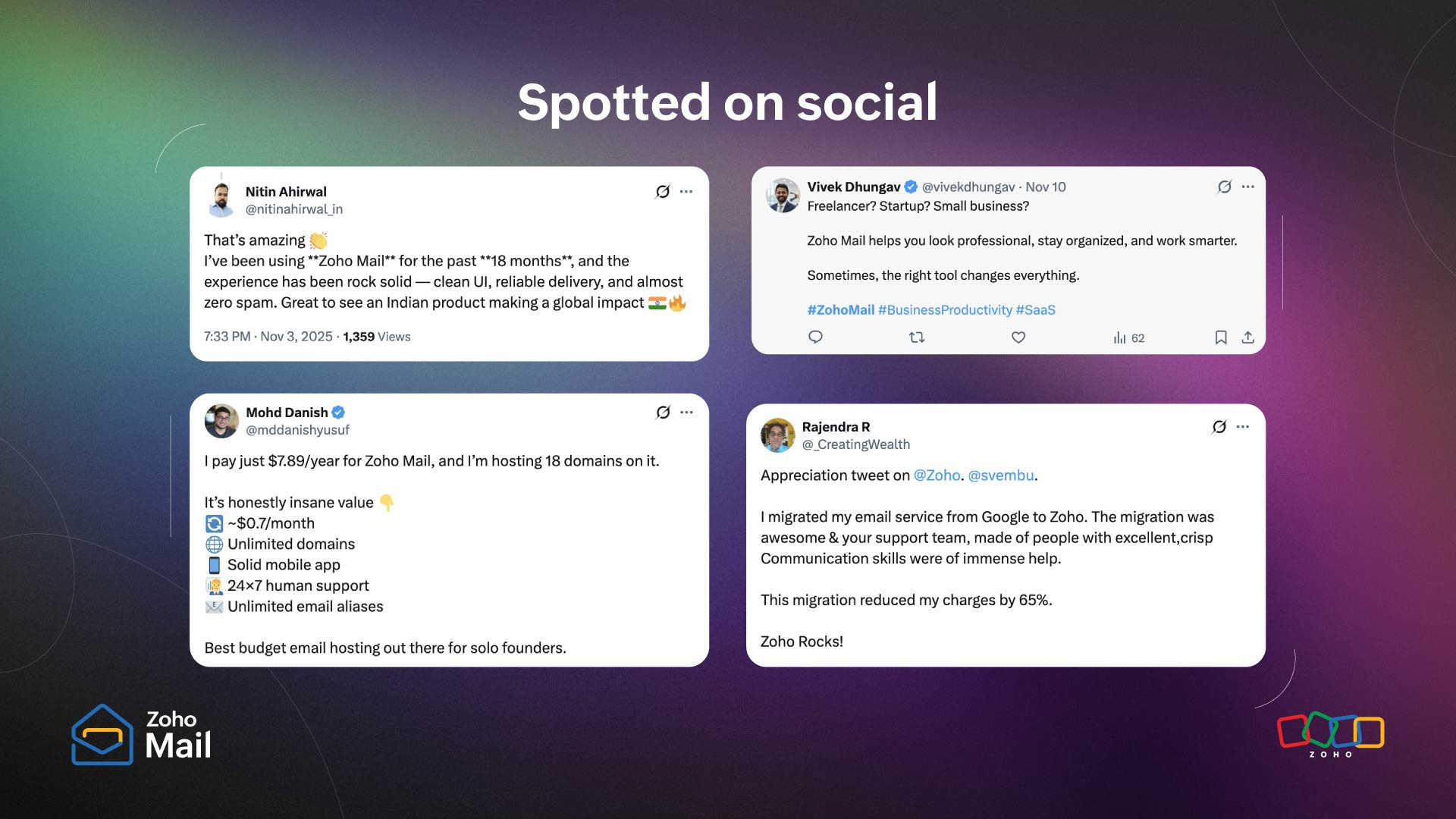
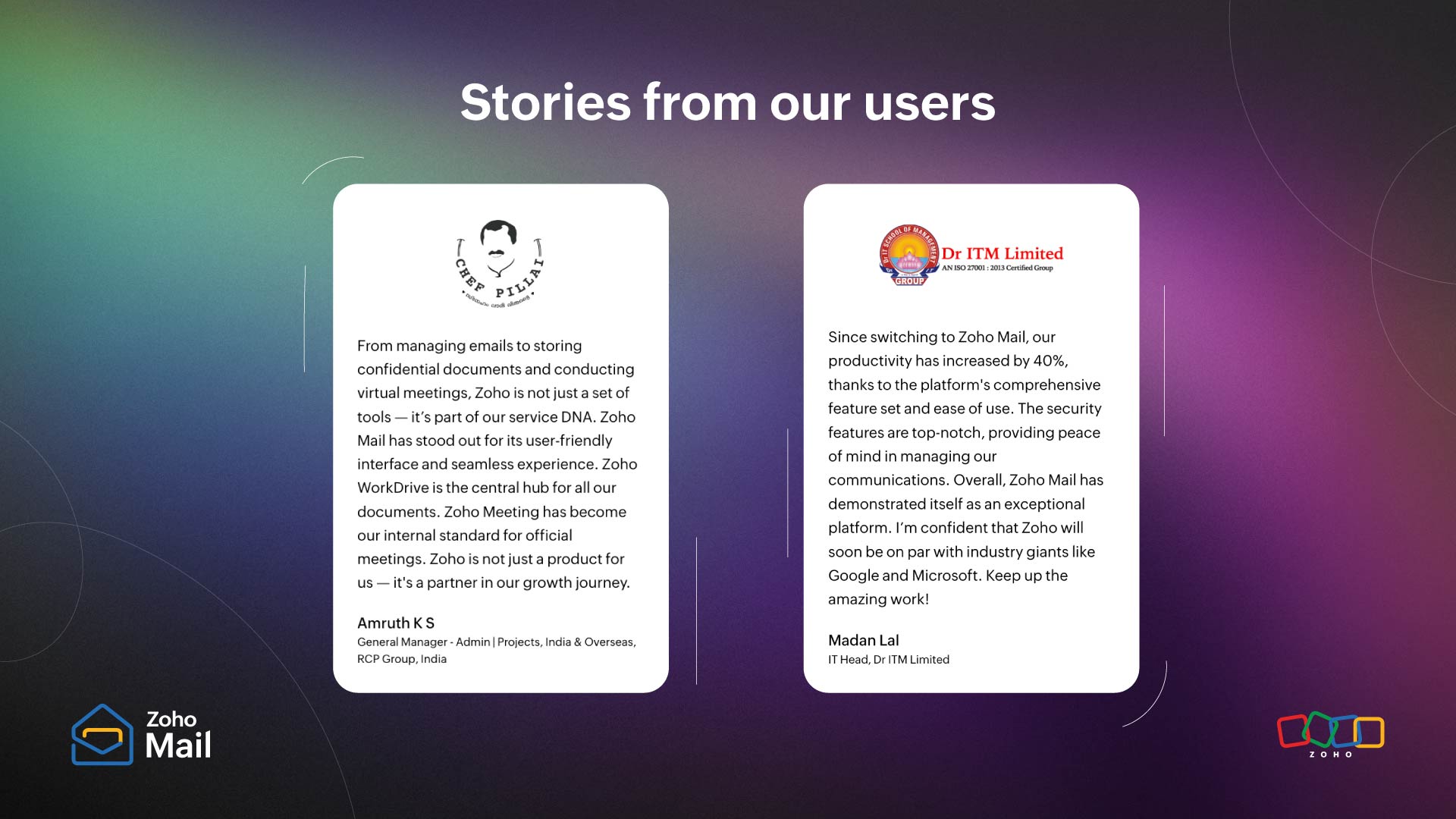
Some of the most meaningful moments this year came from you. Through the messages, stories, and feedback you shared, we got to see how Zoho Mail fits into real workflows, real teams, and real challenges.
From helping fast-growing businesses stay organized, to supporting teams in regulated environments, to simplifying communication for everyday users, your experiences shaped how we built and refined Zoho Mail this year.
We’ve included a few of these stories below. Each one is a reminder of why we do what we do, and why listening to you will always be at the center of how Zoho Mail grows.
Looking ahead
As 2025 comes to a close, we’re grateful for every email you wrote, every task you tracked, and every bit of feedback you shared.
A heartfelt thank you to all of our users, partners, and community members. Your feedback, trust, and daily interactions inspire everything we do and it’s what keeps us building better, smarter, and more helpful experiences in Zoho Mail.
Behind every feature, every update, and every improvement is a team that listens, learns, and builds with you in mind.
We’d love to keep the conversation going in 2026. Stay connected with us through our community forums, webinars, social channels, and product updates, and continue sharing your stories, suggestions, and wins. Every message, comment, and idea helps shape the future of Zoho Mail together.
Here’s to another year of smarter, smoother, and more meaningful communication. We can’t wait to continue this journey with you in 2026.

Comments