- HOME
- More
- Cybersecurity awareness
- How attackers weaponize trusted platforms to bypass email security
How attackers weaponize trusted platforms to bypass email security
- Last Updated : November 2, 2026
- 57 Views
- 7 Min Read

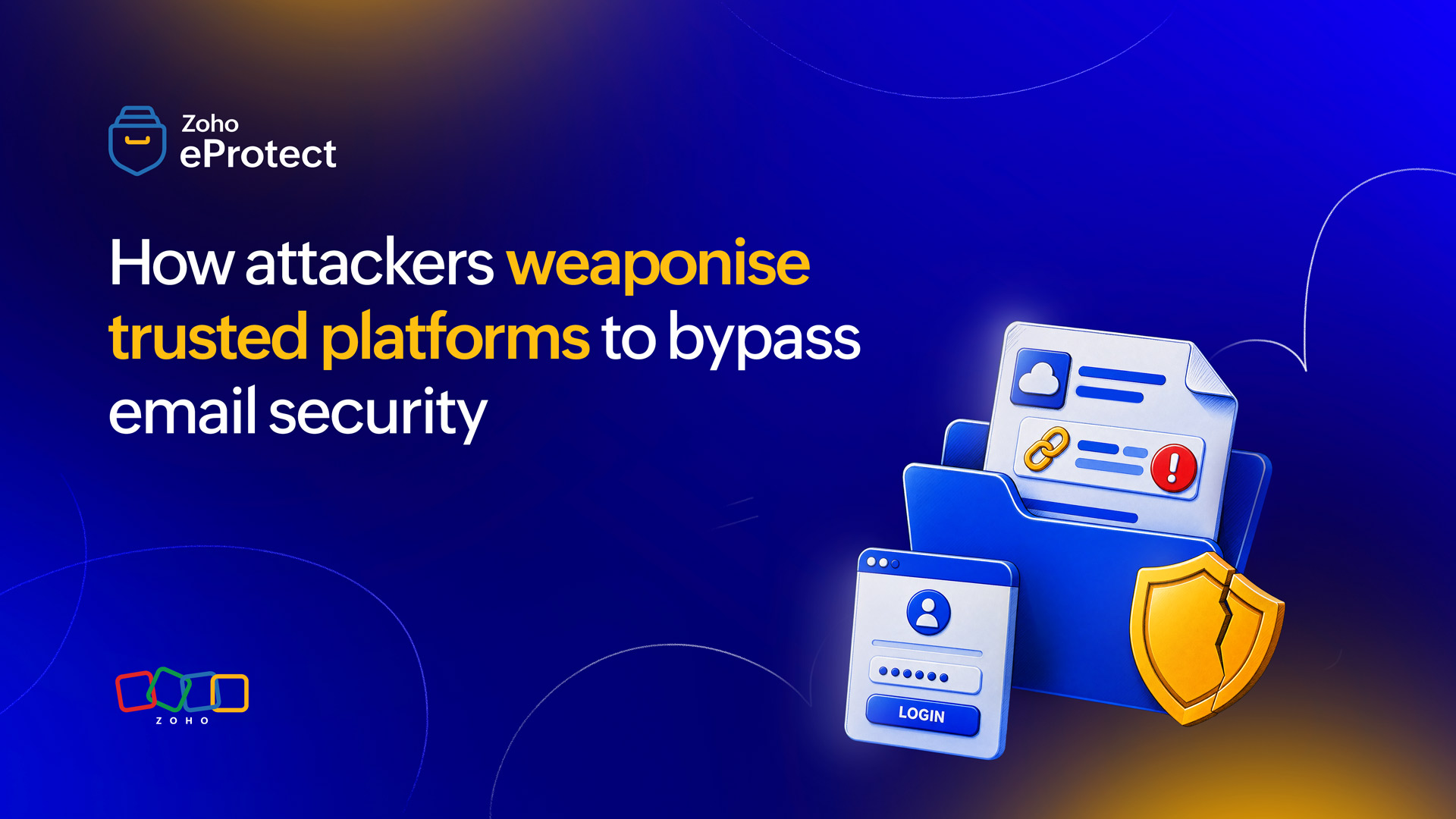
Email security solutions lean heavily on reputation to pass a verdict. Gateways check whether a sender is known, whether a domain has a clean history, and whether a link points somewhere dangerous. This approach works well against attackers who build their own infrastructure.
Legitimate service abuse sidesteps it completely. Instead of registering a lookalike domain, the attacker uses a trusted platform such as Dropbox, SharePoint, OneDrive, or Google Drive. The platform sends the notification, hosts the file, and supplies the good reputation. The usual goal is credential theft, which can lead to account takeover and further fraud.
What separates this from standard phishing is that the sender, the platform, and the notification email are all genuine. A trusted sender domain and a trusted hosting platform give reputation-based filtering nothing to object to. Authentication protocols such as SPF, DKIM, and DMARC confirm who sent a message. They cannot judge what a legitimate sender was used to deliver.
Why attackers stopped building their own infrastructure
For years, attackers registered new domains to host phishing pages. Defenders responded by scrutinizing new domains, and reputation filtering improved. Attackers then adapted by borrowing infrastructure that already had a good name.
Darktrace’s 2024 Annual Threat Report found that 96% of phishing emails in 2024 used existing domains rather than newly registered ones. The report named Dropbox and SharePoint among the trusted platforms that attackers increasingly target. Between December 2023 and July 2024, Darktrace detected that 62% of the 17.8 million phishing emails bypassed DMARC checks. Those checks exist to stop unauthorized use of a domain, so the figure shows how much phishing authentication alone does not stop.
Since April 2024, Microsoft has observed growing defense evasion in campaigns that abuse SharePoint, OneDrive, and Dropbox. Attackers now restrict shared files to the intended recipient, who must sign in or re-authenticate with an OTP. They also set files to view-only, which disables downloads and, in turn, detection of embedded URLs. According to Microsoft, these restrictions make automated analysis of the malicious link nearly impossible.
Sixteen employees, one legitimate Dropbox notification
On January 25, 2024, Darktrace observed an employee at a Darktrace customer receive an email from no-reply@dropbox.com, a legitimate Dropbox address. Fifteen other employees received the same email at about the same time. Infosecurity Magazine independently reported the same sequence.
The email linked to a PDF hosted on Dropbox and was named after a partner of the organization. Both the email and the hosting page were genuine. The PDF, however, contained a link to a domain that had never appeared in the customer’s environment. Darktrace also noted that the person behind the share had never corresponded with anyone at the organization.
Darktrace held the original email, which stopped it from reaching the inbox. On January 29, a second genuine Dropbox email arrived as a reminder to open the PDF. Darktrace moved it to junk and locked its link.
According to the report, the employee opened the reminder and followed the link anyway. A couple of days later, the employee’s device connected to the malicious domain. That domain hosted a fake Microsoft 365 login page built to harvest credentials.
From January 31, Darktrace noticed logins to the same account from locations that had never accessed it. The logins appeared to use a valid MFA token, and Darktrace judged it likely that the employee had unknowingly supplied a token or approved a login request. The attacker then created a mailbox rule with a generic name that moved messages from the accounts team to a rarely used folder. The attacker also reused earlier emails from the account, adding subject lines that flagged an incorrect contract and demanded urgent review.
No automated containment was deployed in that SaaS environment. The security team identified the attacker and took the account offline before the attack escalated further. Darktrace’s account does not describe a financial loss.
The outcome was mixed. The original email never reached an inbox, yet one employee’s account was still compromised.
Why every standard check came back clean
The notification came from genuine Dropbox infrastructure, so no spoofed domain existed for SPF, DKIM, or DMARC to flag. Sender reputation was excellent. Microsoft stresses that this kind of notification isn’t a phishing email in itself. It’s a genuine message about a real sharing action.
The content was a routine automated notice, and Darktrace observed that such notices offer very little to distinguish malicious from benign. Traditional email security tools often miss them for that reason. Darktrace adds that attackers often exploit this pattern, where a trusted service sends automated email from a fixed address.
The link in the email pointed to a real Dropbox page. The malicious URL sat one layer deeper, inside a PDF. A scanner that stopped at the email body found only Dropbox. In the campaigns Microsoft describes, restricted and view-only files push the harmful link even further from the reach of automated analysis.
The signals that did exist were contextual. The share’s originator had no history with the organization, and the destination domain was new to the environment. Open-source intelligence showed that the domain was newly created and had been reported for phishing by multiple security vendors. These signals describe relationships and behavior, not content. Seeing them requires comparing each email against the organization’s own communication history.
Recognizing a malicious file share before opening it
The first clue is the share itself. Ask whether you expected this file from this person. A genuine notification doesn’t make an unexpected share safe. Microsoft has observed file names that borrow topics from real conversations or add urgent wording.
Check who initiated the share, not only who sent the notification. The sender line will always read Dropbox, but Microsoft notes that the subject line names the person sharing the file.
The second clue is a mismatch between the platform and the request. In this case, a Dropbox file led to a fake Microsoft 365 login page. A shared document that sends you to a different provider’s sign-in page deserves scrutiny before you type anything.
The third clue is pressure. A reminder about a file you never asked for is a reason to question the share, not to open it.
What individual employees can do
Verify unexpected shares with the named partner
Contact the person or company named in the file using a phone number or channel you already trust. Never rely on contact details inside the notification.
Treat a junk folder or blocked link as a stop sign
In the Darktrace case, the employee opened a message that security tools had already moved to junk and link-locked. If a warning appears, report the message instead of working around it.
Check the address bar before entering credentials
A shared document that leads to a different provider’s sign-in page is a mismatch. Genuine sign-in pages live on the provider’s own domain, and a password manager typically won’t autofill credentials on any other domain.
Report quickly after a mistake or an unexpected MFA prompt
Don’t approve any MFA request you didn’t start. If you entered credentials on a page you now doubt, tell the security team immediately. Early reports let them disable the account before the attacker acts.
What organizations can do
Enforce phishing-resistant MFA with risk-based access policies
The attacker in this case appeared to use a valid MFA token. FIDO2 credentials resist phishing because each one is bound to the legitimate site’s domain. Conditional access policies that weigh location, device, and sign-in risk add a second barrier.
Block or isolate newly registered and never-seen domains
The destination here was new to the environment and newly created. DNS or web filtering that blocks or isolates newly registered domains can stop a click from becoming credential theft.
Review vendor allow lists and external sharing rules
Microsoft specifies that organizations often add trusted vendor users to allow lists, which lets phishing from a compromised vendor account through. Audit those exceptions regularly, and limit external file sharing to approved partners where practical.
Monitor for account compromise signals after the click
Be on alert for logins from locations or VPN services an account has never used, and on new mailbox rules that move mail to rarely used folders. In this case, both signals surfaced as the attacker began using the stolen account. Also, flag the same file share reaching many inboxes at once, because these operate as campaigns and correlate it with risky sign-ins.
Train staff on genuine-looking file-share lures
Awareness programs often focus on suspicious links and odd senders. Add examples of genuine notifications from trusted services that carry harmful files, and make reporting a one-click action. Microsoft also recommends educating users about the risks of secure file sharing and emails from trusted vendors.
A trusted sender isn’t enough
The Darktrace customer’s experience shows where reputation-based security reaches its limit. Every signal that reputation can measure was clean: the sender, the hosting platform, and the notification itself. The risk lived in context, and in one person’s decision to open a message that tools had already flagged. Defending against legitimate service abuse means judging each email by its relationship to the recipient and its behavior over time, not by the brand on the envelope.
Wrapping up
October is Cybersecurity Awareness Month 2026, and this is Case 4, the final case in The Breach Files, our series breaking down one real email attack each week. Over four weeks, we covered AI-powered BEC, conversation hijacking, QR code phishing, and legitimate service abuse. Each attack looked different, yet each one relied on borrowed trust.
eProtect is a cloud-based email security and archiving solution built to defend against email threats that content filters alone cannot catch, including attacks that abuse trusted platforms and legitimate sender domains to pass reputation checks. The solution offers advanced threat detection for on-premise and cloud email accounts, and is the security layer powering Zoho Mail, a platform trusted by millions of users.