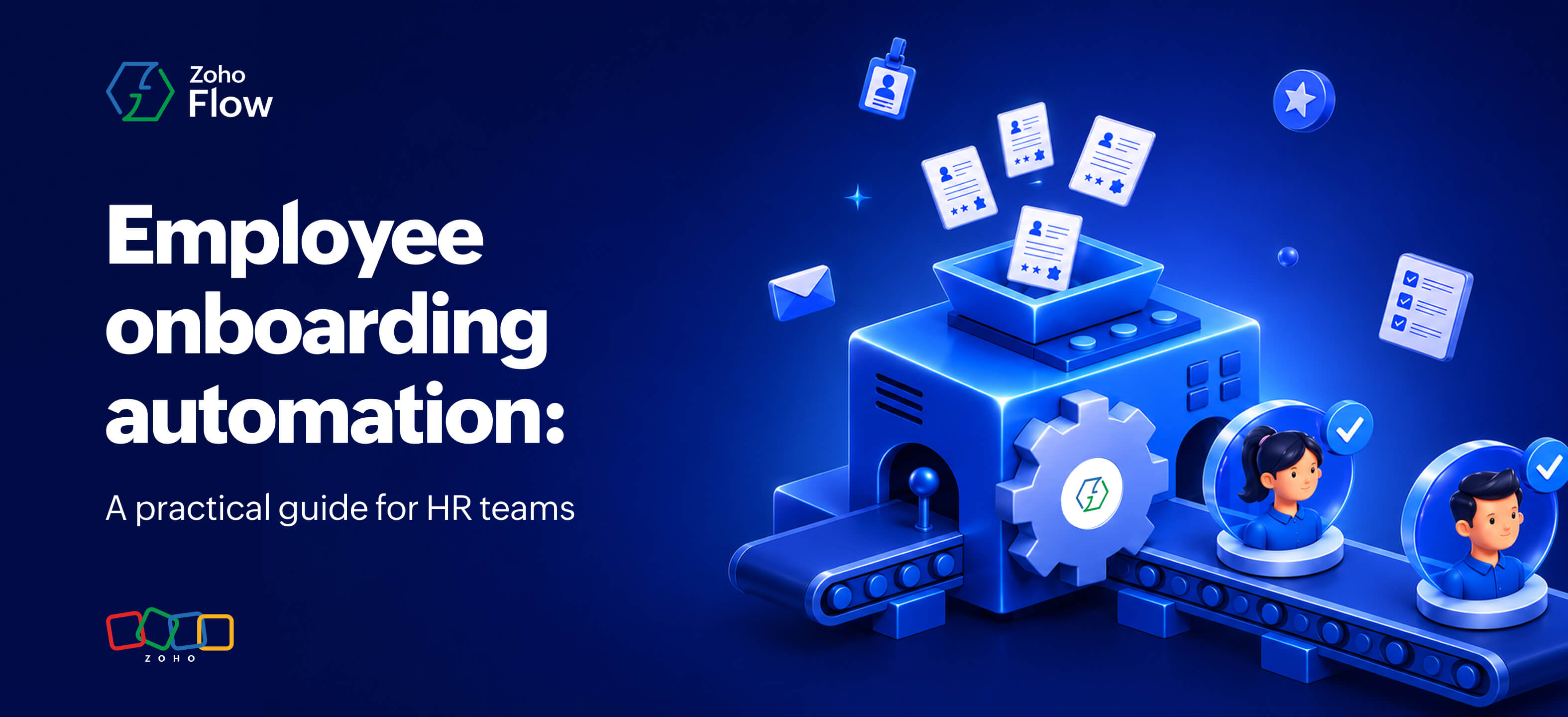
Employee onboarding automation: A practical guide for HR teams
- Last Updated : September 16, 2026
- 120 Views
- 7 Min Read
Key takeaways:
- Manual employee onboarding creates delays, inconsistencies, and extra work for HR teams especially as hiring scales.
- Employee onboarding automation reduces repetitive work such as data entry, account setup, document tracking, training enrollment, and follow-ups.
- With Zoho Flow, HR teams can connect their onboarding tools and automate these processes across 1,000+ apps.
- IT setup, training enrollment, policy acknowledgment, payroll, and check-in surveys are all onboarding tasks that can be automated with Zoho Flow
Why manual employee onboarding is holding back HR teams
Employee onboarding involves a lot of moving parts. Once a candidate accepts an offer, HR teams need to collect documents, create employee records, set up accounts, assign equipment, notify relevant teams, schedule orientation sessions, and make sure everything is ready before the employee's first day.
When these tasks are handled manually across different apps and teams, it's easy for something to get delayed or missed. HR may have to enter the same employee information into multiple systems, follow up with IT for account access, or check with managers to see whether onboarding tasks have been completed. And as more employees join, the same set of manual tasks repeats for every new hire, adding even more work for HR to keep track of.
And this isn't uncommon. According to BambooHR, 29% of HR teams say manual and unorganized onboarding processes have led to tedious tasks and frustrated new hires.
Automating these repetitive steps can make this process much easier. By connecting the tools involved in onboarding, information can move automatically from one system to another and trigger the right tasks at each stage, giving HR teams less manual work and new hires a more organized start.
What is employee onboarding automation?
Employee onboarding automation is the process of automating the repetitive, manual tasks involved in bringing a new hire into your organization. Think of it as a chain reaction. One action kicks off the next. A new hire is added to your HR system, and that automatically sends them a welcome email, notifies IT to set up their accounts, assigns onboarding tasks to the relevant teams, and schedules their orientation.
Once set up, these workflows silently run in the background without HR having to manually coordinate each step. This frees HR teams from repetitive admin work, reduces delays and errors, and gives them more time to focus on what actually matters.
Practical use cases to automate employee onboarding
1. Sending a personalized welcome email on day one
Day one can feel overwhelming, and a timely welcome helps new hires know what to expect. Every morning, Zoho Flow's schedule trigger checks Zoho People for any employees whose start date matches that day. When it finds a match, Zoho Flow's AI generates a personalized welcome email based on the new hire's role and department and sends it out via Zoho Mail, along with their first week schedule. This way, the new hire gets a structured, thoughtful welcome on the day one.
2. Automating IT setup for new hires
When a new employee joins, one of the first things IT needs to do is set up their accounts and get their equipment ready. But without a direct connection between HR and IT systems, this usually means someone has to manually raise a request.
With Zoho Flow, the moment a new employee record is created in Zoho People, it automatically creates a requester profile in ServiceDesk Plus and raises two separate service requests: one for account provisioning and one for equipment assignment. IT gets a structured ticket for each task right away, without HR having to follow up or IT having to wait for someone to notify them.
This keeps HR and IT in sync from day one, and the new hire gets a smoother start.

Trigger: Employee created in Zoho People
Actions:
- Create requester in ServiceDesk Plus Cloud
- Create request (account provisioning) in ServiceDesk Plus Cloud
- Create request (equipment assignment) in ServiceDesk Plus Cloud
- Send a message in Zoho Cliq (HR channel) confirming IT setup has been initiated
3. Automating role-based training assignment
Training is one of the first things a new hire needs to get started. Setting this up in Zoho Flow, when a new employee record is created in People HR, an if-then branch checks their department and automatically enrolls them in the relevant courses in TrainerCentral. A sales hire gets enrolled in product and pitch training, while an engineering hire gets assigned technical onboarding modules without HR having to intervene for each case.
Once enrolled, Zoho Flow's AI generates a personalized welcome message for the employee based on their role and sends it directly to their email. Instead of a generic "you've been enrolled" notification, the new hire gets a message that actually speaks to their position and what to expect from their training.
4. Sending policy documents and tracking acknowledgement
Getting new hires to sign policy documents is one of those tasks that always takes longer than it should. HR sends the document while the employee gets busy settling in and forgets to complete the task.
With automation, when a new employee is added in BambooHR, a policy document is automatically sent to them via Zoho Sign for acknowledgement. After five days, Flow checks the document status. If it's still pending, a message is automatically sent to the HR team on Slack so they can follow up directly. If the document has already been signed, the flow simply ends.
HR doesn't have to keep checking who has signed and who hasn't. The workflow keeps track of it and lets HR know when someone needs a follow-up.

Trigger: Employee created in BambooHR
Actions:
- Send document via Zoho Sign
- Delay (5 days)
- Fetch document from Zoho Sign
- Decision block—Document pending?
- If yes → Send message to HR on Slack
5. Adding new hires to team channels and shared folders
When someone joins a new team, they need two things quickly: access to the right communication channels and the files relevant to their work. Without automation, this usually means someone from HR or the team lead has to manually add them to the right channels and share the right folders, often after the new hire has already started asking around.
When a new employee record is created in BambooHR, an if-then branch checks their department and automatically adds them to the relevant channel in Zoho Cliq. At the same time, the department's shared folder in Zoho WorkDrive is shared with them, giving them immediate access to the files they need from day one.
6. Following up on 30/60/90 day check-in surveys
Check-in surveys at the 30-, 60-, and 90-day mark are a good way to understand how new hires are settling in. Manually reviewing each survey response takes time with new employees getting added every day.
When a new hire submits their check-in survey in Zoho Survey, instead of routing through multiple decision boxes, a single agentic action in Zoho Flow reads the response, understands the context, and decides what happens next. If the response is positive, the employee automatically receives an encouraging message. If the response indicates they're struggling or have concerns, the flow notifies the HR manager on Zoho Cliq and creates a follow-up task in Zoho Projects.

Trigger: Survey response submitted in Zoho Survey
Action: Agentic action (Zia reads the response and decides what to do next)
7. Setting up payroll for new hires
Getting a new hire added to payroll is one of those tasks that has to happen before their first payday. When a new employee record is created in SmartHR, Zoho Flow automatically creates their profile in Zoho Payroll. At the same time, a message goes out to the finance team on Zoho Cliq, letting them know the payroll profile is ready and setup can begin.
This saves both HR and finance from passing information back and forth and helps get payroll setup started on time.
A good onboarding experience depends on many small tasks happening at the right time. For HR teams juggling all these tasks across different tools and departments, keeping everything on track manually can become difficult.
Employee onboarding automation takes care of much of this repetitive work in the background. Zoho Flow lets you connect your HR apps with the tools your finance, IT, and other teams use, along with 1,000+ apps across different business functions. This way, you can automate onboarding tasks across teams from a single platform.
Ready to automate your employee onboarding process? Sign up for Zoho Flow and start building your onboarding workflows.
Related reading
- HR workflow automation
- 8 essential HR workflows you need to automate
- What is HR automation? A complete guide to streamlining HR management using Zoho Flow
- Workflow automation best practices: How to build reliable, secure workflows
Frequently asked questions
1. Do I need coding knowledge to set up onboarding automation in Zoho Flow?
No. Zoho Flow has a no-code drag-and-drop builder that lets you set up workflows without writing any code.
2. Can Zoho Flow connect with HR apps we already use?
Yes. Zoho Flow integrates with popular HR apps like BambooHR, Zoho People, People HR, and SmartHR, along with IT, finance, communication tools, and more.
3. How is AI used in employee onboarding automation?
Zoho Flow's AI features, including Zia Utilities and agentic actions, can generate personalized messages, analyze survey responses, summarize text, and decide the right action based on context without requiring manual input.
4. Is Zoho Flow free to use?
Zoho Flow offers a free plan with basic features, along with a 15-day free trial that gives you full access to all premium features. If you're already on Zoho One, Zoho Flow is included in your subscription.
5. What are the benefits of automating employee onboarding?
Automating employee onboarding reduces repetitive administrative work, limits the need to enter the same information across multiple systems, and helps onboarding tasks happen on time. It also makes it easier for HR, IT, finance, and other teams to coordinate their part of the onboarding process.
 Gayathri Babu
Content writer for Zoho Flow. Passionate about creating engaging content that truly resonates with the readers.