- HOME
- Data Collection Insights
- How to qualify sales leads with online forms (using conditional logic)
How to qualify sales leads with online forms (using conditional logic)
- Last Updated : December 19, 2025
- 684 Views
- 7 Min Read
The sales team is the engine that keeps revenue moving in any business and every sales team wants more leads. But even the most talented sales professionals struggle when their day is packed with low-value conversations, irrelevant inquiries, or leads that were never a fit in the first place.
The truth is simple.
When your forms do not qualify leads upfront, your pipeline gets filled with noise and your sales team pays the price in wasted time and energy.
Why unqualified leads are a massive hidden cost
Before we tackle the solution, let us understand how bad the problem really is.
On an average, only about 27% of marketing-generated leads are actually qualified for sales engagement. That means roughly 73% of leads are unqualified contacts flowing into sales pipelines.
Sales representatives often spend 30 – 50% of their time chasing leads that never convert. Because of poor qualification, many companies lose up to 67% of potential sales.
Furthermore, when low-intent or poorly matched leads slip into the sales funnel, it doesn’t just waste time, it inflates customer acquisition cost (CAC), diminishes conversion rates, and distorts forecasting and resource allocation.
In real terms, if your marketing drives 1,000 form submissions per month but only 270 are truly qualified, the rest represent a waste of your sales team's resources.
Without an effective filter, lead volume becomes a false metric of success. It is the quality that determines real sales results.
The root cause
Why does this problem persist?
Many lead-capture processes, especially web forms are designed to maximize submission count, not lead quality or relevance. Marketers often prioritize keeping forms short and frictionless to maximize conversions, but this comes at the cost of not collecting key qualification data like budget, company size, or location.
As one analysis puts it, the fields most relevant to sales success (budget, timeframe, contact number, role) are often the same ones that hurt form conversion rates if included upfront. In many organizations, all leads collected are passed to sales regardless of readiness, leading to misalignment between marketing and sales expectations.
The result is high submission volumes with poor conversion rates, long sales cycles, wasted follow-ups, and low ROI on marketing spend.
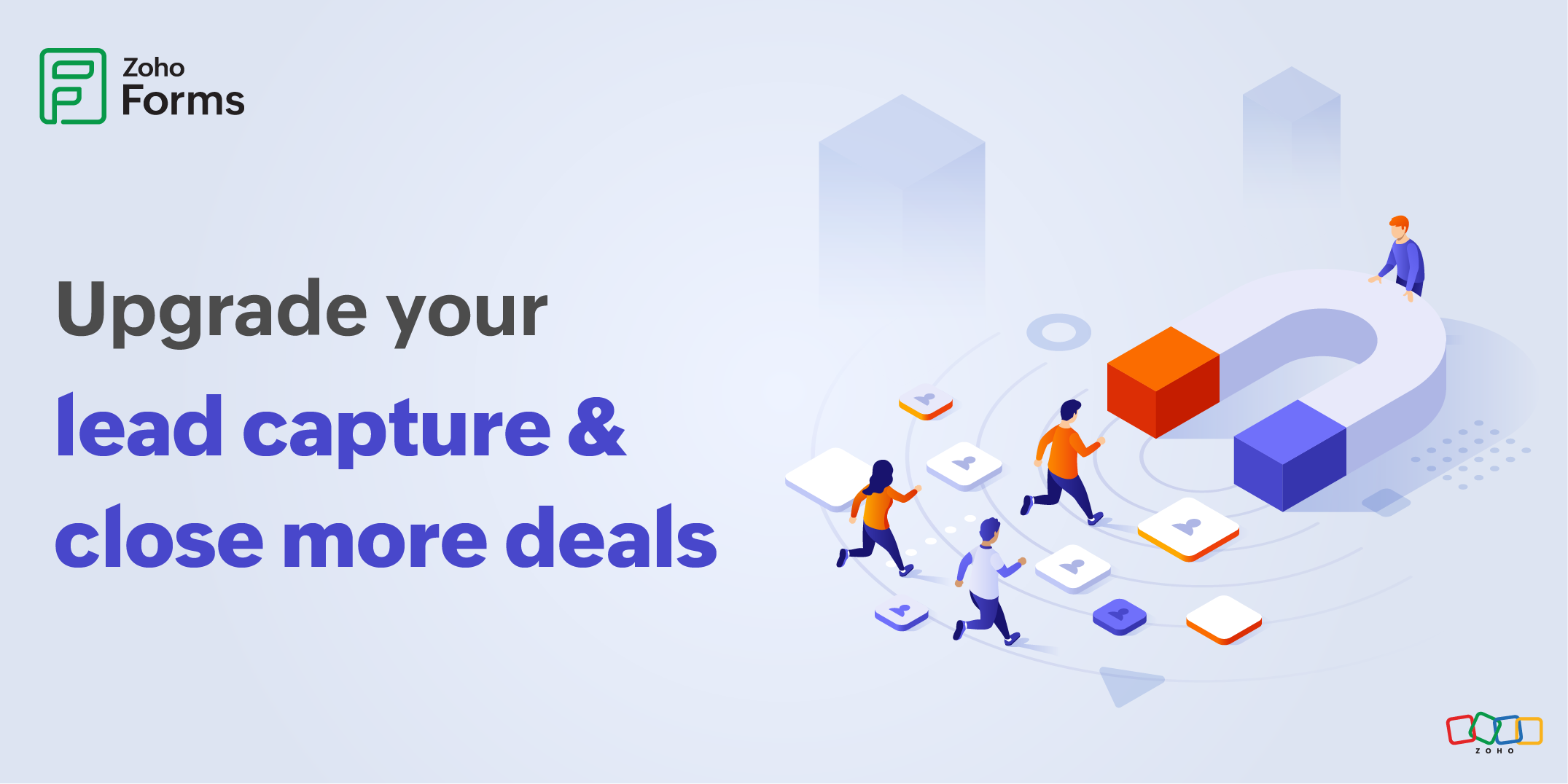
Qualify leads before you invest time
Now that we have seen how expensive unqualified leads really are, the next step is to strengthen your very first filter. And that moment for most businesses begins with a web form.
That is where smart pre-qualification comes in. Use your form to explore signal-rich details like:
- What specific outcome are they looking for?
- Do they have a fixed budget?
- Who will make the purchasing decision?
- When are they planning to implement a solution?
These answers instantly reveal whether you are speaking to a high-intent buyer, a researcher, or someone just browsing. By identifying seriousness early, your team avoids investing time in leads with no real path to conversion.
Set expectations from the first touchpoint
Qualification is not just about filtering out leads. It is also about attracting the right users to your form. From the first interaction, through your form, follow-up email, or call, be transparent about:
- What your solution can realistically solve
- How your process or consultation works
- What next steps the prospect should expect
How to your turn your web form into a lead qualification engine?
Turn your lead-capture form into a smart filter that weeds out unqualified leads before they reach your sales team.
A good metaphor is to think of your sales funnel like an airport. Everyone shows up at the entrance, but not everyone gets to board the plane. They need to successfully clear security, check in for their flight, and present a valid ticket and ID. Each step ensures only people who are qualified to fly are allowed to pass through.
Any form built using Zoho Forms can do exactly that, providing security for your sales pipeline while ensuring the right leads keep moving on to the next stage with conditional logic and page rules to evaluate each lead instantly. This clarity naturally removes unready or mismatched leads, while encouraging aligned prospects to continue the journey with confidence.
Let your form think before asking
If everyone sees the same questions, from someone browsing casually to a genuine enterprise buyer, it means:
- Serious leads get annoyed with irrelevant questions
- Unqualified leads waste time and your sales team's time
- You collect tons of junk data that clogs your CRM
With conditional logic, your form becomes smart.
- The form reads the user’s inputs to understand who is filling the form
- It automatically shows or hides questions based on relevance
For example, a lead selects estimated budget on your form as ₹5,000. But your minimum package begins at ₹25,000. When this happens, your form can instantly respond with:
“Our solutions start at ₹25,000. Would you like us to share resources with more information instead?”
And automatically:
- Hide all advanced requirement questions
- Stop them from reaching sales
- Send them to a “nurture” route instead
For businesses that want to move even faster, an AI-powered form builder can automatically generate forms based on your use case, reducing setup time while maintaining accuracy.
Different users should travel different journeys
Why?
Because not every lead is the same.
Some are high-value.
Some are still exploring.
Some are irrelevant.
Some are in a hurry.
Yet traditional forms treat everyone identically. It's like giving every passenger at an airport the same boarding pass, regardless of their destination. That is why structured logic combined with flexible design matters.
Using customizable form templates, teams can design different qualification paths for high-intent, low-intent, and disqualified leads, without building multiple forms or managing parallel workflows.
Page Rules in Zoho Forms fix this beautifully. Let's look at a few examples.
High-intent leads
A respondent enters the following details in your form.
Budget: ₹1,00,000
Timeline: Within 15 days
Role: Decision Maker
Your form immediately recognizes them as a hot lead.
Page Rules automatically redirect them first to an appointment scheduler page and then to a detailed requirement page.
Low-intent leads
Another respondent selects:
Budget: Below the cost of a starter plan
Timeline: Not sure or more than 1 year
Role: Researcher
Your form should not push them into sales-heavy pages. Instead, Page Rules should guide them to a simple submission page and then display the Thank You page on submission with links to educational resources.
For disqualified leads
If a respondent selects a country you do not serve or an industry you don’t support, your form can gently deny the form submission with the below message.
“Thank you for your interest. At this moment, we do not serve your region/industry. Here are some alternative resources.”
By stopping the submission right there:
- The form never gets submitted
- The lead never enters your CRM
- No internal notifications are triggered
- Your sales team doesn't waste time on something that will never a fit
It’s a small automation with a huge operational impact, ensuring your pipeline stays clean and your team focuses only on leads that have a chance to close.
Let every potential feel like the form was built just for them
Most businesses serve more than just one type of audience. You may have:
- Freelancers
- Small businesses
- Mid-sized companies
- Enterprises
Freelancers do not want long forms or complex questions. Your form detects their persona and immediately switches to a minimal set of questions like, what service they are looking for and what their monthly budget is?
SMBs need enough clarity to evaluate pricing or fit. Your form can ask for team size, preferred features, and basic pricing expectations.
Larger companies need deeper context before any proposal. Your form can automatically ask for operations complexity, integration requirements and decision timelines. This helps your sales team prepare with complete context with no back-and-forth emails.
Why choose Zoho forms?
Smart lead qualification only works when intelligence and security are great.
Zoho Forms combines advanced conditional logic with enterprise-grade secure forms ensuring your lead data is protected while your pipeline stays clean.
With powerful conditional logic and page rules, your form adapts to each respondent’s intent, context, and readiness. Every answer becomes a signal that determines what happens next.
That means your form can
- Ask deeper questions only when a lead qualifies
- Instantly redirect high-intent prospects to booking or requirement pages
- Gently stop or reroute low-fit leads before they reach sales
- Create different journeys for freelancers, SMBs, and enterprises using a single form
Instead of starting from scratch, businesses can use ready-made lead generation form templates in Zoho Forms.
Real-world example: PR by the Book x Zoho Forms
Nothing proves the power of smart lead qualification better than real customer success, and PR by the Book, a strategic book publicity firm, is a perfect example.
Before Zoho Forms, their team was juggling manual workflows, inconsistent lead capture, and expensive third-party tools just to keep their pipeline running. Following up on incoming inquiries took too much time, and their small team often found themselves buried under administrative work instead of focusing on high-value client relationships.
With Zoho Forms, they replaced manual processes with forms that capture lead information, trigger personalized emails with attachments, and send prospects' information into Zoho CRM automatically.

Whether you are building from scratch using the Zoho Forms form builder or customizing existing templates, you can create one form that adapts to every audience segment and connects only qualified leads to sales automatically.
That is how great customer relationships begin.
Frequently asked questions
How to qualify sales leads with an online form?
Sales leads can be qualified through an online form by collecting intent-driven information early in the process. Instead of focusing only on contact details, effective lead qualification forms gather insights such as budget range, purchase timeline, role in decision-making, and specific business needs. When combined with smart logic, this information helps identify which leads are ready for sales engagement and which should be nurtured further.
How does conditional logic help qualify leads?
Conditional logic allows a form to respond dynamically based on a respondent’s answers. Relevant questions appear only when a lead meets certain criteria, while irrelevant paths are hidden or stopped entirely. This ensures high-intent leads move faster, low-fit leads don’t reach sales, and every respondent experiences a form that feels tailored to their situation.
What are the best form fields to prequalify B2B leads?
The most effective B2B prequalification fields focus on intent and fit rather than volume. Commonly used fields include:
- Budget range
- Company size or team strength
- Role or decision-making authority
- Implementation timeline
- Industry or use case
These fields help sales teams quickly assess whether a lead aligns with pricing, scope, and readiness before investing time.
What lead qualification questions should you add to your form?
Strong lead qualification questions clarify seriousness and expectations without overwhelming the respondent. Questions that uncover why the prospect is reaching out, what outcome they want, who is involved in the decision, and when they plan to act are far more valuable than generic inquiries. When paired with conditional logic, these questions guide leads into the right journey automatically.
 Samhita V
Samhita is a seasoned product expert at Zoho Forms who blends deep product expertise and user education to help businesses make sense of powerful features without the jargon. Known for her thoughtful storytelling and crisp communication, she adds a subtle creative flair to every piece she writes. With a knack for spotting real-world use cases and adding a touch of fun to her narratives, she’s on a mission to make even the most complex workflows feel approachable. Beyond the desk, she channels her creativity into dance and mural art, finding new ways to infuse her surroundings with color, rhythm, and meaning.