- HOME
- Product updates
- Smart Fields: The faster way to build intelligent forms
Smart Fields: The faster way to build intelligent forms
- Last Updated : October 8, 2026
- 63 Views
- 2 Min Read
Every form begins with a simple goal: collect information.
But somewhere along the way, forms became responsible for much more than that.
Today, forms have to calculate loan eligibility, determine insurance premiums, estimate project costs, compute employee salaries, calculate hotel bills, measure healthcare metrics, and much more. Building these forms with calculations involved has never been easy.
For many form builders, creating a calculation-driven form means adding multiple fields, writing lengthy formulas, validating every calculation, testing edge cases, and hoping nothing breaks when requirements change.
And if you're unfamiliar with formulas, the process can quickly become overwhelming. That's exactly why we are introducing Smart Fields in Zoho Forms.
That's exactly why we are introducing Smart Fields in Zoho Forms.
What are Smart Fields?
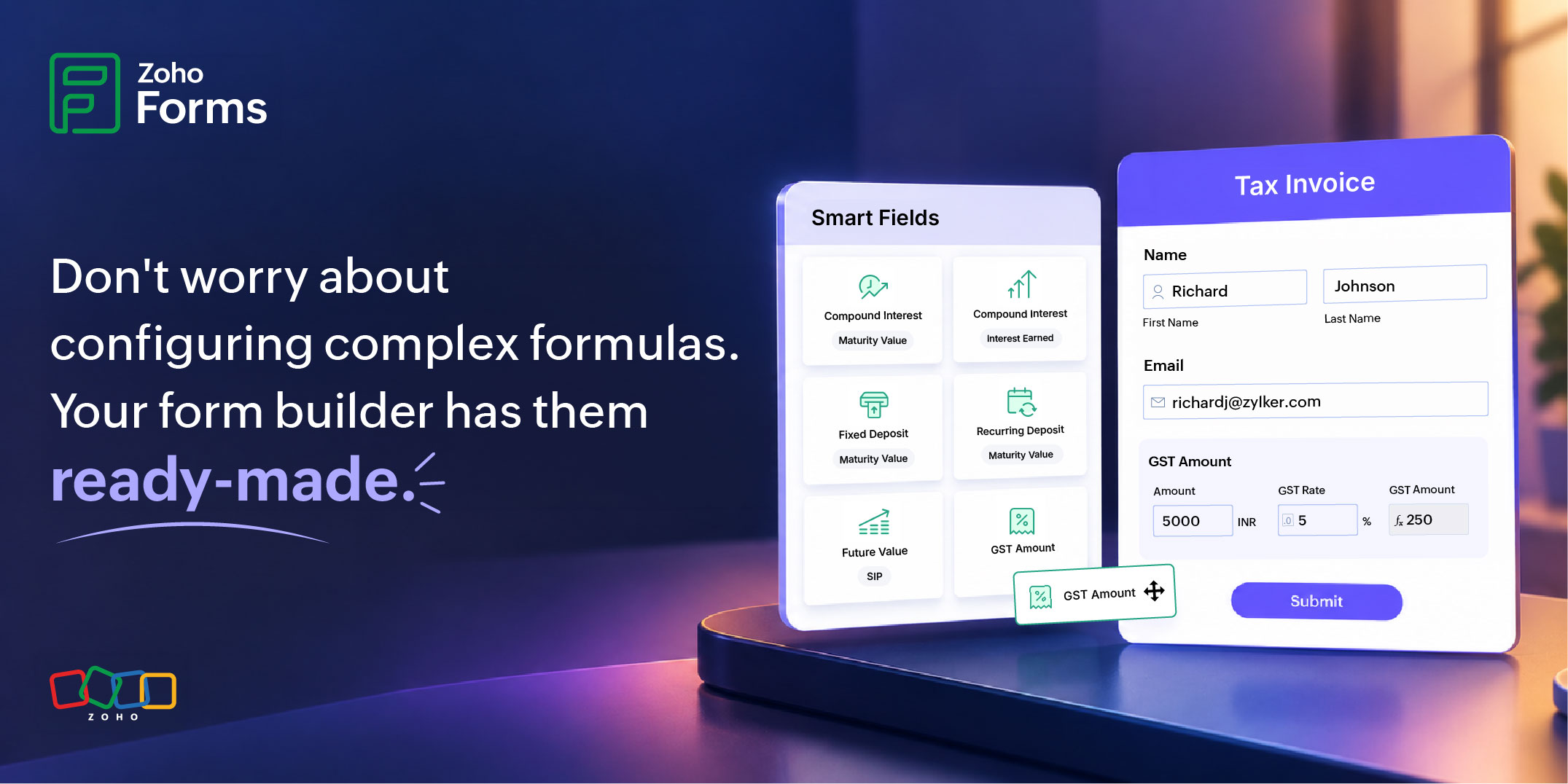
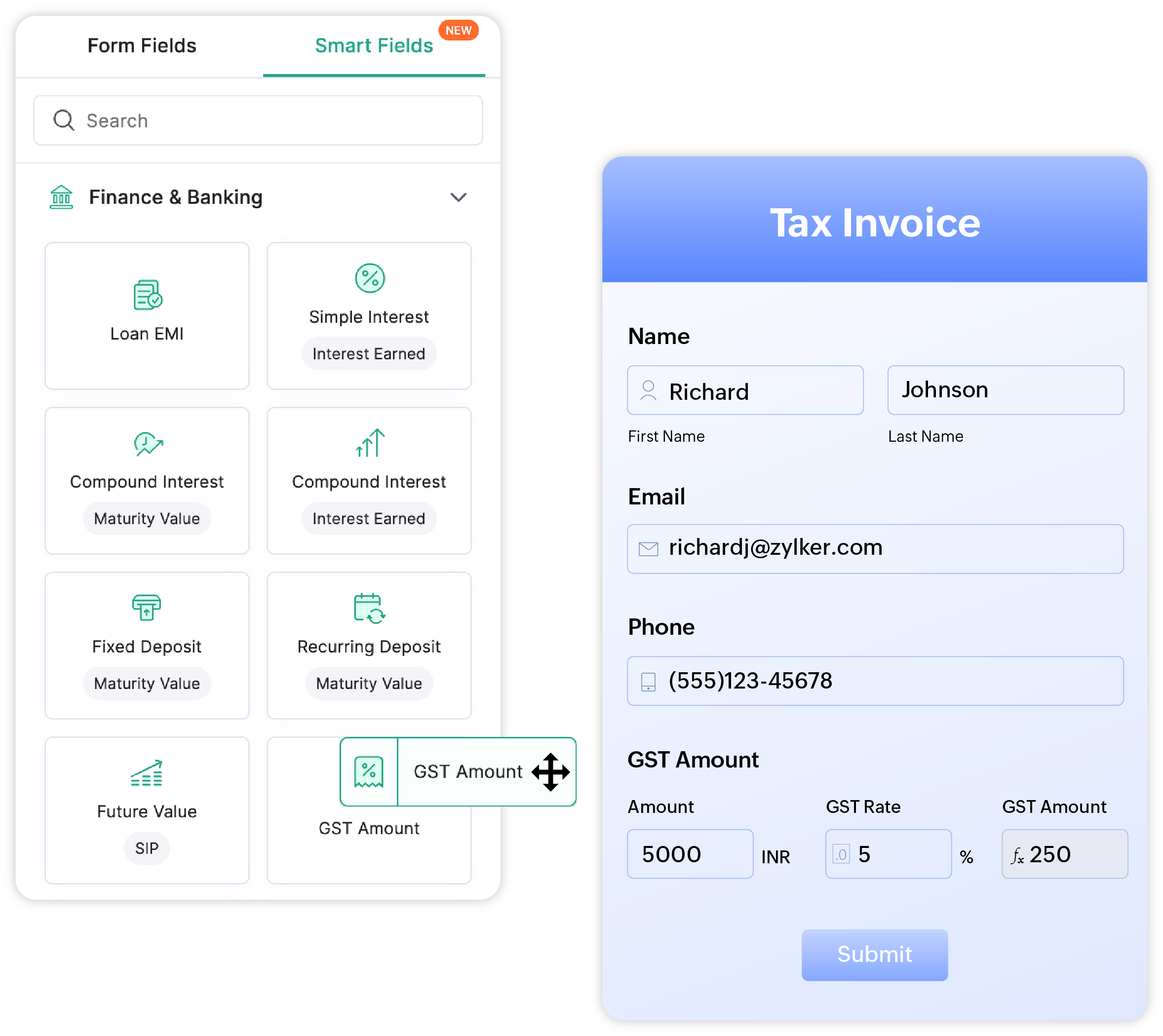
Smart Fields are pre-built, formula-powered field groups that bring commonly used business calculations directly into your forms. Instead of creating individual input fields and manually writing formulas, you simply choose a Smart Field from the library, drop it into your form, and it's ready to use. Each Smart Field includes all the required input fields along with a preconfigured formula that automatically calculates the result.
Why we built Smart Fields
Across every industry, we noticed something interesting.
Organizations were solving the same problems over and over again.
A hospital wanted to calculate BMI.
A bank wanted an EMI calculator.
An HR team needed to determine gross salary and provident fund contributions.
A hotel wanted to calculate the total stay cost.
Different businesses. Different forms. The same repetitive setup.
While every organization has unique workflows, many calculations are universal. Yet users were spending time rebuilding them from scratch every single time.
Smart Fields eliminate that repetition.
Instead of asking users to recreate standard business logic, Zoho Forms now provides it to them.
Built around real business scenarios

Smart Fields are not generic mathematical formulas. They are designed around the calculations businesses actually use every day.
Lets assume you are creating a healthcare intake form.
Instead of building a BMI calculator yourself, simply add the BMI Smart Field. Your form automatically includes the necessary height and weight fields and instantly calculates the Body Mass Index.
Building a loan application? Add the Loan EMI Smart Field.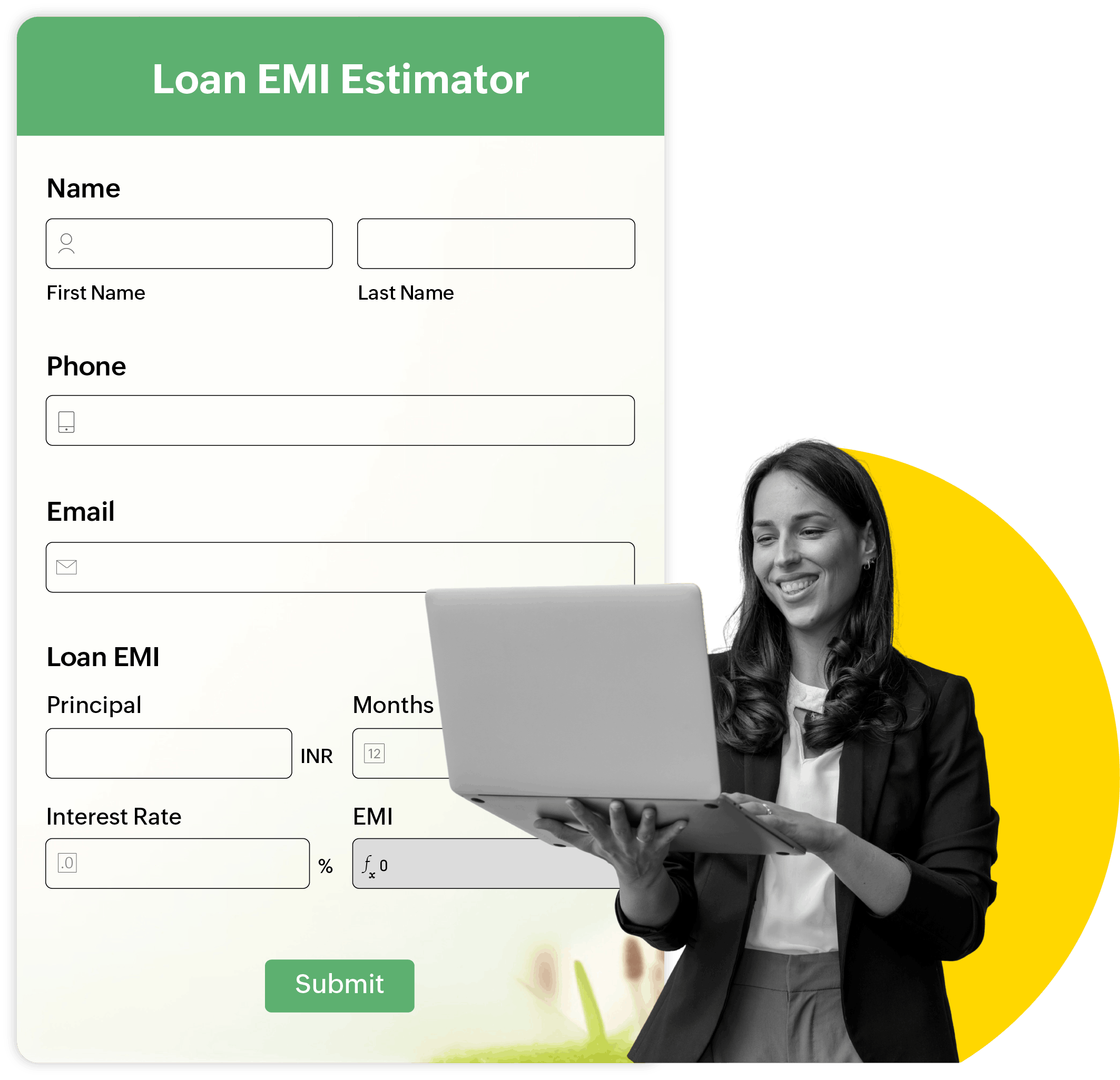
Need to estimate investment returns? Choose Compound Interest, SIP Future Value, or ROI.
Creating employee onboarding forms? Use Gross Salary or Provident Fund calculations.
Working in real estate? Instantly calculate property price per square foot or mortgage EMI.
These are ready-made building blocks tailored to real business needs across healthcare, finance, insurance, HR, education, retail, logistics, hospitality, manufacturing, real estate, marketing, professional services, and many other industries.
Save time without sacrificing accuracy
Building formulas isn't the only difficult part. Building them correctly every single time as well is.
A missing bracket. An incorrect operator. A forgotten field reference.
One small mistake can affect every response submitted through your form.
Smart Fields remove that risk by providing pre-tested calculations that are ready to use. Instead of debugging formulas, you can focus on building better workflows and collecting the information that matters.
More than a feature, it's a new way to build forms!
 Samhita V
Samhita is a seasoned product expert at Zoho Forms who blends deep product expertise and user education to help businesses make sense of powerful features without the jargon. Known for her thoughtful storytelling and crisp communication, she adds a subtle creative flair to every piece she writes. With a knack for spotting real-world use cases and adding a touch of fun to her narratives, she’s on a mission to make even the most complex workflows feel approachable. Beyond the desk, she channels her creativity into dance and mural art, finding new ways to infuse her surroundings with color, rhythm, and meaning.