- HOME
- Product updates
- Your form has a lot to say. Let it show some pictures too.
Your form has a lot to say. Let it show some pictures too.
- Last Updated : September 18, 2026
- 91 Views
- 2 Min Read
Asking someone to place an order through a form without showing them what they're ordering, is a bold choice.
People process visuals much faster than text. A well-placed image on your form can eliminate confusion, answer common questions, and encourage respondents to submit your form with greater confidence.
This is why we've introduced the Image Slider field in Zoho Forms. A series of images that can tell a story, build confidence in a product, or show respondents exactly what they're expected to do before they answer the first question.
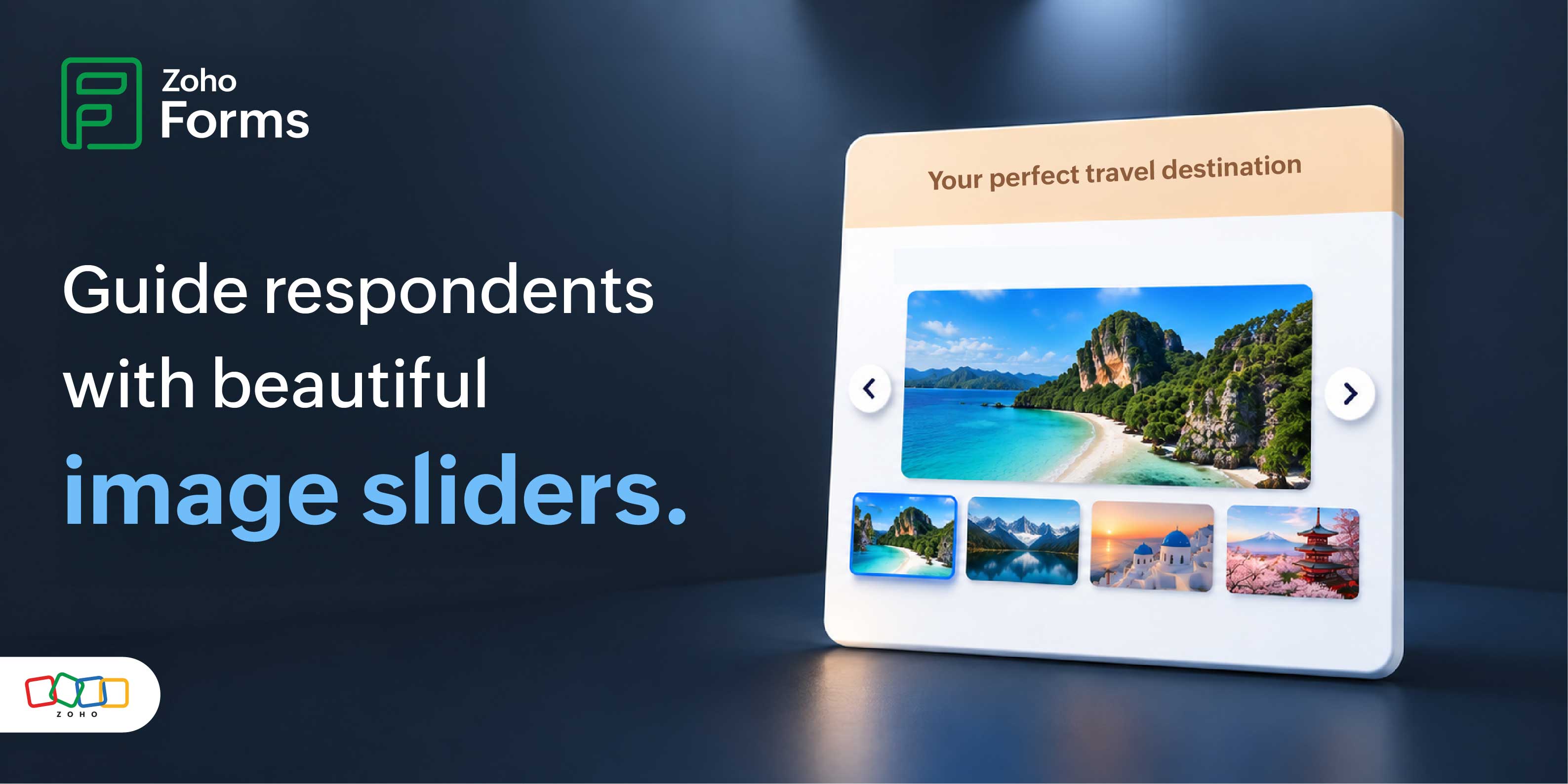
There's a huge difference between reading "Select your couch" and seeing a carousel that displays the couch in different angles before proceeding with the order.
Where you can use the Image Slider
The Image Slider adapts to a wide variety of use cases.
Showcase products before customers order
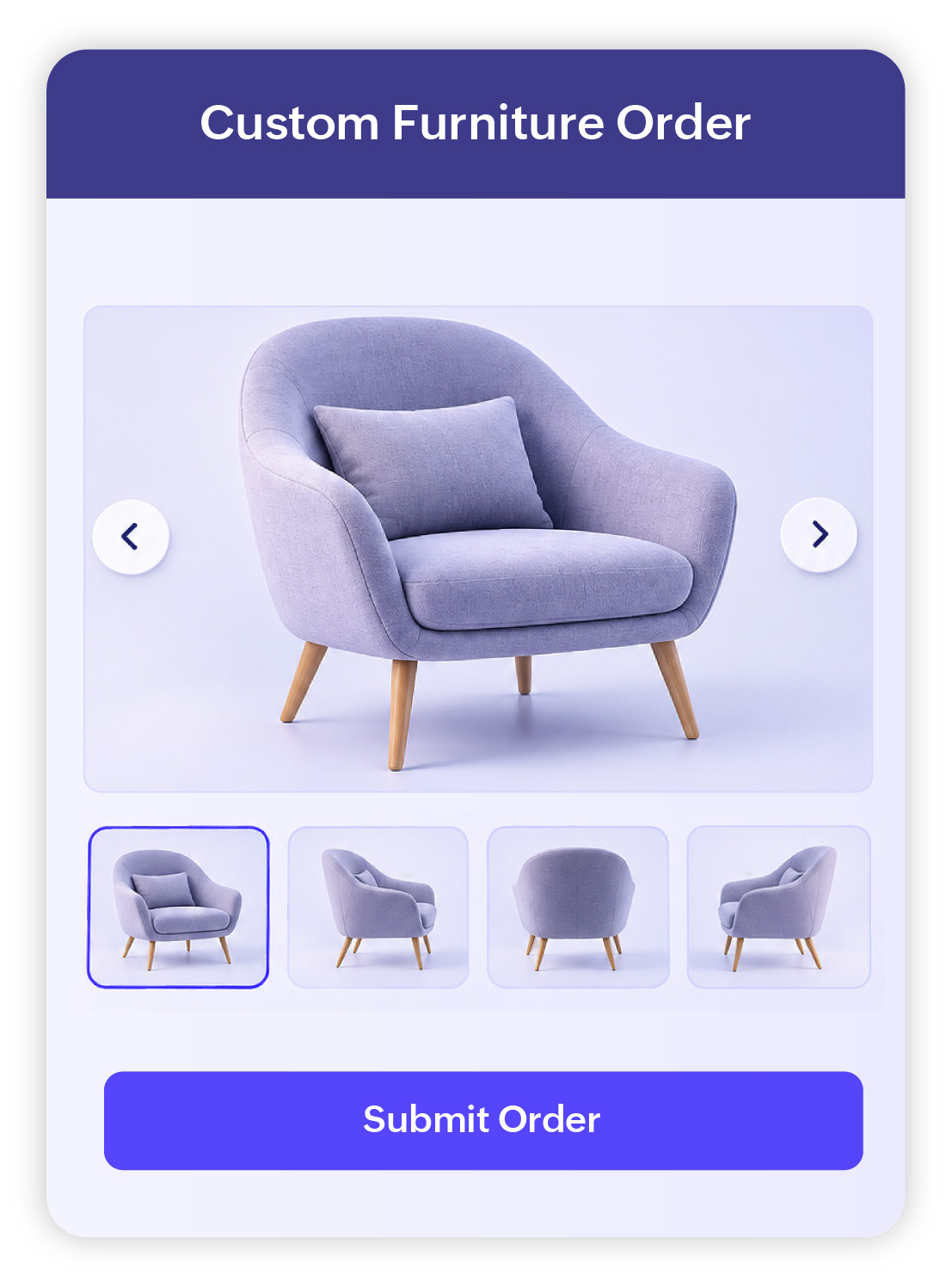
If you are collecting custom orders, display multiple angles of your products directly inside the form. Respondents can browse through the gallery before making a selection, helping them make decisions without leaving the page.
Display event highlights
If you are planning registrations for your next conference or workshop, a generic "Please enter your name and email" doesn't exactly sell the experience.
Build excitement by showcasing photographs from previous events. A quick swipe through memorable moments gives respondents a better idea of what to expect.

Tell your brand story
Introduce your organization, highlight your services, showcase customer success stories, or reinforce your brand through carefully curated visuals.

Customize the look and feel of your slider
Select a layout that best complements your form and ensures the images are presented clearly across different screen sizes.
Enable autoplay and the slider will cycle through images without requiring any interaction, making it perfect for promotional banners, announcements, or storytelling.
Fine-tune how quickly images change during autoplay so respondents have enough time to view each image comfortably.
Select a transition effect to set up how one image flows into the next.
A picture is worth a thousand words.
Explaining a process, introducing a product, or simply making your forms more visually appealing is the goal behind the Image Slider field. Use it to communicate more effectively without increasing form length.
 Samhita V
Samhita is a seasoned product expert at Zoho Forms who blends deep product expertise and user education to help businesses make sense of powerful features without the jargon. Known for her thoughtful storytelling and crisp communication, she adds a subtle creative flair to every piece she writes. With a knack for spotting real-world use cases and adding a touch of fun to her narratives, she’s on a mission to make even the most complex workflows feel approachable. Beyond the desk, she channels her creativity into dance and mural art, finding new ways to infuse her surroundings with color, rhythm, and meaning.