- HOME
- Feature Spotlight
- Document approval workflow updates in Zoho Writer, Part 2: Custom approval stages, folder enrollment, and scheduled workflow start
Document approval workflow updates in Zoho Writer, Part 2: Custom approval stages, folder enrollment, and scheduled workflow start
- Last Updated : November 1, 2026
- 24 Views
- 1 Min Read

This is the second article in our two part series covering the latest updates to Zoho Writer's document workflows. While Part 1 focused on enhancements to existing pre-built workflows, this post covers what's new: custom workflow stages, file and folder-level workflow enrollment, and scheduled workflow start.
Custom workflow stages
Design custom approval chains from scratch. You can define the stages and configure the completion criteria. If changes are requested, the document returns to the previous stage with the comments.
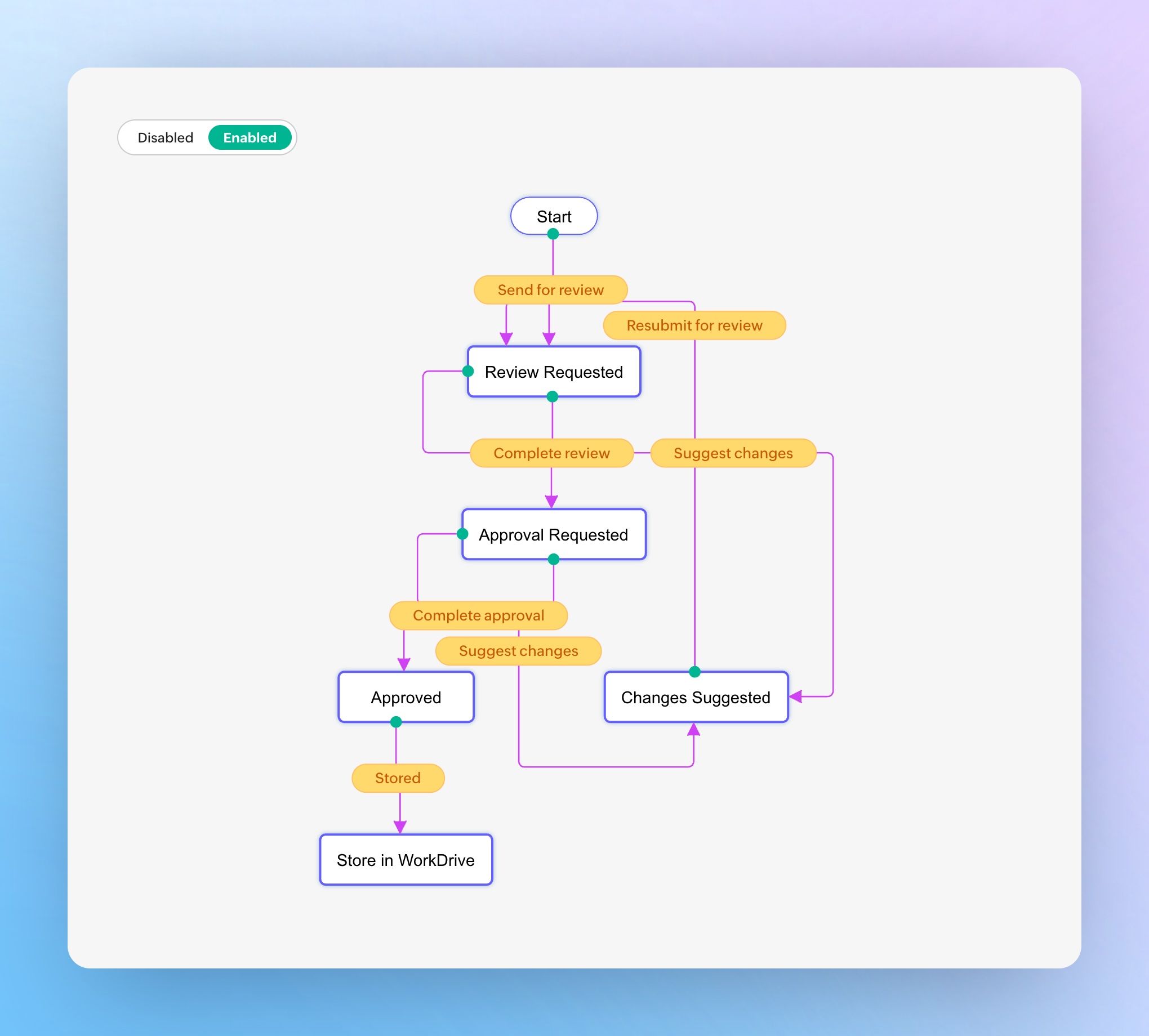
Example: Configure a sales contract workflow with four stages: Salesperson Review -> Sales Manager Approval -> Legal Approval -> Customer Approval.
File and folder-level workflow
Once configured, workflows can be applied at the file or folder level. Any document placed in that folder is automatically enrolled in the right workflow.
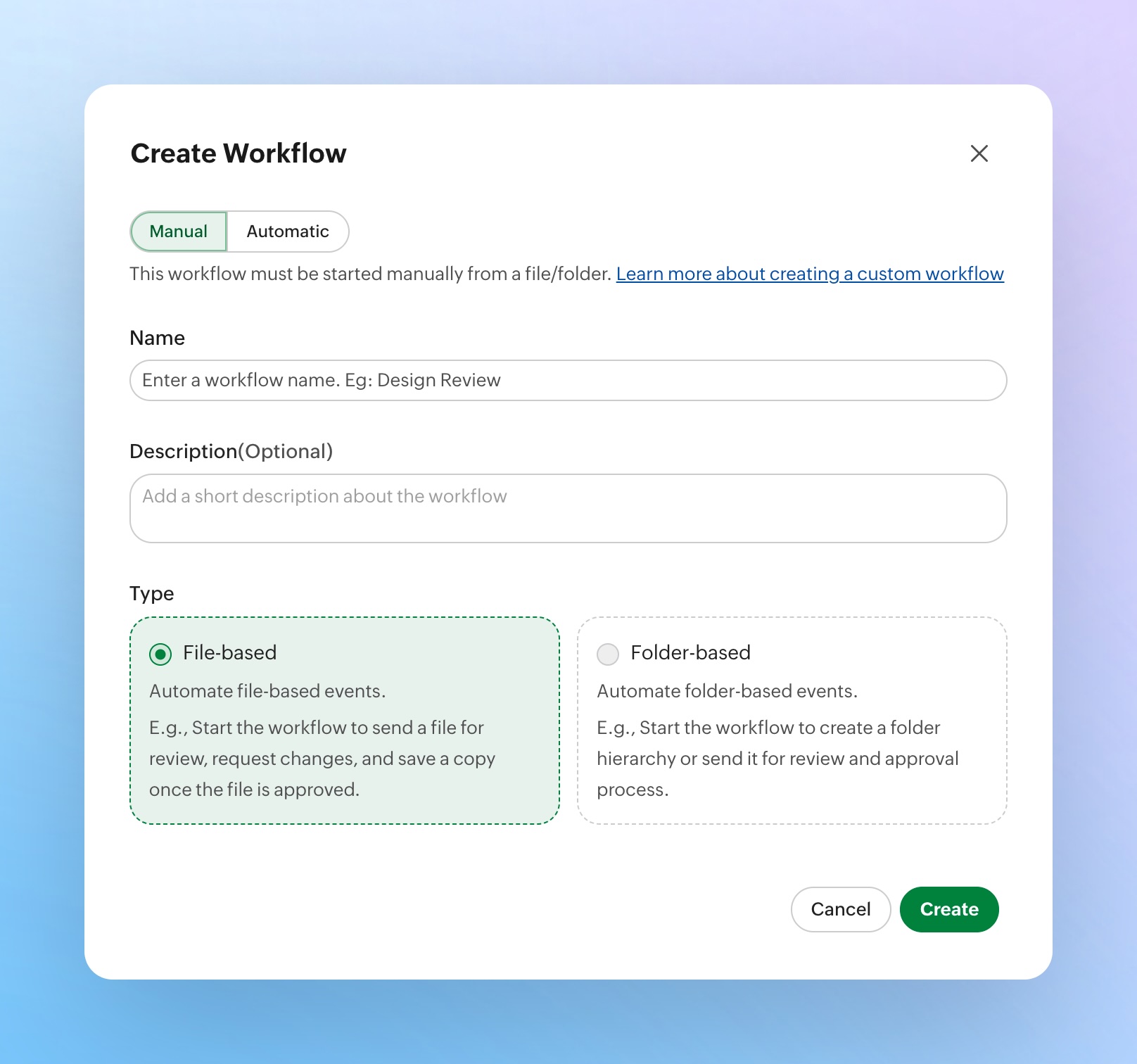
Example: A contracts folder is configured with a custom approval workflow. Every new contract added to the WorkDrive folder enters the workflow automatically.
Scheduled workflow start
Automatically start workflows at a specific date and time and avoid depending on someone to trigger it manually.
See our user guide for the detailed setup steps.
Try these features and let us know what you think in the comments. If you have questions or feedback, write to us at support@zohowriter.com or support@eu.zohowriter.com. We’d love to hear from you.