Every feature you need for effective business analytics
Zoho Analytics is an agentic analytics platform loaded with features to help you analyze your business data.
Zoho Analytics is an agentic analytics platform loaded with features to help you analyze your business data.


Zoho Analytics has been recognized in the 2026 Gartner® Magic Quadrant™ for ABI Platforms. Read more

Rated as an experience leader in the customer experience model and a credibility leader in the vendor credibility model. Read more

91% of surveyed users would recommend Zoho Analytics, and 79% of surveyed users are satisfied with Zoho Analytics. Read more
Customers
Users
Connect to a wide range of databases, data lakes, and data warehouses. Choose between live connect and periodic sync.

Combine data from live connectors with data synchronized into Zoho Analytics. Use query tables and lookup columns to unite both in a single reporting view.

Integrate with 100+ popular business apps in just a few steps and get domain-specific prebuilt reports and dashboards.

Import data from multiple local file formats, including XLS, HTML, PDF, statistical, Avro, and Parquet files, as well as cloud drives and web URL feeds.

Stream real-time data from sources like Google Pub/Sub, Kafka, PubNub, and HTTP webhooks.

Build custom app connectors with our no-code builder or use our full-fledged SDKs to build data connectors.

Trigger workflows based on your data sync status, whether it succeeds, partially succeeds, or fails. For example, if a sync fails, automatically create a ticket for the integration owner and notify executives.

 Greg Szabo
"Zoho Analytics integration is very smooth. I found no hindrance while integrating other apps with Zoho Analytics."
Co-founder and Operations Manager, Package Mate
Create ETL data pipelines with the visual pipeline builder to join, append, and perform various transforms on your data.

Model, cleanse, transform, enrich, and catalog your data by applying 250+ transform functions without any coding.
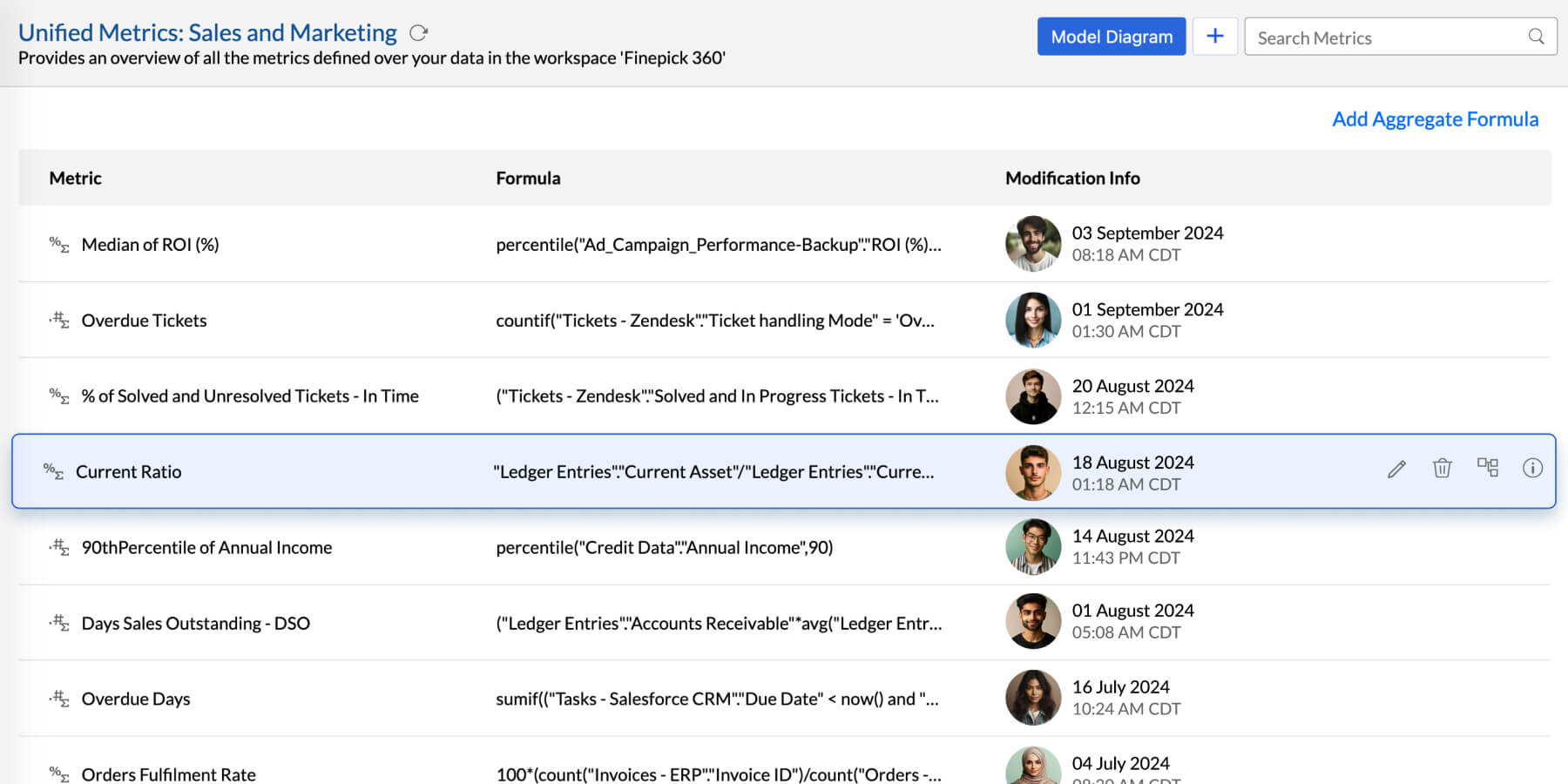
Create & manage all business metrics in a single place, ensuring consistency, reliability, re-usability, and access control.


 Daniel Franey
"With Zoho Analytics, the ability to visualize things became easy. Most of my managers now use Zoho dashboards and quickly create reports themselves. Its usability features, like easy drag and drop filters and drill down options, are top-notch"
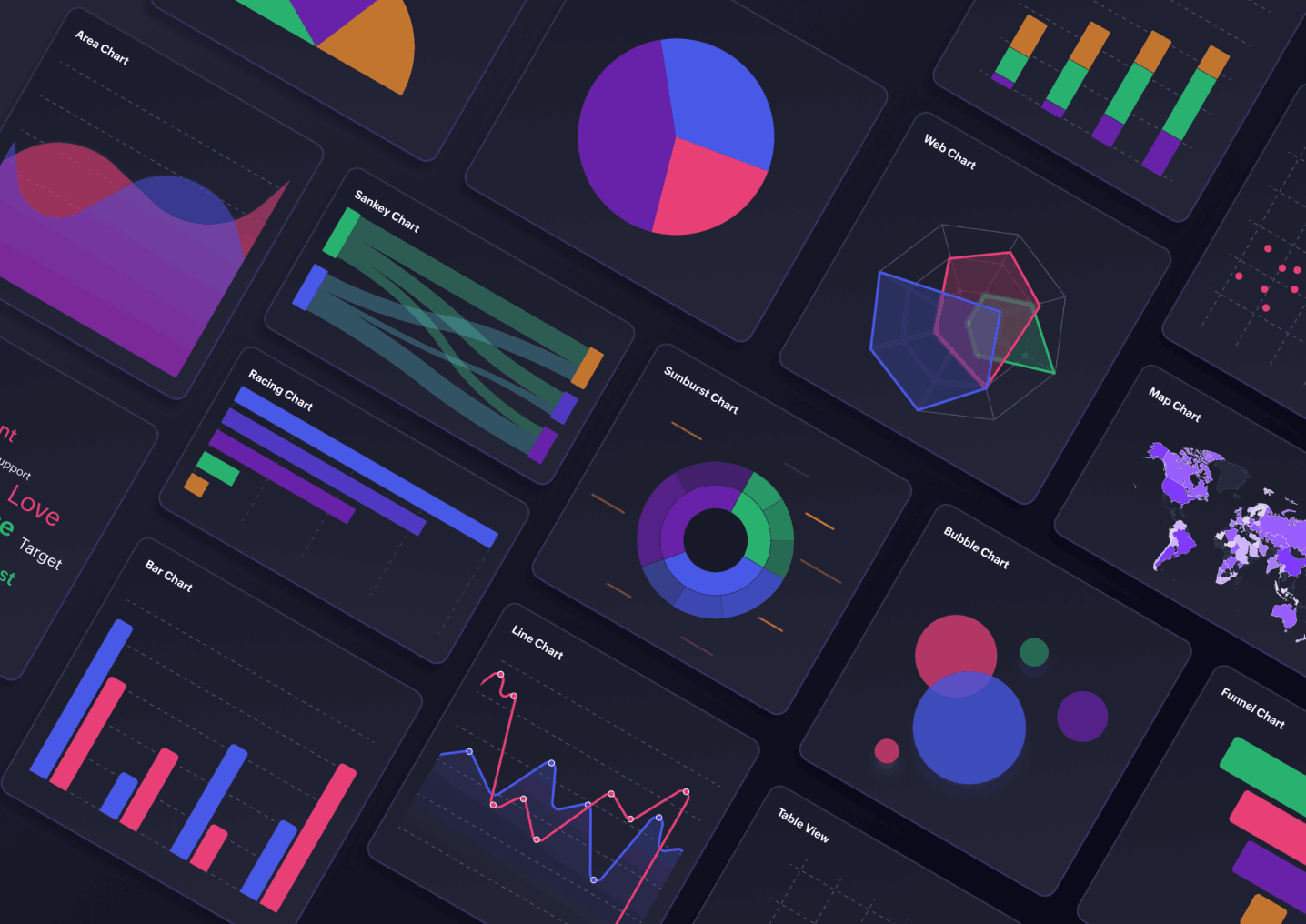
Create insightful visualizations like charts, widgets, pivot, summary, and tabular views. Also, get AI recommendations for choosing visualizations.
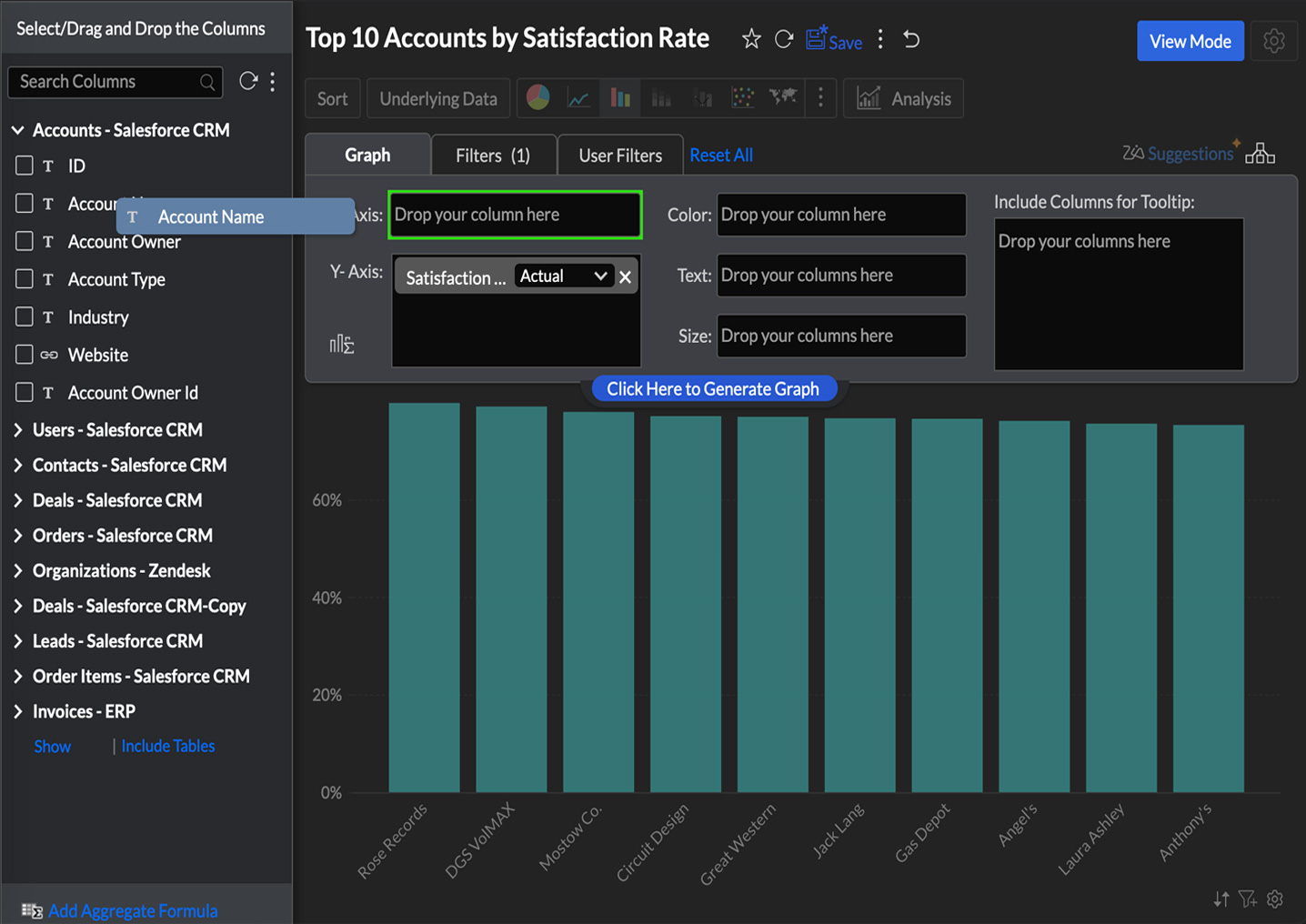
Create meaningful reports using the intuitive drag-and-drop interface and customize reports to fit your business needs.
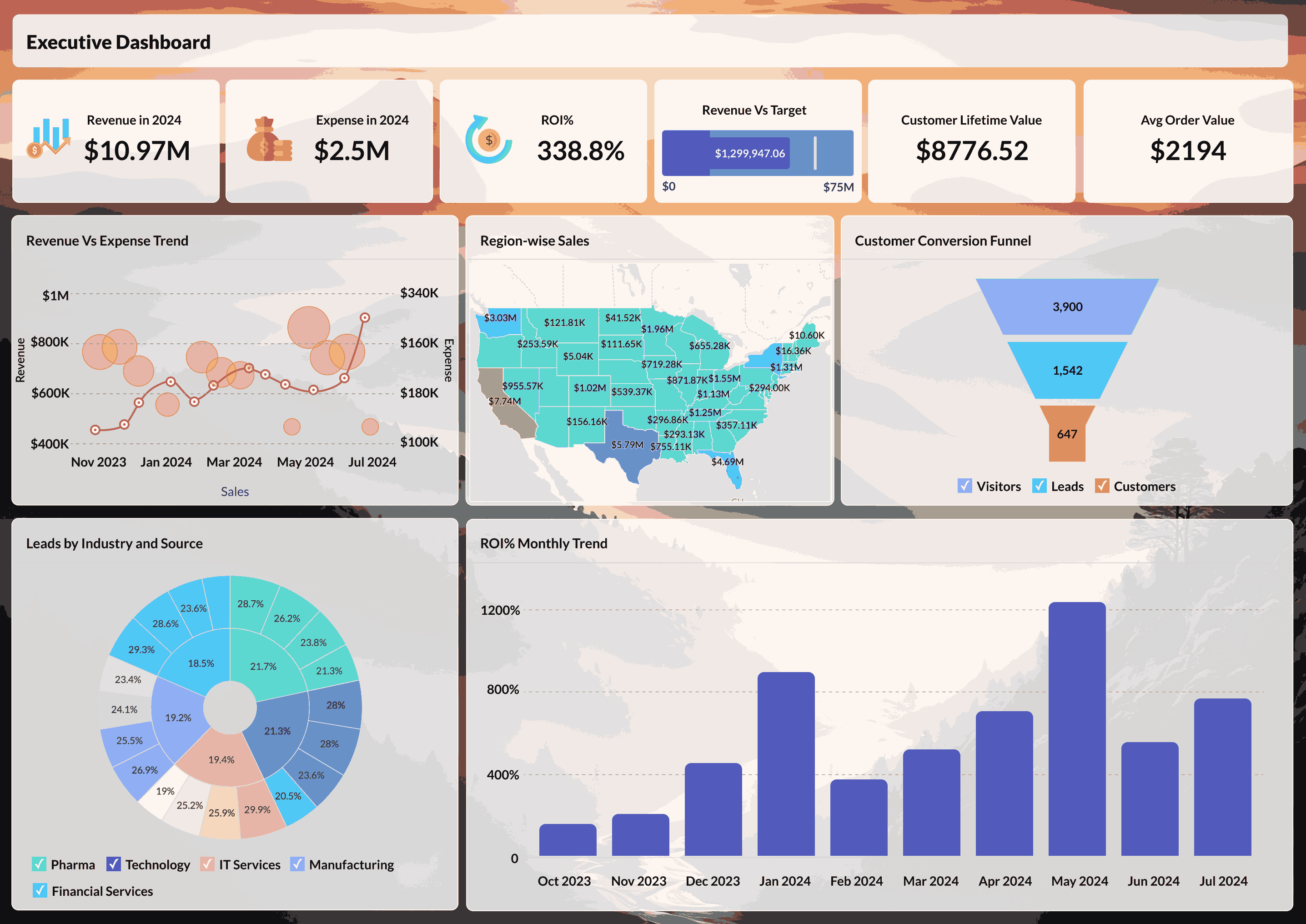
Combine multiple reports into tabbed dashboards using a drag-and-drop designer, along with images, formatted text, and widgets.
Analyze geographical data using interactive map charts to measure key metrics across geo-locations.
Use interactive features like tooltips, viewing underlying data, and contextual filters for ad-hoc exploratory analysis.
Build your own chart types using third-party JavaScript libraries or custom scripts, and use them right alongside native prepackaged visualizations.
Design boardroom-ready reports with complete control over every design element. Deliver personalized business reports in different formats, to stakeholders at scale, with scheduled bursting.
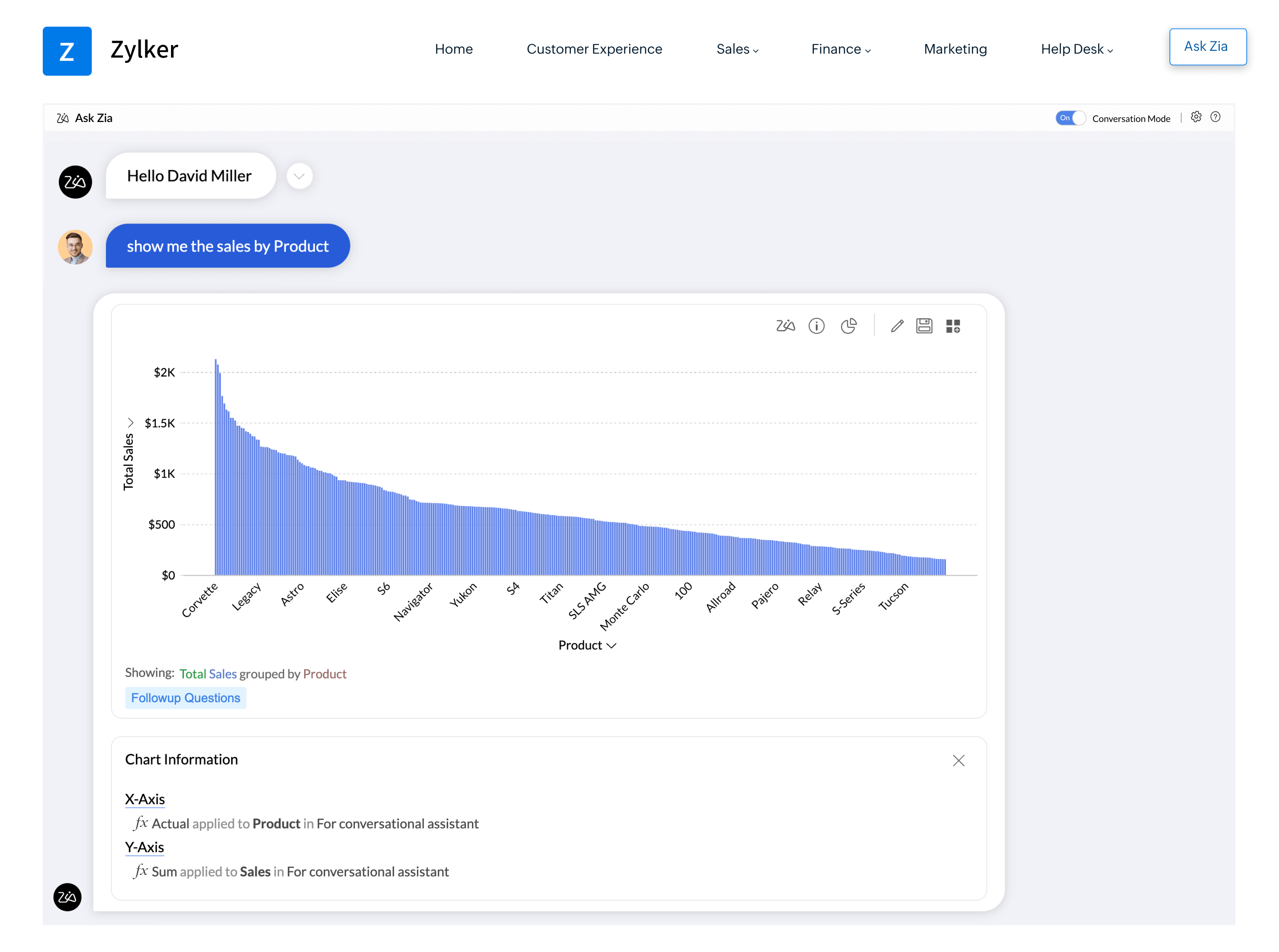
Ask questions in plain language and get detailed answers with supporting visuals. Understand what happened through descriptive analysis, why it happened through diagnostic analysis, and get smart recommendations.
Build data pipelines and prepare your data using natural language, with no SQL or coding.
Generate dashboard you need in a prompt, then keep chatting to fine-tune it or make customizations.
Ask for complex SQL queries right inside the platform and turn them into query tables over your data.
Ask it to define custom business metrics/formulas that calculates the metric needed for your data analysis.

Generate and runs Python in Code Studio for transformation, advanced analysis, and machine learning. Both suggest, explain, and optimize your code.
Give AI a clear map of how your business is structured. Model your core business entities and define how they relate to one another. Ontology provides the foundation for AI to understand your business.
Build a business glossary AI can rely on. Capture descriptions, synonyms, instructions, and standard metric definitions across multiple semantic models. Every model is compatible with Apache Ossie, the open standard for semantic data.
Point AI to specific datasets or semantic models, and it answers questions using only that context. Scope it to specific dashboards, and it delivers insights based on what they contain.



Six specialized agents, built in across the analytics workflow. Understand what happened and why, get recommendations, build dashboards, write SQL and formulas, create pipelines, and write Python code.
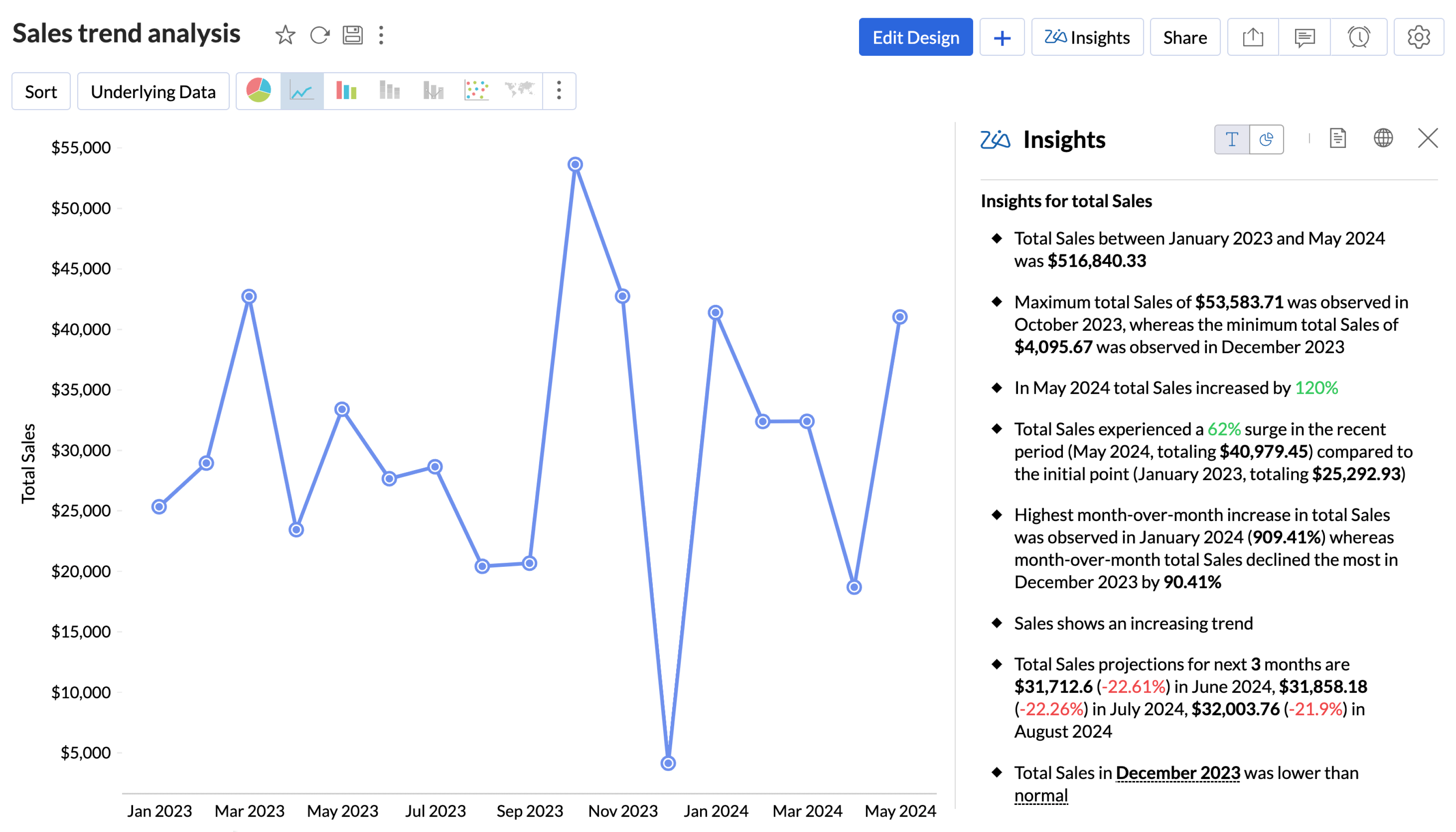
Get contextual and actionable insights as digestible narratives and meaningful visuals with Zia Insights.
Get clear, actionable insights and recommendations with smart key driver analysis, delivered through Zia Insights narratives.
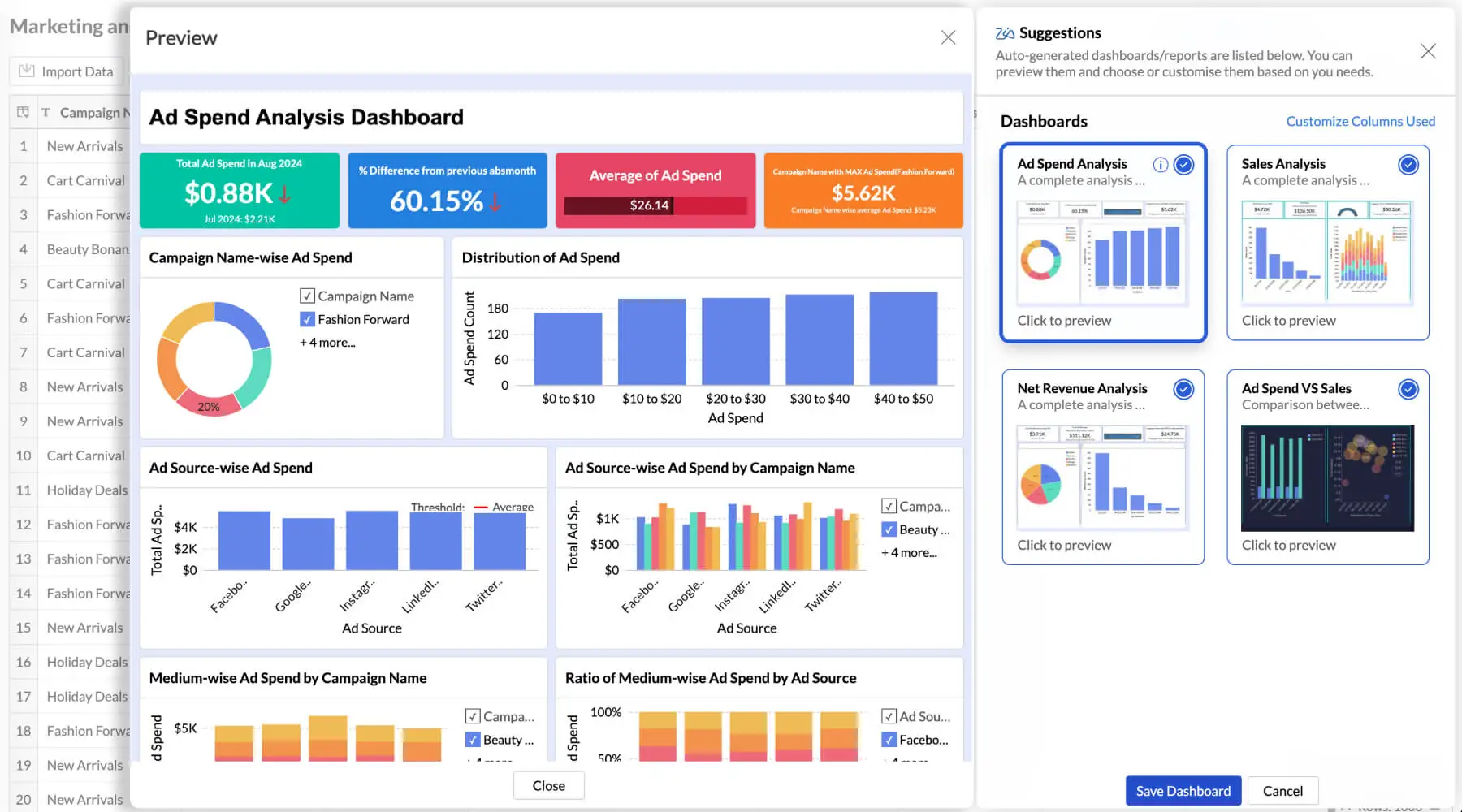
Accelerate your journey to insights with the AI-powered automatic report and dashboard generator.
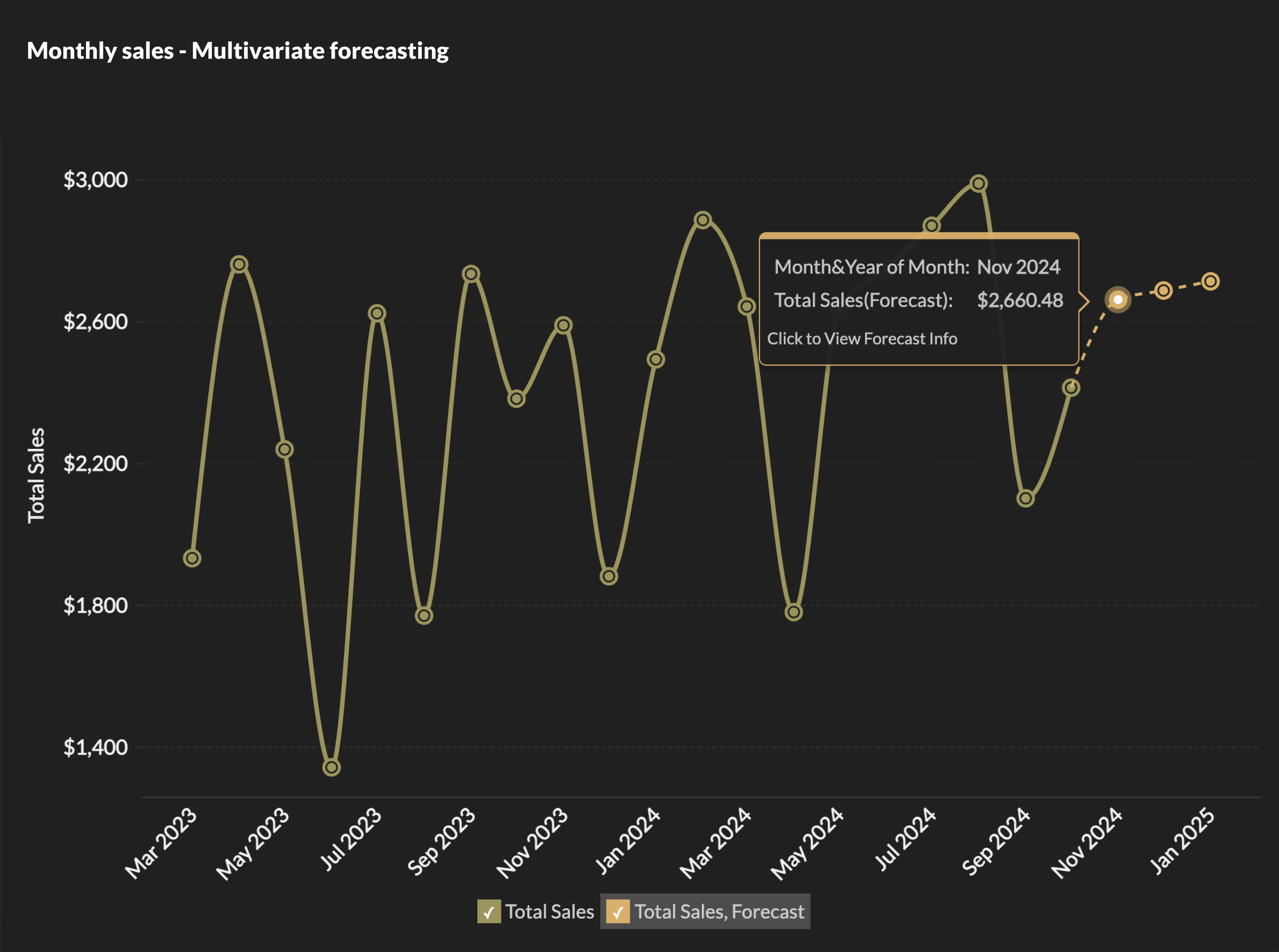
Predict future outcomes using uni-variate and multivariate forecasting models.
Use a diverse set of ML and statistical models to accurately identify anomalies/outliers and get real-time alerts when anomalies are identified.

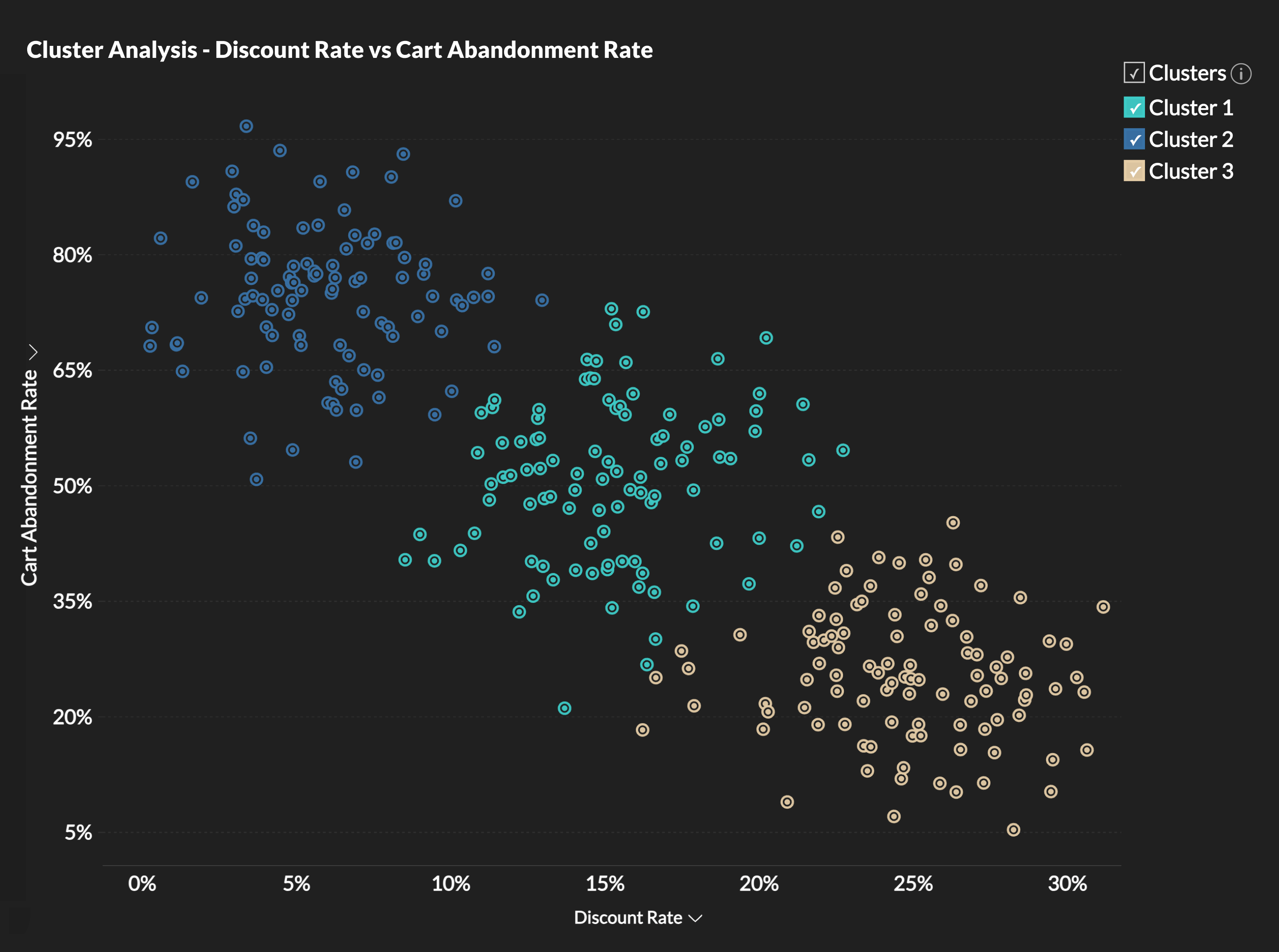
Visualize data grouped as clusters. Intuitively segment and analyze data groups for common patterns and affinity.
Design a variety of scenarios with the advanced scenario builder using multiple adjustment criteria. Adjust influencing factors and compare each scenario against your baseline forecast to see the impact before you decide.

Use the new correlation matrix to visualize how variables move together, comparing one against many (single-set) or several against each other (multi-set).

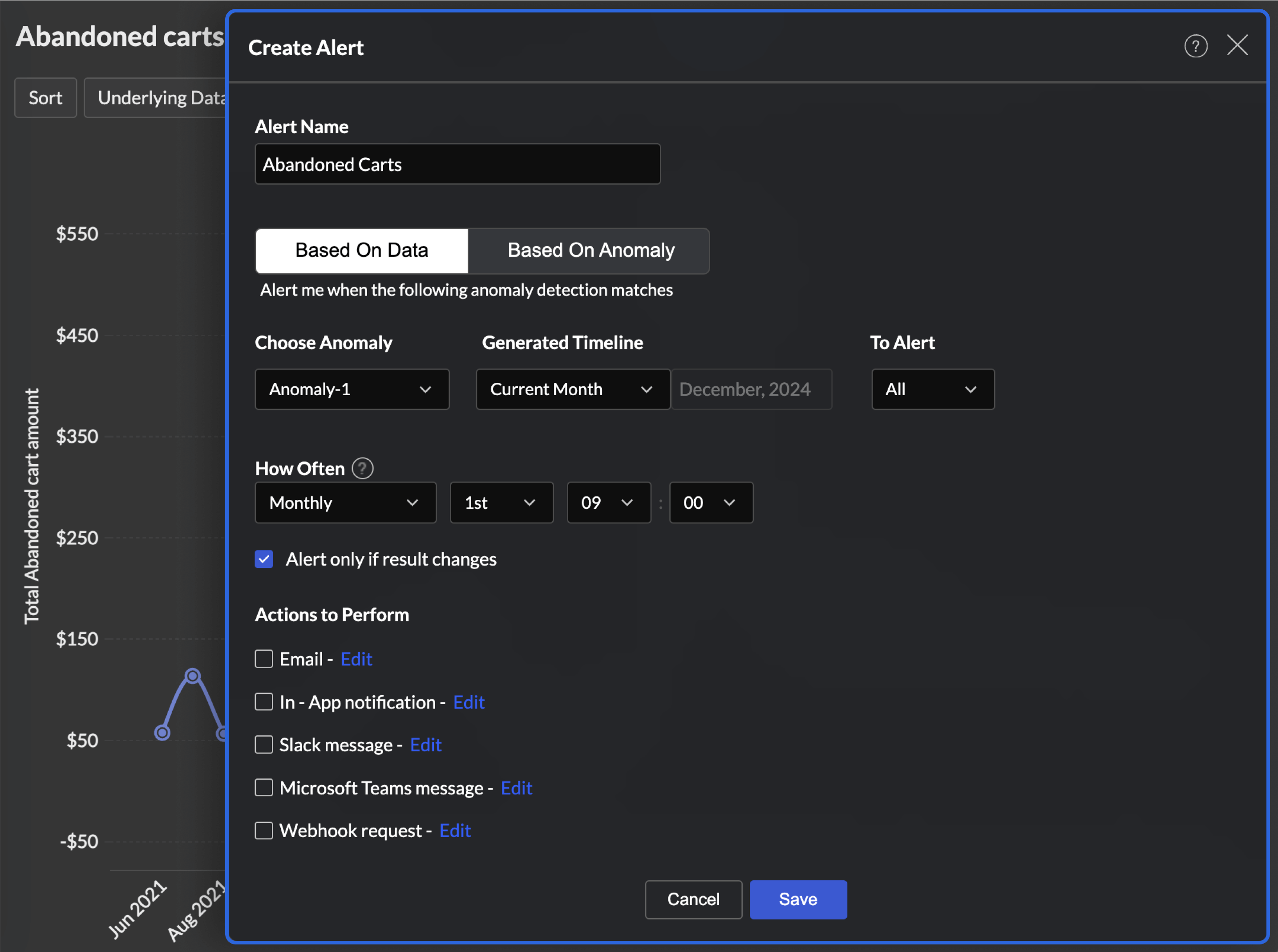
Get notified automatically on changes to your KPIs, anomalies, and goal achievements. Trigger workflows through Zoho Flow to send emails, post to Slack, update records, or create tickets.
 Oliver Hope
"Zoho Analytics gives us an instant snapshot of our sales performance and also helps us understand customer-preferred brands, market trends, seasonal trends, and sudden order spikes."


Build custom ML models with the no-code assistant and easily train, test, compare, deploy, and manage them. You can deploy prebuilt models for prediction, clustering, time series, and anomaly detection, or upload a PMML file to use an existing model.
Build ML models and data transformations from scratch in Python. The coding agent suggests, explains, and optimizes your code as you write, so you get from idea to working model faster.
Write code, test models, and document findings in one flexible workbook. Notebooks run directly on your Zoho Analytics data, so data scientists can explore without exporting or moving it.
 Jessica Eddowes
"Zoho Analytics' ability to integrate and blend data from multiple sources and create deep valuable insights out of it is the key. Once you sync the data and build reports there is no necessity to go back and refeed the data into it. It does it automatically."
Connect to 100+ popular business apps and unify data from various business apps in regular intervals.
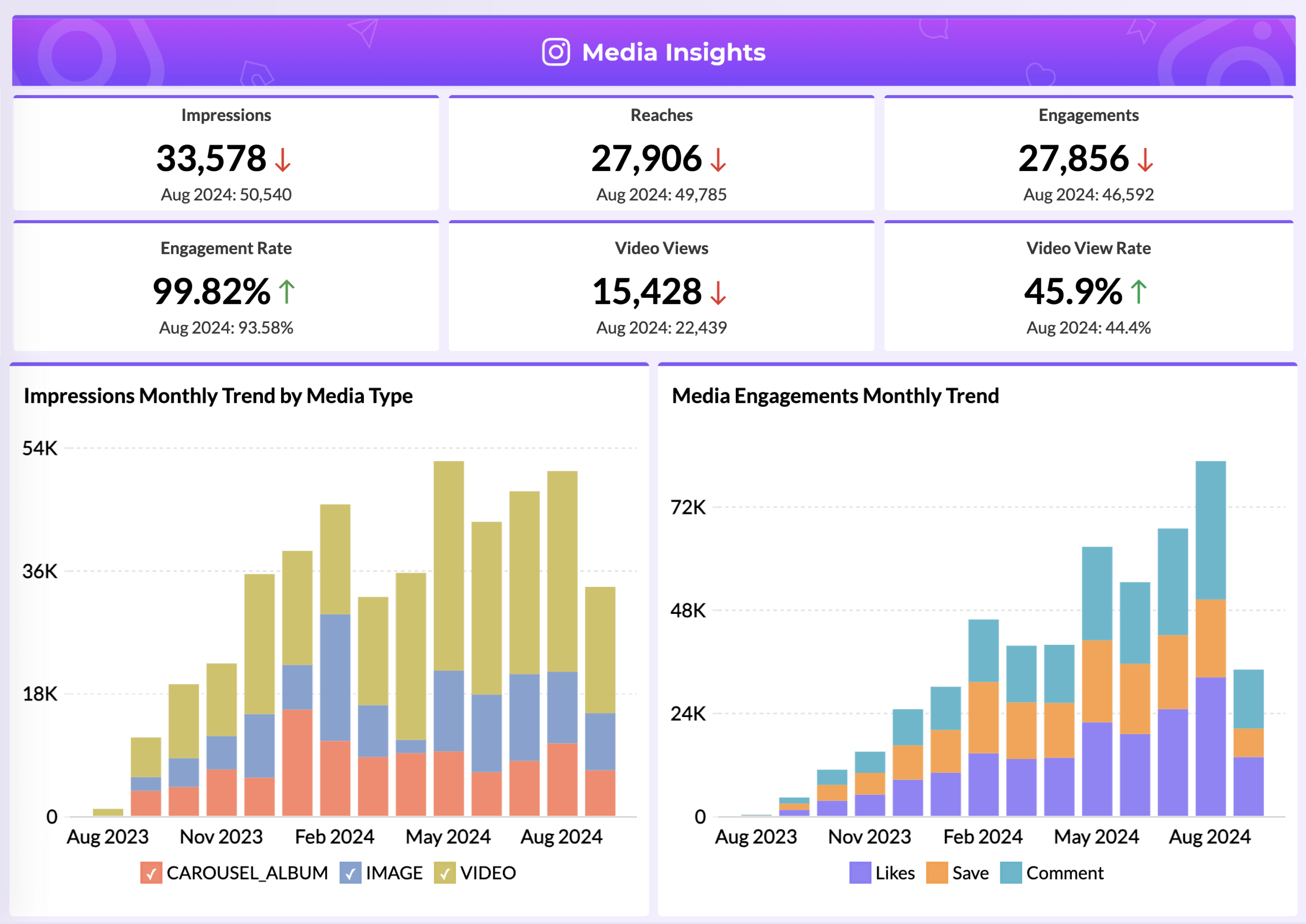
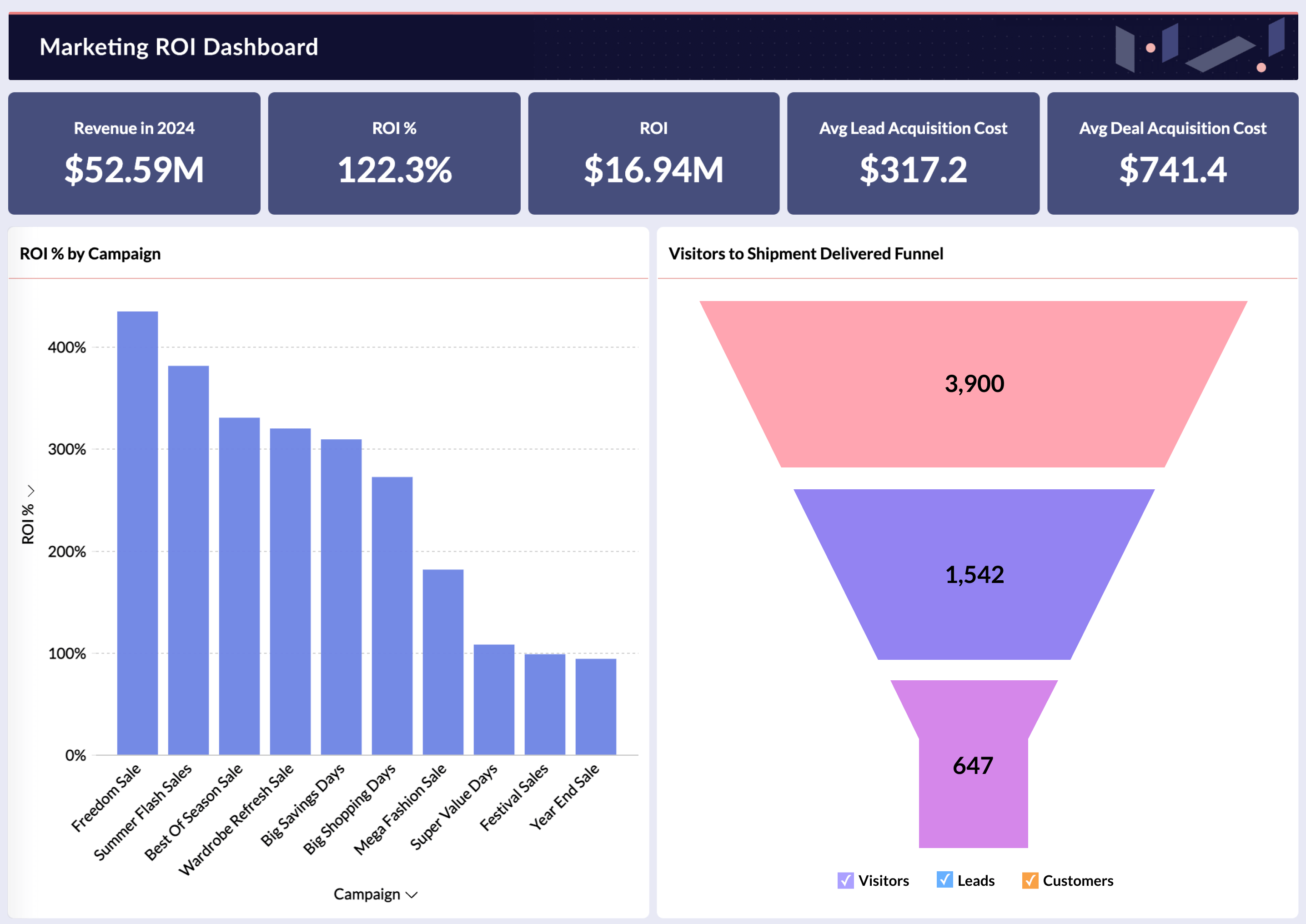
Jump-start your analytics journey with hundreds of valuable domain specific pre-built metrics, reports & dashboards.
Blend data from multiple apps and create reports and dashboards for end-to-end business insights.

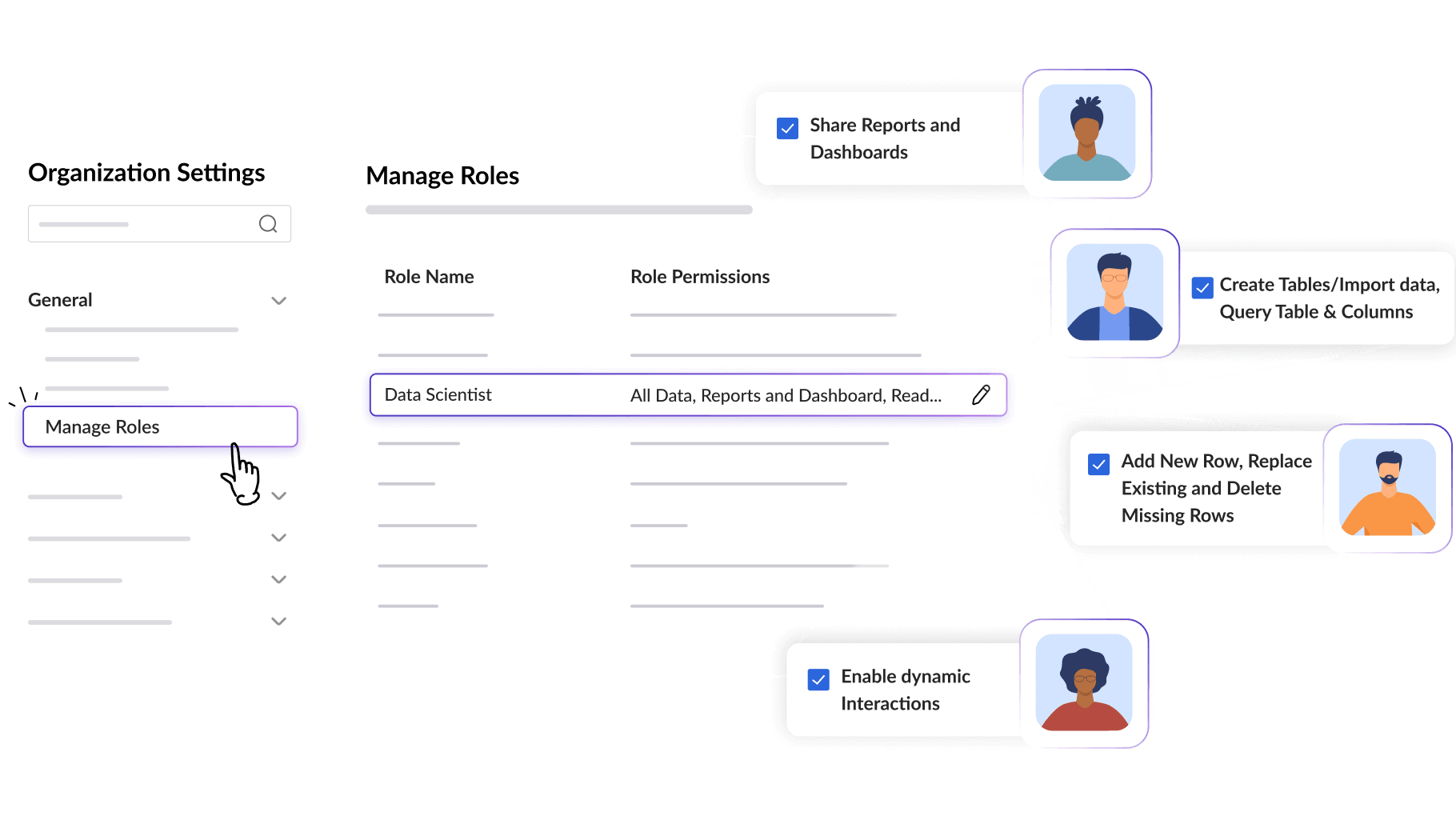

Share data, reports, and dashboards with your colleagues and collaborate with them.
Fine-grained access control Set up fine-grained access control to users with roles, groups, and permissions.
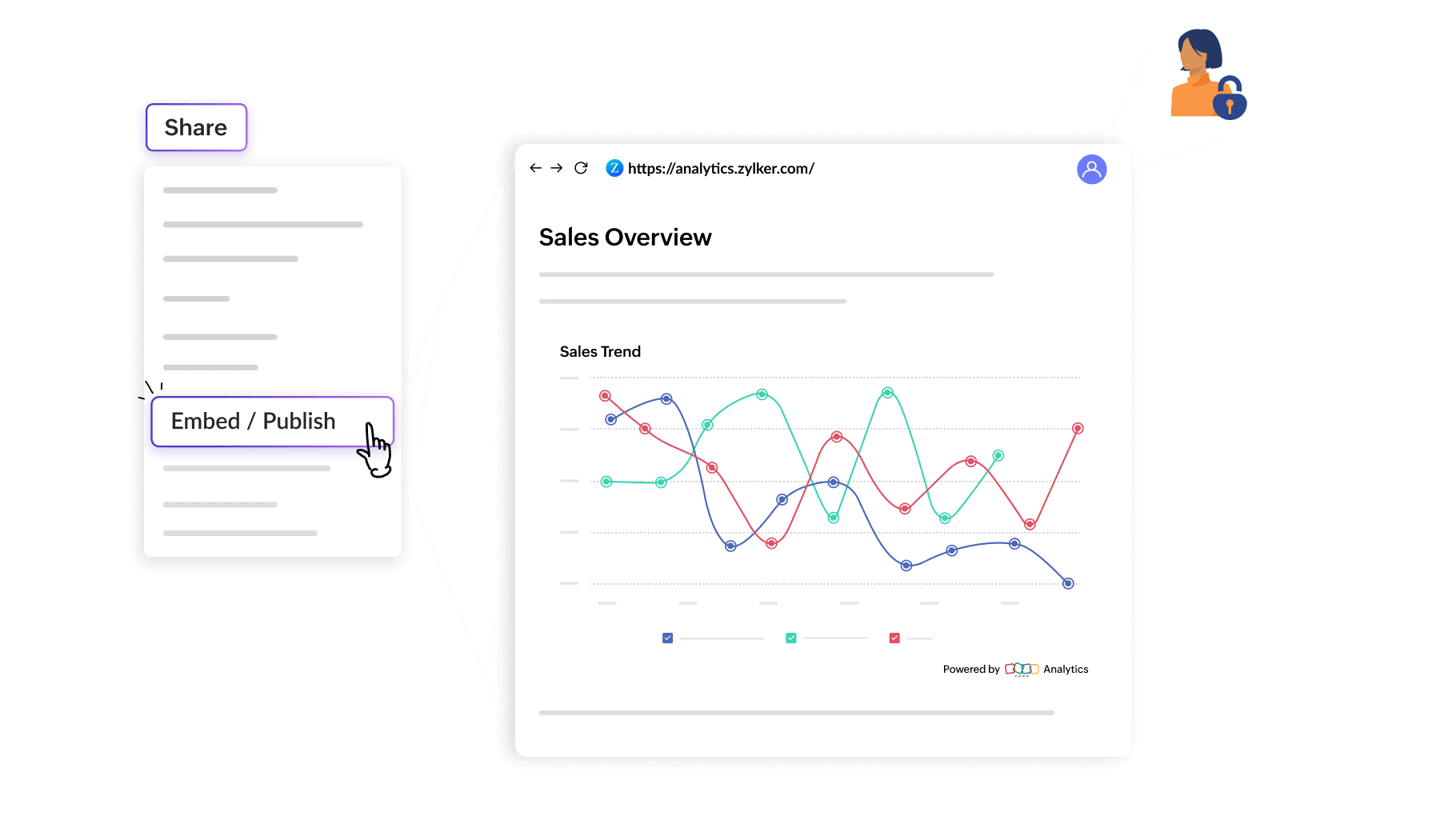
Publish reports and dashboards, making them accessible to users with or without logins.
Start contextual comment threads for real-time collaboration on reports or dashboards.
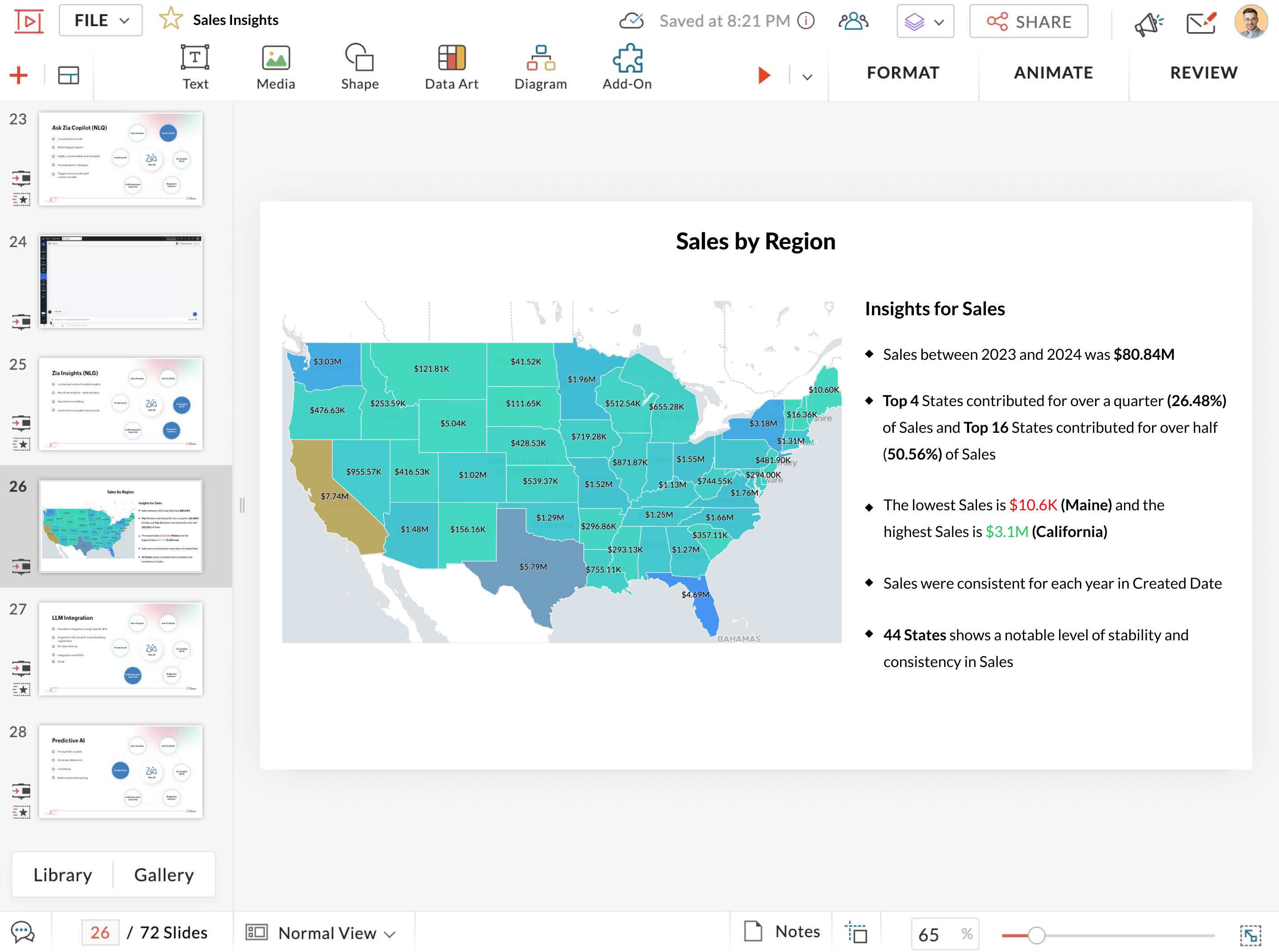
Craft immersive analytics presentations with rich interactive reports using Zoho Show, our online presentation service.
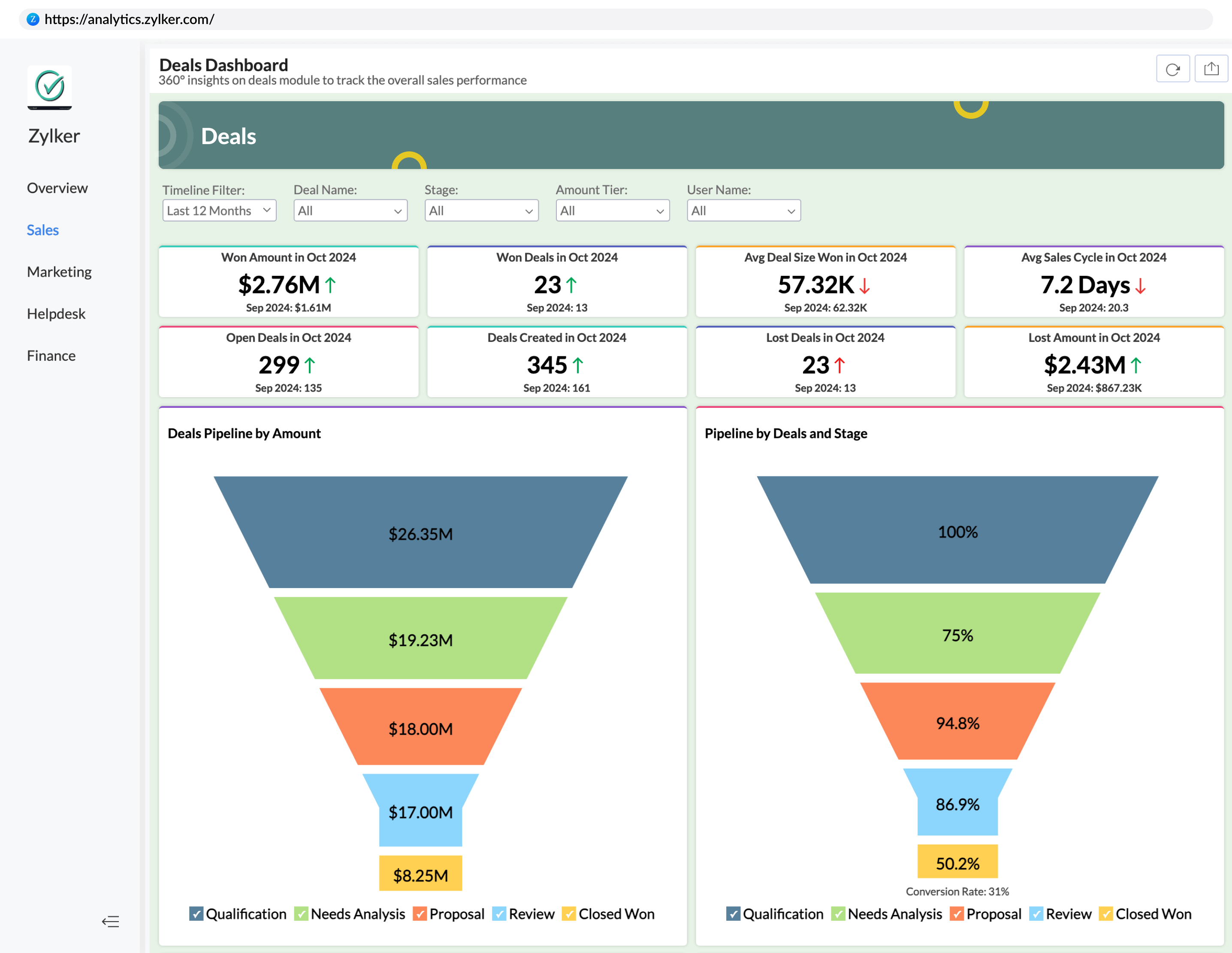
Create purpose-built analytics portals and make it easy and exclusive for users to analyze data with dashboards.
Embed Ask Zia in your business workflow and allow end-users to ask questions and get insights contextually.
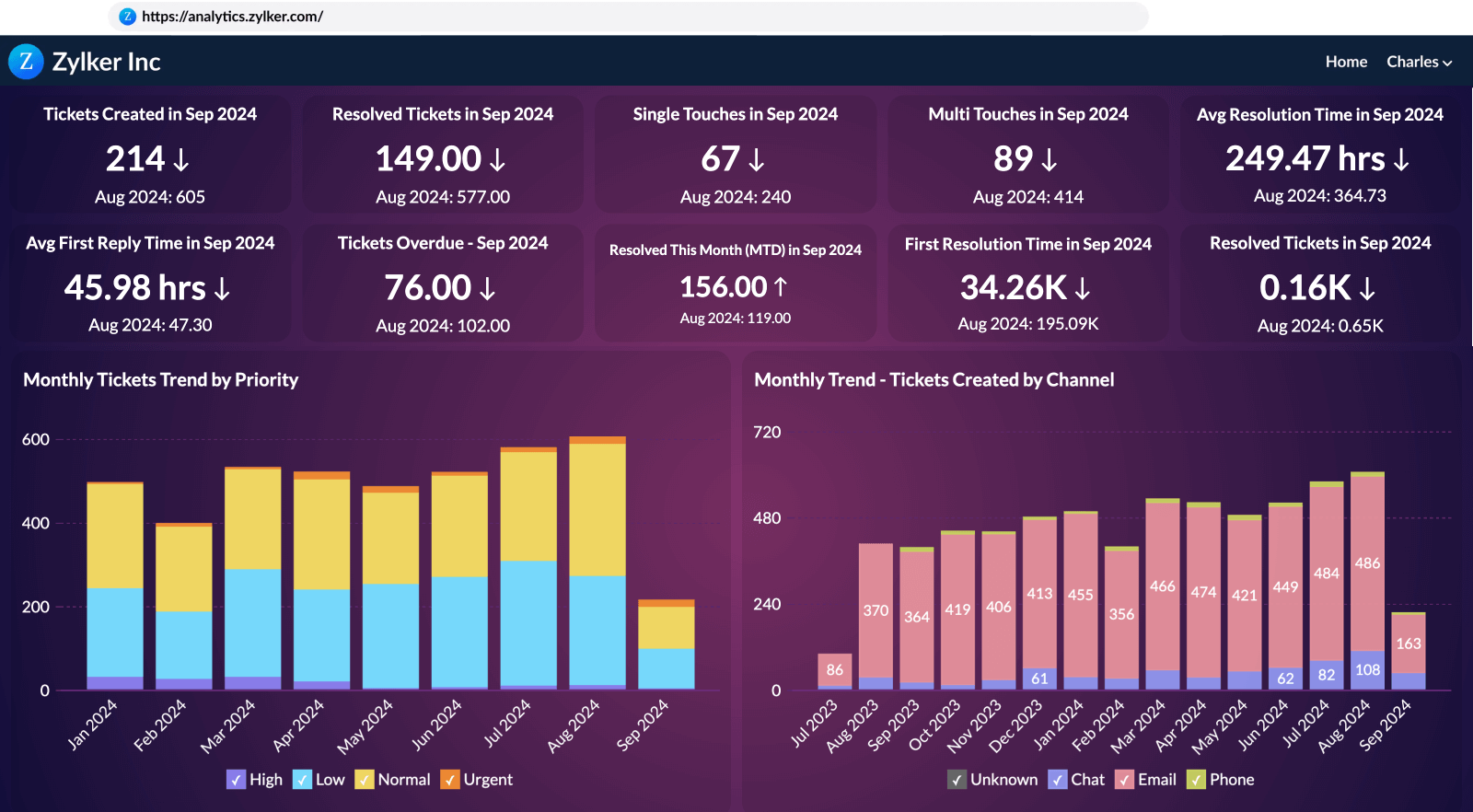
Integrate a full-featured analytics platform within your application using single sign-on API or SAML authentication(Know more about build vs buying analytics).
Set up a rebranded analytics portal or micro-site in your own brand, customizable with rich design elements.
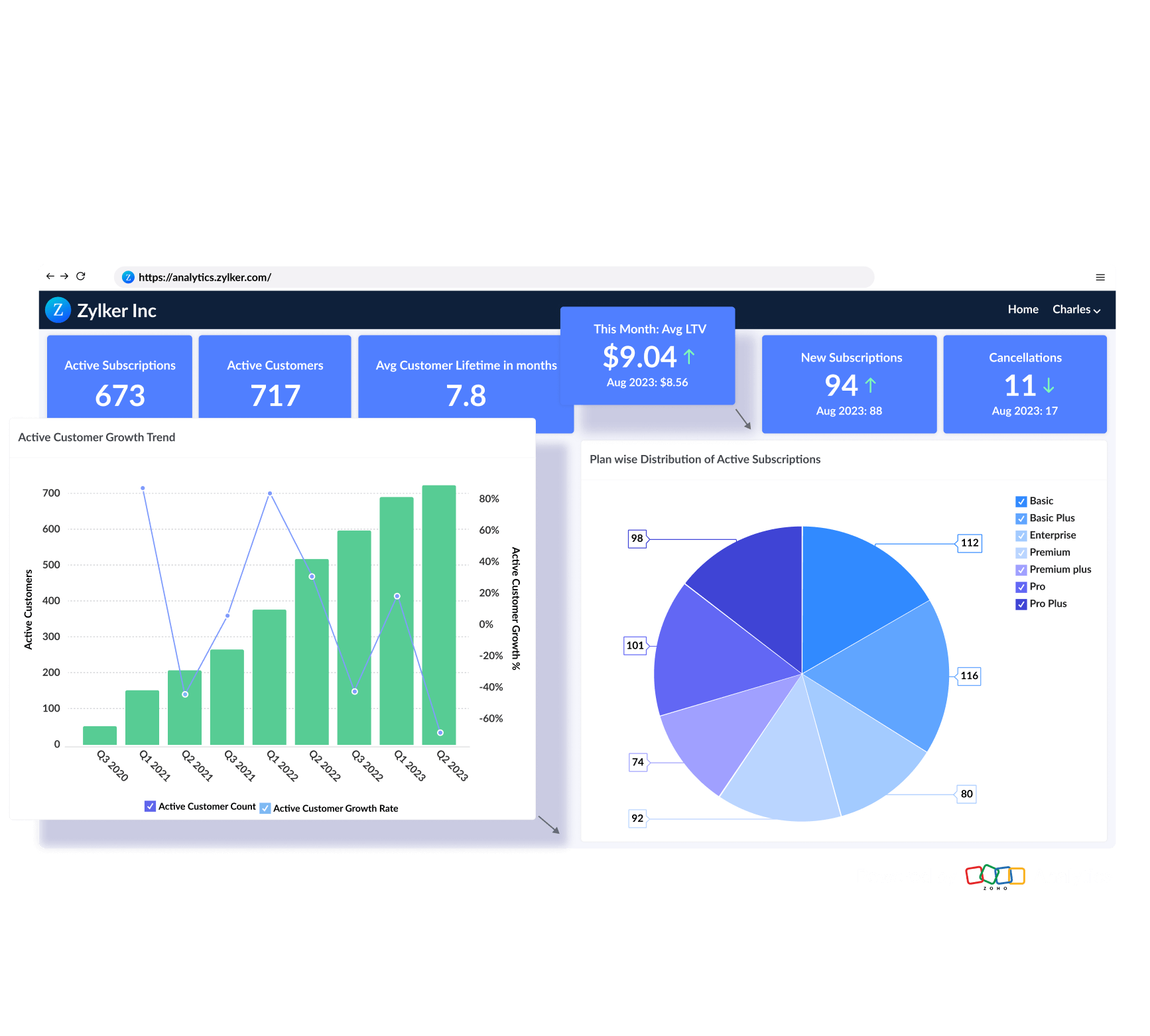
Access a full-featured self-service BI & analytics service, hosted on the Zoho cloud, with just a browser or mobile app.
Install Zoho Analytics on your own servers, behind your firewalls. Analyze your data in-house.
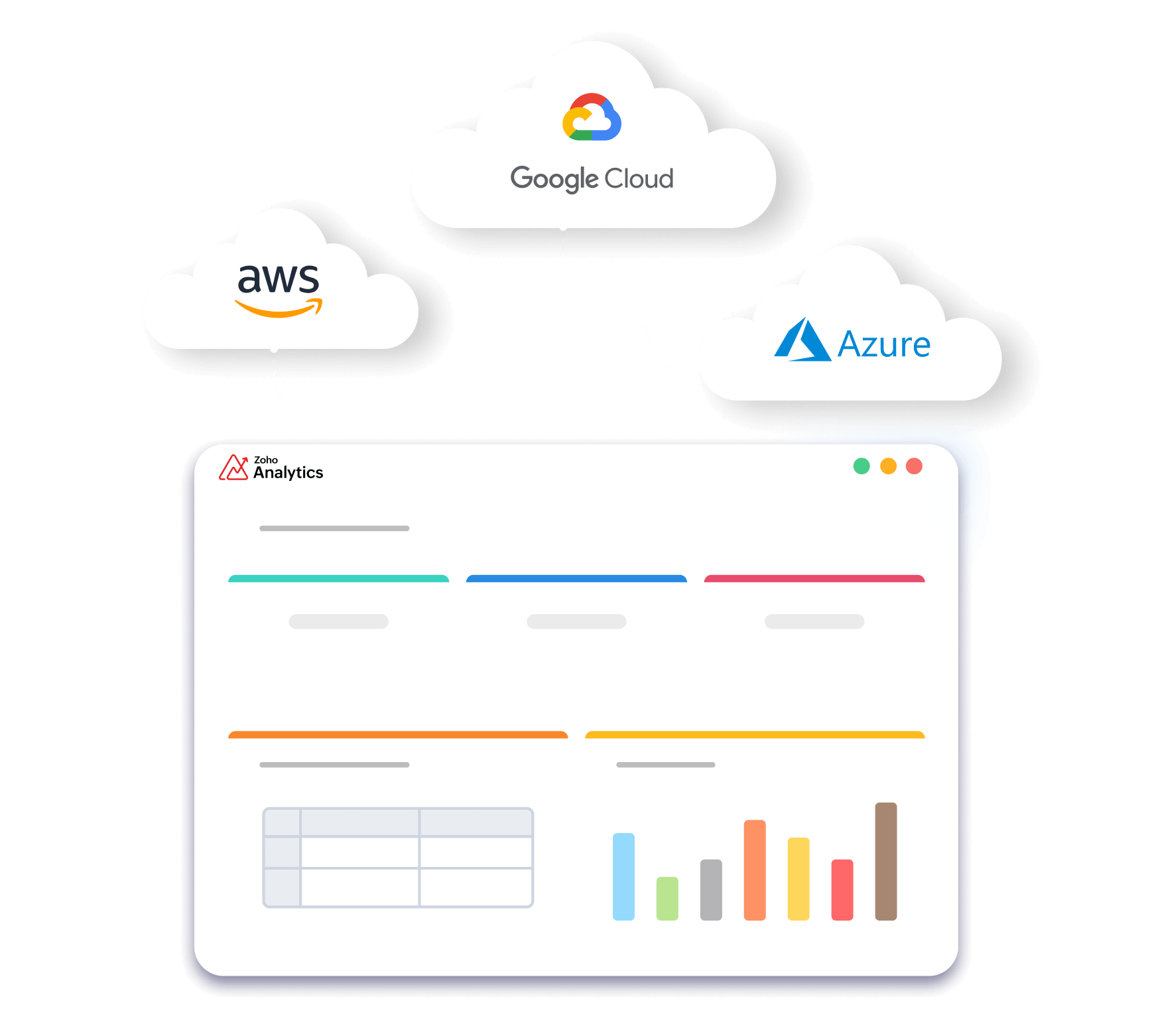
Deploy Zoho Analytics on public/private clouds, such as Amazon AWS, Google Cloud, Microsoft Azure, and more.
Offer a full-fledged analytics app under your own brand, either as a standalone analytics portal or embedded within an existing app.

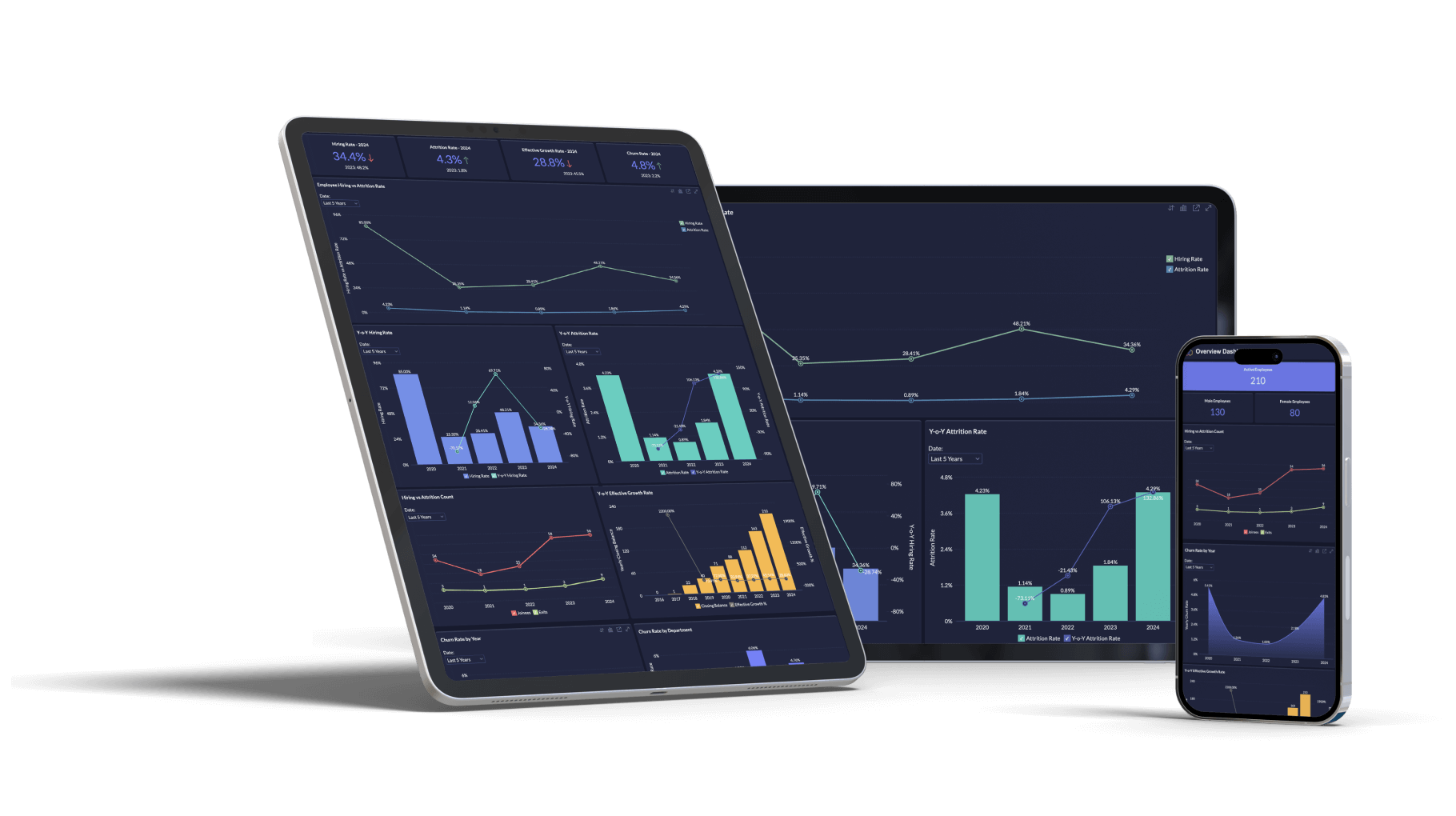

Access and interact with the reports and dashboards you've created in Zoho Analytics.
Utilize this dedicated, immersive mobile app designed to explore the dashboards available in Zoho Analytics.
Ask questions on the go and get answers right in the mobile app. Understand what happened through descriptive analysis, and why it happened through diagnostic analysis.
Our time-tested and accredited enterprise-grade security features and governance framework ensure continuous data management and stewardship.

Clear demarcation on who can do what, based on roles like users, viewers, and administrators.

Your data stored in Zoho Analytics cloud version is backed up every day in our data centers.

We log all user activities within the app to ensure safety and accountability.


Get a single view of all your artifacts within a workspace: data sources, query tables, formula columns, aggregate formulas, reports, dashboards and models. Visualize their lineage and do impact analysis. Manage everything from one place complimented with easy findability options.
Control access to tables, columns, and rows from one central layer. Hide or restrict sensitive and PII data for specific users, on top of your roles and sharing permissions.
Build, test, and deploy analytics content in a controlled way. Move views and reports through stages like Development, Testing, and Production, with every deployment tracked.
See exactly how AI is used across your organization. GenAI logs capture every prompt, the user behind it, and the response returned, in one place. Monitor activity and review it whenever needed.



Build custom analytical applications or integrations with a robust set of APIs/SDKs.
Complement your analytics capabilities with a wide range of analytics apps, available in our partner-driven Zoho Marketplace.
AI Agents, models, or MCP (Model Context Protocol) clients can leverage Zoho Analytics tools, through MCP Server to power data analysis, insights, and actions.
Access Zoho Analytics through command line interface. The CLI supports the full range of analytics functions, so you can script and automate analytics workflows from your terminal.