

Register your Application
AI Tools
Open in ChatGPT
Open in ChatGPT to ask questions about this page
Open in Claude
Open in Claude to ask questions about this page
Copy as Markdown
Copy this page as markdown to use with AI assistants
View as Markdown
Open this page as markdown in a new tab
Open in ChatGPT
Open in ChatGPT to ask questions about this page
Open in Claude
Open in Claude to ask questions about this page
Copy as Markdown
Copy this page as markdown to use with AI assistants
View as Markdown
Open this page as markdown in a new tab
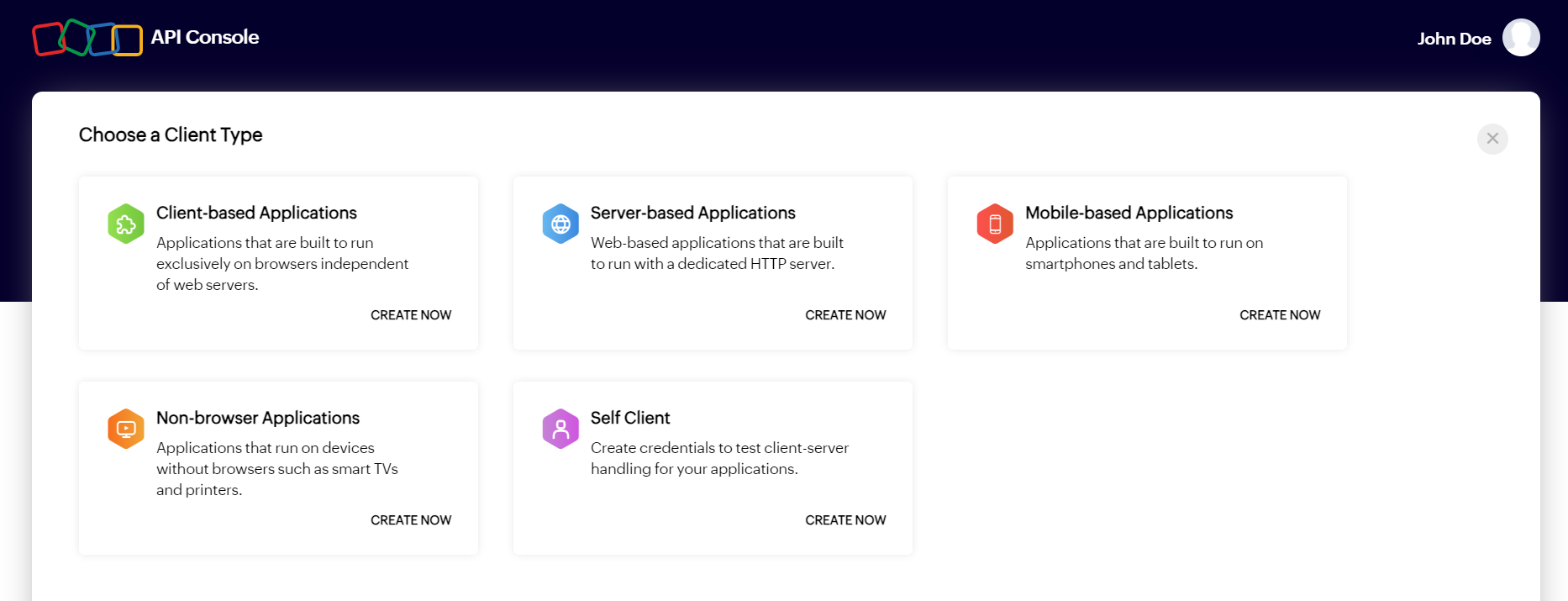
To access Zoho's resources through the Zoho Cliq APIs, you first need to register your application. Applications can be registered as one of the following client types:
- Server-based application
- Client-based application
- Mobile-based application
- Non-browser based application
- Self client
Registering your application
Upon successful registration of your application, you will receive a Client ID and Client Secret. These credentials are used to obtain an access token, which is required to make API calls to Zoho Cliq.
Follow the steps below to register your application:
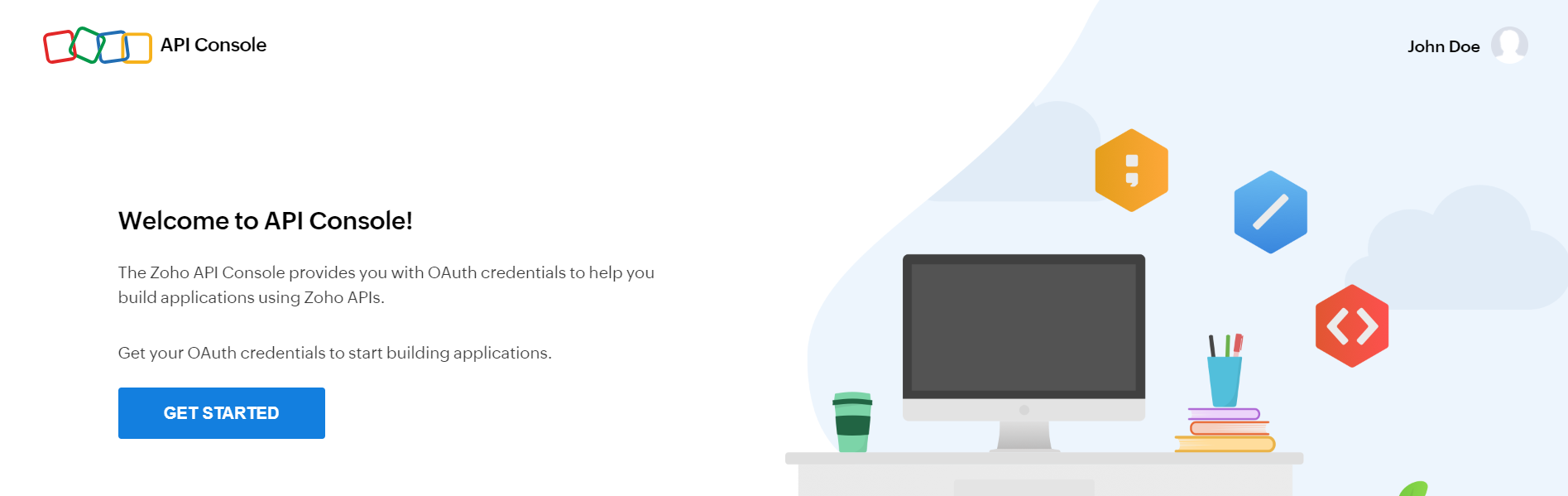
- Go to the Zoho API Console, then click GET STARTED.
- Hover over your application's client type and click CREATE NOW. If you've previously added an application, click ADD CLIENT in the top-right corner.
- Enter the required details, then click CREATE.
| Details Required | Server-based | Client-based | Mobile-based | Non-browser based | Self client |
|---|---|---|---|---|---|
| Client Name | Yes | Yes | Yes | Yes | Yes |
| Homepage URL | Yes | Yes | Yes | Yes | No |
| Authorized Redirect URI | Yes | Yes | Yes | No | No |
| Javascript Domain | No | Yes | No | No | No |
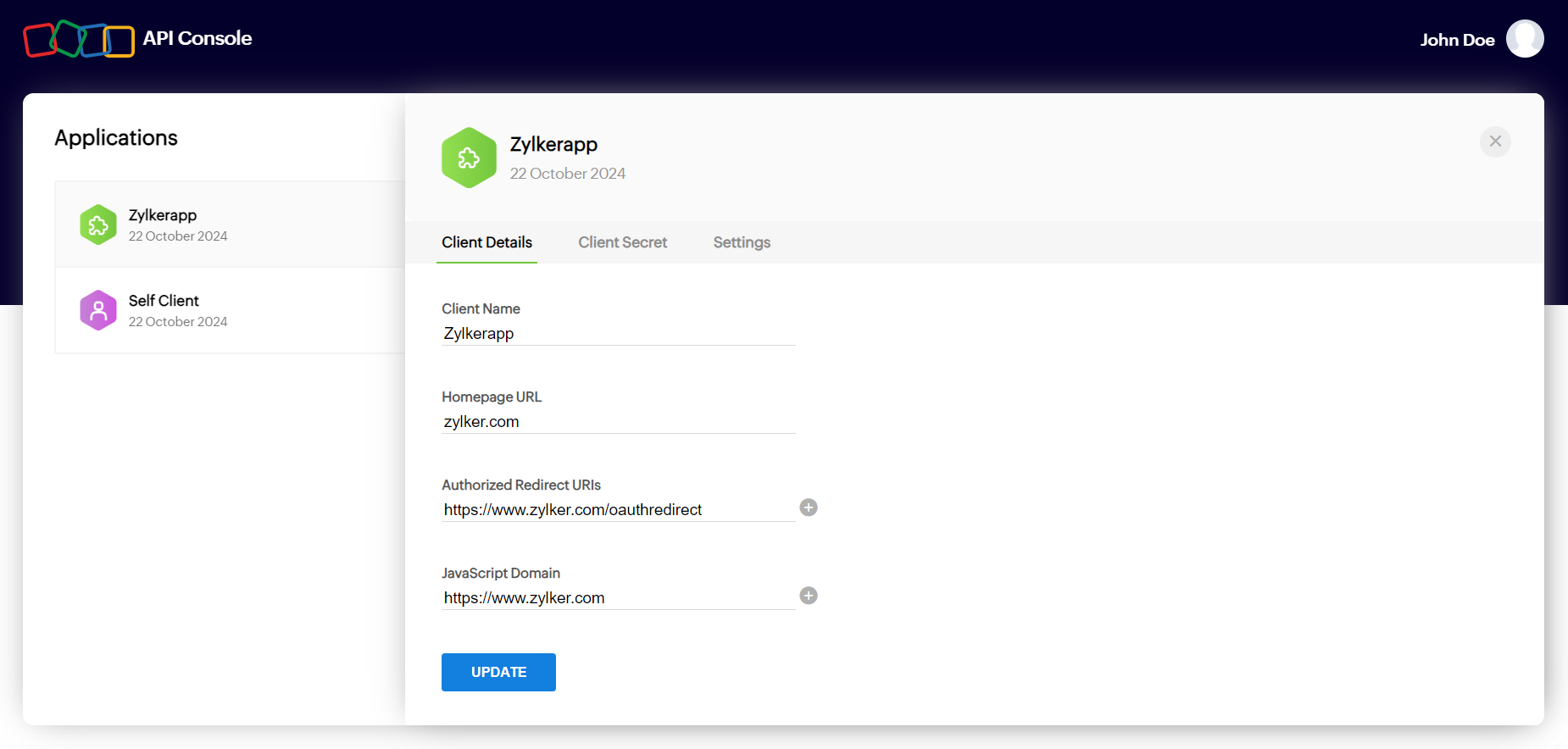
Homepage URL
- The complete URL to your application's home page.
Authorized Redirect URI
- The URI where the Zoho Cliq authorization server sends the response after the user grants permission. This response contains the authorization code (or access token for client-based applications).
- The URI must begin with https:// or http://.
- You can add multiple redirect URIs by clicking the [+] button.
- Example: https://www.yourapp.com/oauth/callback
JavaScript Domain (for client-based JavaScript applications)
- If your application is a client-based JavaScript application, you must specify the JavaScript domain.
- The domain must begin with https:// or http://.
- You can add multiple JavaScript domains by clicking the [+] button.
Possible Errors
- Enter a valid client name.
Resolution: The client's name has a special character. The client name must not contain any special characters except underscores ("_") and ampersands ("&"). - Enter a valid JavaScript Domain URI.
Resolution: The JavaScript domain is incorrect. Specify valid JavaScript domains, separated by commas, and they must start with 'http'. - Enter a valid redirect URI
Resolution: The redirect URI is incorrect. Specify a valid redirect URI in the format "https://www.your-domain.com/callback". - Enter a valid homepage URL
Resolution: The homepage URL is invalid. Specify a valid homepage URL in the format "https://www.yourdomain.com".