- HOME
- What's New
- Introducing Zoho Office Desktop
Introducing Zoho Office Desktop
- Last Updated : September 24, 2026
- 504 Views
- 0 Min Read

That changes today.
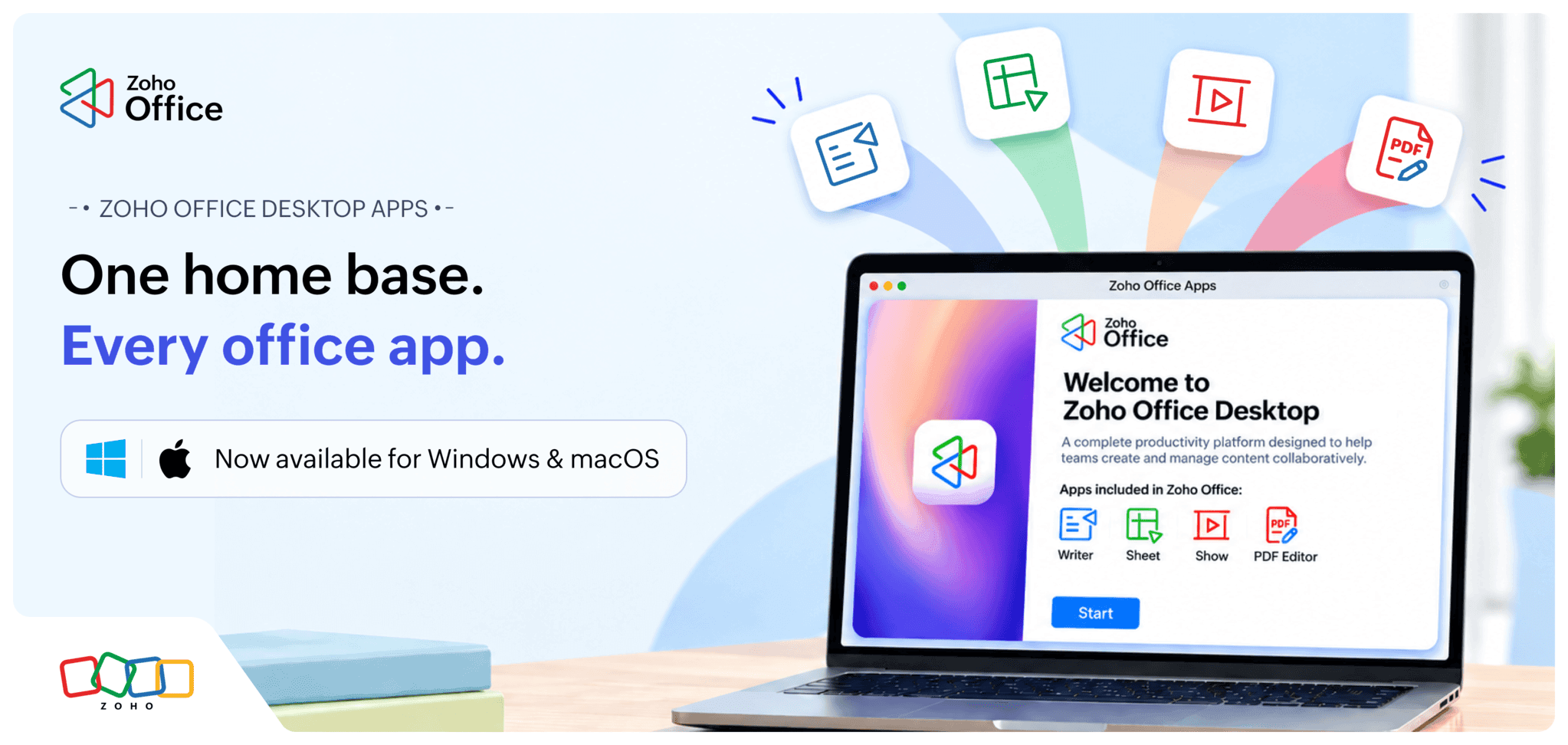
Zoho Office Desktop Apps bring Writer, Sheet, Show, and PDF Editor together under one roof. One entry point replaces four separate setups. Open it once, and everything you need to create, edit, and manage documents is right there.
One home base, every app
Your word processor, spreadsheet tool, presentation builder, and PDF editor now live behind the same door.
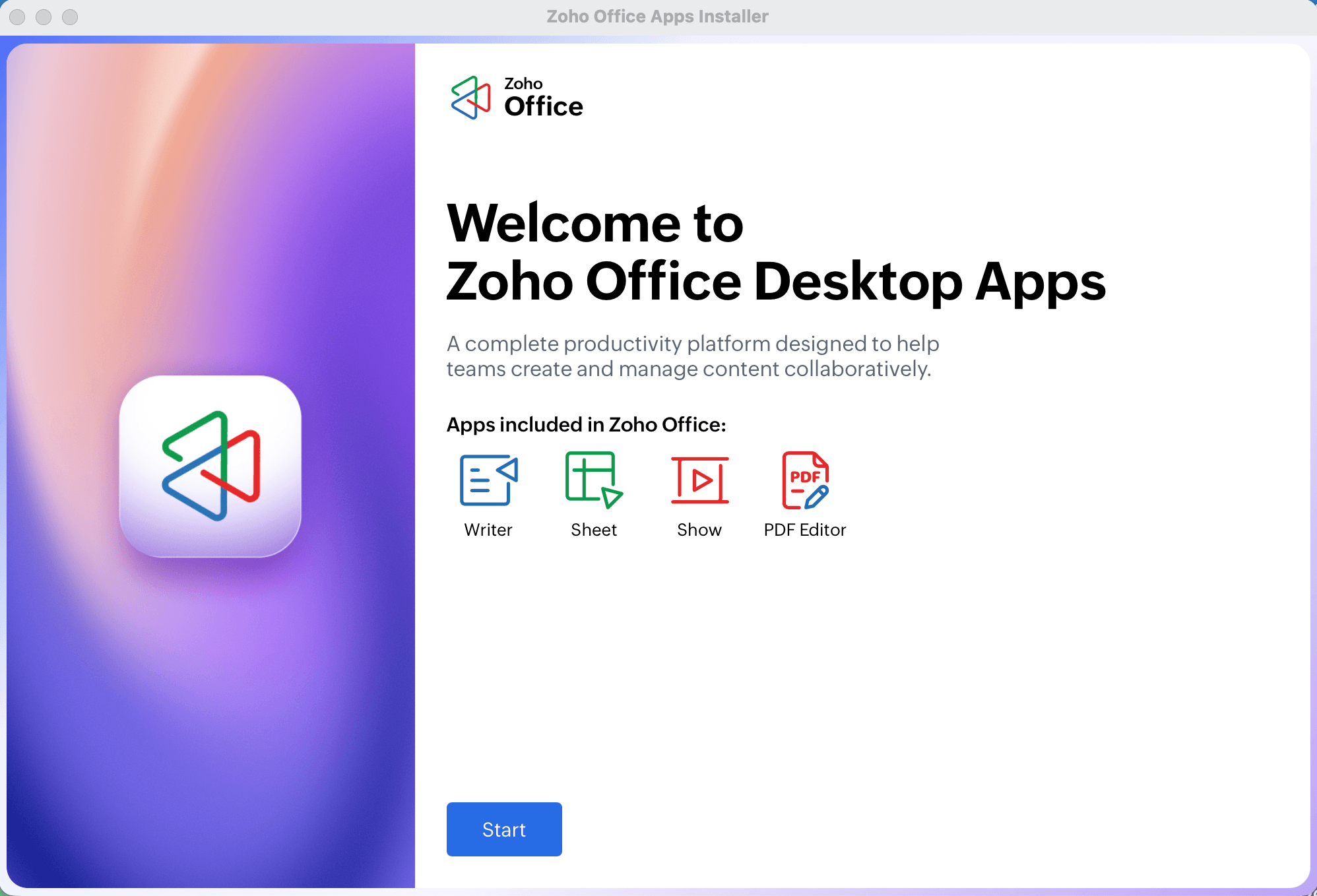
Instead of hunting through the Start menu or dock for the application you need, simply open the Office Desktop app and choose where you want to work.
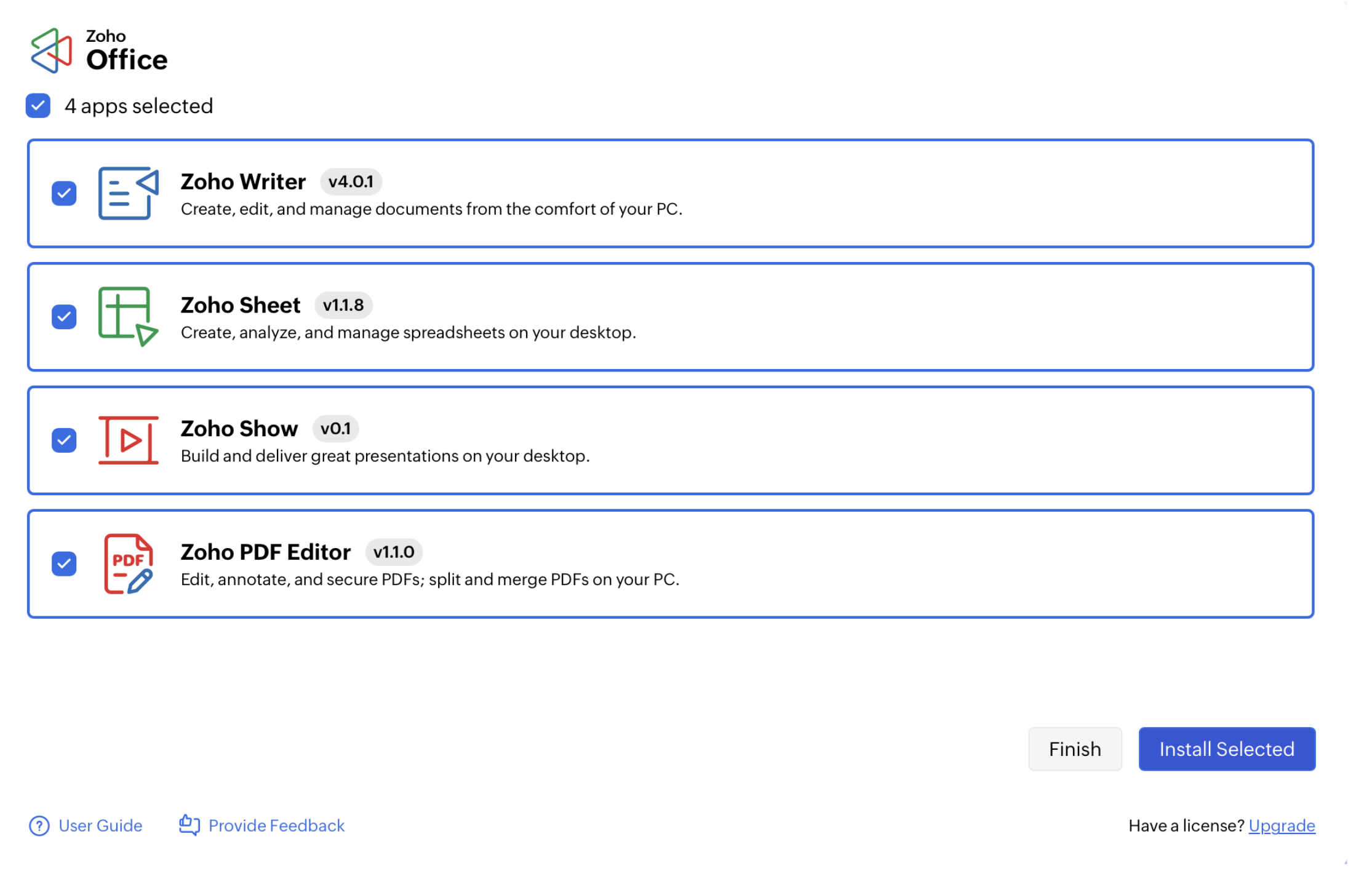
Getting set up is straightforward, too. Select the apps you want, and the guided installation takes care of the rest, without making you work through a maze of configuration screens.
So once everything is installed, the same Office Desktop gives you a single place to access your apps.
Licensing that doesn't get in the way
Activating a new subscription or updating an existing license shouldn't require a support ticket. With licensing built into the same interface, you can apply and validate your license in just a few clicks and get back to work.
Work your way, even without the internet
Sometimes, you just need to open a document and get things done without worrying about signing in to an account or making sure you're connected to the internet.
Zoho Office Desktop Apps, you can create and edit documents without an internet connection. Your files remain on your device, right where you expect them to be.
Also, if you're switching from another office suite, such as Microsoft Office, the experience should feel familiar from the start.
Built for IT teams, not just individuals
Now take that same laptop scenario and multiply it across 500 machines.
That's where software roll-outs get complicated. Some devices are updated, others are running older versions, and tracking what's installed where becomes a job in itself.
IT teams can push installations and updates across devices from a central location. The Office Desktop app acts as the front-end trigger, while UEMS like ManageEngine Endpoint Central allow technicians to handle deployment and patching behind the scenes.
The result: Less device-by-device management and a simpler way to keep your organization's desktop apps up to date.
How are we different?
Zoho Office Desktop Apps take a different approach to desktop productivity.
Microsoft's desktop apps are offered through paid licenses and subscriptions. Google doesn't offer a traditional suite of full-fledged desktop apps, instead relying primarily on web apps with offline capabilities through Chrome.
Zoho Office Desktop Apps are installed locally and can run without requiring users to sign in each time they work. They also combine the familiarity of a desktop office suite with centralized deployment and management. You can open and save commonly used formats such as DOCX, XLSX, PPTX, ODT, ODS, and ODP, along with built-in PDF editing, without needing a separate application for PDFs.
Unlike LibreOffice, Zoho Office Desktop Apps include centralized deployment and license management, enabling IT teams to roll out and manage the suite across an organization without handling installations on a device basis.
What's next
We're working on making the desktop experience easier to access for users across languages and regions. We are bringing in broader localization, including interface languages, proofing tools such as spell-check and grammar-check, and localized help content. Support will span writing systems including Latin, Cyrillic, CJK, Arabic/Hebrew, Devanagari, Thai/Khmer, and Greek.
Get started
Zoho Office Desktop Apps are available now for Windows and macOS, either as part of select Zoho bundle plans or as standalone software.
If you need any assistance getting started, please write to us at support@zohowriter.com. We'd be happy to help!