
How to add a Student Loan deduction?

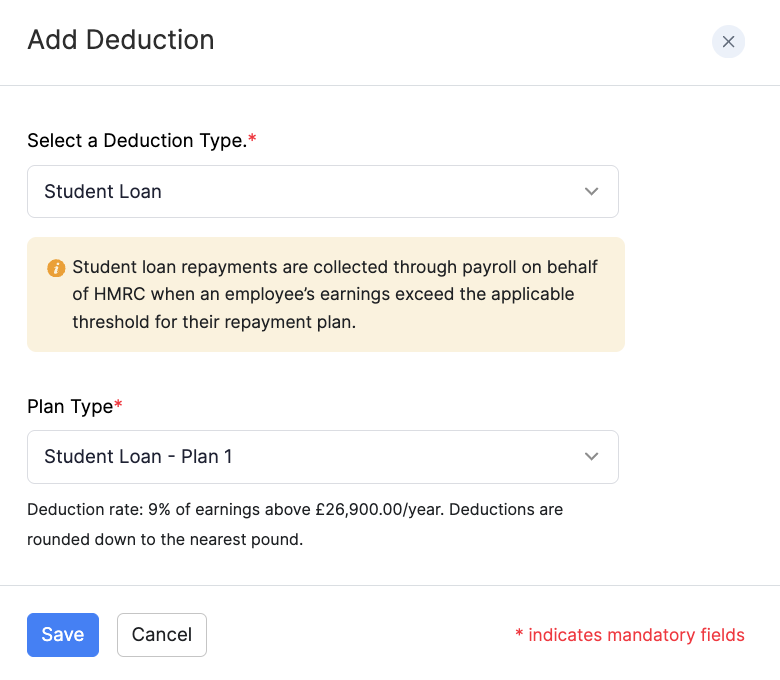
A Student Loan deduction tells Zoho Payroll to collect student loan repayments through payroll for HMRC. Repayments start when the employee’s earnings exceed the threshold for their repayment plan, and the amount deducted depends on the plan you select.
To add Student Loan for an employee:
- Go to Employees and open the employee, or stay on the Salary step while adding an employee.
- Under Deductions, click + Add New, or click Deductions on the Salary step.
- Select Student Loan as the deduction type.
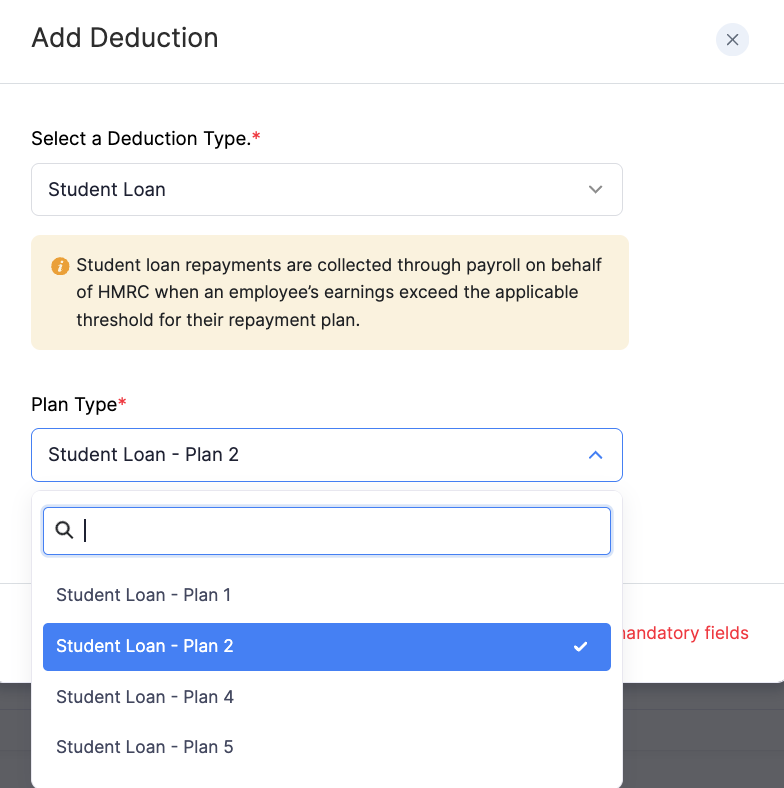
- Select the Plan Type (Plan 1, Plan 2, Plan 4, or Plan 5).
- Click Save.
Deductions are rounded down to the nearest pound.
For an overview of deductions when you add an employee, refer to Add Employees. You can also add or edit deductions later from the employee’s Salary tab.