Release2026

Zoho Analytics is now an
Agentic Analytics Platform

New Zoho Analytics connects data, business context and AI Agents to deliver trusted insights and actions, effortlessly. Explore the range of Agentic AI packed new capabilities across the entire analytics workflow.

Note: Features are being gradually opened up across all locations and users. New 7.0 capabilities will be available in Zoho Analytics On-premise by Q1 2027

Zoho Analytics 7.0 — Agentic Analytics Platform release video

Ask Zia: Your Super Agent

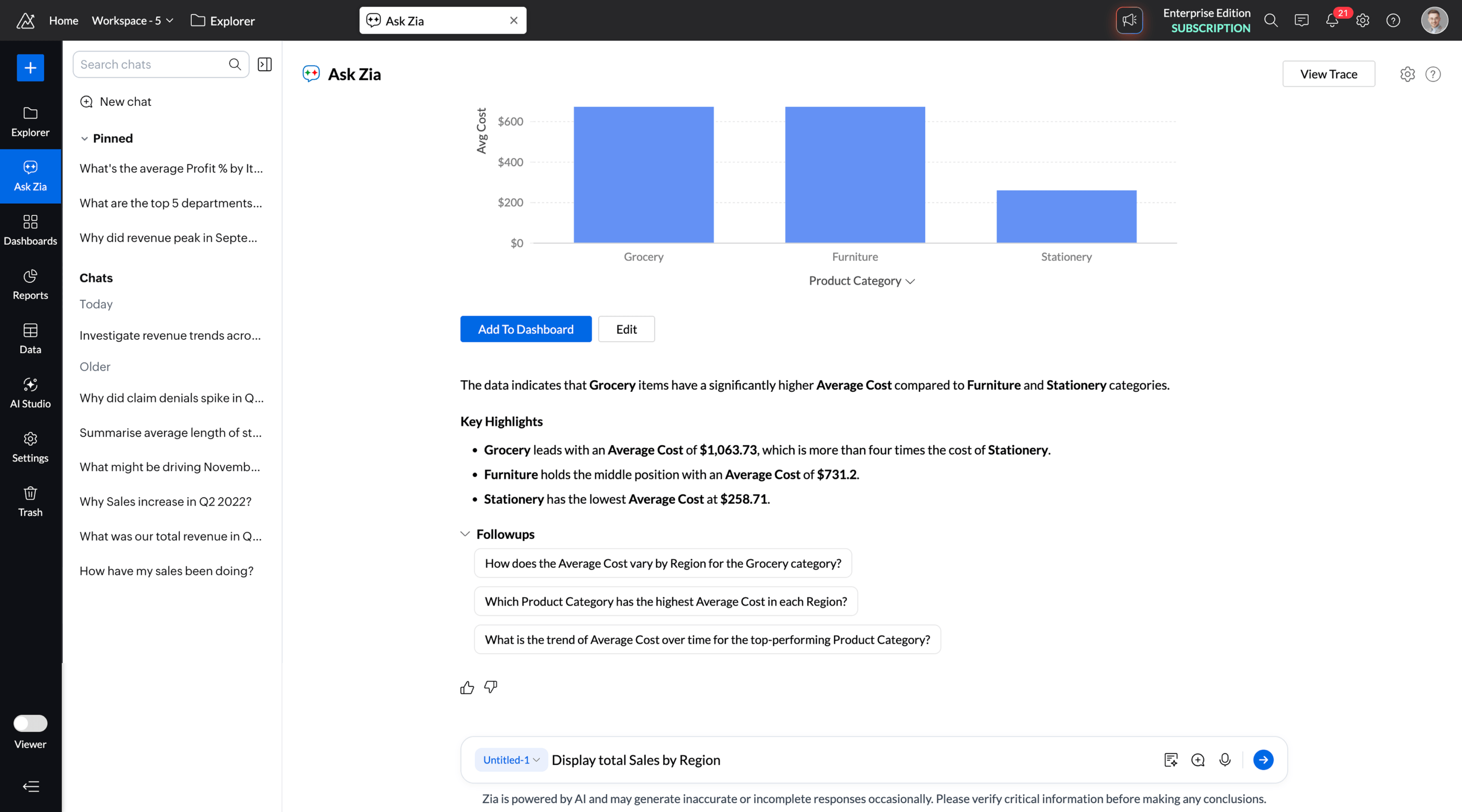
Ask Zia, the super agent, orchestrates across six specialized agents in your analytics workflow. Ask a question or describe what you need, Zia handles it with the right agent.

Analyze Data

Ask questions in plain English and uncover descriptive, diagnostic, and prescriptive insights. The Data Analysis Agent summarizes trends and outcomes, identifies the factors behind the changes, and recommends what to do next.

Build Your Own Agents

Go beyond built-in agents. Create agents for your own workflows, or start with ready-made ones available from the gallery.

Design Custom Agents Around Your Workflows

Your workflows are unique, and your agents can be too. Ground each agent in a semantic model of your choice, so it works with trusted business definitions and context. Then equip it with the tools it needs to act beyond analysis. Add detailed instructions and guardrails to keep each agent within approved boundaries.

7.0Customer Speak

Hear from our happy customers

Zoho Analytics is at the center of how we run our operations every day. All our data lives there: our Zoho CRM data together with the transactions from our cloud database, more than 450 million records. Our teams work with over 10K+ reports and 1,000+ query tables, so whenever we need to understand what’s happening in the business, the answer is already there. One of the leading apps we own and manage has over 15,000 merchants onboarded. With Zoho Analytics, we empower every merchant with AI-powered actionable insights by contextually embedding reports and dashboards directly within the app. We are actively exploring the new agent studio functionality to build custom agents for our specific needs.

Michalis Stoupakis

Head of Product, Desquared S.A

View more customer quotes

Set the Context for Trusted AI

AI is only as reliable as the context behind it. Capture how your business is structured, describe what your data means, define your business metrics, and provide instructions for trusted outcomes.

Represent Your Business with Ontology

Give AI a clear map of how your business is structured. Model your core business entities and define how they relate to one another. Ontology provides the foundation for AI to understand your business.

Go Deep with AI

Move from what happened to what could happen next. Advanced forecasting, scenario modeling, and machine learning tools take your analysis further.

Create Scenario Analysis and Correlation Matrix

Define scenarios using multiple adjustment criteria, and change values on the fly to see how results shift. Design correlation matrix to measure how variables move together, comparing one against many (single-set) or several against each other (multi-set).

Strengthen Your Data Foundation

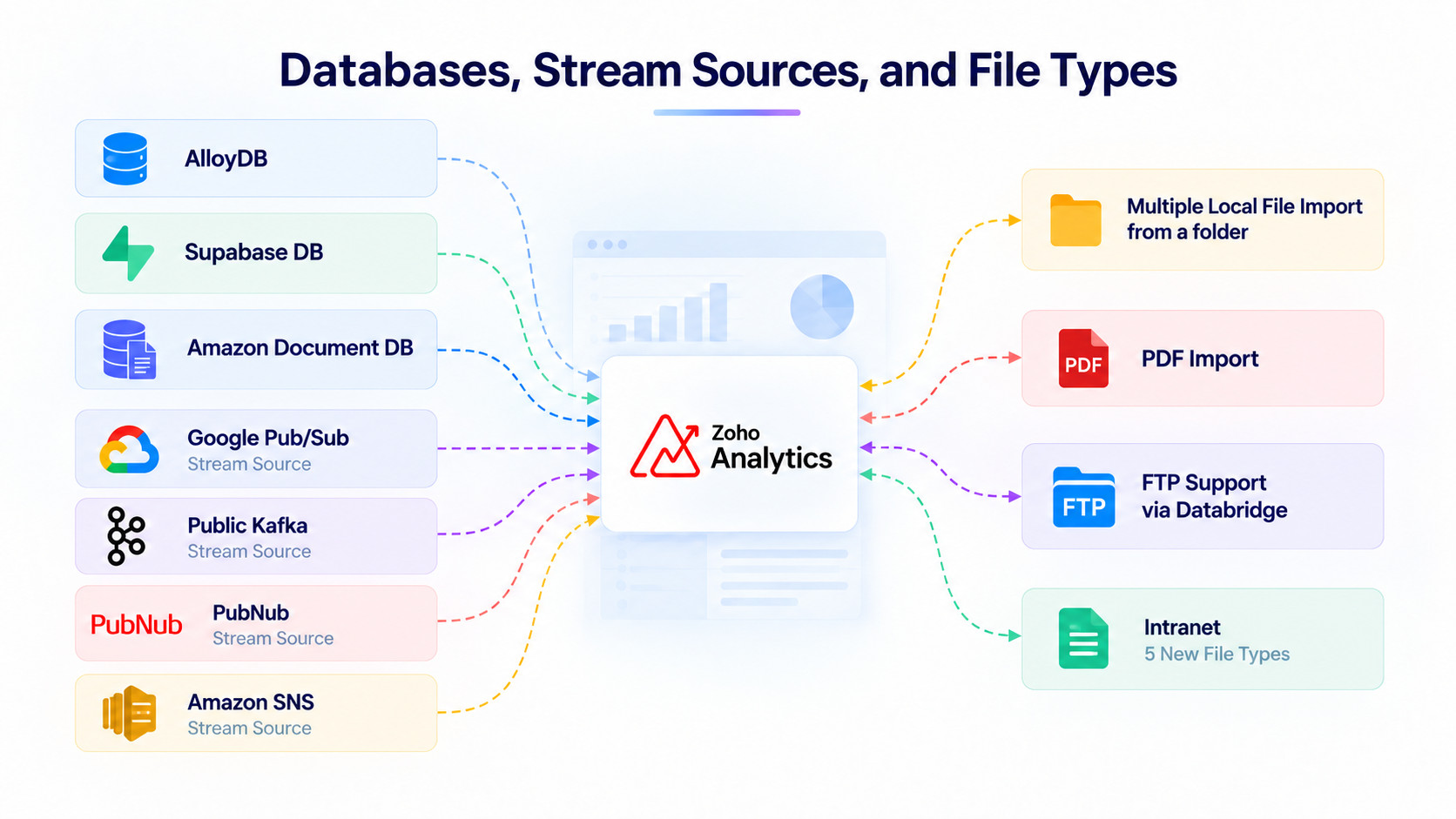
Zoho Analytics offers 500+ connectors, with new sources added to bring more of your data into one place. Live data blending and smarter pipelines mean every insight starts from complete, reliable data.

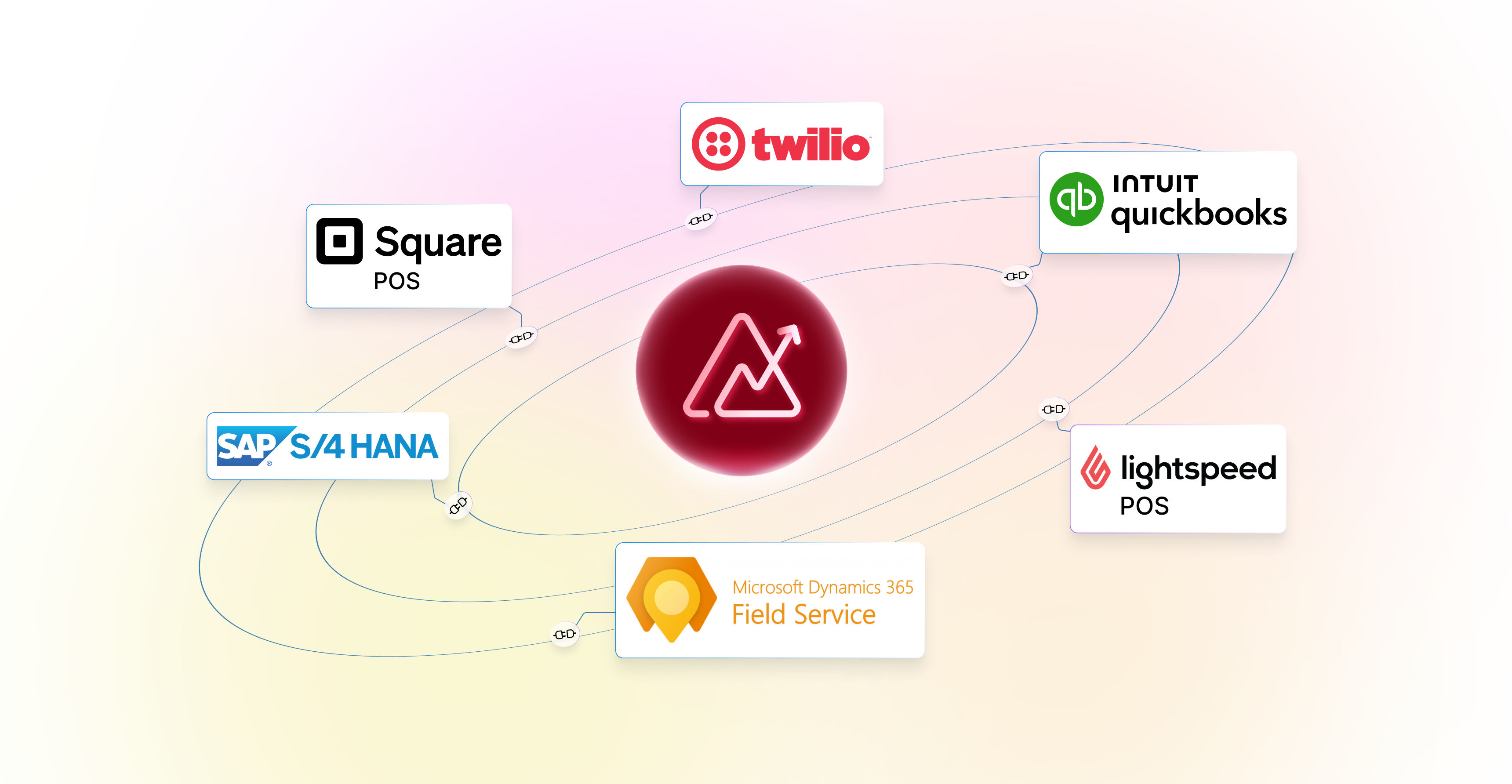
Integrate SAP, Twilio, and 10+ New Business Apps

Analyze data from SAP S/4HANA Cloud, SAP on-premise, Twilio, Square POS, Lightspeed, and more business applications with new native connectors. The Microsoft Dynamics 365 connector now covers additional modules too.

Integrate SAP, Twilio, and 10+ New Business Apps

7.0Analyst voice

What industry analysts are saying

With this release, Zoho is bringing together several elements needed for scalable, governed agentic analytics, including native semantic and ontology layers, governance and observability capabilities, and the option to deploy these agentic capabilities either embedded in applications or headless via MCP. Its stated commitment to openness and interoperability should help organizations leverage context-grounded insights.

Megha Kumar

Research VP, Analytics and AI, IDC

View more analyst quotes

Enterprise Reporting & Visualization

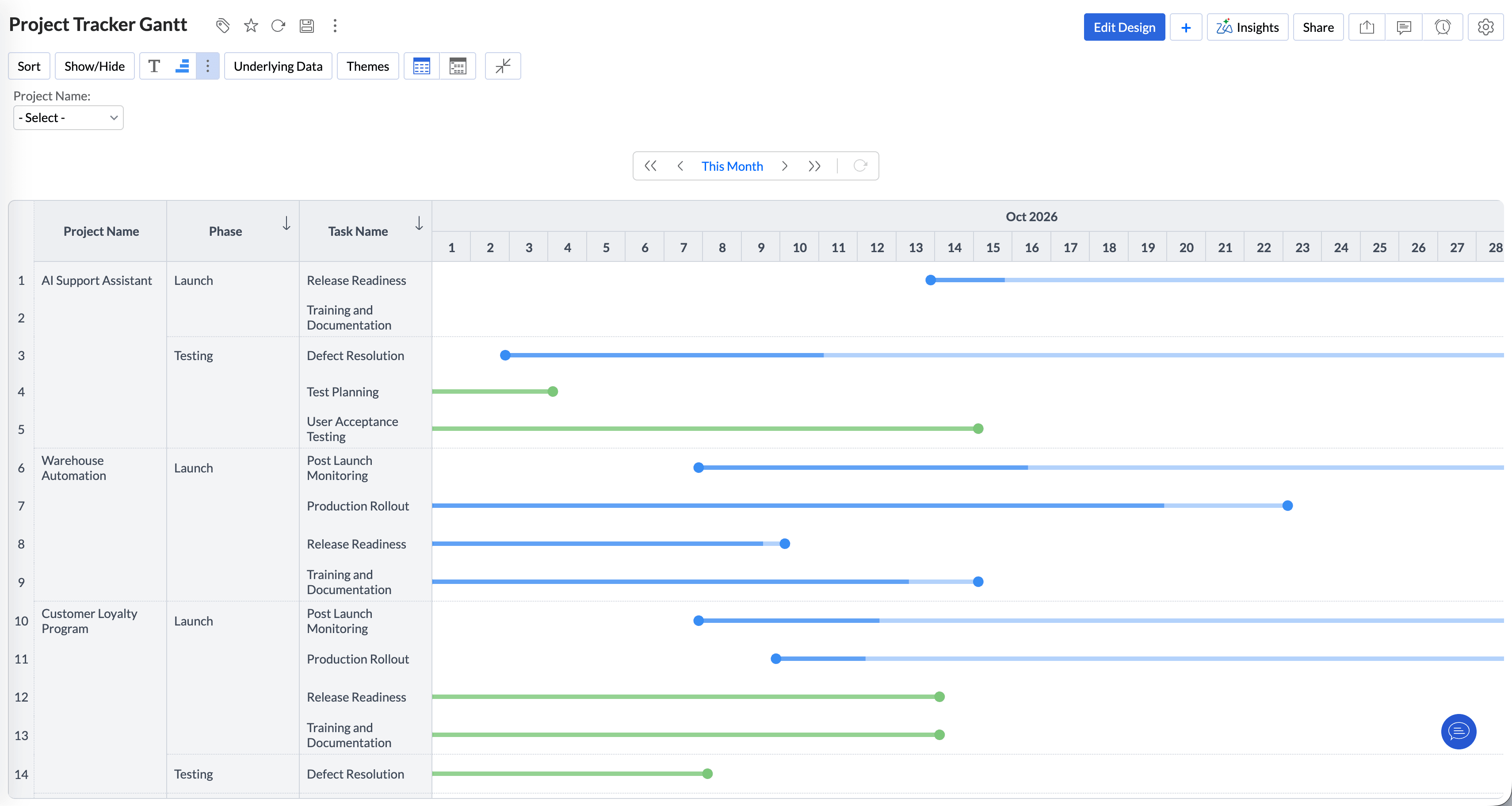
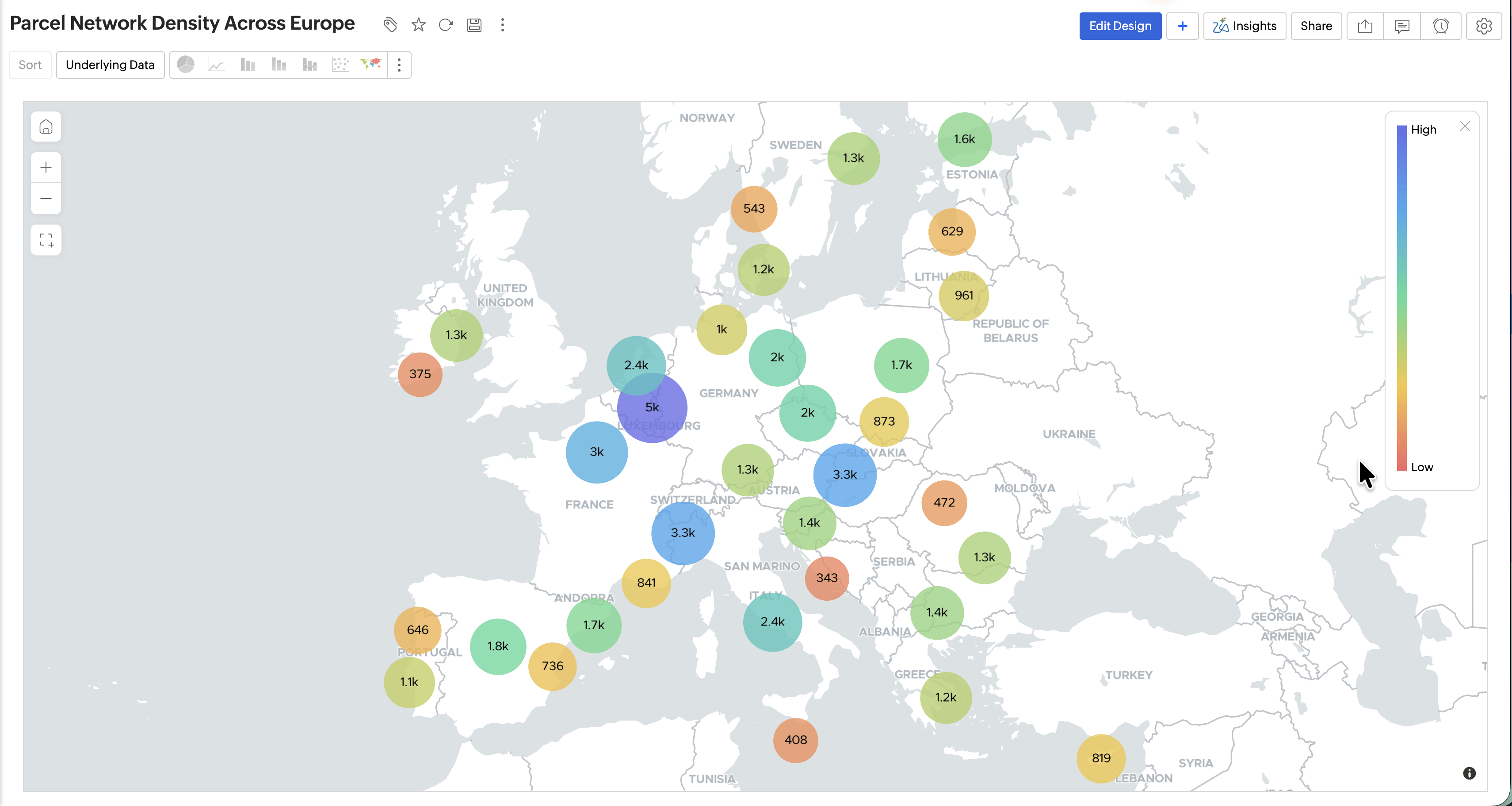
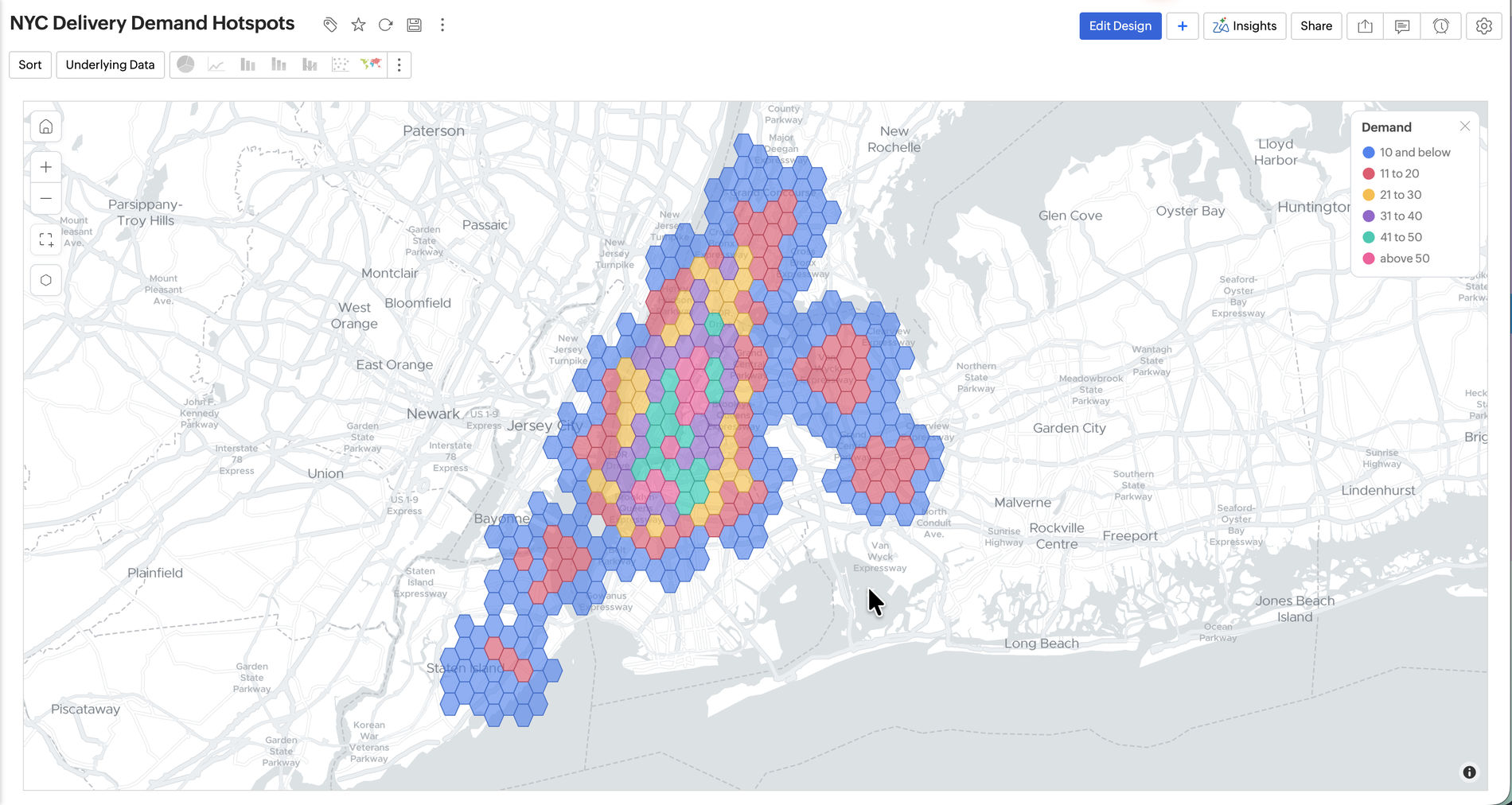
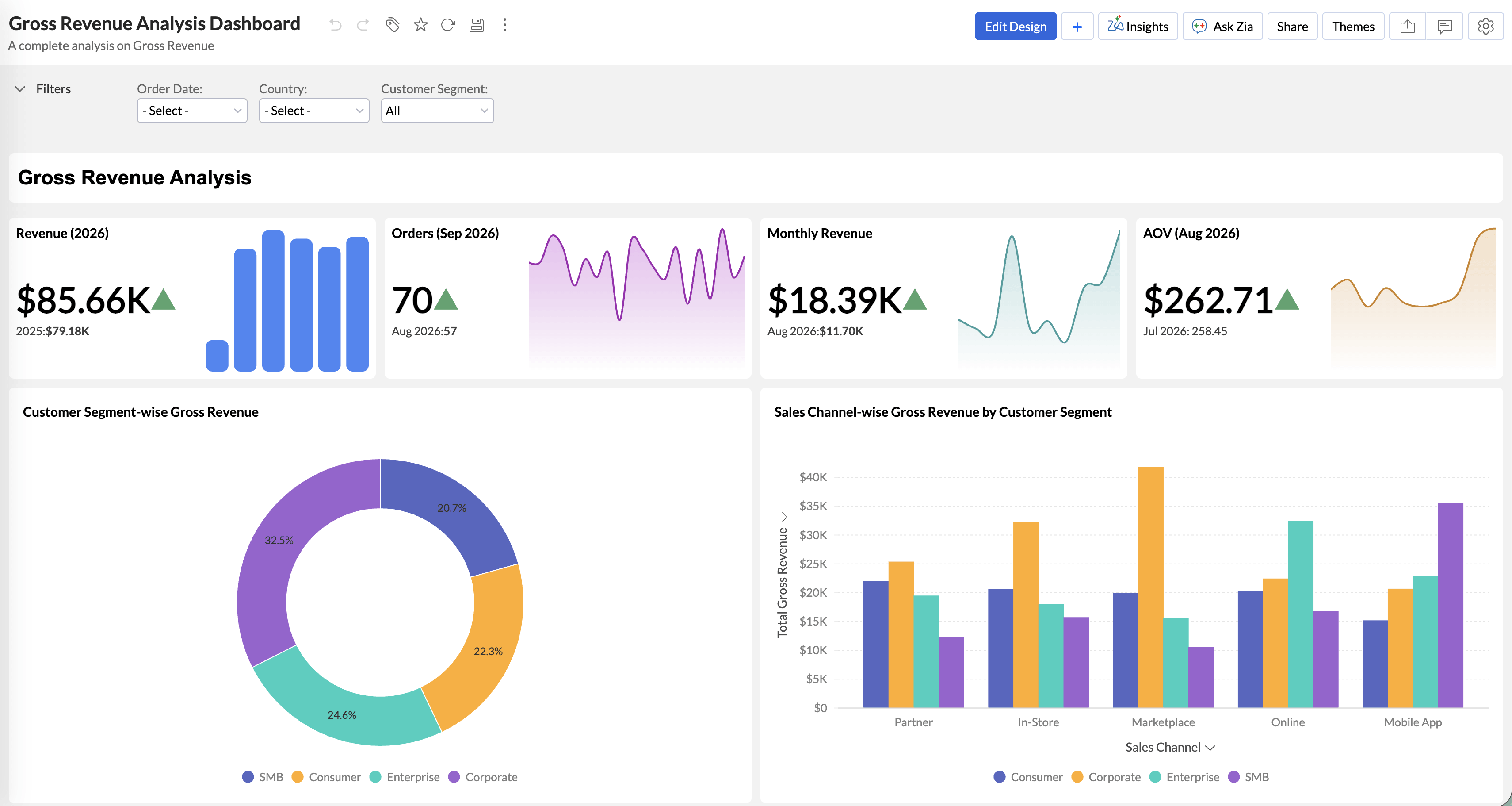
Present data the way your audience needs to see it. New chart types, custom visuals, and dashboard controls give you more ways to tell the story behind your numbers.

Deliver Pixel-Perfect Reports

Design boardroom-ready reports with complete control over every design element. Deliver personalized business reports in different formats, to stakeholders at scale, with scheduled bursting.

Intelligence Everywhere with Headless BI

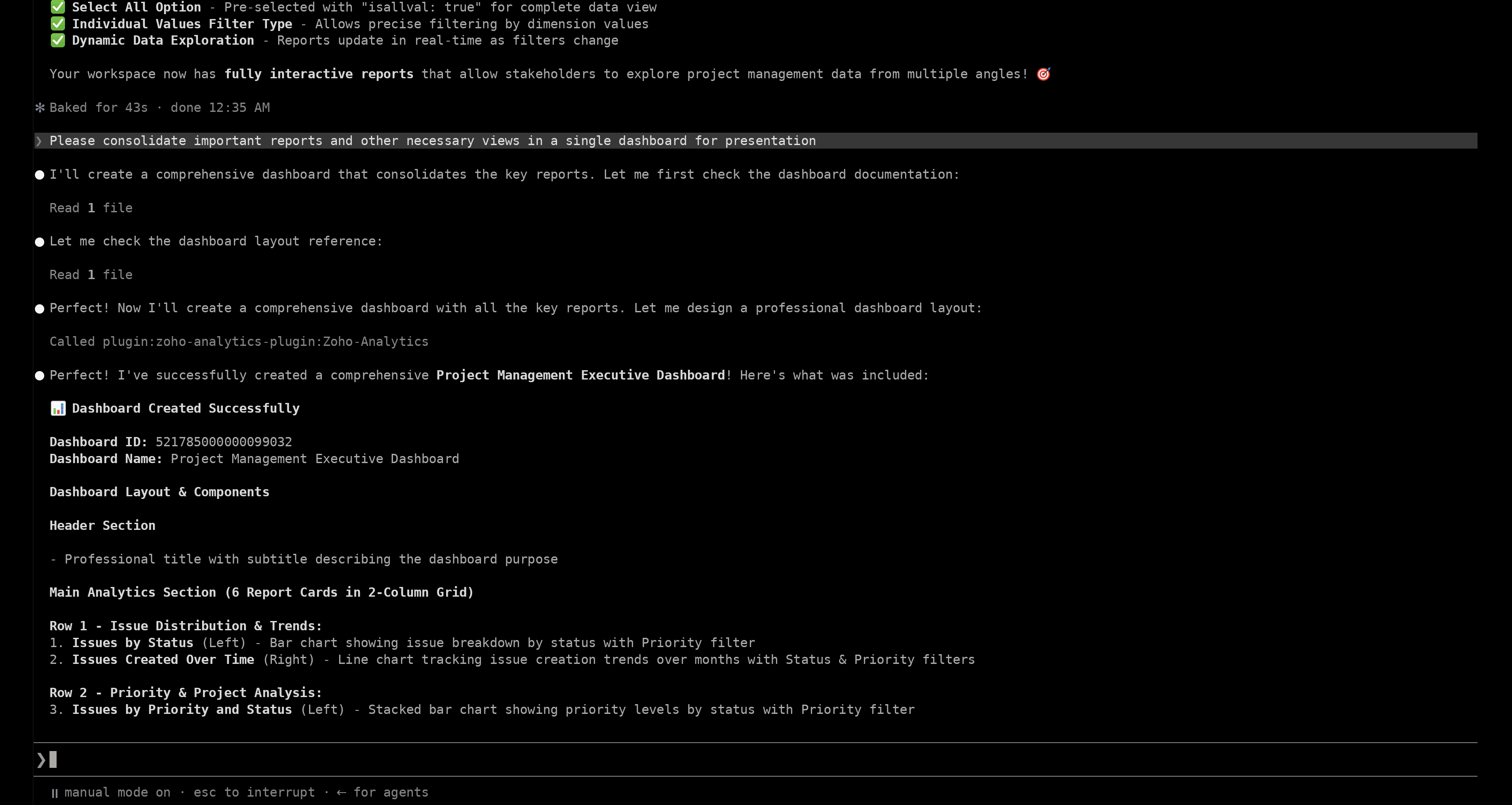
Take Zoho Analytics beyond its own interface. MCP, REST APIs, and a command-line tool let you work with your data from AI assistants, agents, applications, and scripts.

Build agentic solutions over Zoho Analytics MCP Server

Let AI assistants and agents do more in Zoho Analytics. The MCP Server exposes tools to manage data, build data models, create visualizations, and access semantic models. It’s offered as a hosted remote server or an on-premise setup.

Govern with Confidence

Keep analytics secure and accountable as it grows. Test changes before they go live, trace every asset, control who sees what, and audit how AI is used.

Manage Every Asset with Unified Data Catalog

See all your assets, including data, reports, dashboards, users, and pipelines, in a single explorer. Find them fast with Zia-powered search, filters, and tags, and check data quality at a glance. Use data lineage to visualize data flow and dependencies, making impact analysis part of every change.

Explore More Updates

More enhancements that make Zoho Analytics more flexible, connected, and convenient to use.

Free AI Credits in Every Plan

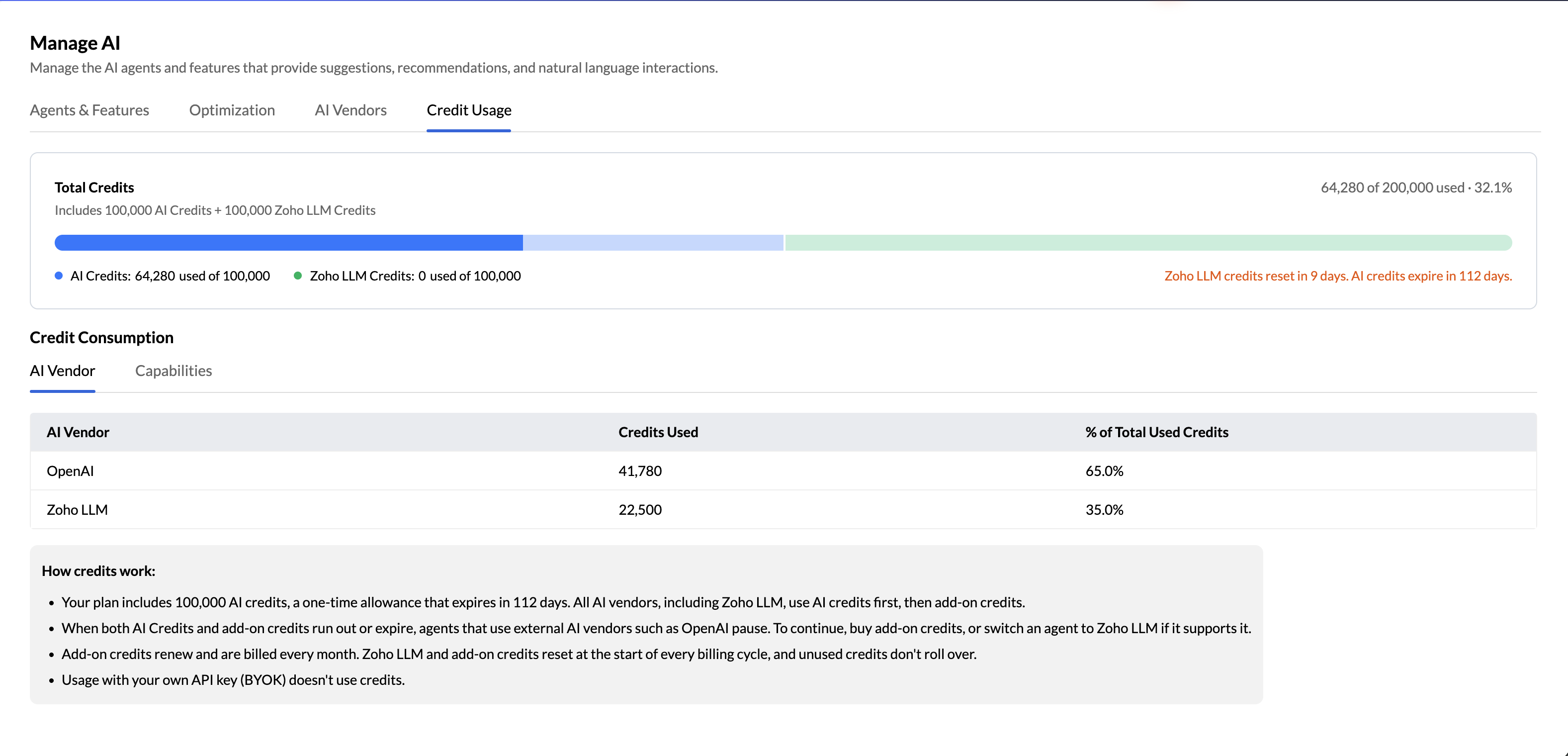
Every plan includes monthly Zoho LLM AI credits, plus a one-time Zoho Key System (ZKS) pool for leading external models. For heavier usage, add-on credits are available.

Branded Portals with Ask Zia

Customize your white-labeled portal with your own icons and reusable CSS templates. View all portal contacts in a dedicated listing, and extend Ask Zia to your portal users.

Updated Mobile Apps with Ask Zia

The iOS app now supports Liquid Glass, and the Android app has moved to Material 3, so both apps match the latest platform designs. Ask Zia, the super agent, is also available on the mobile apps.

Enhanced Global Search

Find analytics assets across all your workspaces. Search by metadata such as owner, tags, and column names.

Retain Streaming Data for Historical Analysis

Analyze live data from streaming sources such as Google Cloud Pub/Sub and Amazon SNS in real time. Retain selected streaming data in Zoho Analytics to revisit later.

No-Code Workflow Builder

Trigger multi-step workflows across 1,000+ apps from data alerts, data imports, and more. Build them visually by adding conditional logic, AI utilities, and approval checkpoints.

Continuous Release

We continuously upgrade our capabilities to empower your analytics journey

Read the detailed release notes

Virtual Table Talk with Product Leadership

A sneak peek into Zoho Analytics 7.0

Book your spot now29 Oct 2026 | 10 AM UTC & 10 Am ET

Frequently asked questions

Are the new Zoho Analytics 7.0 features available to all users?

  • The new capabilities are being rolled out gradually across locations and users. Availability may vary by feature, configuration, and plan, so refer to the feature availability in your pricing plan. For details about specific capabilities, check your Zoho Analytics account or contact the Zoho Analytics team at support@zohoanalytics.com.

Are the new agentic features available in Zoho bundles such as Zoho One and CRM Plus?

  • Yes. The agentic features in Zoho Analytics are available across every Zoho bundle that includes Zoho Analytics, such as Zoho One and CRM Plus.

What AI models can I use with Ask Zia?

  • Ask Zia supports Zoho LLM. It also integrates with supported external models, including OpenAI models. You can bring your own API key (BYOK), subject to the supported configuration. Zoho LLM credits and Zoho Key System (ZKS) credits are available under the applicable usage terms.

Can I choose a different AI model for each agent?

  • Yes. In AI Settings, you can select a supported AI vendor for each built-in agent, custom agent, or AI feature. Each one uses a single vendor at a time. Available vendors depend on the agent, your subscription plan, and your data center. Some agents support only OpenAI, while others support both OpenAI and Zoho LLM.

What are AI credits?

  • AI credits measure your usage of AI features in Zoho Analytics. Every plan includes Zoho LLM credits, which reset each month. Zoho Key System (ZKS) also provides a one-time pool of credits. You can use them with supported AI models, including Zoho LLM and OpenAI models. No API key of your own is required. Usage is deducted from your organization’s AI credit pool. For heavier usage, you can purchase add-on credits, which renew every month.

What is the difference between ZKS and BYOK?

  • With Zoho Key System (ZKS), Zoho Analytics manages the connection to supported AI models for you. You can use multiple models without setting up separate accounts with each AI vendor. Usage is deducted from your Zoho Analytics AI credits.With Bring Your Own Key (BYOK), you connect an AI vendor using your own API key. Usage is billed directly by that vendor and doesn’t consume your Zoho Analytics AI credits. Availability of both options depends on your plan, data center, and AI vendor.

Is Zoho Key System (ZKS) available in all data centers?

  • Availability depends on your Zoho Analytics account’s data center. Zoho LLM through ZKS is available in every data center except China. OpenAI through ZKS is available in the US, India, Australia, Japan, Canada, and Singapore data centers. In the EU, Saudi Arabia, and UK data centers, you can access OpenAI by bringing your own key (BYOK). AI vendors are currently unavailable in the China data center.

What happens when my free AI credits run out?

  • Zoho Analytics offers two types of free credits: a one-time pool of Zoho Key System (ZKS) credits, and Zoho LLM credits that reset each billing cycle. When your one-time ZKS credits run out, you can keep using supported capabilities with Zoho LLM, drawing on your Zoho LLM credits. To continue using supported external models through ZKS, purchase add-on AI credits. You can also connect your own API key (BYOK) instead.

Can I use Zoho Analytics with external AI assistants such as Claude?

  • Yes. Zoho Analytics offers a connector for Claude Desktop and a plugin for the Claude CLI. You can explore your analytics workspaces in natural language and perform supported analytics tasks directly in Claude. Beyond Claude, the Zoho Analytics MCP Server connects to other compatible AI assistants and agents, such as Microsoft Copilot.

Does Zoho Analytics send my business data to external AI vendors?

  • It depends on the AI feature you use. Some send row-level data, while others send only metadata, such as table and column names, data types, and data models. The AI Settings page shows what each feature shares. With Optimization turned on, only workspace metadata is shared, never table data. Zoho LLM does not use your business data for training, while external models follow their own vendor’s data policy.

Is Ask Zia, the super agent, available to all users?

  • It is being rolled out gradually across locations and users, and availability depends on your plan and data center. Ask Zia is also available on mobile, to users of white-labeled portals, and across Zoho bundles that include Zoho Analytics./li>

Get Started with Zoho Analytics

Explore every new capability today and move from data to decisions faster. Sign up and Get AI credits upto $40 for free.