
Employee Portal in Zoho Payroll

The Employee Portal is where you view your payroll information online: payslips, salary, pensions, tax details, and documents your employer has shared. You can open it in a browser or in the Zoho Payroll mobile app.
Once your payroll admin enables the portal for you, you receive an email invitation at your work email. Accept the invitation to open the Employee Portal.
The left sidebar is how you move around:
- Home: your recent payslip and salary breakdown
- My Profile: personal, payment, and tax details
- Salary: salary and wages, pensions, deductions, and Benefits in Kind
- Pensions: your pension provider and the contributions made each month
- Payslips: payslips for each pay period
- Documents: files your employer has shared with you
Use Log Out at the bottom of the sidebar when you finish. If you also have admin access, Switch to Admin View opens the employer side of Zoho Payroll.
Insight: If a term is new to you, see the Employee Portal glossary.
Home
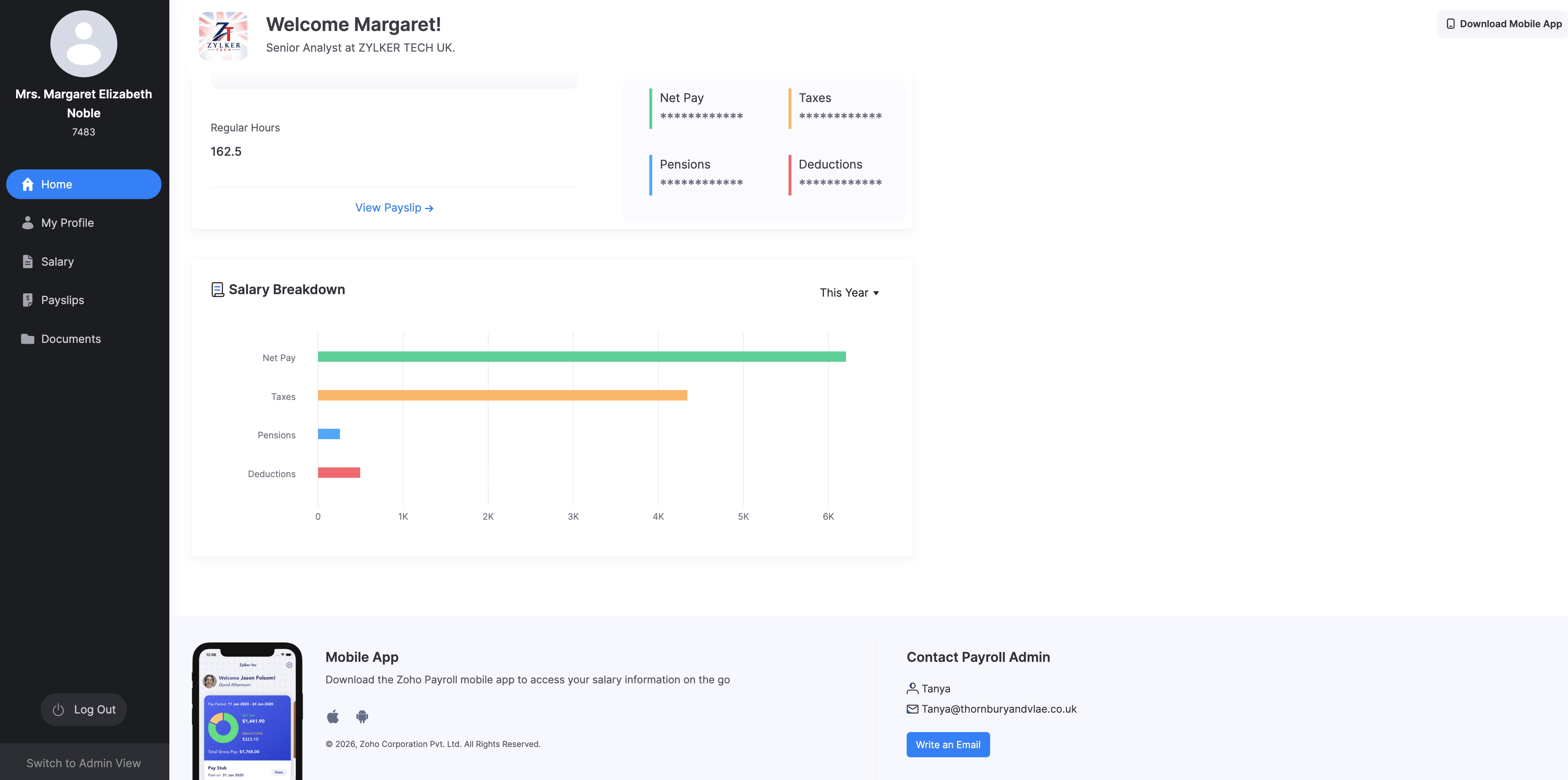
Home is the first page you see after you sign in. It shows your name, job title, and organisation, plus a summary of your latest pay.
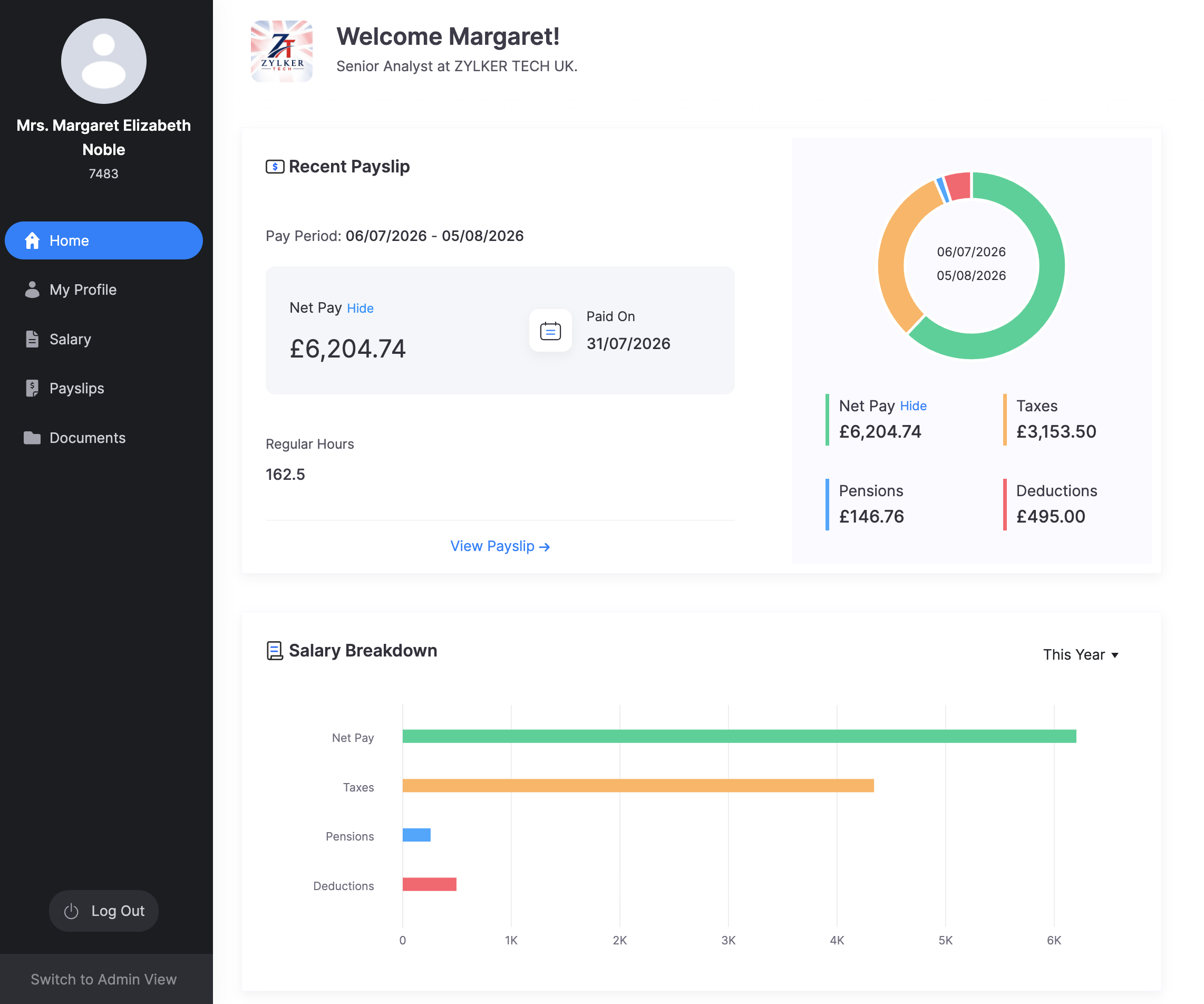
Recent Payslip
This section is your latest payslip. It shows:
- The pay period
- Net Pay, with Show or Hide if you want to mask the amount
- Paid On, the payday
- Regular Hours for that period
- A chart of Net Pay, Taxes, Pensions, and Deductions
Click View Payslip to open the full payslip. If you have not been paid in Zoho Payroll yet, this section tells you that your first payroll is still to be processed.
Salary Breakdown
Salary Breakdown shows Net Pay, Taxes, Pensions, and Deductions for a period you choose, such as This Year. Use the dropdown to change the period.
Download Mobile App
Download Mobile App at the top right, and the mobile app section at the bottom of Home, let you get the Zoho Payroll app for iOS or Android so you can view payslips and documents on your phone.
Contact Payroll Admin
At the bottom of Home, Contact Payroll Admin shows who to email about payroll questions. Click Write an Email to open a message to that person.
Explore help topics
Ready to dive in? Jump straight to the sections you need.
Home
See your recent payslip, salary breakdown, and how to contact your payroll admin.
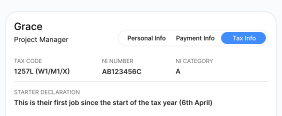
My Profile
Review your personal, payment, and tax details. Contact your payroll admin if something looks wrong.
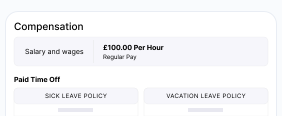
Salary
View salary and wages, pension contributions, deductions, and Benefits in Kind.
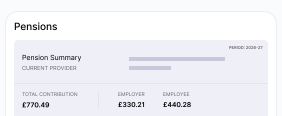
Pensions
See your pension provider, yearly totals, and the contributions made each month.
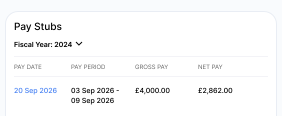
Payslips
View and download your payslips for each pay period.
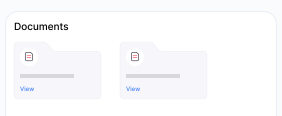
Documents
View and download files your employer has shared, such as offer letters and policies.