
Getting Started with Zoho Payroll

After you create an organisation in Zoho Payroll, Getting Started walks you through the setup you need before you run your first payroll. You can open it from the left sidebar while setup is in progress, or from the Getting Started button at the top right of the Dashboard.
Complete each item on the checklist. Pending steps show Complete Now; finished steps show COMPLETED.
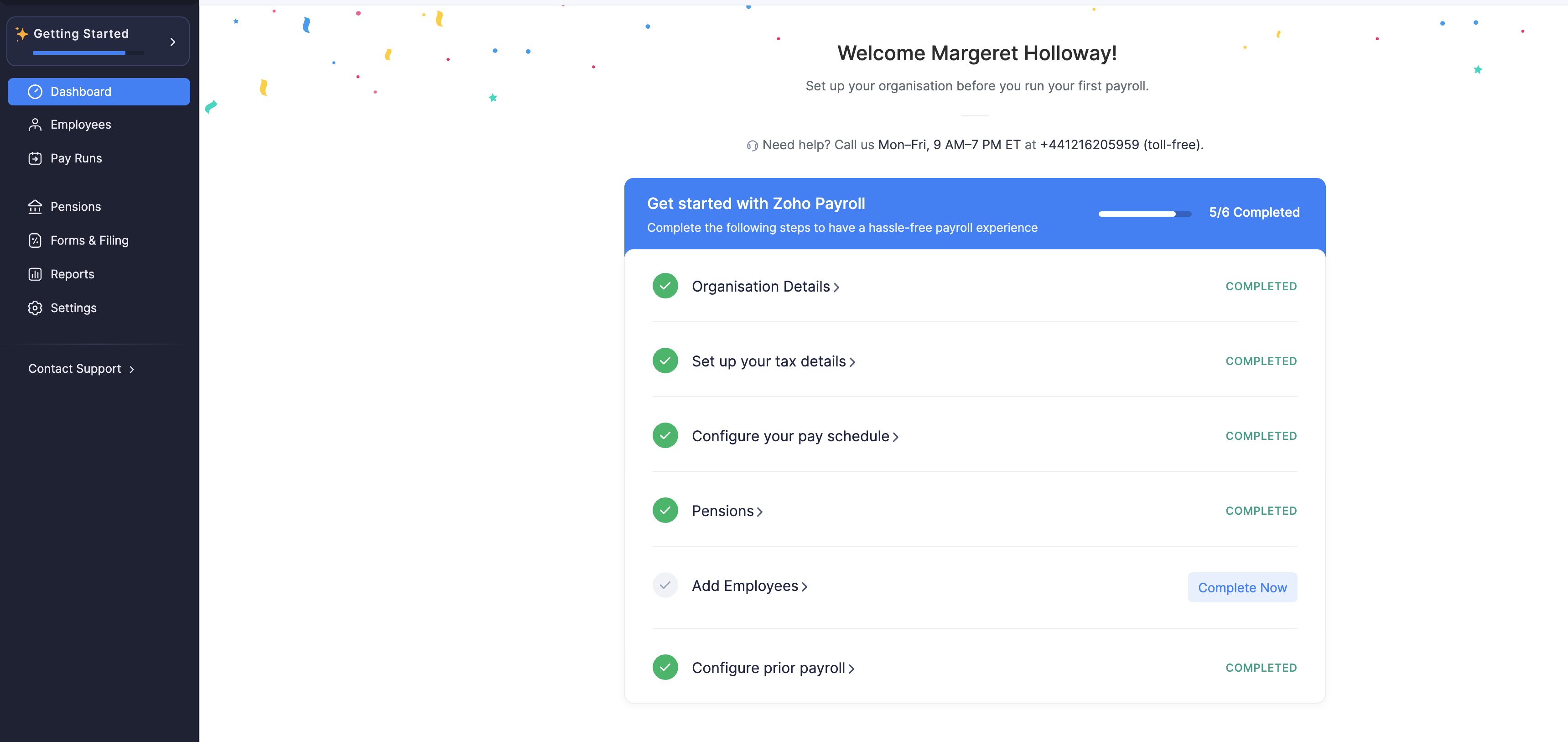
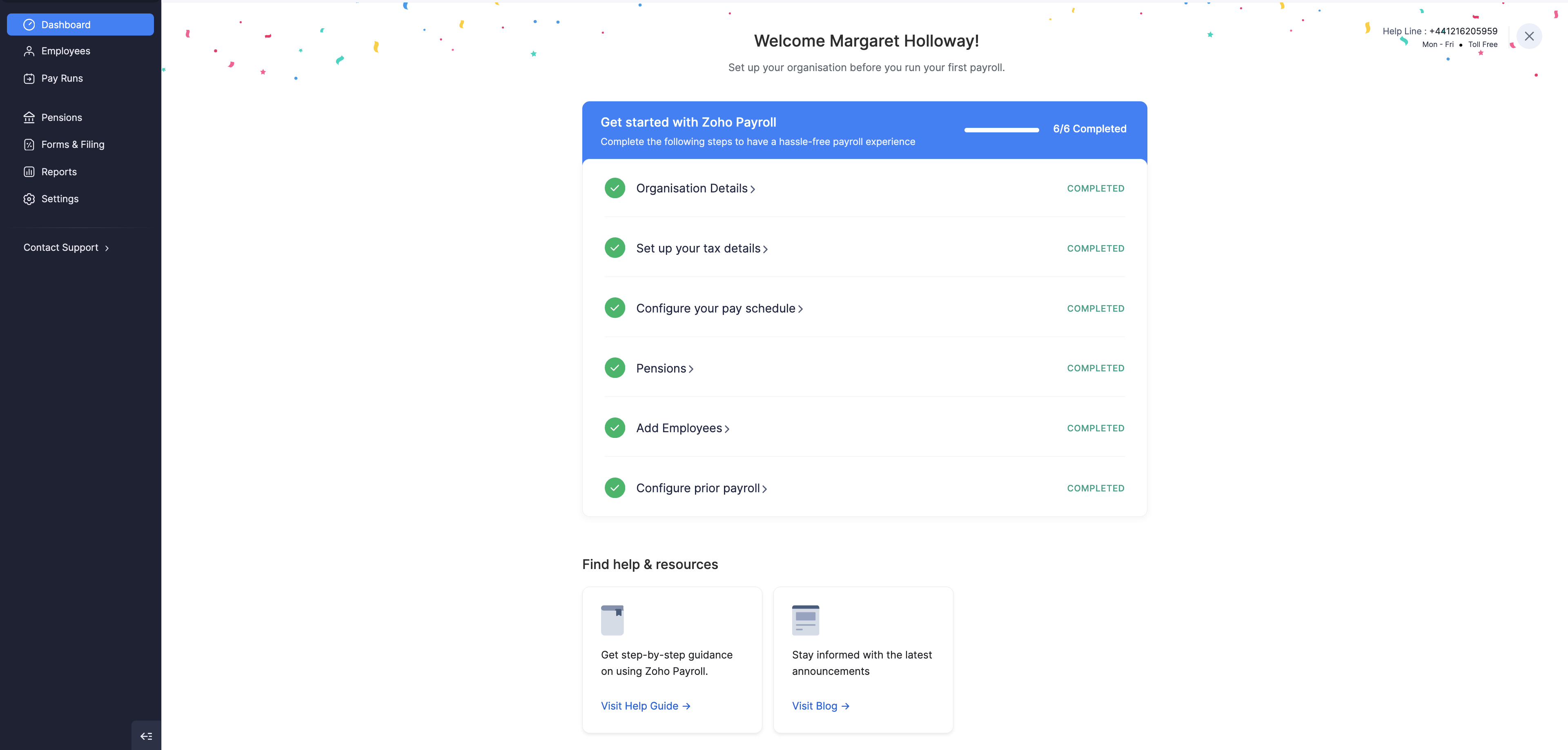
Key steps to get started
The checklist matches the steps in Zoho Payroll:
Organisation Details
Enter your organisation information so payroll and HMRC reporting use the correct company details. Start from Organisation Details in Getting Started. You can review and update these later in Organisation Profile.
Set up your tax details
Configure Tax and National Insurance so Zoho Payroll can calculate PAYE and National Insurance correctly for your organisation.
Configure your pay schedule
The Pay Schedule defines how often you pay employees (for example weekly, fortnightly, or monthly) and when pay runs are due.
Pensions
Set up workplace pensions so eligible employees can be enrolled and contributions can be calculated in pay runs. Start from Pensions in Getting Started, then see Pensions for the full setup.
Add Employees
Add the people you pay: basic details, salary, personal details, tax details, and payment details. Start from Add Employees in Getting Started, or from the Employees module. You can also invite employees to the Employee Portal to view payslips, P11D, and P60.
Configure prior payroll
If you processed payroll outside Zoho Payroll earlier in the tax year, Configure Prior Payroll so year-to-date earnings, deductions, and tax figures stay accurate when you run payroll in Zoho Payroll. If this is your first payroll of the tax year, you do not need prior payroll. Click Disable Prior Payroll on that step.
Once every step on the Getting Started checklist is complete, you can process payroll for your organisation from Pay Runs.