
Branding

In Zoho Payroll, you have the flexibility to customise Zoho Payroll’s appearance to reflect your organisation’s identity by selecting an appearance for the sidebar and an accent colour.
Customise your Organisation’s Branding
To customise your organisation’s branding:
- Go to Settings and click Organisation Profile.
- Navigate to the Branding tab.
- Choose your preferred Appearance and Accent Colour.
Insight: Accent Colour is the secondary colour used to highlight important elements such as buttons and interactive components.
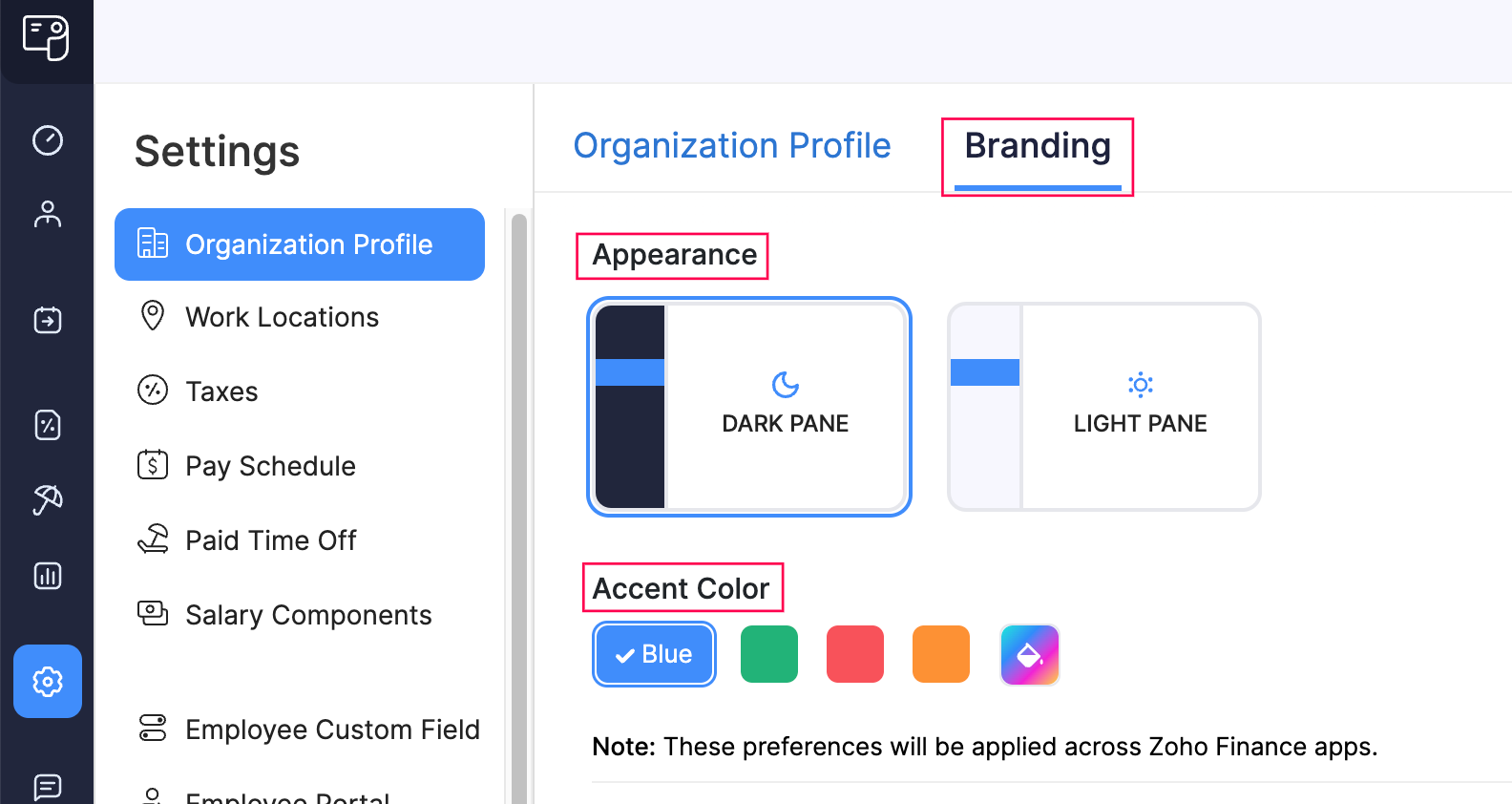
Your selected preferences will be applied to your organisation across all Zoho Finance apps.