Employees

An employee is someone who works for your organisation. As a UK employer, you need accurate employee records to pay people on time, deduct PAYE tax and National Insurance correctly, and meet your payroll and automatic enrolment duties.
The Employees module is where you store those records. You can add employees one by one or import several at once, then keep their personal, salary, tax, and payment details up to date for every pay run.
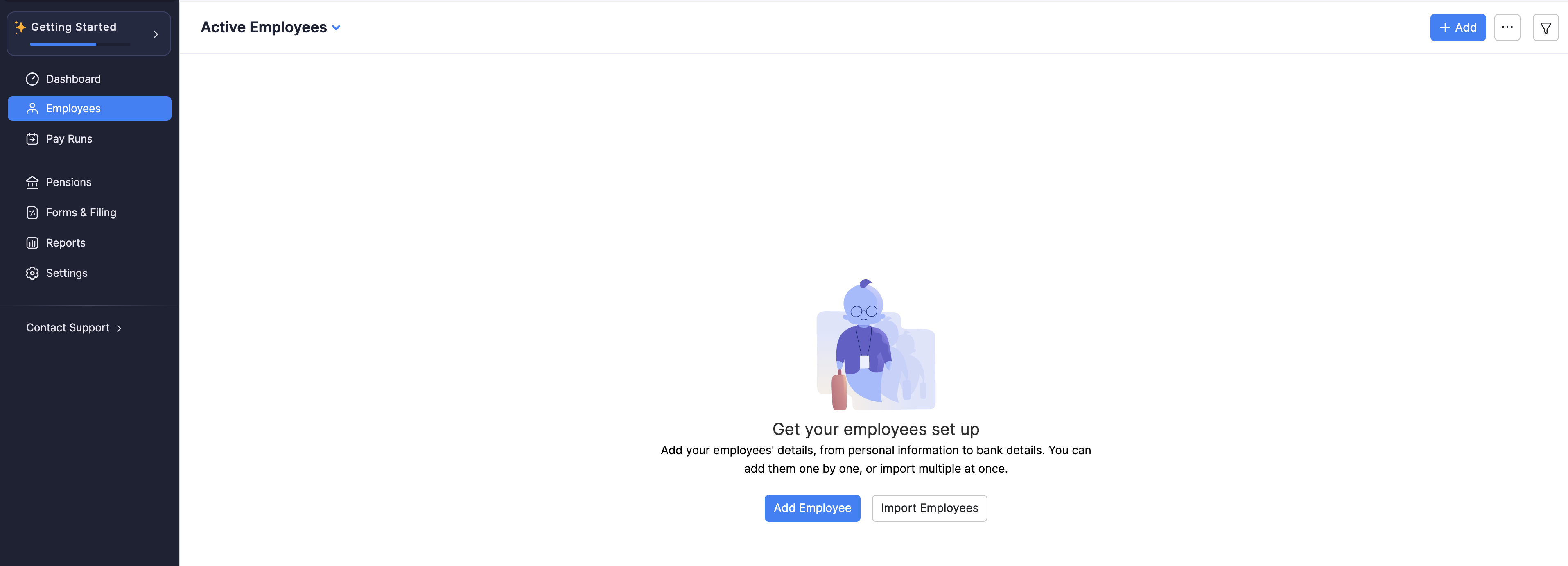
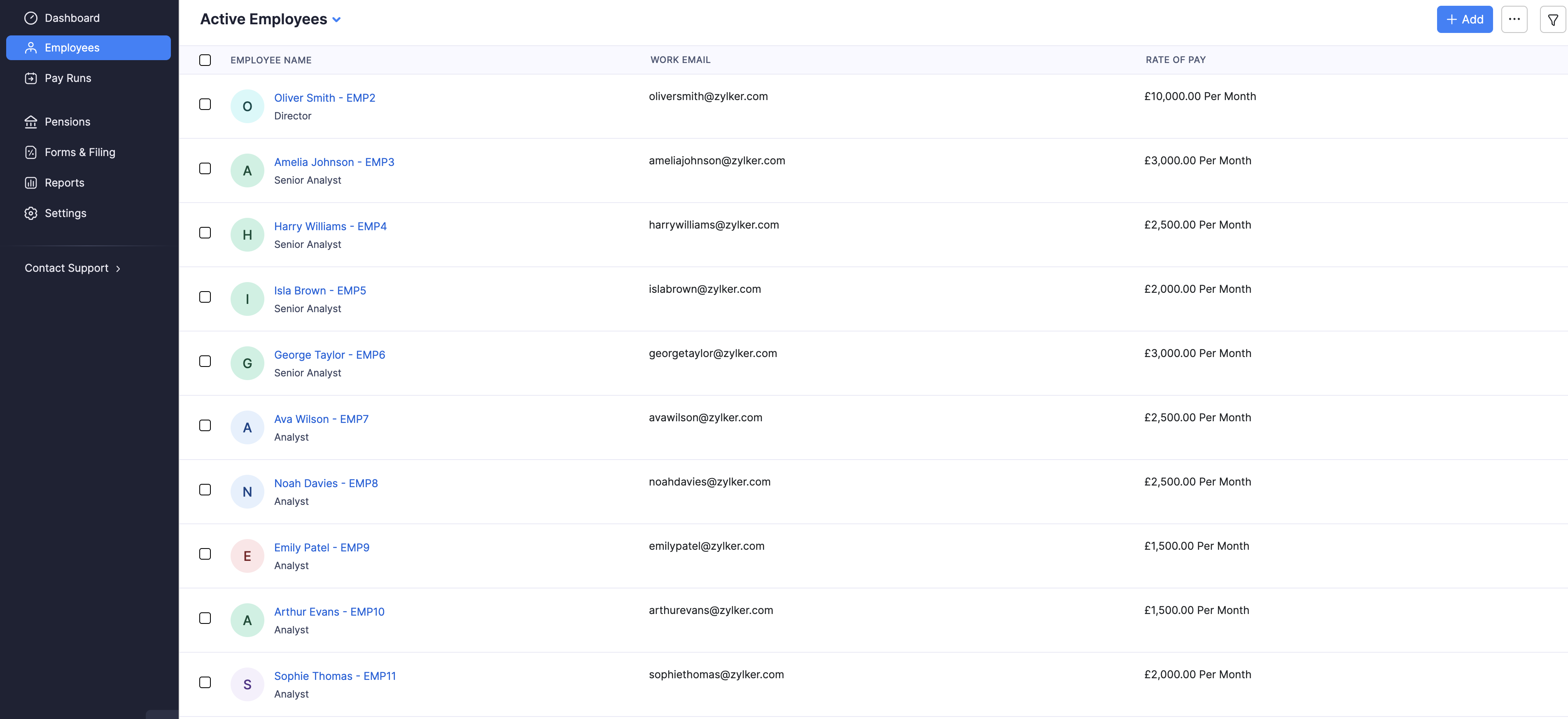
When you open Employees for the first time, you can click Add Employee or Import Employees. After you add people, the page lists them under Active Employees.
In This Section
- Add employees: add someone manually through basic details, salary, personal, tax, and payment details.
- Manage employee profile: overview, tax, and payment details.
- Manage employee salary details: basic pay, pensions, deductions, benefits in kind, and statutory pay.
- Access payslips: view and download payslips.
- End employment: final working day and final settlement pay.
- Other actions: import, export, and portal access.
Employee List Views and Filters
Use the list title dropdown to switch views:
| View | What it shows |
|---|---|
| All | All employees in the organisation. |
| Active Employees | Employees currently on payroll. |
| Incomplete Profiles | Employees whose setup is not finished yet. |
| Former Employees | Employees whose employment has ended. |
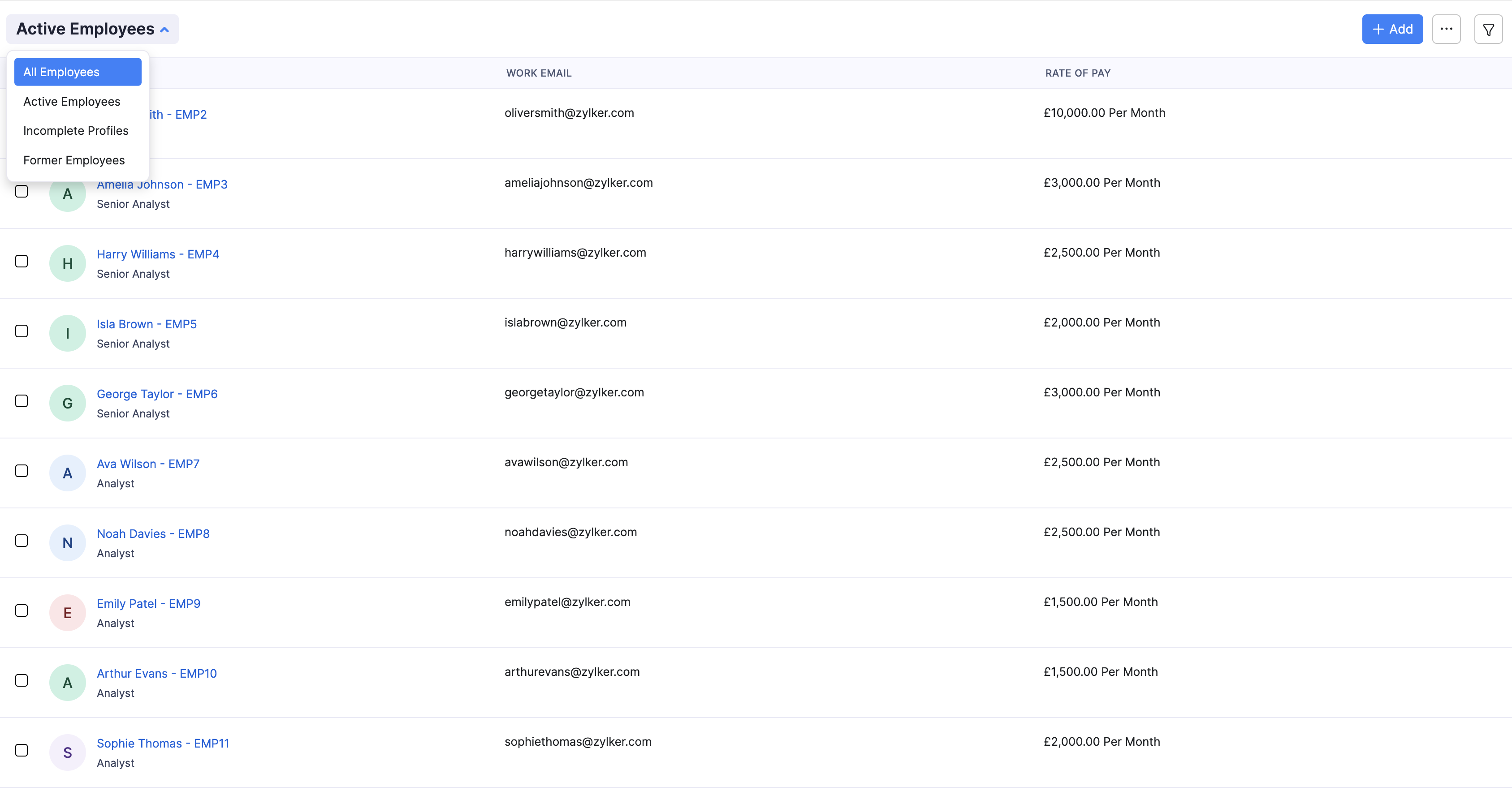
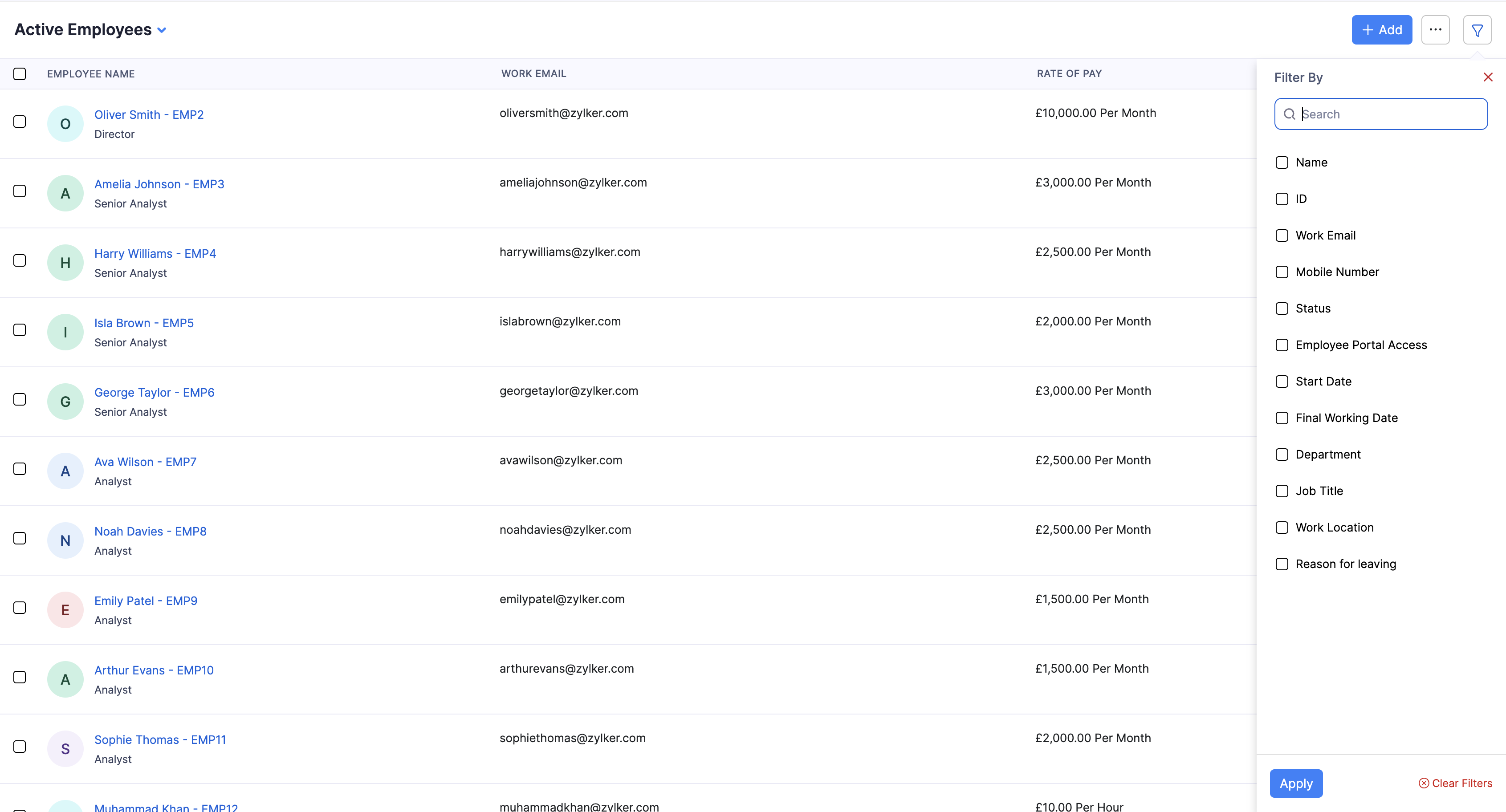
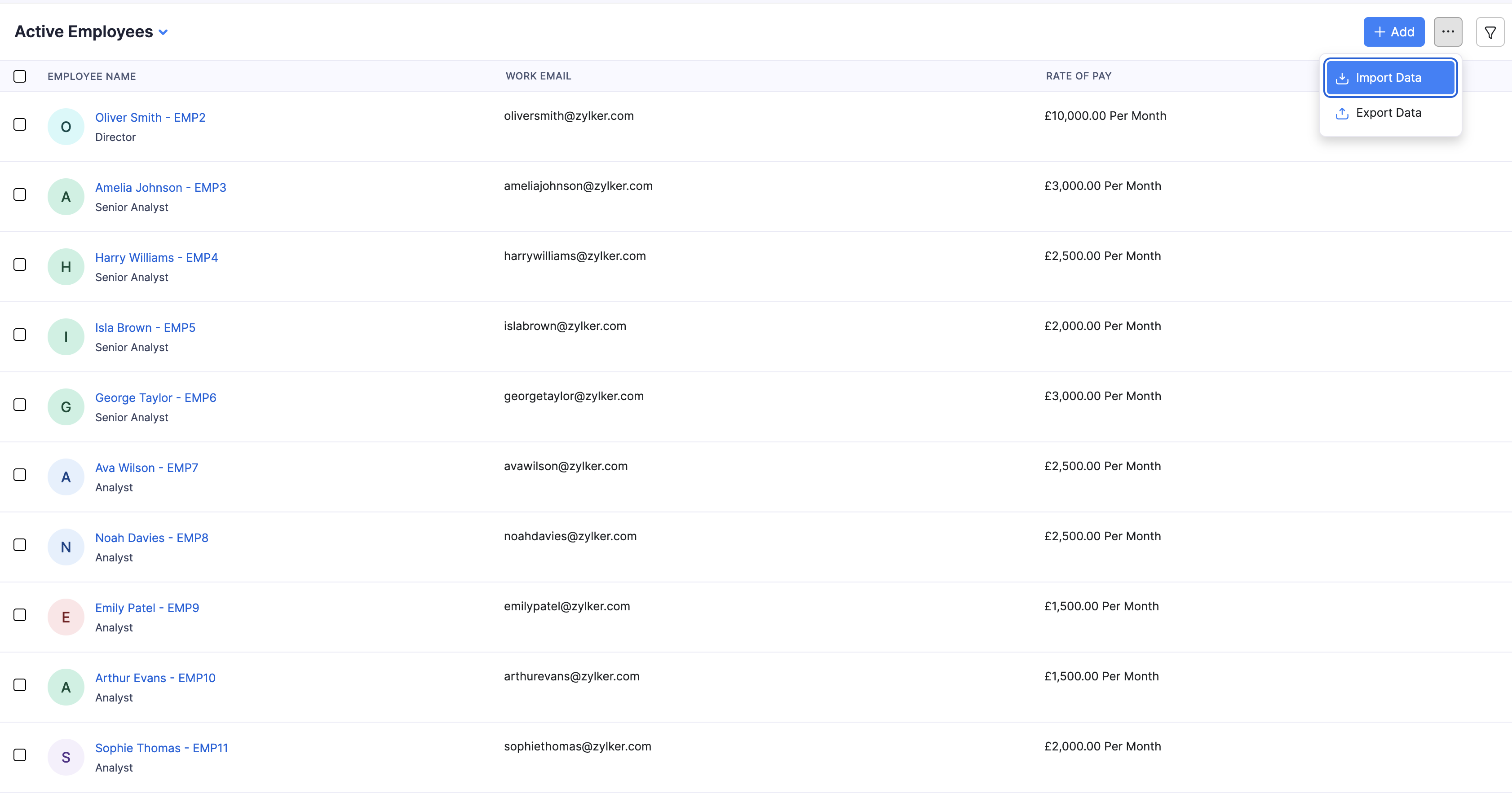
Pro Tip: Use the filter icon to narrow the list by status, portal access, start date, final working date, or reason for leaving. From the More menu you can also Import Data or Export Data.